Power & connectionReviewed
Box Dead After an Update or Reset: 9 Owner Reports
AI box not seen by the car after a firmware update, reflash or factory reset? Boot it in CarPlay, then switch back. Carlinkit TBox Ultra, Ambient, Plus.
Carlinkit TBox Ultra 2Carlinkit TBox UltraCarlinkit TBox Ultra 3Carlinkit TBox Ultra 4Carlinkit TBox AmbientCarlinkit TBox PlusOttocast Picasou 3 ProCarlinkit TBox Mini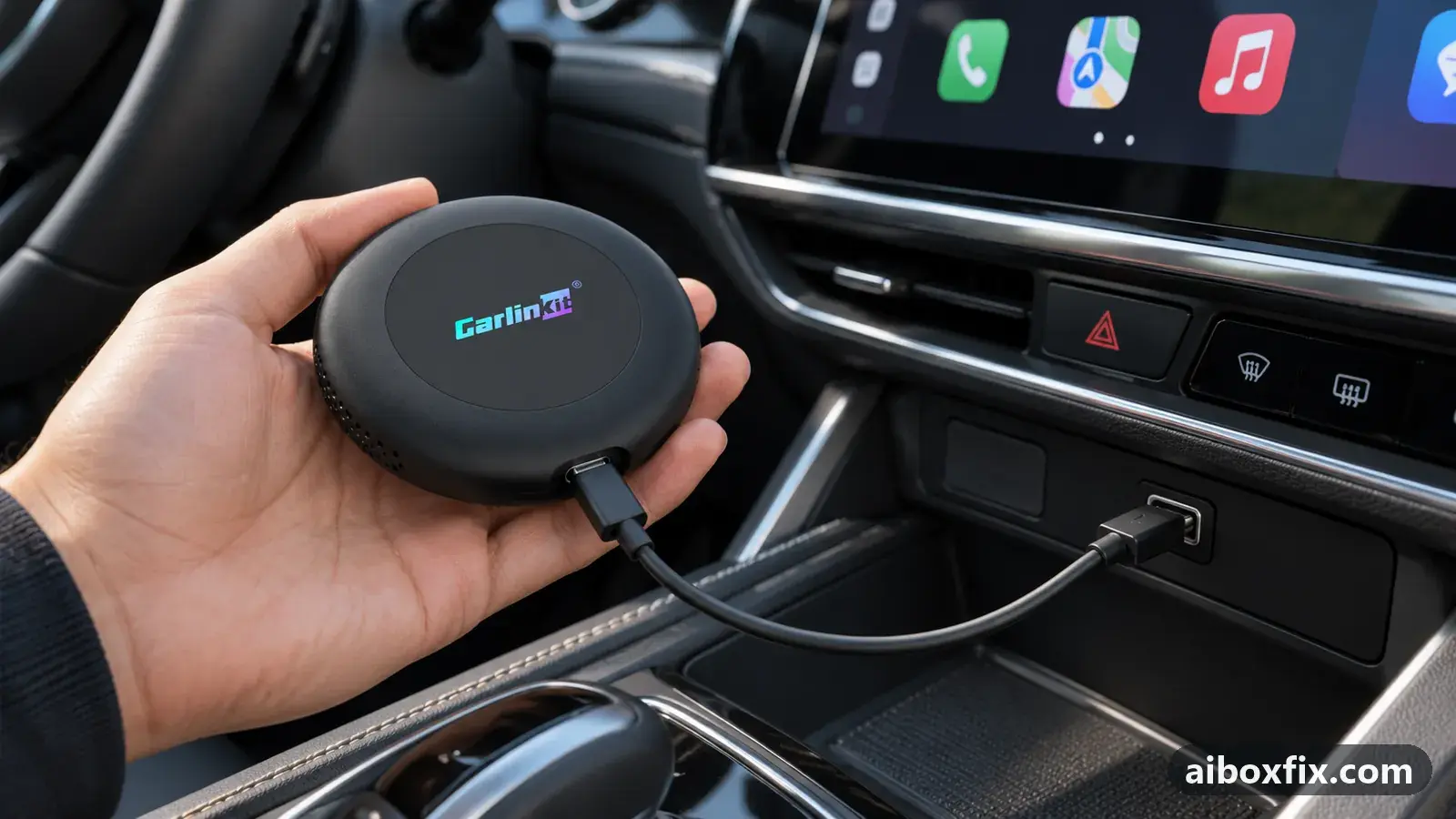
Quick answer
If a Carlinkit TBox Ultra 2, Ambient or Plus looks dead in Android Auto after a firmware update, recovery flash or factory reset, switch it to CarPlay with a 2–3 second press of the mode button, let it boot, then switch back. That revived the box for all three owners who reported back. Never hold the button for 10 seconds.
Owner reports at a glance
- Owner reports of a fix that worked
- 9
- Most-confirmed fix
- Boot the box in CarPlay, then switch back to Android Auto: worked in 3 of 3 reports; all fixes, ranked
- Boxes owners confirmed it on
- Carlinkit TBox Ultra 2, Carlinkit TBox Ambient, Carlinkit TBox Plus, Ottocast Picasou 3 Pro, Carlinkit TBox Ultra, Carlinkit TBox Mini
One owner counts once per fix; reports with no result yet are not counted. Counts reviewed . How we count.
Symptoms
- The update or factory reset finished, and now the car shows nothing from the box
- The Android Auto and CarPlay tiles on the head unit stay grey, or the phone hangs on Connecting
- The box's LED is lit and its Bluetooth name is visible, yet the screen stays empty
- The box restarts over and over in Android Auto after a new firmware build
- Media apps pause by themselves after a couple of seconds following an update
Applies to
- Devices
- Connection to the car
- Android Auto
- Head units mentioned in reports
- Chery / Exeed Chery and Exeed head units
- Firmware in confirmed reports
- Carlinkit TBox Ambient: 2024-04
- Highest risk on this page
- Low risk
- Status
- Workaround confirmed by the community
Why it happens
An AI box connects to the car either as a CarPlay device or as an Android Auto device. A firmware update, a recovery flash or a factory reset can bring it back in a different mode from the one your car uses. Owners of the Carlinkit TBox Ultra say it returns to CarPlay after updates and has to be put back into Android Auto by hand, and a box restored from a memory card or a computer starts as it did when new.
A box can also fail to start in Android Auto itself while it starts normally in CarPlay: on one TBox Ambient build the Android Auto connection bootlooped, and a freshly flashed TBox Plus would not connect in Android Auto until it had been started in CarPlay and activated online. In every case the box was alive the whole time, which is why reflashing it again changed nothing.
Fixes, ranked
Boot the box in CarPlay, then switch back to Android Auto
- Low risk
- Time: 10 minutes
- Worked for 3 of 3 reports
- Connect the box to the car’s CarPlay / Android Auto port and wait about a minute so it can finish starting, even if the screen shows nothing.
- Press the recessed mode button next to the LED with a paper clip for 2–3 seconds, then release. The LED colour should change.
- Open the CarPlay tile on the head unit and let the box’s interface come up.
- If the box shows an activation prompt, connect it to the internet: insert a data SIM, or join your phone’s hotspot in the box’s Wi-Fi settings, and wait until the prompt disappears.
- If you use Android Auto, press the mode button for 2–3 seconds again, accept the protocol-change message on the head unit, and open the Android Auto tile.
The exact steps for your model, including the microSD file for older units without a working button, are on switch the box’s protocol.
A TBox Ultra 2 owner factory reset the box after an update that had installed fine, and it no longer started in Android Auto. Switching it to CarPlay brought it back, and switching back to Android Auto then worked; the first attempt did not take, the second did. Because of the reset, the box needed setting up again from scratch.
A TBox Ambient owner who installed the April 2024 build at the seller’s request got a bootloop in Android Auto and thought the box needed a computer recovery. Switching it to CarPlay let it boot, and from there the owner installed the corrected build the seller sent, using a local update.
A TBox Plus 138 owner in an Exeed LX 2023 had reflashed the box twice from a memory card and once from a computer, and the head unit still showed grey tiles. Started in CarPlay, the box showed its interface with an activation prompt in the lower right corner; after the owner shared internet from the phone it activated by itself, and the switch to Android Auto then worked. For QR codes that do not clear, see device not activated.
TBox Ultra not starting after an update: switch protocol with the button
- Low risk
- Time: 5 minutes
- Worked for 3 of 3 reports
- Let the box finish booting after the update.
- Press the recessed mode button for 2–3 seconds and release.
- Wait for the box to restart, then open the tile for the mode your car uses, usually Android Auto.
An Ultra owner found the box had moved to CarPlay by itself after updating and restarting; one button press back to Android Auto and it started. Another owner says the Ultra does this after every update, so expect to repeat the switch each time you update.
After the June 2026 builds, two more owners thought their box was dead. An Ultra 2 owner switched protocol with the button and it worked straight away. An Ultra 1 owner’s first presses with a needle changed nothing; holding about 3 seconds, as another owner advised, brought it back. Neither said which direction the box had moved in.
Picasou 3 Pro apps pause after an update: toggle the protocol switch
- Low risk
- Time: 5 minutes
- Worked for 1 of 1 report
- Find the small slide switch on the underside of the Ottocast Picasou 3 Pro.
- Slide it to CarPlay and let the box start.
- Slide it back to Android Auto.
- Play music or a video and check that it keeps playing.
After an Ottocast update, one owner’s media apps started but paused by themselves after about two seconds, with the sound barely audible in those seconds. Switching the protocol to CarPlay made everything work, and after switching back to Android Auto the problem did not return.
TBox Ultra blinking green after a flash: switch it to wired mode
- Low risk
- Time: 5 minutes
- Worked for 1 of 1 report
- If the box shows only a blinking green LED after a flash and the car does not see it, assume it is waiting for a wireless connection.
- Switch it to wired CarPlay or wired Android Auto, using the mode button as in the fixes above.
- Open the matching tile on the head unit.
An owner with a newly delivered TBox Ultra 1 installed the 21 Aug 2026 build made for the Ultra 3; after the reboot the LED only blinked green. Another owner explained that the box was trying to connect wirelessly, and switching it to wired mode fixed it. The owner did not say how he switched. Installing a build for a different model is not recommended; use the build for your own box.
TBox Mini lost after a menu change: use the protocol file
- Low risk
- Time: 15 minutes
- Worked for 1 of 1 report
- Ask Carlinkit support for the protocol-switch file for the mode your car uses.
- Copy it to the root of a FAT32 microSD card.
- Insert the card into the running box and confirm the switch.
- Delete the file from the card afterwards.
A TBox Mini owner tapped something CarPlay-related in the box’s system menu; after the reboot the car no longer saw it and the red and white LEDs blinked. He believed it was bricked and was trying to reflash it with a flashing tool. Other owners pointed out that he had only moved it to the other protocol, and the memory-card file described in the community FAQ brought it back. The steps for the file are on switch the box’s protocol.
Things to try (unverified)
- Restart once more if a TBox Ultra seems to wait for a wireless connection. Some owners say the Ultra starts in wireless CarPlay after a reset or flash, so the car never sees it over the cable. One owner whose box dropped into wireless mode after an ordinary reboot fixed it with another restart; nobody has confirmed that after an update or reset. After a flash, switching to wired mode is what worked (see the fixes above).
- Switch it in another car. When the button does nothing and you cannot reach the box’s menu, a reply suggested starting it in a car that offers the mode the box is in and changing the protocol in the factory settings there (code 4545). Nobody reported trying it.
If the box was never updated or reset and the car only misses it after you switch on the ignition, the cause is usually timing, not protocol; see car doesn’t detect the AI box.
If nothing works
Note the box model and the firmware you installed (Settings → About once it boots, or the name of the update file), what you did last (update, reset, recovery flash), the LED colour before and after a button press, the car’s make, model, year and head unit, and which tiles the head unit offers. A short video of the LED during start-up helps support most.
If the LED flashes through every colour and nothing changes with the button, or the box no longer lights at all, it is a failed update rather than a protocol problem; see upgrade failed on TBox Ultra and contact Carlinkit at [email protected] or Ottocast at [email protected]. If the box still does not appear in either mode on a car that supports both, a warranty claim or replacement is the honest answer; start here explains the box families.
What owners said
“Connect to the head unit in CarPlay mode (green LED blinking). […] I turned on internet in settings (shared from my phone). […] It activated automatically, then I switched from CarPlay to Android Auto with the hidden button.”
Owner, Carlinkit TBox Plus, Sep 2026
“I moved the protocol switch to CarPlay and everything worked. I switched back to Android Auto and the problem didn't come back.”
Owner, Ottocast Picasou 3 Pro, Jul 2026
“Same thing happened on my Ultra 2: I held the button for about 5 seconds, switched the protocol, all OK.”
Owner, Carlinkit TBox Ultra 2, Jun 2026
Quotes are translated where needed and shortened ([…]); names are removed. Full counts are in the evidence table below.
Questions owners ask
How do I know the box is not really bricked?
Signs that it is alive: the LED lights and changes colour when you press the mode button, the box's Bluetooth name shows up on your phone, or a computer detects it over USB. A box that does all that but shows nothing on the car screen is usually in the wrong protocol or waiting for activation.
Do I lose my apps when I switch protocol to bring it back?
No, the switch itself keeps apps and settings. If the box looked dead after a factory reset, the reset already erased them, so you set it up again once it boots.
My car only has Android Auto. How can I boot the box in CarPlay?
Not in that car. Start the box in a car or on a head unit that offers CarPlay, or use the protocol file on a microSD card; the protocol-switching guide covers both.
Parts the fixes above need

microSD card (32 GB, formatted FAT32)
Local firmware updates, reset files and protocol-switch files are read from a FAT32 card. A high-endurance 32 GB card copes with car heat; pick the 32 GB size.
Some links above are affiliate links: if you buy through them we may earn a commission at no extra cost to you. It never changes which fix we rank first. Product photos are the sellers' own, from the AliExpress listing. Disclosure.
If none of these fixes work
Try every free fix above first. Each of these needs a car whose screen already runs wired CarPlay or Android Auto. We have not tested them: check the seller's compatibility list for your car and head unit, and that the listing shows the exact model named here, before you buy.
Wireless CarPlay / Android Auto adapter (Carlinkit Mini Ultra 3)
If you only use the box to get CarPlay or Android Auto without a cable, a plain wireless adapter has no Android system to update, overheat or crash.
Replacement AI box (Carlinkit, Android 13, SM6225)
If the box is out of warranty and still fails after the fixes above, another Carlinkit box keeps your apps on the car screen. It needs wired CarPlay or Android Auto in the car. Pick the NA variant for North American cars, EAU elsewhere.
Affiliate links: we may earn a commission at no extra cost to you. Disclosure.
Related fixes
- Head Unit Shows Only CarPlay? Switch the Box's ProtocolAdvanced
- Factory Reset After Every Firmware Update? Try Cache Code 110144Advanced
- Box Stops in Android Auto After Weeks Parked: Date, CertificateAdvanced
- Box Works in the Old Car but Not the New One: Blind UpdateAdvanced
- AI Box Won't Connect in Android Auto on an Omoda C5Low risk
- Left the AI Box for the Car's Menu and Can't Get Back InLow risk
Did this work for you?
Tell us which fix worked (or didn't), with your box, firmware date and car. Reports are how fixes get confirmed and re-ranked.
Send a reportChangelog
- Last reviewed against new community reports:
- Confirmed by 9 community reports on Carlinkit TBox Ultra 2, Carlinkit TBox Ambient, Carlinkit TBox Plus, Ottocast Picasou 3 Pro, Carlinkit TBox Ultra, Carlinkit TBox Mini.
- Page updated:
"Confirmed" means a community member reported that the fix worked on their unit. We have not tested it on our own hardware. How we verify.
Evidence behind these counts (8 cases)
One row per case: a device, a symptom and a fix, merged from owner reports. An owner counts once per fix. Reports with no outcome yet are not counted. Forum and chat message references are kept on file but not published, to protect owners' privacy; public Reddit and YouTube sources are linked.
| Case | Confirmed on | Result | Source |
|---|---|---|---|
| case-8400 | Carlinkit TBox Ultra 2 | 1 worked | Owner discussion threads, 2 messages |
| case-8401 | Model not stated | 1 worked | Owner discussion threads, 2 messages |
| case-8402 | Carlinkit TBox Ambient (2024-04) | 1 worked | Owner discussion threads, 3 messages |
| case-8403 | Carlinkit TBox Plus | 1 worked | Owner discussion threads, 3 messages |
| case-8404 | Ottocast Picasou 3 Pro | 1 worked | Owner discussion threads, 3 messages |
| case-9280 | Carlinkit TBox Ultra | 1 worked | Owner discussion threads, 3 messages |
| case-9281 | Carlinkit TBox Mini | 1 worked | Owner discussion threads, 5 messages |
| case-9282 | Carlinkit TBox Ultra; Carlinkit TBox Ultra 2 | 2 worked | Owner discussion threads, 5 messages |