Power & connectionReviewed
Box Stops in Android Auto After Weeks Parked: Date, Certificate
AI box fails in Android Auto after weeks parked or a head-unit reset? Update to a build with a fresh certificate, or fix the clock. Carlinkit TBox Ultra.
Carlinkit TBox Ultra 2Carlinkit TBox UltraCarlinkit TBox Plus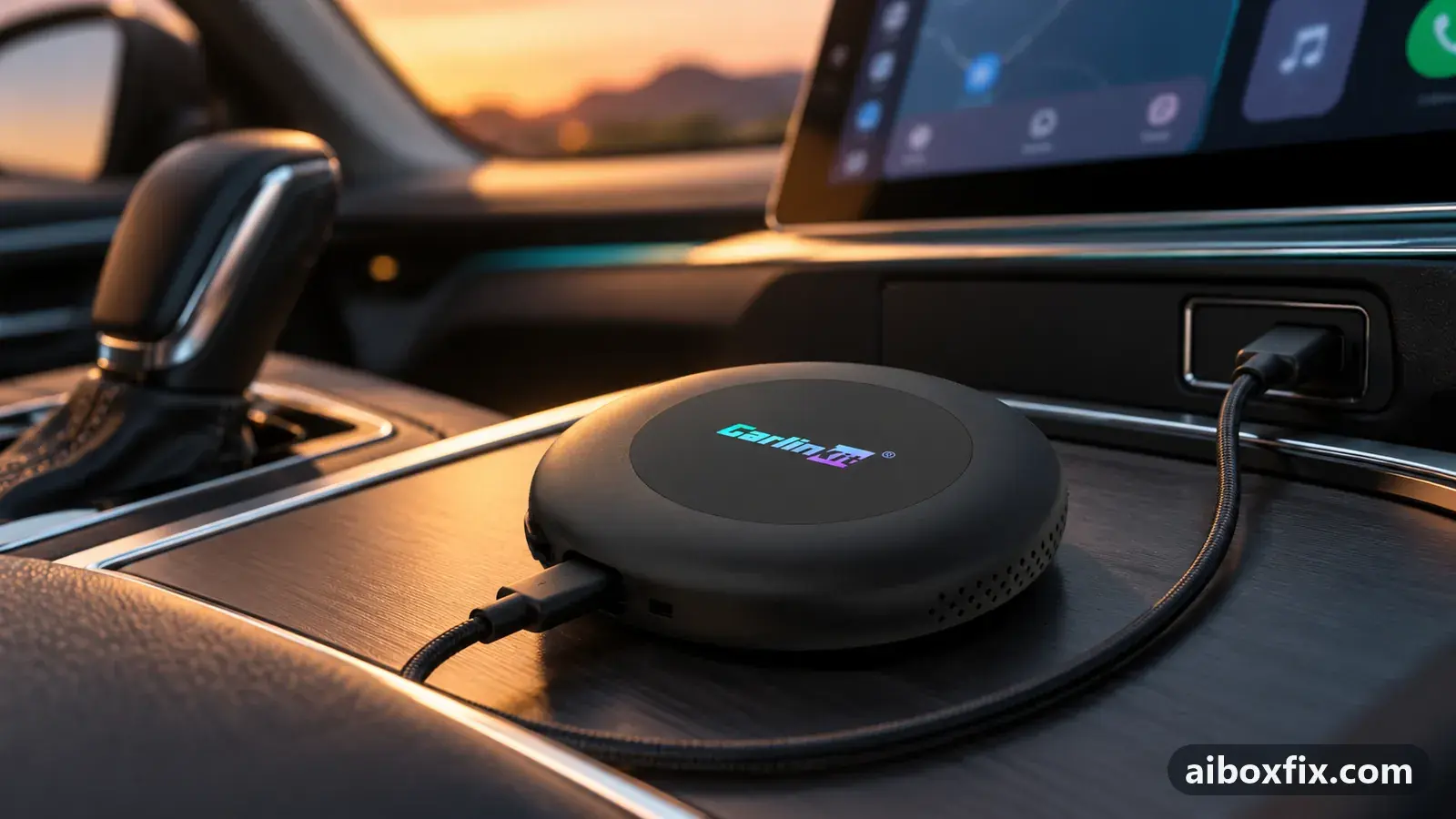
Quick answer
If a Carlinkit TBox Ultra 2 stops connecting in Android Auto after weeks parked, with a connection error or a 'check date and time' message, update it to a current official build (4 Jul 2026 or later) with a fresh Android Auto certificate. Three owners confirmed it. If the head unit was reset, set its clock first.
Symptoms
- The box started on its own every day, and after the car sat for weeks Android Auto shows a connection error
- The head unit asks you to check the date and time when the box connects in Android Auto
- CarPlay from the box still works, Android Auto does not
- The box runs fine at home on Headunit Reloaded or a desktop head unit, but not in the car
- After a head-unit factory reset, a phone's Android Auto works but the box does not start
Applies to
- Connection to the car
- Android Auto
- Head units mentioned in reports
- Tank / GWM Tank head units
- Firmware in confirmed reports
- Carlinkit TBox Ultra 2: 2026-07-04
- Highest risk on this page
- Advanced
- Status
- Fixed in firmware (2026-07-04)
Why it happens
An Android Auto connection is signed with a certificate, and the certificate has an expiry date. Firmware carries its own copy. When the date passes, head units that check the signature refuse the box, often with a message to check the date and time, while CarPlay keeps working because it does not use that certificate. On the TBox Ultra 1 and 2, owners hit this in August and September 2026 on the 27 Mar 2026 official build and on the CarCar-patched builds based on it, and found that the 4 Jul 2026 build carries a newer certificate.
Nothing breaks while the car is parked. The certificate expired while you were away, and the first drive afterwards is when you notice. The same check explains the clock problems below: if the head unit or the box believes it is a different date, a valid certificate can look expired or not yet valid. Owners describe Android Auto as much stricter about this than CarPlay.
Fixes, ranked
Update to a current official build with a fresh certificate
- Advanced
- Time: 30–45 minutes
- Worked for 3 of 3 reports
Warranty warning: this uses developer or engineering access. Follow the undo steps afterwards; some sellers refuse warranty claims on units with debugging left enabled.
- Get the box’s screen up somewhere other than Android Auto in the car: in CarPlay if your car offers it, or at home with Headunit Reloaded or a desktop head unit.
- Open Settings → About and note the firmware date. On a TBox Ultra 1 or 2, a build older than 4 Jul 2026 is the likely cause.
- Download the current official build for your exact model from Carlinkit’s support channels.
- Install it with FOTA Update → menu → Local update, as in update TBox firmware with FOTA. There is no need to reset the box.
- If apps behave oddly afterwards, clear the box’s cache.
- Make sure the box is in Android Auto mode again and connect it to the car.
One owner’s TBox Ultra 2 started on its own every day until his car stood for two to three weeks during a holiday; after that the head unit of his Tank gave an Android Auto connection error, and CarPlay was no option on that car. At home on Headunit Reloaded the box booted and worked normally. He was on the 27 Mar 2026 build, updated to the 4 Jul 2026 build, and the box connected in the car again.
A second Ultra 2 owner on a May build based on the same March firmware had only CarPlay left; after the 4 Jul 2026 update Android Auto worked. A third tested his box on a laptop’s desktop head unit, where it still connected but logged “certificate has expired”. He flashed the latest build without a reset, cleared the cache, and the box worked in the car.
Set the head unit's date and time after a head-unit reset
- Low risk
- Time: 5 minutes
- Worked for 2 of 2 reports
- Open the head unit’s own date and time settings, not the box’s.
- Set the correct date, time and time zone, or turn on automatic time if the head unit has it.
- Plug the box in again.
One owner had reset his head unit to factory settings. A phone’s Android Auto still started, but his TBox Ultra 1 no longer did. With the head unit’s date and time set to current values, the box connected.
A disconnected car battery does the same. Another owner’s TBox would not start after the car had stood for a long time with the battery unplugged; the head unit’s clock had reset, and once he corrected it everything worked. He did not say which protocol the box was in.
A TBox UHD on a Hyundai Tucson NX4 showed “Connection failed, check the date and time” in Android Auto; that report is covered on the Kia and Hyundai page.
Let the box set its own clock from the internet
- Low risk
- Time: 10–15 minutes
- Worked for 2 of 2 reports
- Put a working SIM card in the box, or give it internet another way, such as a phone hotspot.
- Power the box and wait 5–10 minutes while it fetches the date and time.
- Connect it to the car in Android Auto.
An owner whose TBox Plus had not been used for a long time found it would not start in Android Auto, because the box’s date and time did not match the head unit’s. With a SIM card inside, the box pulled the time from the internet and started after 5–10 minutes. He did the same with another long-stored TBox before selling it. A second TBox Plus owner, whose box was recognised by the head unit but showed an error in Android Auto, inserted a SIM card in the box and it started. He did not say why it helped; a clock set from the network is the likely reason, since another owner in that thread saw his phone refuse the car over unsynchronised time.
TBox boxes have no clock battery, so a box that has been unplugged starts from a default time until it gets one from the internet or GPS. If the box’s clock is wrong after every start, see AI box shows the wrong time zone after a restart.
Things to try (unverified)
- Use CarPlay until you can update. Owners on the old builds kept using the box in CarPlay, which does not depend on the Android Auto certificate. This keeps you driving but does not fix Android Auto. The switch is covered in switch the CarPlay / Android Auto protocol.
- Check the head unit’s software and the phone’s Android Auto app. Whether the certificate is checked depends on the head unit: a few owners on the March build still had Android Auto working in August 2026. One owner’s phone also refused the car until he updated its Android Auto app. Nobody tied either to the box fix.
- Ottocast Picasou 3 and 3 Lite. Ottocast announced fixes for an expired Android Auto certificate in builds for these boxes, most recently on 18 Jul 2026, and one owner recalls a Picasou 3 whose Android Auto stopped in November 2025 while CarPlay kept working. No owner reported the update result here; see the firmware tracker.
- The box may be stuck in its protocol instead. One owner whose box suddenly stopped connecting after a year and a half of use got it back with one start in CarPlay and a switch back to Android Auto, the method described in a box that looks dead after an update.
If nothing works
Note the box model and firmware date from Settings → About, the exact message on the head unit, the date and time shown on both the head unit and the box, the car make, model and year, and whether the box works in CarPlay, on Headunit Reloaded or on a desktop head unit. That last test separates a certificate problem from a box that does not boot. Send it to Carlinkit at [email protected]; how to report a bug lists what helps.
If a current official build, correct clocks on both sides and CarPlay all fail, the box may need recovery or replacement. Start here if you are choosing another box.
What owners said
“I downloaded and flashed the latest firmware without resetting anything, connected to the laptop again and the error was gone. I cleared the cache, connected to the car, and everything worked.”
Owner, Aug 2026
“The mismatch in date and time between the head unit and the box stopped it starting. I put a SIM inside, the box pulled the date and time from the internet and started after 5–7 minutes.”
Owner, Carlinkit TBox Plus, Aug 2026
“Thanks, everything works... the time on the head unit had reset!”
Owner, Mar 2025
Quotes are translated where needed and shortened ([…]); names are removed. Full counts are in the evidence table below.
Questions owners ask
Why does the box work at home on Headunit Reloaded but not in the car?
Headunit Reloaded and the desktop head unit do not enforce the Android Auto certificate check, while many car head units do. A box with an expired certificate can run perfectly at home and still be refused by the car.
Will the certificate in the new build expire too?
Probably at some point; nobody in the owner community knows when. It is not a monthly event: owners ran the March 2026 builds for months before it hit. Keeping the box on a current official build is the protection.
Do I lose my apps when I update to fix this?
None of the owners who reported back mentioned a factory reset; one updated without one and only cleared the cache afterwards. A factory reset is not part of the fix.
Does the CarCar-patched build still work in Android Auto?
Owners report it stopped, because it is based on the March 2026 Carlinkit build whose Android Auto certificate expired. A few owners whose head units do not check the certificate still use it.
Parts the fixes above need
Data-only / IoT SIM card
AI boxes use the SIM as a modem; a data-only plan avoids voice-plan device locks.
If none of these fixes work
Try every free fix above first. Each of these needs a car whose screen already runs wired CarPlay or Android Auto. We have not tested them: check the seller's compatibility list for your car and head unit, and that the listing shows the exact model named here, before you buy.
Wireless CarPlay / Android Auto adapter (Carlinkit Mini Ultra 3)
If you only use the box to get CarPlay or Android Auto without a cable, a plain wireless adapter has no Android system to update, overheat or crash.
Replacement AI box (Carlinkit, Android 13, SM6225)
If the box is out of warranty and still fails after the fixes above, another Carlinkit box keeps your apps on the car screen. It needs wired CarPlay or Android Auto in the car. Pick the NA variant for North American cars, EAU elsewhere.
Replacement from another maker (Ottocast P3 Pro)
If you would rather switch brands, Ottocast's P3 Pro runs Android 13 and has HDMI out. It needs the connection protocol Ottocast lists for your car. The listing opens on a cheaper Mini adapter: select the P3 Pro option and check the picture and name before you pay.
Affiliate links: we may earn a commission at no extra cost to you. Disclosure.
Related fixes
- AI Box Shows the Wrong Time or Time Zone After Every StartBrick risk
- Box Dead After an Update or Reset: 9 Owner ReportsLow risk
- AI Box Keeps Rebooting or Disconnecting? Start With PowerLow risk
- AutoKit Stuck on "Waiting for Phone": Use the 5 GHz HotspotAdvanced
- Left the AI Box for the Car's Menu and Can't Get Back InLow risk
Did this work for you?
Tell us which fix worked (or didn't), with your box, firmware date and car. Reports are how fixes get confirmed and re-ranked.
Send a reportChangelog
- Last reviewed against new community reports:
- Confirmed by 7 community reports on Carlinkit TBox Ultra, Carlinkit TBox Plus, Carlinkit TBox Ultra 2.
- Fixed in firmware 2026-07-04.
- Page updated:
"Confirmed" means a community member reported that the fix worked on their unit. We have not tested it on our own hardware. How we verify.
Evidence behind these counts (7 cases)
One row per case: a device, a symptom and a fix, merged from owner reports. An owner counts once per fix. Reports with no outcome yet are not counted. Forum and chat message references are kept on file but not published, to protect owners' privacy; public Reddit and YouTube sources are linked.
| Case | Confirmed on | Result | Source |
|---|---|---|---|
| case-8690 | Carlinkit TBox Ultra 2 (2026-07-04) | 1 worked | Owner discussion threads, 5 messages |
| case-8691 | Carlinkit TBox Ultra 2 (2026-07-04) | 1 worked | Owner discussion threads, 4 messages |
| case-8692 | Carlinkit TBox Ultra 2 (2026-07-04) | 1 worked | Owner discussion threads, 2 messages |
| case-8693 | Carlinkit TBox Ultra | 1 worked | Owner discussion threads, 3 messages |
| case-8694 | Carlinkit TBox Plus | 1 worked | Owner discussion threads, 2 messages |
| case-9200 | Carlinkit TBox Plus | 1 worked | Owner discussion threads, 2 messages |
| case-9201 | Model not stated | 1 worked | Owner discussion threads, 3 messages |