Power & connectionReviewed
AI Box Won't Connect in Android Auto on an Omoda C5
Omoda C5 box works in CarPlay but drops in Android Auto? Turn off the head unit's own Wi-Fi, hotspot and Bluetooth. Carlinkit TBox Ambient, Plus, Ultra.
Carlinkit TBox AmbientCarlinkit TBox PlusCarlinkit TBox Ultra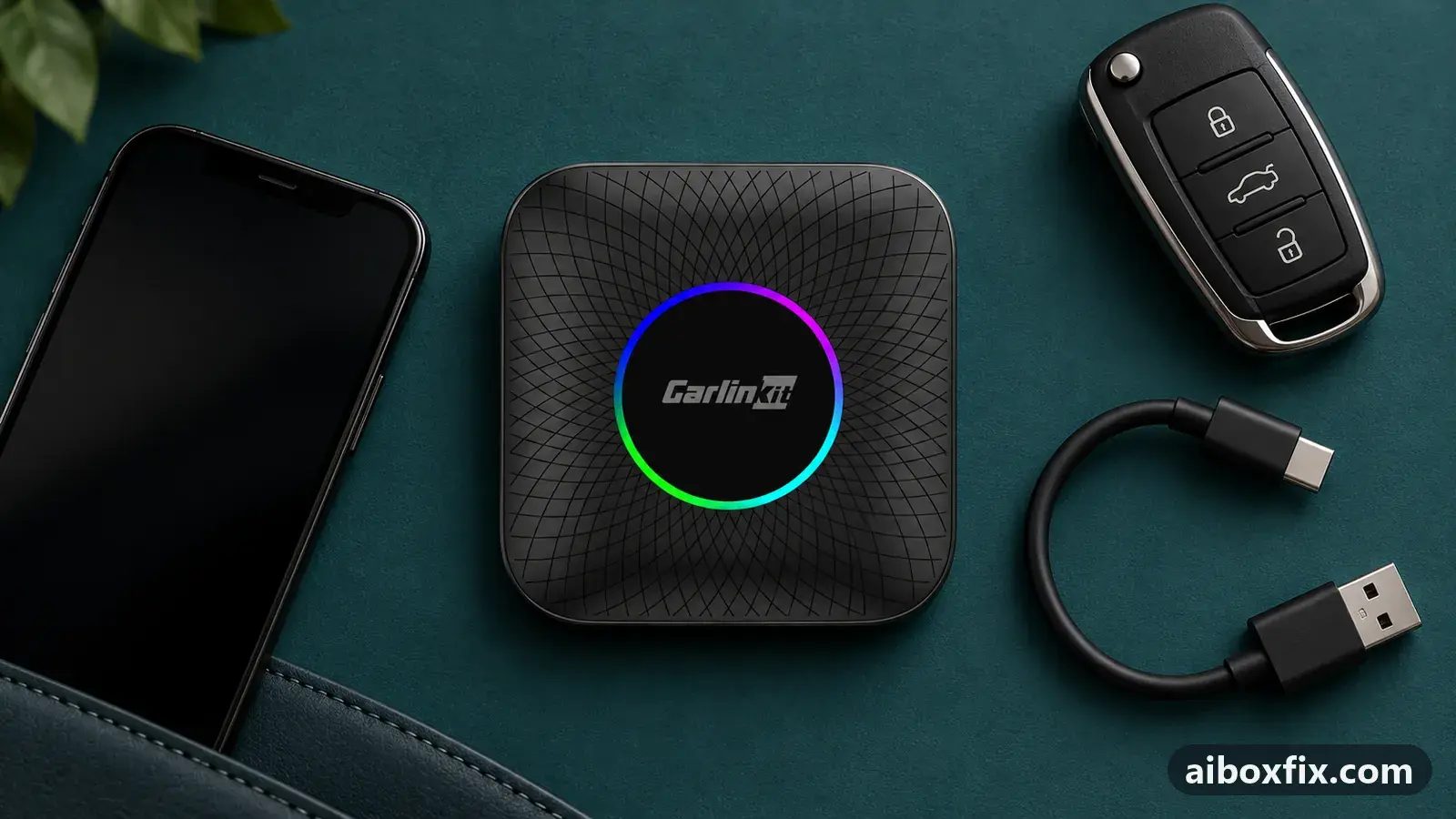
Quick answer
On an Omoda C5, if a Carlinkit TBox connects in Android Auto and drops at once while CarPlay works, turn off the head unit's own Wi-Fi hotspot, Wi-Fi and Bluetooth in the car's settings, then open Android Auto. One owner's box held in Android Auto afterwards, with fewer drops than it had in CarPlay.
Symptoms
- In CarPlay the box works, but switch to Android Auto and it connects and drops within seconds
- A phone on the same cable runs Android Auto, so the car and cable are not the problem
- Android Auto shows a black screen, or the box disconnects and reconnects in a loop
- CarPlay itself drops several times an hour, which is why you want Android Auto instead
- The head unit's own Wi-Fi, hotspot or Bluetooth is switched on
Applies to
- Connection to the car
- Android Auto
- Head units mentioned in reports
- Omoda / Jaecoo Omoda / Jaecoo head units
- Highest risk on this page
- Low risk
- Status
- Workaround confirmed by the community
Why it happens
An AI box connects to Android Auto over the cable, pretending to be an Android phone. On the Omoda C5 the head unit also runs its own wireless radios: a Wi-Fi hotspot, Wi-Fi and Bluetooth. One owner found that those radios collide with the box’s wired Android Auto session, so the box connects and drops the instant it appears, while CarPlay, which the head unit handles differently, keeps working.
That is why a phone on the same cable is fine: the phone’s Android Auto and the box’s are not treated the same by this head unit, and the box is the one it drops.
How far Android Auto works at all on a C5 depends on the head-unit firmware. Owners report every outcome: a box that never enters Android Auto, a box that works from the first try, and a build on which wired Android Auto does not run at all and only the car’s own Wi-Fi-and-Bluetooth link does. So the fix below holds for some C5 owners and not others, and it is a change on the car, not the box.
If the reason you want Android Auto is that the box lags in CarPlay on this car, that is its own fix: see AI box slow or touch off-target in CarPlay.
Fixes, ranked
Turn off the head unit's own Wi-Fi, hotspot and Bluetooth
- Low risk
- Time: 5 minutes
- Worked for 1 of 1 report
- Open the head unit’s own settings on the car screen (not the box’s settings), and turn off its Wi-Fi hotspot.
- Turn off the head unit’s Wi-Fi.
- Turn off the head unit’s Bluetooth.
- Open the Android Auto tile for the box and let it connect.
One owner’s Omoda C5 ran a Carlinkit TBox (the 6225 version with a protocol button) that would connect in Android Auto and drop at once out of the box, while CarPlay dropped two to three times an hour. After turning off the head unit’s own hotspot, Wi-Fi and Bluetooth, the box held in Android Auto: over a two-hour drive the head unit stopped dropping it, the video was smooth, and it dropped less often than CarPlay had. He put the original trouble down to the car’s head unit, not the box.
Two trade-offs he noticed. In Android Auto the sound ran slightly behind the picture in video apps, where CarPlay had no audio lag but a jerkier picture. And the few drops that remained came mainly while watching video; for normal navigation and music the box stayed connected.
Things to try (unverified)
- Check the head unit’s firmware version. One C5 owner on head-unit firmware 03.09.08, running a TBox Ultra, found wired Android Auto did not work at all, only the car’s own Wi-Fi-plus-Bluetooth link; an earlier build did wired Android Auto but dropped, and he expected a later build to improve wired connections. He stayed in CarPlay rather than update. If your C5 refuses wired Android Auto entirely, the head-unit firmware is the suspect, and only the car maker or dealer can update it.
- Rule out power, especially for drops while watching video. Owners on the C5 point to the car’s USB port struggling to feed the box under load. One ran the box’s power from the USB-C port above the data port, and another was advised to fit a cable with a separate power lead. If the box drops under load after the radios are off, see AI box keeps rebooting or disconnecting.
- If the box never appears in Android Auto at all. Several C5 owners switched the box to Android Auto and the head unit never showed a picture, though the car’s Bluetooth saw the box; some could only get a picture back in CarPlay. Check the box is actually in Android Auto mode, and that the switch completed, with switch the CarPlay / Android Auto protocol; if the car ignores the box in the right mode, see car doesn’t detect the AI box.
- Android Auto already works for some C5 owners. Others report the box running in Android Auto on the C5 from the start, with no changes. If yours does, there is nothing to fix here.
If nothing works
Note the box model and firmware date (Settings → About), the head unit’s own firmware version, the car’s year, which protocol the box works in, and whether a phone on the same cable runs Android Auto. That last test separates a box fault from a head-unit one: if the phone’s Android Auto holds on the same cable and the box will not, the head unit’s handling of the box is the cause, which is a question for the car’s dealer about a head-unit update.
For the box itself, Carlinkit’s support address is on its official contact page. If Android Auto will not hold in any of these ways and CarPlay drops too, power and the power symptoms are the next place to look, and start here explains how the box families differ if you are weighing a replacement.
What owners said
“Straight out of the box I couldn't connect Android Auto. As soon as I turned everything off in the head unit's settings (hotspot, Wi-Fi and Bluetooth), it connected at once.”
Owner, Jan 2026
Quotes are translated where needed and shortened ([…]); names are removed. Full counts are in the evidence table below.
Questions owners ask
Does the box work in Android Auto on every Omoda C5?
No. Owners report it both ways on the C5: some never get the box into Android Auto, others have it work from the start. It depends on the head unit's firmware, so what holds on one C5 may not on another.
Will turning off the head unit's Wi-Fi and Bluetooth stop my phone pairing to the car?
Yes, a phone paired directly to the car's own Bluetooth or Wi-Fi is affected while they are off. The box brings its own connection, so you lose little while using the box; turn them back on if you need the car's own pairing.
The box still drops in Android Auto after I turn those off. What else?
Owners trace most remaining drops to power, especially while watching video. Add a second power source and check the cable, and note that some C5 head-unit firmware refuses wired Android Auto outright, which only the car maker can change.
If none of these fixes work
Try every free fix above first. Each of these needs a car whose screen already runs wired CarPlay or Android Auto. We have not tested them: check the seller's compatibility list for your car and head unit, and that the listing shows the exact model named here, before you buy.
Wireless CarPlay / Android Auto adapter (Carlinkit Mini Ultra 3)
If you only use the box to get CarPlay or Android Auto without a cable, a plain wireless adapter has no Android system to update, overheat or crash.
Replacement AI box (Carlinkit, Android 13, SM6225)
If the box is out of warranty and still fails after the fixes above, another Carlinkit box keeps your apps on the car screen. It needs wired CarPlay or Android Auto in the car. Pick the NA variant for North American cars, EAU elsewhere.
Replacement from another maker (Ottocast P3 Pro)
If you would rather switch brands, Ottocast's P3 Pro runs Android 13 and has HDMI out. It needs the connection protocol Ottocast lists for your car. The listing opens on a cheaper Mini adapter: select the P3 Pro option and check the picture and name before you pay.
Affiliate links: we may earn a commission at no extra cost to you. Disclosure.
Related fixes
- AI Box Slow or Touch Off in CarPlay: 12 Owner ReportsLow risk
- Head Unit Shows Only CarPlay? Switch the Box's ProtocolAdvanced
- Car Doesn't Detect the AI Box: 13 Owner ReportsAdvanced
- Box Stops in Android Auto After Weeks Parked: Date, CertificateAdvanced
- AI Box Keeps Rebooting or Disconnecting? Start With PowerLow risk
Did this work for you?
Tell us which fix worked (or didn't), with your box, firmware date and car. Reports are how fixes get confirmed and re-ranked.
Send a reportChangelog
- Last reviewed against new community reports:
- Confirmed by 1 community report.
- Page updated:
"Confirmed" means a community member reported that the fix worked on their unit. We have not tested it on our own hardware. How we verify.
Evidence behind these counts (1 case)
One row per case: a device, a symptom and a fix, merged from owner reports. An owner counts once per fix. Reports with no outcome yet are not counted. Forum and chat message references are kept on file but not published, to protect owners' privacy; public Reddit and YouTube sources are linked.
| Case | Confirmed on | Result | Source |
|---|---|---|---|
| case-1623 | Model not stated | 1 worked | Owner discussion threads, 4 messages |