Power & connectionReviewed
Head Unit Stays On After Engine Off With an Extra-Power Cable
AI box and head unit stay lit after engine-off, draining the battery? The extra-power cable feeds an always-live socket; use an ignition-switched one.
Carlinkit TBox AmbientCarlinkit TBox PlusMGears Mstick4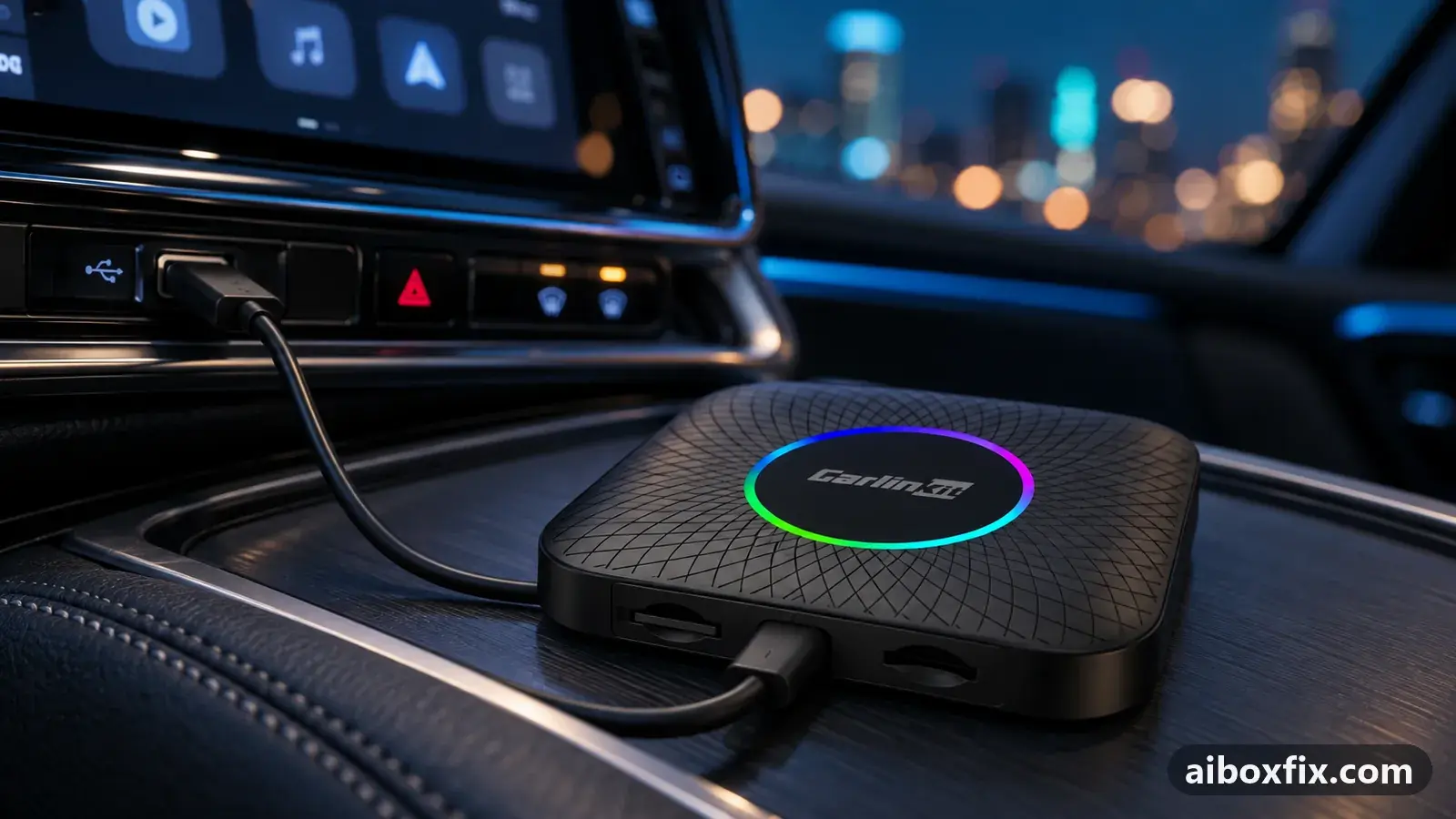
Quick answer
On a Carlinkit TBox or MGears Mstick4 that stays lit after engine-off, feed the box's power from a socket that dies with the ignition: use the single bundled cable, or move the extra-power plug off the always-live 12 V socket. That switched the box off for one of the two owners who tried it.
Symptoms
- The head-unit screen stays lit after you switch off and lock the car
- The box only switches off when you pull the extra-power plug from the 12 V socket
- The battery drains overnight, or your alarm warns the battery is getting low
- It started after you fitted a Y-cable or a two-plug extra-power cable
- A dashcam in the same socket switches off at ignition, but the box does not
Applies to
- Connection to the car
- CarPlay and Android Auto
- Highest risk on this page
- Low risk
- Status
- Workaround confirmed by the community
Why it happens
A two-plug extra-power cable splits the box’s connection in two. Data runs from the car’s CarPlay or Android Auto port, but the box’s power comes only from the second plug. That is useful when the car’s data port is too weak to run the box on its own, as covered in AI box keeps rebooting.
The side effect is this page. If the second plug sits in a 12 V or USB socket that stays live after the ignition is off, the box never loses power. It keeps running, and because the box is still talking to the head unit, the head unit stays awake too. The screen stays lit until you pull the extra plug, and the box can slowly flatten the battery.
The single bundled cable does not do this: it carries power and data together from the car’s own CarPlay or Android Auto port, which dies with the ignition. So the fix is to make sure the box takes its power from a source that switches off with the car.
Fixes, ranked
Power the box from a socket that dies with the ignition
- Low risk
- Time: 10 minutes
- Worked for 1 of 2 reports
- Check whether the socket the extra plug uses stays live after you switch off and lock the car. Leave a dashcam or a phone charger in it and watch whether it keeps power after the dashcam has gone dark.
- If it stays live, move the extra plug to a USB or 12 V socket that goes dead with the ignition, or swap back to the single bundled cable that powers the box from the car’s CarPlay or Android Auto port.
- Switch off the engine, lock the car, and check the head-unit screen goes dark within a minute or two.
One owner compared the cables on his box directly: with the single bundled cable the box switched off the moment he turned off the ignition, while the two-plug cable left the box powered because its power comes only from the extra plug. If your car’s data port runs the box without reboots, the single cable is the simplest cure.
The owner who first ran into this nearly flattened his battery. His Y-cable kept the head unit’s screen lit after he had switched off and locked the car, and only his alarm’s low-battery warning saved him. He now recommends a two-point cable wired so the data plug also carries power, rather than the Y-cable; that is an owner’s recommendation, not a fix we have confirmed.
For one owner, swapping to a different cable on its own did not cure it: his box still would not switch off, and after he forced the head unit off, CarPlay would not start again until later. That second part is a quirk of some head units, not of the box. If a cable swap does not help you, check the socket itself as in step 1 before buying anything.
Things to try (unverified)
- Cutting the power wires inside the Y-cable. One owner described opening the braid on the Y-cable’s centre lead and cutting the blue and red wires so the extra plug no longer feeds the box. This is a change to the cable’s wiring, it can stop the extra power doing its job, and nobody reported the result; the socket change above is the reason he suggested buying a ready-made cable instead.
- A box that stays lit for a minute or two, then sleeps. This is normal. Many cars keep their USB and 12 V sockets live for a few minutes after you stop the engine, and some boxes, such as the white-case TBox Ambient, hold a small charge inside that keeps them awake briefly. A shutdown within a minute or two is not the fault on this page.
If nothing works
Write down the box model and firmware date from Settings → About, the car’s make, model and year, the head unit, and which socket the extra plug uses. Test that socket with a dashcam or charger so you know whether it stays live after the ignition is off; that single test tells you whether the cable or the socket is to blame, as one owner on a JAC found when his box stayed on while a dashcam in the same socket did not (see the JAC head-unit notes).
If the box switches off correctly but the head unit will not bring CarPlay back after you force the screen off, that is the head unit’s behaviour and the box cannot change it. Carlinkit’s support address is on its contact page; other brands list theirs on their own sites. If you are weighing up a different box, start here.
What owners said
“With the bundled cable the box switches off when you turn off the ignition; with the other cable it doesn't.”
Owner, MGears Mstick4, Jul 2025
“The cable arrived. The box still doesn't switch off with it, and if I turn the head unit off it won't reconnect afterwards. A total letdown.”
Owner, Oct 2024
Quotes are translated where needed and shortened ([…]); names are removed. Full counts are in the evidence table below.
Questions owners ask
Why does the head unit stay on only while the extra-power plug is in?
The two-plug cable powers the box only from that extra plug. If its socket stays live after the ignition is off, the box never loses power and holds the head unit awake. Pulling the plug cuts the power and everything sleeps.
Is it normal for the box to stay on for a minute or two after I stop the engine?
Yes. Many cars keep their USB and 12 V sockets live for a few minutes, and some boxes hold a small charge inside. A shutdown within a minute or two is normal; staying lit until you pull a plug is not.
Will the single bundled cable give the box enough power?
For most cars, yes. Use the two-plug cable only if the box reboots under load, and then feed its second plug from a socket that goes dead with the ignition.
If none of these fixes work
Try every free fix above first. Each of these needs a car whose screen already runs wired CarPlay or Android Auto. We have not tested them: check the seller's compatibility list for your car and head unit, and that the listing shows the exact model named here, before you buy.
Wireless CarPlay / Android Auto adapter (Carlinkit Mini Ultra 3)
If you only use the box to get CarPlay or Android Auto without a cable, a plain wireless adapter has no Android system to update, overheat or crash.
Replacement AI box (Carlinkit, Android 13, SM6225)
If the box is out of warranty and still fails after the fixes above, another Carlinkit box keeps your apps on the car screen. It needs wired CarPlay or Android Auto in the car. Pick the NA variant for North American cars, EAU elsewhere.
Carlinkit TBox Ultra (Android 15)
If an older box is too slow for the apps you run: the TBox Ultra is Carlinkit's Android 15 box, with an SM6350 chip. Check that the variant on the listing supports your car's protocol before buying.
Replacement from another maker (Ottocast P3 Pro)
If you would rather switch brands, Ottocast's P3 Pro runs Android 13 and has HDMI out. It needs the connection protocol Ottocast lists for your car. The listing opens on a cheaper Mini adapter: select the P3 Pro option and check the picture and name before you pay.
Affiliate links: we may earn a commission at no extra cost to you. Disclosure.
Related fixes
- AI Box Keeps Rebooting or Disconnecting? Start With PowerLow risk
- AI Box Overheating Shutdowns: Heatsink, Cooler or Fan?Low risk
- Car Doesn't Detect the AI Box: 13 Owner ReportsAdvanced
- Car Stopped Seeing the AI Box After a Head-Unit UpdateLow risk
- Box Stops in Android Auto After Weeks Parked: Date, CertificateAdvanced
Did this work for you?
Tell us which fix worked (or didn't), with your box, firmware date and car. Reports are how fixes get confirmed and re-ranked.
Send a reportChangelog
- Last reviewed against new community reports:
- Confirmed by 1 community report on MGears Mstick4.
- Page updated:
"Confirmed" means a community member reported that the fix worked on their unit. We have not tested it on our own hardware. How we verify.
Evidence behind these counts (1 case)
One row per case: a device, a symptom and a fix, merged from owner reports. An owner counts once per fix. Reports with no outcome yet are not counted. Forum and chat message references are kept on file but not published, to protect owners' privacy; public Reddit and YouTube sources are linked.
| Case | Confirmed on | Result | Source |
|---|---|---|---|
| case-1704 | MGears Mstick4 | 1 worked, 1 did not | Owner discussion threads, 5 messages |