Power & connectionReviewed
Car Stopped Seeing the AI Box After a Head-Unit Update
Head unit stopped seeing your AI box after a car update? Try a known-good USB cable before reflashing the box. Carlinkit TBox Ambient.
Carlinkit TBox Ambient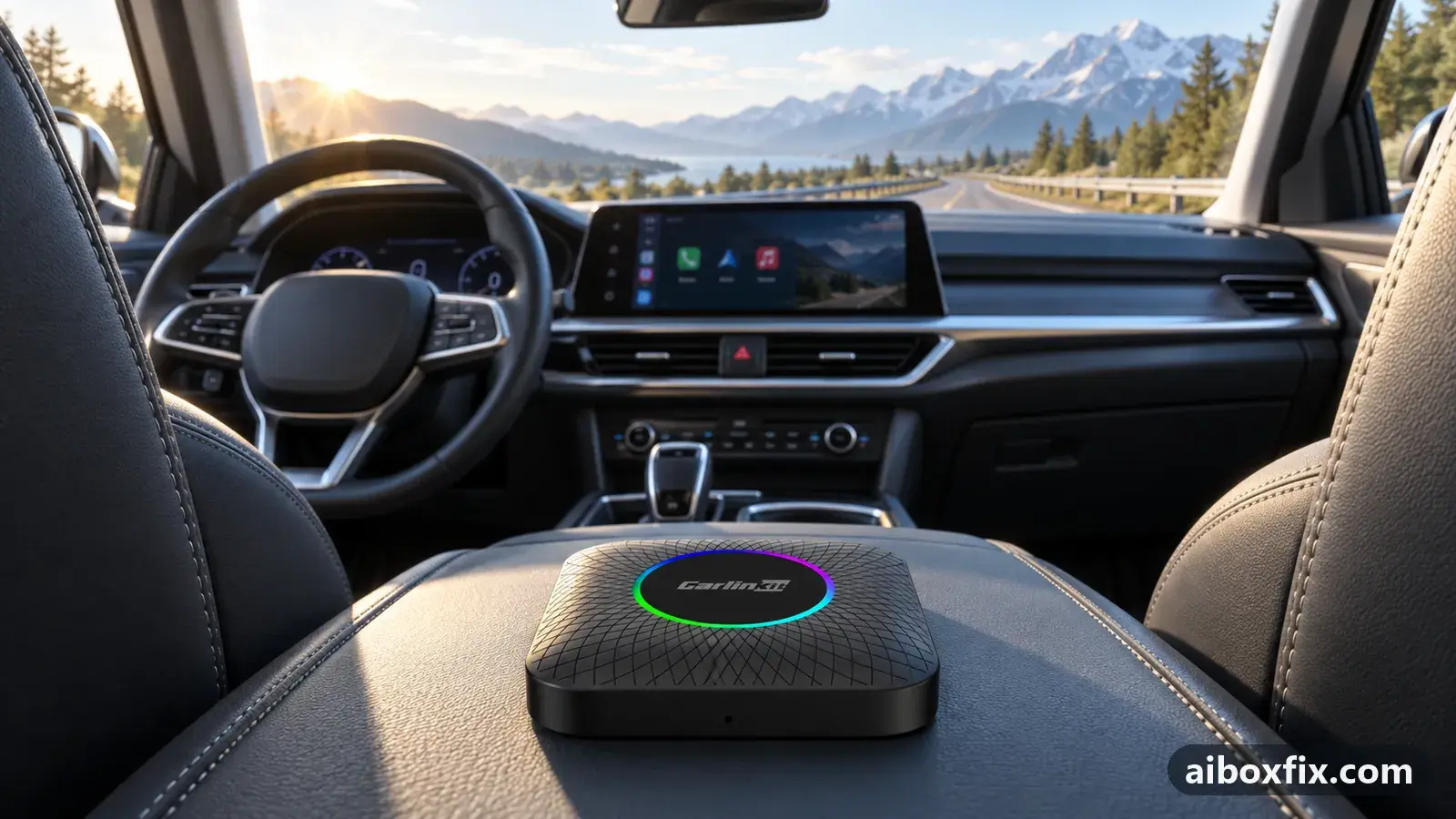
Quick answer
After a head-unit software update stops your car from seeing a Carlinkit TBox Ambient that worked before, swap the box's stock USB cable for a known-good data cable before you reflash anything: that alone made the head unit detect the box again for the one owner who reported it. The box firmware did not need changing.
Symptoms
- You updated your car's software, or it updated itself, and now the head unit no longer finds the AI box
- The box still powers up (its LED is on), but the CarPlay or Android Auto tile stays empty
- The same box and cable worked in this car before the update
- Reflashing the box looks like the only option left
Applies to
- Devices
- Connection to the car
- CarPlay and Android Auto
- Head units mentioned in reports
- BYD DiLink
- Firmware in confirmed reports
- Carlinkit TBox Ambient: 2026-05-21
- Highest risk on this page
- Low risk
- Status
- Workaround confirmed by the community
Why it happens
The box still gets power, so this is not a dead box. What changed is on the car’s side. A software update to the car can change how its USB port talks to whatever is plugged in: the timing, the current it offers, and how strict it is about the data signal.
A cable that was good enough before can now fall short. The box powers up over the same cable, but the head unit never completes the handshake that would put the box on screen, so it looks undetected. Fitting a known-good data cable restores the connection without touching the box at all.
That matters because the obvious next move after a car update is to reflash the box, often blind. A cable is quicker to rule out, cannot brick anything, and in the one report behind this page it was the whole fix.
Fixes, ranked
Swap the stock cable for a known-good data cable before reflashing
- Low risk
- Time: 10 minutes
- Worked for 1 of 1 report
- Rule out the cable before you touch the box firmware: get a known-good USB data cable (not a charge-only one) with the same plug types as the box’s stock cable — one end for the car’s port, one for the box.
- Unplug the stock cable and connect the box to the car’s CarPlay or Android Auto port with the new cable.
- Switch the car off and on, or restart the box, and watch whether the head unit now shows the box.
- If it connects, keep the new cable. The box firmware did not need reflashing.
One owner’s car — an electric model — updated its own software, and the head unit stopped seeing a Carlinkit TBox Ambient 6225 that had worked in the same car. They were about to reflash the box blind, by putting the update file on a card and power-cycling the box with no screen to watch, when they tried the simpler thing first and replaced the box’s stock cable with a known-good aftermarket one. The head unit saw the box again straight away, and the firmware was never touched.
If your car’s port is USB-C and the box cable is USB-A, keep the mismatch in mind: a poor adapter can cause the same thing. See no power on a USB-C to USB-C cable for the power side of cable problems.
Things to try (unverified)
- Re-seat both ends of the cable, firmly. A USB plug that is not pushed fully home behind the dash gives the same “not detected” result as a bad cable. Before you buy anything, unplug and press both ends home. Owners raise this often for drop-outs; nobody tied it specifically to a post-update failure.
- Go back to the box’s original short cable. One owner with constant drop-outs in Android Auto — a different symptom, not a post-update one — found that returning to the box’s original short cable stopped them. If a longer or replacement cable makes things worse, the shortest good cable is worth a try.
- Fit a cable with a separate power lead. On one car whose head-unit update stopped wired connections, support suggested a cable that carries data on the interface port and draws power from a second port, so the data port only handles data. The owner did not report back. It is most relevant if a plain swap does not help and the box also drops under load; the boot-delay page covers data-switch and second-power cables in more detail.
- Update the box’s firmware from the maker — later, not first. If a known-good cable does not bring the box back, the official firmware is the next thing to try, from the maker’s own download page and not a blind flash. See box dead after an update and the firmware update guide before you start, so you know how to recover if it goes wrong.
If nothing works
Write down the box model and firmware date (Settings → About), the car’s make, model and year and what the car update changed, the head unit, the protocol the box is in, and whether a phone connected by cable to the same port is also missed after the update. A phone video from unlocking the car until the box should appear is the most useful thing to send.
If a phone by cable in the same port is also missed after the update, the car’s USB wiring or head unit is the cause, not the box, and the dealer is the next stop. Otherwise send the details to the manufacturer’s support channel; Carlinkit lists its firmware downloads and contact on its own site. If you are weighing whether to replace the box instead, start here.
What owners said
“Everything resolved without reflashing. It turned out that after the car's firmware update the head unit no longer accepted the Ambient's stock cable. I replaced it [with a name-brand cable], and everything worked.”
Owner, Carlinkit TBox Ambient, Oct 2026
Quotes are translated where needed and shortened ([…]); names are removed. Full counts are in the evidence table below.
Questions owners ask
Do I need to reflash the box?
Not necessarily. The one owner who reported this swapped the stock cable for a known-good one and the head unit saw the box again, with no firmware change. Rule out the cable first; reflashing is the step after, not before.
Why would a working cable suddenly fail after a car update?
The update can change what the car's USB port expects. A stock cable that was marginal before may no longer carry a clean enough connection, so the head unit cannot complete the handshake even though the box still gets power.
Which cable should I use?
A known-good data cable with the right plug types for your car's port and the box. A charge-only or worn cable can cause exactly this. If the port is also short on power, a cable with a second power lead is worth trying.
Parts the fixes above need

Known-good USB data cable
A worn or charge-only cable causes drop-outs and failed flashing. Pick the ends your setup uses.
Some links above are affiliate links: if you buy through them we may earn a commission at no extra cost to you. It never changes which fix we rank first. Product photos are the sellers' own, from the AliExpress listing. Disclosure.
If none of these fixes work
Try every free fix above first. Each of these needs a car whose screen already runs wired CarPlay or Android Auto. We have not tested them: check the seller's compatibility list for your car and head unit, and that the listing shows the exact model named here, before you buy.
Wireless CarPlay / Android Auto adapter (Carlinkit Mini Ultra 3)
If you only use the box to get CarPlay or Android Auto without a cable, a plain wireless adapter has no Android system to update, overheat or crash.
Replacement AI box (Carlinkit, Android 13, SM6225)
If the box is out of warranty and still fails after the fixes above, another Carlinkit box keeps your apps on the car screen. It needs wired CarPlay or Android Auto in the car. Pick the NA variant for North American cars, EAU elsewhere.
Carlinkit TBox Ultra (Android 15)
If an older box is too slow for the apps you run: the TBox Ultra is Carlinkit's Android 15 box, with an SM6350 chip. Check that the variant on the listing supports your car's protocol before buying.
Replacement from another maker (Ottocast P3 Pro)
If you would rather switch brands, Ottocast's P3 Pro runs Android 13 and has HDMI out. It needs the connection protocol Ottocast lists for your car. The listing opens on a cheaper Mini adapter: select the P3 Pro option and check the picture and name before you pay.
Affiliate links: we may earn a commission at no extra cost to you. Disclosure.
Related fixes
- Car Doesn't Detect the AI Box: 13 Owner ReportsAdvanced
- Box Dead After an Update or Reset: 9 Owner ReportsLow risk
- AI Box Dead on a USB-C to USB-C Cable? Use USB-A + AdapterLow risk
- Box Works in the Old Car but Not the New One: Blind UpdateAdvanced
- AI Box Keeps Rebooting or Disconnecting? Start With PowerLow risk
Did this work for you?
Tell us which fix worked (or didn't), with your box, firmware date and car. Reports are how fixes get confirmed and re-ranked.
Send a reportChangelog
- Last reviewed against new community reports:
- Confirmed by 1 community report on Carlinkit TBox Ambient.
- Page updated:
"Confirmed" means a community member reported that the fix worked on their unit. We have not tested it on our own hardware. How we verify.
Evidence behind these counts (1 case)
One row per case: a device, a symptom and a fix, merged from owner reports. An owner counts once per fix. Reports with no outcome yet are not counted. Forum and chat message references are kept on file but not published, to protect owners' privacy; public Reddit and YouTube sources are linked.
| Case | Confirmed on | Result | Source |
|---|---|---|---|
| case-1705 | Carlinkit TBox Ambient (2026-05-21) | 1 worked | Owner reviews, 1 message |