Heat & throttlingReviewed
AI Box Slow or Touch Off in CarPlay: 12 Owner Reports
AI box laggy, taps seconds late or off-target in CarPlay mode? Switch it to Android Auto; it worked for 8 owners. Carlinkit TBox Ambient, Plus, UHD.
Carlinkit TBox PlusCarlinkit TBox AmbientCarlinkit TBox UHDOttocast Picasou 3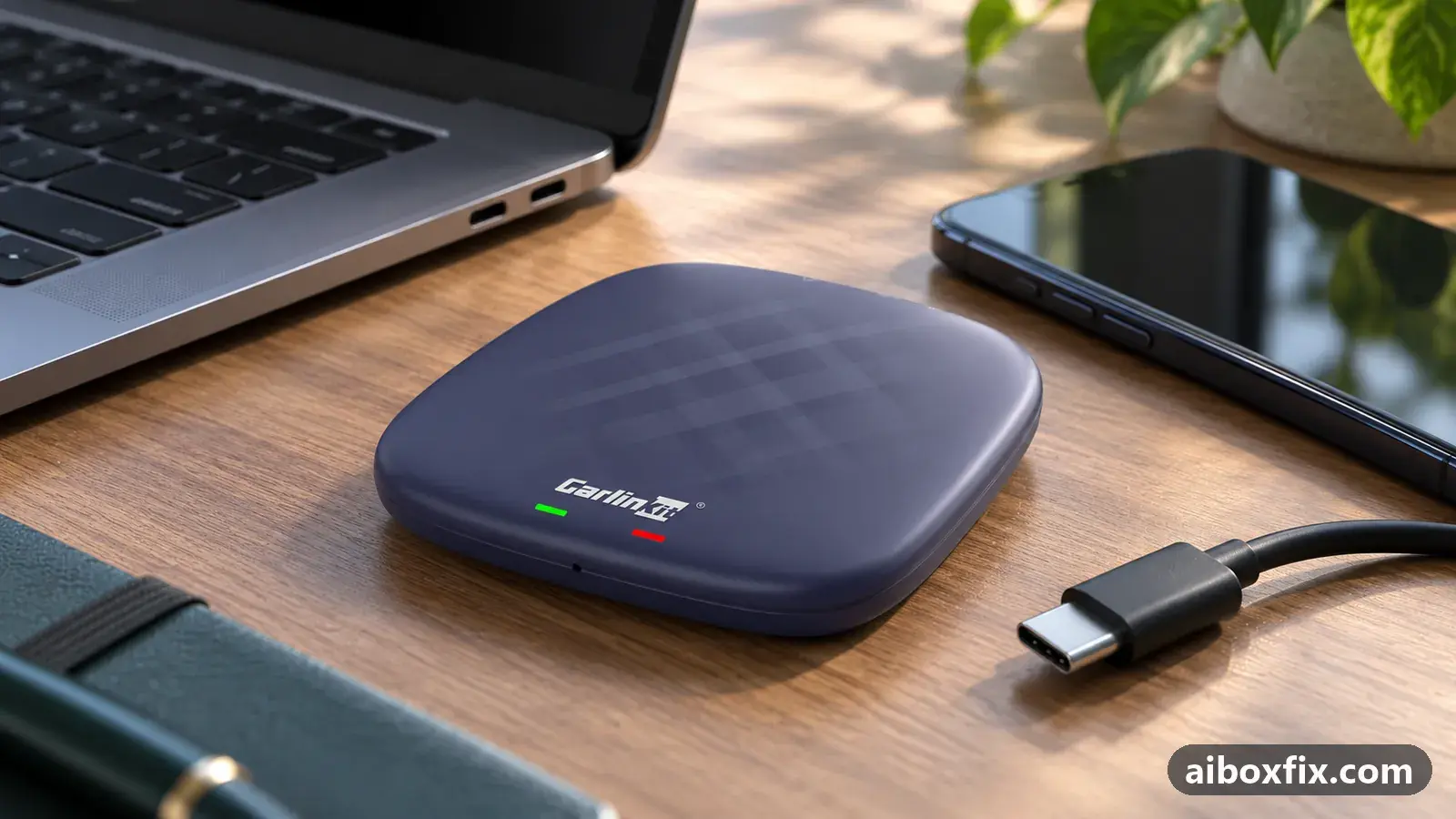
Quick answer
On a Carlinkit TBox Ambient, Plus or UHD that lags or registers taps seconds late in CarPlay mode on a normal-size car screen, switching the box to Android Auto made it fast again for six of the eight owners who tried. Two more fixed off-target touch the same way; if your box already runs Android Auto, try CarPlay.
Owner reports at a glance
- Owner reports of a fix that worked
- 12
- Reports with a result
- 14
- 12 worked, 2 did not help
- Most-confirmed fix
- Switch the box from CarPlay to Android Auto: worked in 6 of 8 reports; all fixes, ranked
- Boxes owners confirmed it on
- Carlinkit TBox Ambient, Carlinkit TBox UHD, Ottocast Picasou 3
One owner counts once per fix; reports with no result yet are not counted. Counts reviewed . How we count.
Symptoms
- The box's menus, maps and video stutter or freeze, while the car's own head unit stays quick
- A tap takes several seconds to register, so even typing a Wi-Fi password is a struggle
- Maps follow a swipe late, in the worst reports by 10 seconds or more
- Taps land to one side of where you touched, more so the further right you tap
- Touch works only every other time on the box, but normally in the head unit's own menus
Applies to
- Connection to the car
- CarPlay and Android Auto
- Head units mentioned in reports
- Chery / Exeed Chery and Exeed head units; Geely GKUI (CarPlay via Carbitlink); Haval / GWM GWM head units; Omoda / Jaecoo Omoda / Jaecoo head units
- Highest risk on this page
- Low risk
- Status
- Workaround confirmed by the community
Why it happens
An AI box draws its own Android screen and sends it to the car as a video stream over the CarPlay or Android Auto protocol. The head unit sends your taps back as screen coordinates over the same link. How well that link works depends on how the car maker implemented each protocol in the head unit, and on some cars the CarPlay side is the weak one: the picture arrives at a low frame rate, taps arrive late, or their coordinates are scaled wrongly.
The owners’ reports point at the link rather than the box’s processor. Their head units ran fast with their own software, the box’s settings menus felt normal on one UHD, and turning the box’s video quality setting down changed nothing. After a switch to Android Auto, an Omoda C5 owner said the same Ambient felt like a different device.
This page is about ordinary car screens. If yours is very large and very sharp, the box itself may be overloaded; see AI box lags on a big high-resolution screen first.
Fixes, ranked
Switch the box from CarPlay to Android Auto
- Low risk
- Time: 10 minutes
- Worked for 6 of 8 reports
- Check that your head unit supports wired Android Auto: connect an Android phone by cable and see whether an Android Auto tile opens.
- Let the box boot fully, then press the recessed mode button next to its LED with a paper clip for 2–3 seconds and release. Never hold it for 10 seconds or more.
- Accept the switch prompt if the head unit shows one, and wait for the box to restart.
- Open the Android Auto tile on the head unit, not the CarPlay one.
- Test the things that lagged: drag a map, play a video, type into a text field.
If the button does nothing on your unit, older boxes switch with a protocol file on a microSD card instead; every method is in switch the box’s protocol.
Six owners reported the box fast after the switch. A Carlinkit owner whose picture and interface froze had already turned the video resolution setting down to its minimum without effect; Android Auto fixed it. Another, on July 2024 firmware, described the box as “like an old tablet” next to a fast head unit, and after the switch it flew. An Ambient 8/128 owner in an Omoda C5 had lagging video and navigation that a firmware update only eased; Android Auto cleared it. A TBox UHD owner in a Haval F7, on the latest firmware and freshly reset, waited up to 10 seconds for a tap to register; two to three seconds on the button, the LED changed from green to blue, and the box ran smoothly.
Two of the six had a side effect. One found maps no longer lagged at all, but music broke up and taps landed about a centimetre off. Another liked how quickly everything responded in Android Auto, then noticed crackling sound. If sound degrades after the switch, a factory reset fixed it for owners: see noise after switching to Android Auto.
It did not help two owners. A TBox Plus in an Omoda C5, which has a long high-resolution screen, became only slightly faster and kept rebooting in Android Auto. An Ambient in a Chery Tiggo 7 Pro lagged badly in Android Auto even after a factory reset, so that owner was better off in CarPlay. If the switch makes things worse, switch back the same way.
Touch lands off-target: switch to Android Auto
- Low risk
- Time: 10 minutes
- Worked for 2 of 2 reports
- Test touch in the head unit’s own menus first. If taps land off-target there too, the head unit’s touch panel is at fault, not the box.
- If the head unit’s own touch is accurate, switch the box to Android Auto as in Fix 1.
- Test taps near the left edge, the centre and the right edge, and type on the on-screen keyboard.
An Ambient 8/128 owner found that the further right he tapped, the further right the box registered it, while the head unit’s own Android responded accurately. After switching to Android Auto, touch behaved correctly. A Chery Tiggo 7 Pro Max owner whose Ambient only reacted to every other tap switched to Android Auto and installed CarCar Launcher at the same time, and touch has worked well since; because both changed together, it counts once.
One owner saw the opposite: after switching to Android Auto, his taps landed a centimetre to the left. The advice he got was to factory reset both the box and the head unit; he did not report back. Test touch after any protocol change. Android Auto mode is also the only mode where pinch-zoom is possible on these boxes; see enable multitouch on a TBox.
Still slow: update, switch protocol and change the launcher together
- Low risk
- Time: 45 minutes
- Worked for 2 of 2 reports
- If the box offers an official online system update, install it.
- Update every app on the box from the app store.
- Switch the box to Android Auto as in Fix 1.
- Install CarCar Launcher, then turn off the stock side bar and make CarCar the default home app, as described in stuck on “Loading phone” after installing a launcher.
Two Ambient owners recovered boxes that had become almost unusable this way. One, in a Chery Tiggo 7 Pro Max, said the box was so slow at first that he nearly pushed through the screen signing in to Google; after the update, the app updates, Android Auto and CarCar Launcher, it worked normally. The other, in a Geely Coolray, had a box that slowed down more each day, with maps answering a swipe after 10 to 20 seconds, despite three resets, a reflash and only two apps installed. He followed the same advice and reported the problem beaten.
If no online update is offered, a manual update is possible but counts as an advanced change; the firmware update guide covers it with its undo steps.
Several changes were made at once in both reports, so nobody can say which one mattered most. Do Fix 1 first; if the box is still slow, add the rest.
Already in Android Auto? Try CarPlay instead
- Low risk
- Time: 15 minutes
- Worked for 1 of 1 report
- Check which tile the box answers on the head unit: CarPlay or Android Auto.
- If it runs in Android Auto and lags, ask the manufacturer’s support channel for the CarPlay protocol file for your model (Ottocast: [email protected]), or switch it as described in switch the box’s protocol.
- Test the same apps again in CarPlay.
An Ottocast Picasou 3 owner on an 8-inch screen had a box so slow that he could barely type his Google email; an older firmware made no difference. After moving the box to its CarPlay connection, it became quick. Which protocol is faster depends on the head unit, so the honest rule is to try the other one.
Taps off only inside CarCar Launcher widgets: move from Android 12 to 13
- Low risk
- Time: 30 minutes
- Worked for 1 of 1 report
- Check the Android version in Settings → About.
- If the box runs Android 12 and offers an official online system update to Android 13, install it.
- Test taps inside the CarCar Launcher widgets again.
A Carlinkit owner whose taps landed off-target only inside CarCar Launcher’s widgets reported it to the launcher’s developers, who confirmed an offset on Android 12 and said they were working on it. Newer CarCar versions still showed it on that Android version. After the box was updated to Android 13, the offset was gone. If no online update is offered, a manual update counts as an advanced change; the firmware update guide covers it with its undo steps.
Things to try (unverified)
- Lower the video quality or resolution setting. Commonly suggested first, but the two owners who reported back saw no improvement: one at the lowest setting, the other with a visibly worse picture and the same lag.
- Factory reset the box and the head unit after switching. Suggested to the owner whose touch went off-target in Android Auto; no result was reported.
- Check the extras that change in Android Auto. Owners noted that on some head units the box stops opening by itself at start-up, and the community FAQ says the car’s own GPS is not passed to the box in Android Auto mode. Neither is a fault, but check both before you decide which mode to keep.
If nothing works
Record a short video of the lag or the off-target taps with the head unit’s own menu in the same shot for comparison. Note the box model and firmware date (Settings → About), the car’s make, model and year, the head unit’s screen size, which protocols it supports by cable, and what happened in each protocol you tried. The bug report guide lists the rest.
Send that to the manufacturer: Carlinkit at [email protected], Ottocast at [email protected]. If the box is slow in both protocols on your car, or the head unit supports only one and that one lags, a return or a different box is the honest answer; start here explains how the families compare, and the TBox Ambient hub collects other fixes for that model.
What owners said
“Thanks, you helped! I switched to Android Auto mode and everything started working properly.”
Owner, Carlinkit TBox Ambient, Apr 2025
“Hi all. I solved the problem by switching to the Android Auto protocol. Now everything flies! Maybe it'll help someone!”
Owner, Nov 2024
“I solved the problem by flashing the CarPlay connection firmware. It started working quickly.”
Owner, Ottocast Picasou 3, Oct 2024
Quotes are translated where needed and shortened ([…]); names are removed. Full counts are in the evidence table below.
Questions owners ask
Does lowering the box's video quality setting help?
Not for the owners who tried it. One moved the video setting from 10 all the way down to 1 with no difference; another got a softer picture that lagged exactly as before. The protocol made the difference, not the quality slider.
Will I lose my apps or settings when I switch to Android Auto?
No. Switching the protocol keeps your apps. Some things change: on some head units the box no longer opens by itself and you tap the Android Auto tile instead, and if the sound crackles afterwards, a factory reset is what fixed it for owners.
Can an ApplePie UX999 be switched to Android Auto to fix the same lag?
A long-time community member said the UX series has no way to switch to Android Auto; a protocol option inside its firmware exists but does not work reliably. This page's main fix applies to boxes that can switch.
My car has a huge, very high-resolution screen. Is this the right page?
Start with the big-screen guide instead. On very large displays the box itself is overloaded, and raising Smallest width helped owners more than the protocol alone.
Parts the fixes above need

microSD card (32 GB, formatted FAT32)
Local firmware updates, reset files and protocol-switch files are read from a FAT32 card. A high-endurance 32 GB card copes with car heat; pick the 32 GB size.
Some links above are affiliate links: if you buy through them we may earn a commission at no extra cost to you. It never changes which fix we rank first. Product photos are the sellers' own, from the AliExpress listing. Disclosure.
If none of these fixes work
Try every free fix above first. Each of these needs a car whose screen already runs wired CarPlay or Android Auto. We have not tested them: check the seller's compatibility list for your car and head unit, and that the listing shows the exact model named here, before you buy.
Wireless CarPlay / Android Auto adapter (Carlinkit Mini Ultra 3)
If you only use the box to get CarPlay or Android Auto without a cable, a plain wireless adapter has no Android system to update, overheat or crash.
Replacement AI box (Carlinkit, Android 13, SM6225)
If the box is out of warranty and still fails after the fixes above, another Carlinkit box keeps your apps on the car screen. It needs wired CarPlay or Android Auto in the car. Pick the NA variant for North American cars, EAU elsewhere.
Carlinkit TBox Ultra (Android 15)
If an older box is too slow for the apps you run: the TBox Ultra is Carlinkit's Android 15 box, with an SM6350 chip. Check that the variant on the listing supports your car's protocol before buying.
Affiliate links: we may earn a commission at no extra cost to you. Disclosure.
Related fixes
- Head Unit Shows Only CarPlay? Switch the Box's ProtocolAdvanced
- AI Box Lags on a Big High-Resolution Screen? Raise Smallest WidthLow risk
- Noise After Switching the Box to Android Auto: Factory ResetAdvanced
- AI Box Overheating Shutdowns: Heatsink, Cooler or Fan?Low risk
- How Hot Is Too Hot? AI Box Temperatures and How to See ThemAdvanced
Did this work for you?
Tell us which fix worked (or didn't), with your box, firmware date and car. Reports are how fixes get confirmed and re-ranked.
Send a reportChangelog
- Last reviewed against new community reports:
- Confirmed by 12 community reports on Carlinkit TBox Ambient, Carlinkit TBox UHD, Ottocast Picasou 3.
- Page updated:
"Confirmed" means a community member reported that the fix worked on their unit. We have not tested it on our own hardware. How we verify.
Evidence behind these counts (5 cases)
One row per case: a device, a symptom and a fix, merged from owner reports. An owner counts once per fix. Reports with no outcome yet are not counted. Forum and chat message references are kept on file but not published, to protect owners' privacy; public Reddit and YouTube sources are linked.
| Case | Confirmed on | Result | Source |
|---|---|---|---|
| case-8030 | Carlinkit TBox Ambient; Carlinkit TBox UHD | 6 worked, 2 did not | Owner discussion threads, 19 messages |
| case-8031 | Carlinkit TBox Ambient | 2 worked | Owner discussion threads, 10 messages |
| case-8032 | Carlinkit TBox Ambient | 2 worked | Owner discussion threads, 7 messages |
| case-8033 | Ottocast Picasou 3 | 1 worked | Owner discussion threads, 6 messages |
| case-9100 | Model not stated | 1 worked | Owner discussion threads, 4 messages |