Apps & launchersReviewed
WhatsApp Voice Messages Silent in the Car Through an AI Box
WhatsApp voice messages and phone media silent through the AI box while calls work? Open the box's BT Music app, or turn off Bluetooth media audio.
Carlinkit TBox AmbientCarlinkit TBox Plus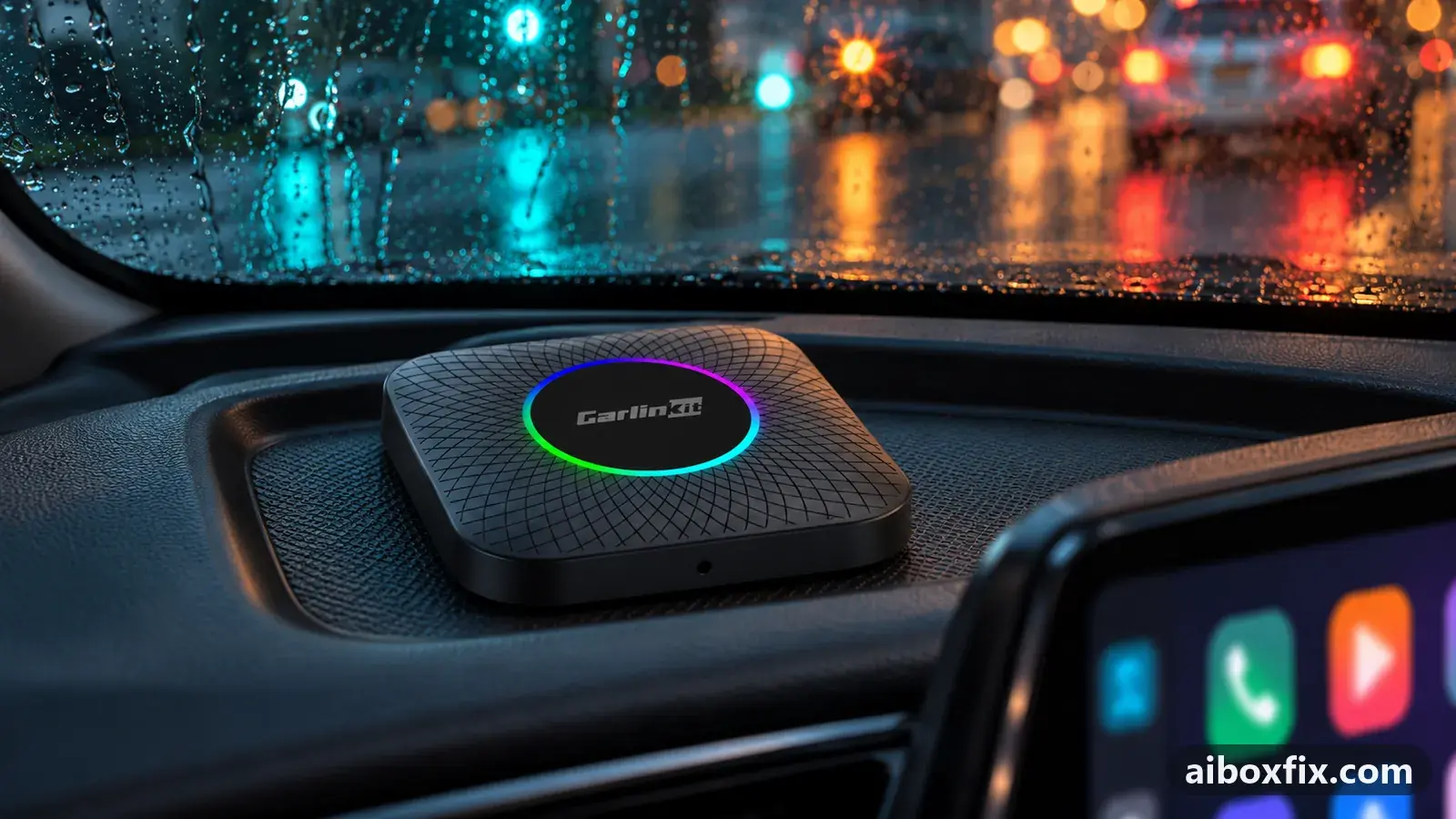
Quick answer
On the Carlinkit TBox Plus and TBox Ambient, voice messages and other phone audio play silent through the box while hands-free calls work; open the box's BT Music or BT Audio app and keep it in the foreground, and the phone's sound plays through the car. That worked for five of five owners who reported it.
Symptoms
- Voice messages in WhatsApp and other messaging apps play with no sound in the car, though the phone shows them playing
- Hands-free calls work normally, but message tones and media from the phone are silent
- Music or video played on the phone is silent through the box until you open an app on the box
- A Bluetooth speaker plays the same audio from your phone, so the phone is sending it
- Starting music on the box cuts the phone's audio again
Applies to
- Connection to the car
- CarPlay and Android Auto
- Head units mentioned in reports
- Volkswagen MIB 2.5
- Firmware in confirmed reports
- Carlinkit TBox Ambient: 2024-01-05
- Highest risk on this page
- Low risk
- Status
- Workaround confirmed by the community
Why it happens
Your phone connects to the box as a Bluetooth device, and the box handles two kinds of sound on two separate paths. Hands-free calls run on a path of their own, which is why calls work while everything else stays quiet.
The rest of the phone’s sound — music, video, notification tones and the voice messages in your messaging apps — travels on the media path, the A2DP profile. The box plays that media stream only while its own Bluetooth-audio screen is open. Leave that screen and the box stops passing the stream through, so the phone shows the message playing while nothing reaches the car speakers.
One owner showed the phone was doing its part: a Bluetooth speaker played the same audio from his phone without trouble, so the silence was in how the box routes the stream, not in the phone. Another owner found the box plays the phone’s media on a single channel, so starting music on the box cuts the phone’s audio off again.
Fixes, ranked
Open the box's Bluetooth-audio app to hear phone media
- Low risk
- Time: 2 minutes
- Worked for 5 of 5 reports
- On the box, open the Bluetooth-audio app. It is usually called BT Music or BT Audio; the box’s Bluetooth dialer does the same job. Any one of them brings the box’s Bluetooth sound to the foreground.
- Play the voice message or media on your phone. The sound now comes through the car speakers.
- Switch to navigation or another app if you want. The audio keeps playing, as long as the box is not playing music of its own.
Five owners reported this works. On a TBox Ambient (iPhone 13 Pro, 5 Jan 2024 firmware) music, video and messaging-app audio stayed silent until the owner opened the box’s BT Audio app once, after which he could move to navigation or anywhere else and the sound kept playing; he only wished it started on its own. A TBox Plus owner had to tap the box’s Bluetooth dialer before notifications and voice messages played, and another TBox Plus owner could hear and even record voice messages only while the box’s Bluetooth app was open, though incoming calls reached him without it.
Prefer to listen on the phone? Turn off Bluetooth media audio
- Low risk
- Time: 5 minutes
- Worked for 2 of 2 reports
- On the phone, open Settings → Bluetooth and open the box’s paired entry.
- Turn off Media audio (the A2DP profile). Leave Phone calls switched on.
- Play a voice message. It now plays from the phone’s own speaker, and hands-free calls still come through the car.
Two owners run it this way. One switched Media audio off on the first day and left it off; the other did the same after finding notifications, video and voice messages silent through the box. The trade-off is the mirror of Fix 1: music and media from the phone no longer reach the car speakers at all, so anything you want on the speakers has to come from an app on the box itself. This is the same Media-audio switch that route calls through the head unit uses to stop music jumping between the phone and the box.
Things to try (unverified)
- Install your messaging app on the box. Owners are often told to put the chat app on the box and open voice messages there. It works as a separate setup, but owners who tried it found listening to voice messages on the box clumsy, and it does not make the phone’s own audio play through the car. One owner already had the app on the box and still wanted the phone’s sound.
- Connect the phone to the box wirelessly. If your box supports a wireless CarPlay or Android Auto link to the phone through its AutoKit app, the phone’s audio reaches the box as a projection rather than over plain Bluetooth. Owners suggested it but noted the link probably has to be running; nobody reported the result for voice messages.
- Pair the phone with the car instead of the box. On cars that keep their own Bluetooth while the box is connected, pairing the phone to the car sends calls and message tones through the car’s hands-free, bypassing the box. See take calls on the car’s own Bluetooth. It depends on your car allowing a phone pairing alongside the box.
If nothing works
Note the box model and firmware date (Settings → About), your phone, the car and head unit, and the protocol. Check whether a Bluetooth speaker plays the same audio from your phone: if it does, the phone is sending the stream and the box’s routing is the issue.
If calls, not messages, are the real problem, see can’t hear the caller on incoming calls, microphone not working on calls and call delay and Bluetooth music quality. If no route through the box plays your phone’s media the way you want, keeping that sound on the phone is the honest answer; start here if you are weighing a different box.
What owners said
“BT Music solves this. Thanks a lot! The answer was simple, but I'd never have figured it out myself!”
Owner, Nov 2024
“If I play content (music, video, audio from a messaging app — doesn't matter), there's no sound until I activate the BT Audio app on the box. Then I can switch to navigation or anywhere — all fine.”
Owner, Carlinkit TBox Ambient, May 2024
“In the end I simply turn off the A2DP profile in the connection settings.”
Owner, Feb 2024
Quotes are translated where needed and shortened ([…]); names are removed. Full counts are in the evidence table below.
Questions owners ask
Do I lose hands-free calling if I do this?
No. Calls run on a separate hands-free path and keep working. Opening the box's BT Music or BT Audio app only adds the phone's media and voice-message sound; turning off Media audio (A2DP) moves that sound to the phone and still leaves calls on the car.
Why do calls work but voice messages do not?
The box answers calls on the Bluetooth hands-free profile, which runs on its own. Voice messages and music travel on the media profile (A2DP), which the box plays only while its Bluetooth-audio app is open.
Will installing my messaging app on the box fix it?
It lets you play messages in the box's own copy of the app, but owners found listening to voice messages there clumsy, and it does not make the phone's own audio play through the car. It is a different way to work, not a cure for the silence.
Related fixes
- Can't Hear the Caller on Incoming Calls Through the AI BoxAdvanced
- Call Delay and Bluetooth Music Quality: What's NormalAdvanced
- Microphone Not Working on Calls? Clear Every Bluetooth PairingAdvanced
- AI Box Fills Only Part of the Silverado or Sierra ScreenLow risk
- AI Box Too Bright at Night: Dark Theme That Stays DarkLow risk
Did this work for you?
Tell us which fix worked (or didn't), with your box, firmware date and car. Reports are how fixes get confirmed and re-ranked.
Send a reportChangelog
- Last reviewed against new community reports:
- Confirmed by 7 community reports on Carlinkit TBox Ambient, Carlinkit TBox Plus.
- Page updated:
"Confirmed" means a community member reported that the fix worked on their unit. We have not tested it on our own hardware. How we verify.
Evidence behind these counts (2 cases)
One row per case: a device, a symptom and a fix, merged from owner reports. An owner counts once per fix. Reports with no outcome yet are not counted. Forum and chat message references are kept on file but not published, to protect owners' privacy; public Reddit and YouTube sources are linked.
| Case | Confirmed on | Result | Source |
|---|---|---|---|
| case-1678 | Carlinkit TBox Ambient (2024-01-05); Carlinkit TBox Plus | 5 worked | Owner discussion threads, 5 messages |
| case-1679 | Model not stated | 2 worked | Owner discussion threads, 2 messages |