Apps & launchersReviewed
AI Box Fills Only Part of the Silverado or Sierra Screen
AI box only fills part of the Silverado or Sierra screen? Switch the box to Android mode so it runs full width. Carlinkit TBox, Lamtto RC31, any box.
Any Android AI boxCarlinkit TBox PlusLamtto RC31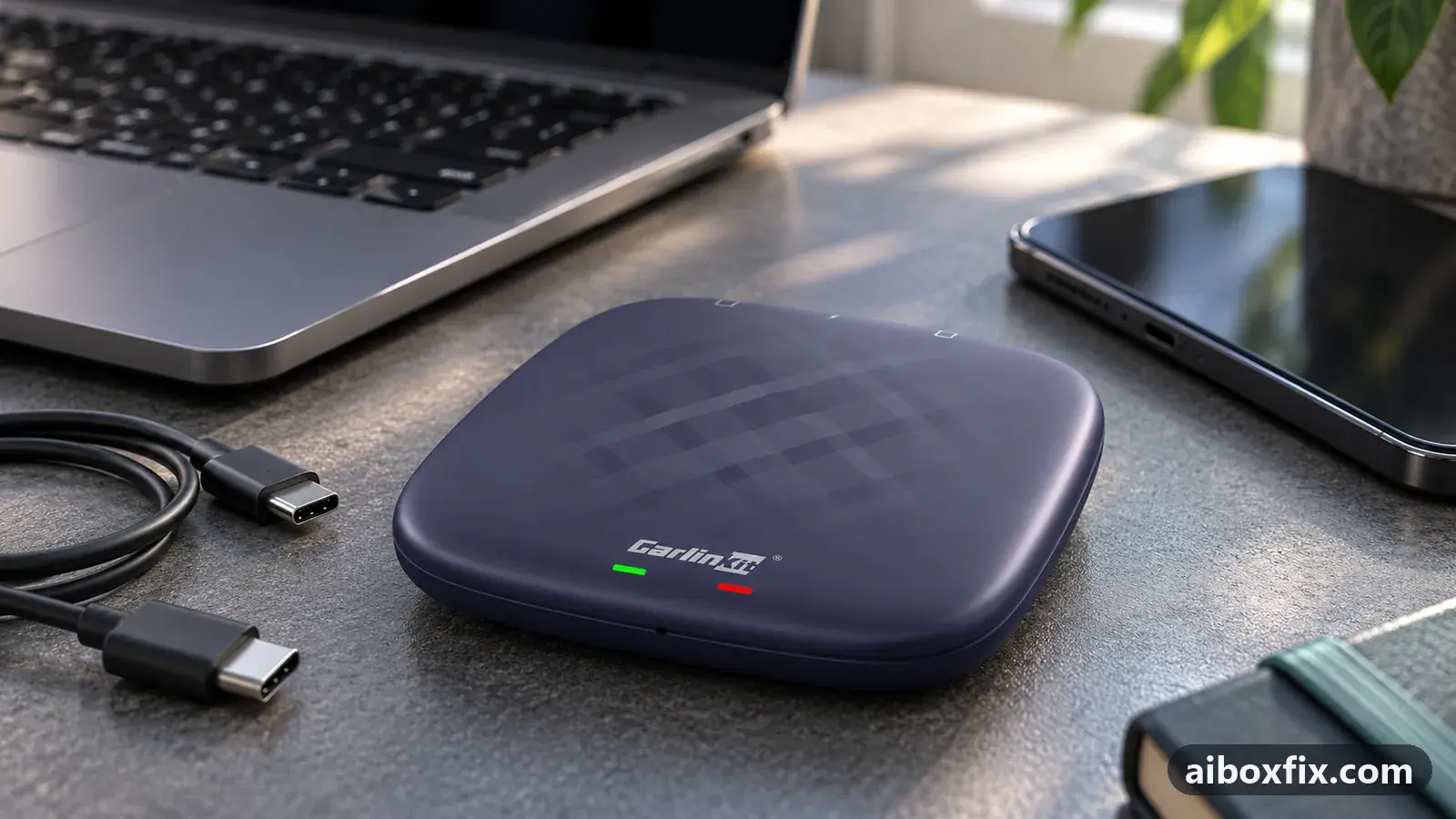
Quick answer
On a 2022+ Chevrolet Silverado or GMC Sierra with the 13.4-inch Google built-in screen, get full-screen CarPlay by pairing your iPhone while the AI box is in CarPlay mode, then switching the box to Android mode so CarPlay runs through the full-width Android Auto channel. Four of four owners confirmed it; switching to Android Auto apps fills the screen too.
Symptoms
- The box or CarPlay fills only half to three quarters of the 13.4-inch screen, with the truck's widget beside it
- Your phone's own CarPlay is fine on the truck, but the AI box will not go full screen
- The box fills the screen only once you switch it to Android Auto
- After switching the box to Android mode, Android Auto fails with a date/time mismatch
- The truck keeps asking you to confirm a Pixel phone when the box is in Android mode
Applies to
- Devices
- Any Android AI box
- Carlinkit TBox Plus
- Lamtto RC31
- Connection to the car
- CarPlay and Android Auto
- Head units mentioned in reports
- GM MyLink / Infotainment 3
- Highest risk on this page
- Low risk
- Status
- Workaround confirmed by the community
Why it happens
On a 2022 or newer Silverado and Sierra, the 13.4-inch Google built-in screen gives a CarPlay device only part of the display and keeps the truck’s widget beside it. The Android Auto window is the one that goes full width. This is the truck’s layout, not the box’s own two-app split, and nothing in the box’s Android settings makes the CarPlay window bigger.
An AI box answers the truck as either a CarPlay device or an Android Auto device, never both at once. Switch it to Android Auto mode and it uses the full-width channel. If you run an iPhone, the box can feed your CarPlay through that same Android Auto channel, so CarPlay itself fills the screen while you keep using it.
The switch itself is the same operation covered in detail on switch the box’s protocol; this page is about why only Android Auto goes full width on these trucks and what stops working once you switch. For the Ford version of this problem, where the fix is a SYNC 4 setting instead, see the F-150 full-screen page.
Fixes, ranked
Full-screen CarPlay: pair the iPhone, then run the box in Android mode
- Low risk
- Time: 10 minutes
- Worked for 4 of 4 reports
- Boot the box in CarPlay mode and pair your iPhone to it first, connecting to the box’s Bluetooth and its hotspot or Wi-Fi as the box’s instructions say.
- Switch the box to Android Auto mode: a 2–3 second press of the recessed reset button on most boxes, or the microSD protocol file on older ones. The methods are on switch the box’s protocol.
- Open the Android Auto tile on the truck and give the box a minute.
- When the iPhone shows a Finish setting up CarPlay prompt, follow it. CarPlay now runs through the Android Auto channel and fills the screen.
Owners did this on several boxes. One held the reset pin until the LED went from green (CarPlay) to blue (Android) and got full screen while still using CarPlay with the iPhone through the box. An owner of a Carlinkit TBox Lite S booted in CarPlay to pair the phone, rebooted in Android mode with the SD-card tool, and the iPhone flashed the “Finish setting up CarPlay” prompt before going full screen. A Lamtto RC31 owner got responsive full-screen CarPlay, though screen taps often needed repeating.
Expect some trade-offs. One Silverado owner on a TBox Lite listed them: Siri comes through the truck’s Bluetooth rather than the box, so call and voice audio is not as clean; the instrument cluster shows no now-playing track; the GPS position runs ahead of the truck at highway speed; and now and then the box asked him to put it in park and connect a compatible phone when he triggered Siri from the steering wheel.
Full-screen Android Auto: switch the box to Android Auto mode
- Low risk
- Time: 5 minutes
- Worked for 2 of 2 reports
- On the truck, note that the CarPlay window fills only part of the screen with the vehicle widget beside it, and the Android Auto window is the one that goes full width.
- With the box plugged in and running, switch it to Android Auto mode: a 2–3 second press of the recessed reset button on most boxes, or the microSD protocol file on older ones. See switch the box’s protocol.
- Open the Android Auto tile on the truck and let the box connect.
- Confirm the box now fills the whole screen.
This is the same switch as the fix above, for owners who want the box’s own Android Auto apps rather than iPhone CarPlay. One Sierra owner wrote the protocol file to a microSD card and switched the box over. Another owner had run the box for a year before finding that switching it to Android made it fill the screen. A third explained why: the output has to be Android Auto since CarPlay only gets three quarters of the screen, and most boxes switch with a two-second press of the reset button.
Android Auto quit with a date/time error? Join the truck's Wi-Fi
- Low risk
- Time: 10 minutes
- Worked for 1 of 1 report
- Switch the box back to CarPlay mode so it connects.
- Open the box’s own Android settings through the split-screen Android Auto view, and connect the box to the truck’s Wi-Fi hotspot.
- Let the box set its date and time from the network.
- Switch the box back to Android Auto mode and open the Android Auto tile.
A Carlinkit TBox Plus owner on a Silverado hit a date/time mismatch that kept Android Auto from starting after the switch, while CarPlay still worked. Going back to CarPlay mode long enough to join the truck’s Wi-Fi, so the box could set its clock, then switching back to Android Auto, cleared it. Android Auto is stricter than CarPlay about the clock; if it keeps failing after weeks parked or a head-unit reset, the certificate and date fix is on box stops in Android Auto after weeks parked.
Things to try (unverified)
- The truck keeps asking for a Pixel phone. Two owners who switched to Android mode found the truck would not finish: one had the phone pair with the box but the Pixel tile on the truck screen kept saying it could not connect, the other was asked to confirm a Pixel device while running an iPhone. Neither reported a way past it.
- Full screen, but the picture is stretched and touch is offset. One owner reached full screen but the image was stretched and the touchscreen input was off by a margin, and he found no setting to correct it.
- It never went full screen, or was not worth keeping. A 2023 Sierra owner with a Magic Box 2.0 could not get full screen at all. Another got full-screen CarPlay but the box would not auto-start, and its Android Auto quick-bar shortcut stayed greyed out saying no Android Auto device was connected, although the Android Auto button in the menus worked. A third got full-screen CarPlay but returned the box over echo on calls and a lag he did not want to live with.
If your date/time mismatch does not clear even after joining the truck’s Wi-Fi, work through box stops in Android Auto after weeks parked. Other screen problems are collected under apps and screen.
If nothing works
Note the box model and firmware date (Settings → About on the box), the truck’s model and year, which mode you were in (CarPlay or Android Auto), and whether your phone’s own wired CarPlay goes full screen on the same truck. A short video of the box switching mode, showing the LED colour, helps. If one box model never offers full screen in either mode on your truck while another owner’s does, the limit may be that box rather than the truck.
Send that to the box seller or the manufacturer’s support channel. If full-screen CarPlay only ever works in Android mode with the trade-offs above, and those matter to you, a different box or a simple adapter may suit the truck better; start here explains which boxes need which connection.
What owners said
“I have been using it for a year and I just found out that switching it to Android makes it work full screen.”
Owner, Oct 2025YouTube video
“Works great, just had to use the pin to reset it until the lights on the box turned from green (CarPlay) to blue (Android), so finally got it full screen. And still able to use CarPlay with my iPhone.”
Owner, Oct 2025Reddit thread
“I was having the same issue. I put the TBox in CarPlay mode […], went into the settings to connect it to my truck's Wi-Fi, then switched it back to Android Auto mode and could use it with no issues.”
Owner, Carlinkit TBox Plus, Dec 2024Reddit thread
Quotes are translated where needed and shortened ([…]); names are removed. Full counts are in the evidence table below.
Questions owners ask
Why does CarPlay fill the whole screen on my iPhone but not through the box?
These trucks give the full screen only to the Android Auto channel. Your phone's wired CarPlay and the box's CarPlay both land in the part-width CarPlay window. The box can get around it by feeding CarPlay through the Android Auto channel; a phone plugged in directly cannot.
Do I lose CarPlay if I switch the box to Android mode?
No. Owners who switched to Android mode still use CarPlay with their iPhone through the box: the iPhone reconnects and shows a 'Finish setting up CarPlay' prompt. You use Android Auto apps only if you choose to.
What stops working after the switch?
Owners reported Siri coming through the truck's Bluetooth rather than the box, no now-playing track in the instrument cluster, GPS that runs ahead at highway speed, and taps that sometimes need repeating. One owner returned the box over call echo and lag.
Related fixes
- Head Unit Shows Only CarPlay? Switch the Box's ProtocolAdvanced
- Box Stops in Android Auto After Weeks Parked: Date, CertificateAdvanced
- AI Box Stuck in a Small Window on the F-150 SYNC 4 ScreenLow risk
- Netflix Won't Sign In on a Carlinkit TBox After an UpdateLow risk
- Disney+ Won't Open or Keeps Asking to Update on the AI BoxLow risk
Did this work for you?
Tell us which fix worked (or didn't), with your box, firmware date and car. Reports are how fixes get confirmed and re-ranked.
Send a reportChangelog
- Last reviewed against new community reports:
- Confirmed by 7 community reports on Any Android AI box, Lamtto RC31, Carlinkit TBox Plus.
- Page updated:
"Confirmed" means a community member reported that the fix worked on their unit. We have not tested it on our own hardware. How we verify.
Evidence behind these counts (5 cases)
One row per case: a device, a symptom and a fix, merged from owner reports. An owner counts once per fix. Reports with no outcome yet are not counted. Forum and chat message references are kept on file but not published, to protect owners' privacy; public Reddit and YouTube sources are linked.
| Case | Confirmed on | Result | Source |
|---|---|---|---|
| case-1612 | Any Android AI box | 2 worked | Owner reviews, 3 messages Reddit thread Reddit thread YouTube video |
| case-1613 | Any Android AI box; Lamtto RC31 | 4 worked | Owner reviews, 4 messages Reddit thread Reddit thread Reddit thread Reddit thread |
| case-1614 | Carlinkit TBox Plus | 1 worked | Owner reviews, 1 message Reddit thread |
| case-1615 | Model not stated | 0 worked | Owner reviews, 5 messages Reddit thread YouTube video YouTube video |
| case-1616 | Model not stated | 0 worked | Owner reviews, 3 messages Reddit thread Reddit thread Reddit thread |