Apps & launchersReviewed
Touchscreen Ignores the AI Box? Restart the Head Unit
AI box runs but the car's touchscreen ignores every tap? Restart the head unit itself; it worked for 4 of 5 owners. Carlinkit TBox Ambient, Plus.
Carlinkit TBox AmbientCarlinkit TBox Plus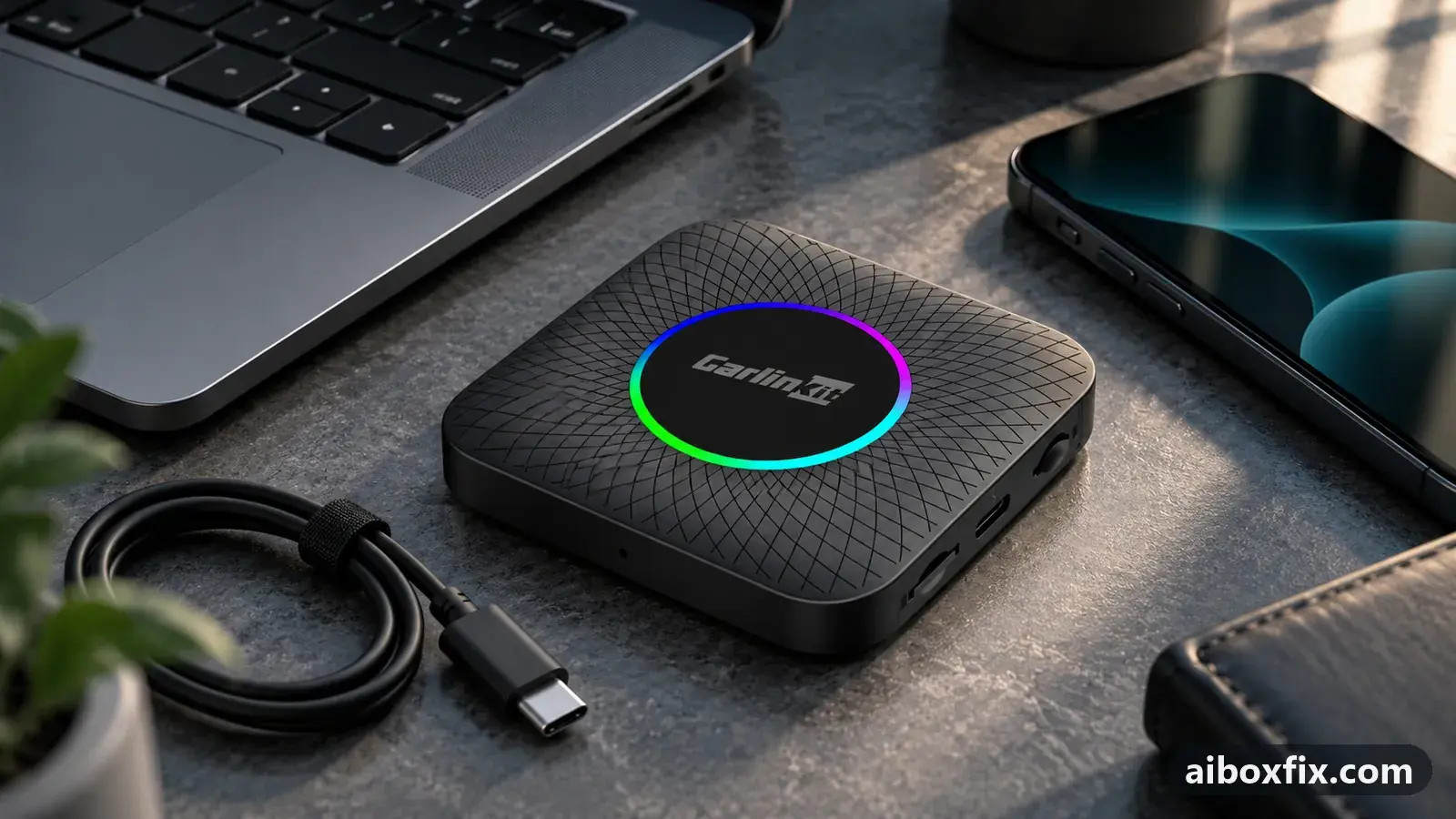
Quick answer
On a Carlinkit TBox Ambient or Plus whose apps run but whose screen ignores every tap, restart the car's head unit itself, not the box: four of the five owners who tried it got touch back. If that does not hold, a head-unit factory reset or a 10-minute battery disconnect worked for one owner each.
Symptoms
- The box boots, its launcher, music and navigation run, and your position moves on the map, but no tap on its screen does anything
- The head unit's own menus respond to touch normally; only the box's screen is dead
- Unplugging the box, a different cable or even a reflash does not bring touch back
- Touch still works in one corner of the screen and nowhere else
- It worked yesterday, or until the car came back from a workshop
Applies to
- Connection to the car
- CarPlay and Android Auto
- Head units mentioned in reports
- Changan Changan head units; Chery / Exeed Chery and Exeed head units
- Highest risk on this page
- Low risk
- Status
- Workaround confirmed by the community
Why it happens
The box does not read your touchscreen directly. The head unit senses your finger and sends the coordinates to the box over the CarPlay or Android Auto link. If the head unit stops sending them, the box keeps running and streaming its picture, but it never hears a tap. One community member put it plainly: the head unit stops sending touch coordinates to the box, and some Chinese-made head units do this from time to time.
Restarting the box does not touch the part that failed. Many head units also never fully switch off with the ignition; they sleep and wake with the same stuck state. That is why a real restart of the head unit itself is what owners needed.
If the box’s screen accepts taps only while the car is parked, that is a different matter: some cars, Mazda among them, block the touchscreen while driving by design.
Fixes, ranked
Restart the head unit itself, not the box
- Low risk
- Time: 2 minutes
- Worked for 4 of 5 reports
- Leave the box connected as it is.
- Restart the head unit: hold its power button, or hold the steering-wheel button your car uses to reboot it, until the screen goes dark and the car’s logo appears. Switching the ignition off and on is not enough on many cars.
- Wait for the box to reconnect and tap a menu on its screen.
Four owners got touch back this way. One had a box whose launcher, navigation, speed-camera app and GPS had all loaded normally, yet no tap registered; replugging the box had done nothing, and the head-unit restart “really helped”. Another restarted the head unit by holding the steering-wheel button and touch returned. A Chery Tiggo 8 Pro owner in CarPlay mode, whose touch still worked only in one corner, fixed it with a head-unit reboot too.
A TBox Ambient owner on a Changan Uni-K lost touch everywhere after the car came back from a wrap shop. He had removed the SD card and SIM, changed cables and reflashed the box, all without result; the head-unit restart was the one thing he had not tried, and it worked. A second Uni-K owner with an Ambient got touch back with the steering-wheel restart, but it stopped again later, so this counts as tried, not confirmed. If yours keeps coming back, go on to the next two fixes.
Factory reset the head unit
- Low risk
- Time: 20 minutes
- Worked for 1 of 1 report
- Note the head-unit settings you want to keep: radio presets, paired phones, display and sound settings.
- Run the head unit’s own factory reset from its system settings. This resets the car’s multimedia system, not the AI box.
- Set the head unit up again, reconnect the box and test touch.
One owner whose box was connected, with Bluetooth and Wi-Fi working, but could not be pressed anywhere after working fine the day before, had spent two hours on the box itself. A head-unit factory reset was the reply, and it worked. The box model was not stated.
Disconnect the car battery for 10 minutes
- Low risk
- Time: 15 minutes
- Worked for 1 of 1 report
- Switch the car off, remove the key and close the doors.
- Disconnect the negative terminal of the 12 V battery.
- Wait about 10 minutes.
- Reconnect the terminal, start the car and test touch on the box.
A Changan CS95 owner had the same dead touch after a change to the car’s software (the speed-limit warning had been removed) and cured it by disconnecting the battery terminal for 10 minutes. This cuts power to every module, so the head unit starts from scratch. Some cars lose the clock, radio presets or window settings after a battery disconnect, and a few need a radio code; check your car’s manual first.
Things to try (unverified)
- Check the head unit’s touch without the box. Disconnect the box and use the car’s own menus and a phone’s CarPlay or Android Auto. If touch is dead there too, the touchscreen itself needs the car dealer. The owners above all had working head-unit menus.
- Switch protocol. One Tiggo 8 Pro owner saw touch faults stop after moving the box to Android Auto, but went back to CarPlay for other reasons and the fault returned, so it is not a confirmed fix for dead touch. It is the main fix when taps are late or off-target: see AI box slow or touch off-target in CarPlay mode and switching between CarPlay and Android Auto.
- Wait for the next start. One Ambient owner reported that touch came back on its own, with no change to power, firmware or SIM. That is no fix, but it shows the fault often sits in a temporary head-unit state.
If touch drops out for a few seconds and comes back on a very large, high-resolution screen, the box is overloaded instead: see big screens overload the AI box. Missing pinch-zoom with one-finger touch working is covered in enable multitouch.
If nothing works
Note the box model and firmware date (Settings → About), the car make, model and year, the head unit, the protocol (CarPlay or Android Auto), and whether touch fails everywhere or only in part of the screen. Record a short video showing the head-unit menus responding and the box’s screen not responding.
If the head unit’s own menus work but the box never gets touch even after a head-unit restart and reset, ask the seller or the manufacturer (Carlinkit: [email protected]) whether your car’s head unit is supported; how to report a bug lists what they will ask for. If the car’s touch is dead without the box too, that is a job for the car dealer. If your car does not work with the box at all, start here compares the alternatives.
What owners said
“That's the only thing I hadn't done. And that's exactly what worked.”
Owner, Carlinkit TBox Ambient, Jul 2024
“I had that after the speeding warning was removed. It was cured by disconnecting the battery terminal for 10 minutes. On a Changan CS95.”
Owner, Jul 2024
“Today I got in and started the car; the box started by itself, CarCar too, the music app began playing. I wanted to like a song and the touch didn't respond. […] Rebooting the head unit helped.”
Owner, May 2024
Quotes are translated where needed and shortened ([…]); names are removed. Full counts are in the evidence table below.
Questions owners ask
I already unplugged and restarted the box. Why does touch still not work?
Because the fault is usually in the head unit, not the box. Owners who replugged the box, changed cables or even reflashed it still had no touch; restarting the head unit itself brought it back.
Does switching the car off and on restart the head unit?
Often not. Many head units only go to sleep when you lock the car, so a stuck touch link survives the next drive. Hold the power button or the steering-wheel reboot button until the car's logo appears.
Touch works, but taps land in the wrong place or seconds late. Is this the same problem?
No. Off-target and delayed taps are a link-quality problem that switching to Android Auto fixed for owners; see the guide to a slow or off-target AI box in CarPlay mode.
Related fixes
- AI Box Slow or Touch Off in CarPlay: 12 Owner ReportsLow risk
- AI Box Lags on a Big High-Resolution Screen? Raise Smallest WidthLow risk
- Apps Keep Losing Their Special Permissions on the BoxLow risk
- AI Box Fills Only Part of the Silverado or Sierra ScreenLow risk
- AI Box Too Bright at Night: Dark Theme That Stays DarkLow risk
Did this work for you?
Tell us which fix worked (or didn't), with your box, firmware date and car. Reports are how fixes get confirmed and re-ranked.
Send a reportChangelog
- Last reviewed against new community reports:
- Confirmed by 6 community reports on Carlinkit TBox Ambient.
- Page updated:
"Confirmed" means a community member reported that the fix worked on their unit. We have not tested it on our own hardware. How we verify.
Evidence behind these counts (3 cases)
One row per case: a device, a symptom and a fix, merged from owner reports. An owner counts once per fix. Reports with no outcome yet are not counted. Forum and chat message references are kept on file but not published, to protect owners' privacy; public Reddit and YouTube sources are linked.
| Case | Confirmed on | Result | Source |
|---|---|---|---|
| case-8240 | Carlinkit TBox Ambient | 4 worked, 1 did not | Owner discussion threads, 18 messages |
| case-8241 | Model not stated | 1 worked | Owner discussion threads, 3 messages |
| case-8242 | Model not stated | 1 worked | Owner discussion threads, 1 message |