Apps & launchersReviewed
Telegram Login Code Never Arrives on the AI Box: How to Sign In
Telegram login code never arrives on your AI box? Sign in on your phone first so the code lands in the app, or move the SIM to a phone. Mstick4, TBox.
MGears Mstick4Carlinkit TBox AmbientCarlinkit TBox PlusCarlinkit TBox UHD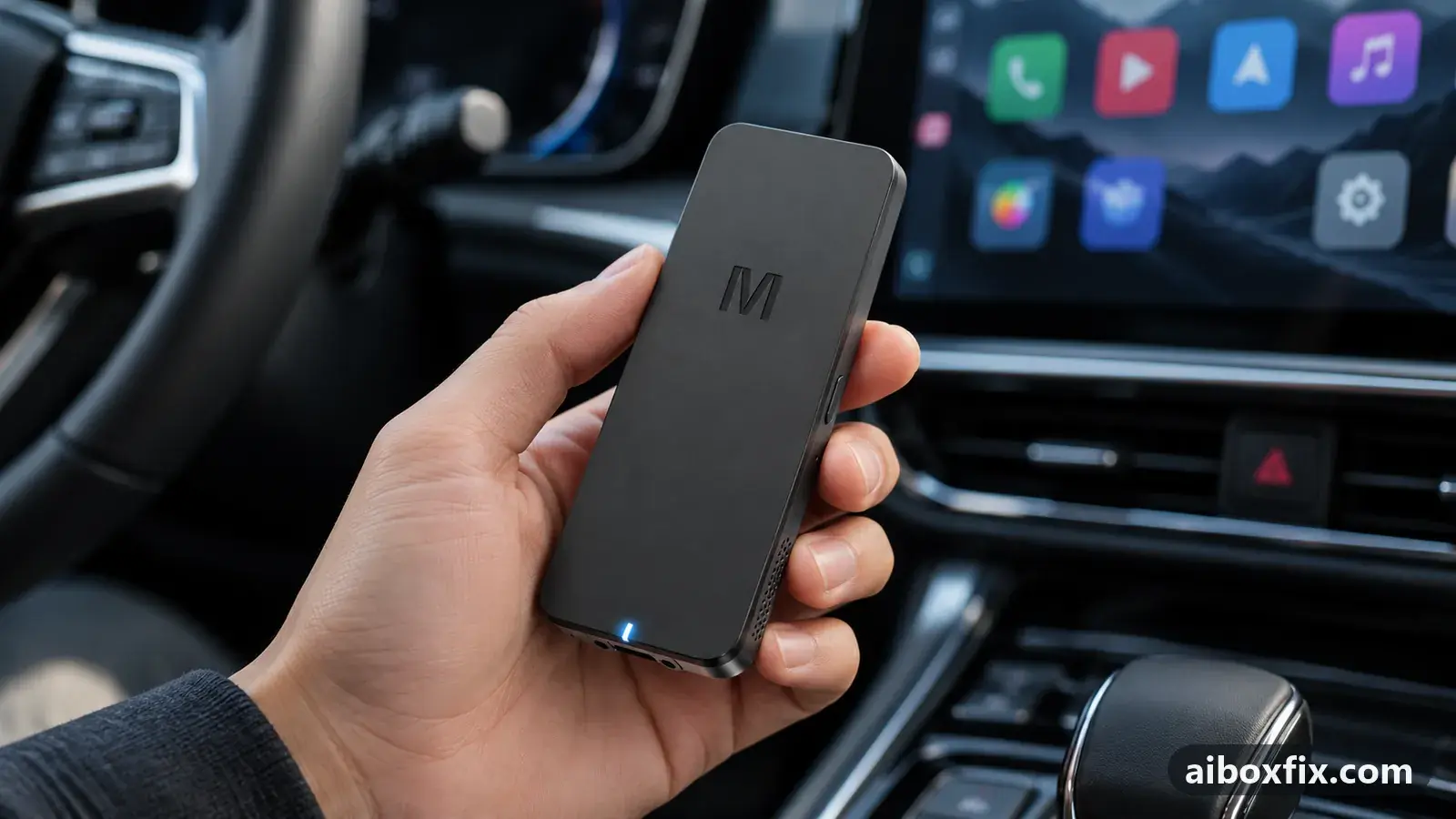
Quick answer
On an AI box such as the MGears Mstick4 or Carlinkit TBox, a Telegram login code that never arrives after the email step shows up when you sign in to Telegram on your phone first: the box's code then lands inside the app, not by SMS. One owner confirmed this; another signed in by moving the SIM to a phone.
Symptoms
- You enter the emailed code, then Telegram sends a second code by SMS that never appears on the box
- Telegram shows a 'system error, cannot send SMS' message when you try to sign in
- The box has a SIM but no messaging app, so an SMS code is nowhere to be read
- The web version of Telegram will not load on the box either
- A factory reset did not make the code arrive
Applies to
- Connection to the car
- CarPlay and Android Auto
- Highest risk on this page
- Low risk
- Status
- Workaround confirmed by the community
Why it happens
Telegram checks a new sign-in in two steps. It e-mails a code first, then sends a second code by SMS to confirm the phone number. The box takes the e-mail code without trouble, but the SMS code lands nowhere: the box has no messaging app to show an SMS, and often no phone number of its own, so the code you are waiting for is never displayed.
That second code does not have to arrive on the box. Telegram prefers to send a login code to a device where you are already signed in, delivered inside the app rather than as an SMS. If your account is live on your phone, the box’s code shows up there. And if the code must go by SMS, the SIM can sit in a phone that can read it while the box stays online over the phone’s hotspot.
This is a sign-in problem, not a data problem: the box’s mobile data can be working fine and the code still never comes. If the box cannot get online at all, that is a different fault, covered in AI box SIM card not working.
Fixes, ranked
Sign in on your phone first, then read the code in the Telegram app
- Low risk
- Time: 10 minutes
- Worked for 1 of 1 report
- Sign in to Telegram on your own phone, using the same phone number you will use on the box.
- On the box, install Telegram and start the sign-in with that same phone number.
- When Telegram says it has sent a code, open the Telegram app on your phone. The code arrives there as an in-app message, not as an SMS.
- Read the code on the phone and type it on the box to finish signing in.
One owner reported that this is how the code reaches him: requested from the box, it comes into Telegram on his phone. It works because a code for a new session goes to a device already signed in before Telegram falls back to SMS. The same advice turns up from owners who got stuck at the SMS step: create or keep the account on another device, and the box’s code is delivered there.
Move the SIM to a phone to read the SMS, share its internet to the box
- Low risk
- Time: 15 minutes
- Worked for 1 of 1 report
- Move the SIM from the box into a phone that can receive SMS.
- Turn on the phone’s Wi-Fi hotspot and connect the box to it, so the box has internet.
- On the box, start the Telegram sign-in using that SIM’s phone number.
- When the SMS code arrives on the phone, type it on the box to finish signing in.
A MGears Mstick4 owner signed in this way: the SIM went into his phone for the authorization and he shared the phone’s internet to the stick, so the SMS came to the phone while the box stayed online. Use this when the number you are signing in with belongs to the box’s SIM rather than to a phone you already use.
Both reports are owners describing what worked on their own box, not the owner who first asked; no one who was stuck has written back to say a method fixed it for them. Treat the counts as “one owner got in this way”, not a success rate.
Things to try (unverified)
- Install a messaging app on the box, with the SIM left in it. One reply suggested adding a messages app from the store so an SMS to the box’s SIM has somewhere to appear. Nobody reported whether the login code then showed up.
- The web version of Telegram. One TBox Ambient owner tried the browser version when the app’s code would not arrive; it would not load for him. No owner reported signing in through the web version, so it is not a route we can recommend yet.
- A factory reset to fix the box’s own SMS. One owner reset the box hoping it would let Telegram send the SMS; it did not help. A reset erases everything on the box, so do not count on it for this.
If nothing works
Several owners concluded that the box itself cannot send the confirmation SMS at all, and chasing that on the box is a dead end: use one of the two phone-based routes above instead. If neither signs you in, note the box model and firmware date (Settings → About), the exact wording of the error, and whether mobile data otherwise works, then ask the maker’s support channel. If the same account signs in without trouble on your phone but never on the box even with the code delivered to the phone, and you depend on apps like this, start here on choosing a box. For other app sign-ins that behave the same way, see can’t sign in to a Google account and Netflix won’t sign in.
What owners said
“On the first question: I put the SIM card into the phone at the moment of authorization and shared internet from it to the stick.”
Owner, MGears Mstick4, Nov 2025
“On my box, the code comes into Telegram on my phone, from the box.”
Owner, Oct 2023
Quotes are translated where needed and shortened ([…]); names are removed. Full counts are in the evidence table below.
Questions owners ask
Why does the box never get the SMS code?
The box has no SMS inbox and often no phone number of its own, so a code sent by SMS is never shown. Telegram will instead send the code to a device you are already signed in on, which is why reading it on your phone works.
Do I need a SIM in the box to sign in to Telegram?
No. The box only needs internet. You can receive the code on your phone and give the box internet over the phone's hotspot, with the SIM in the phone.
Can I just use the web version of Telegram on the box?
One owner found the web version would not load on his box. Signing in to the app with the code delivered to your phone is the route owners got working.
Related fixes
- Can't Sign In to Google on the Box: 15 Owner ReportsAdvanced
- AI Box SIM Card Not Working: 29 Owner ReportsAdvanced
- Netflix Won't Sign In on a Carlinkit TBox After an UpdateLow risk
- WhatsApp on the AI Box Logs Out Your Phone: Link It InsteadLow risk
- AI Box Fills Only Part of the Silverado or Sierra ScreenLow risk
Did this work for you?
Tell us which fix worked (or didn't), with your box, firmware date and car. Reports are how fixes get confirmed and re-ranked.
Send a reportChangelog
- Last reviewed against new community reports:
- Confirmed by 2 community reports on MGears Mstick4.
- Page updated:
"Confirmed" means a community member reported that the fix worked on their unit. We have not tested it on our own hardware. How we verify.
Evidence behind these counts (2 cases)
One row per case: a device, a symptom and a fix, merged from owner reports. An owner counts once per fix. Reports with no outcome yet are not counted. Forum and chat message references are kept on file but not published, to protect owners' privacy; public Reddit and YouTube sources are linked.
| Case | Confirmed on | Result | Source |
|---|---|---|---|
| case-1697 | Model not stated | 1 worked | Owner discussion threads, 1 message |
| case-1698 | MGears Mstick4 | 1 worked | Owner discussion threads, 1 message |