Apps & launchersReviewed
Speed-Camera or HUD App Stops in the Background or at Boot
HUD speed or speed-camera app stops in the background or at boot? Set its location permission to Allow all the time. Picasou 2 Pro, TBox Plus, Ambient.
Ottocast Picasou 2Carlinkit TBox PlusCarlinkit TBox Ambient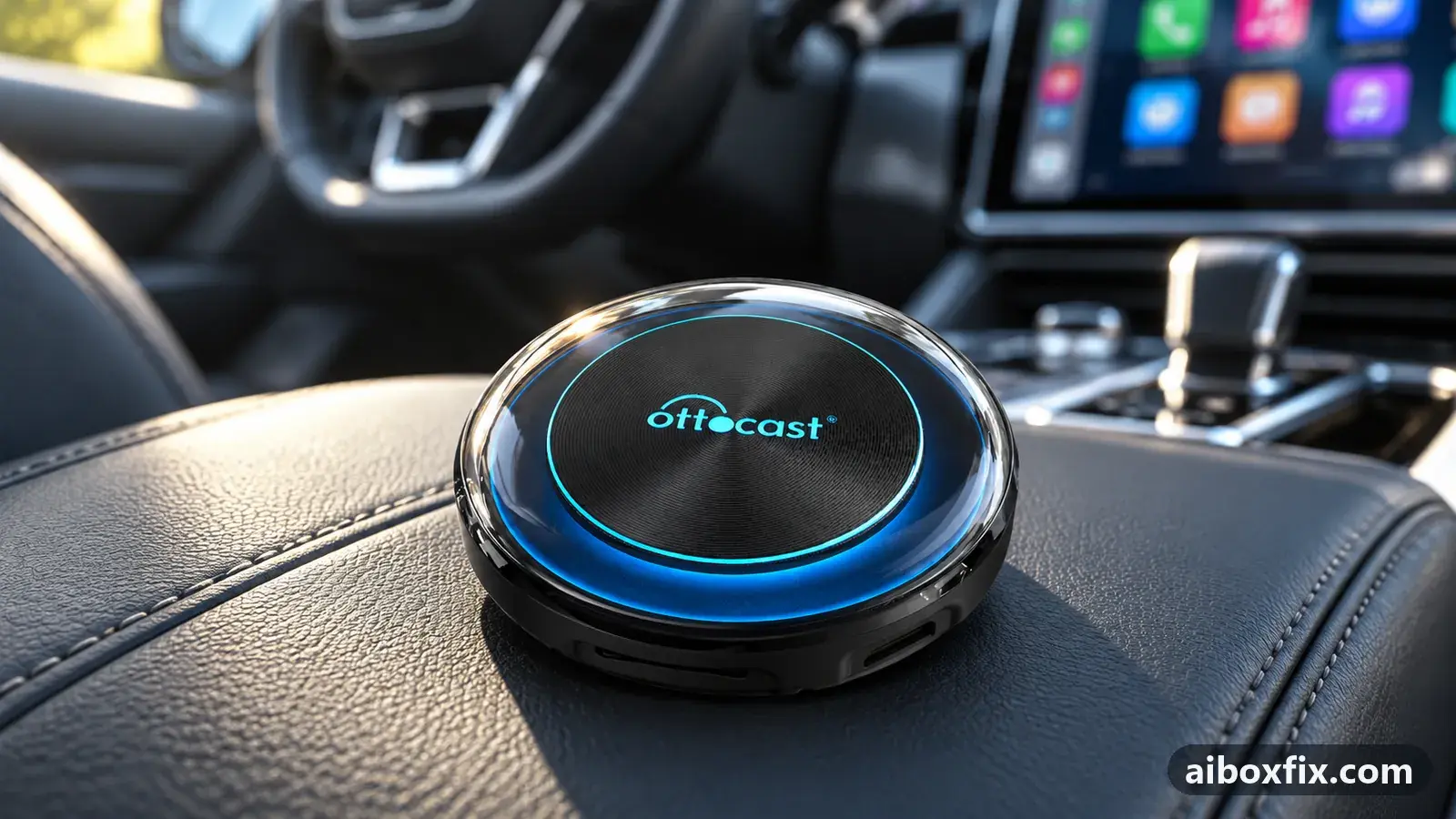
Quick answer
On an Ottocast Picasou 2 Pro or Carlinkit TBox Plus, a HUD speed or speed-camera app that drops its start-in-background setting or loses GPS in the background keeps running once its Android location permission is set to Allow all the time. Three of three owners confirmed this; one also allowed background activity.
Symptoms
- The app's start-in-background option is off again after every restart of the box
- After start-up the app shows no GPS reception and gives no alerts until you open it or switch it off and on
- With the app on screen it works, but in the background it reports that the GPS signal is lost
- Switching the app to background mode brings up a warning about background location access
- At every start the box opens your navigation app instead of the launcher
Applies to
- Connection to the car
- CarPlay and Android Auto
- Highest risk on this page
- Low risk
- Status
- Workaround confirmed by the community
Why it happens
Android gives an app’s location access in two strengths: while the app is in use, or all the time. A HUD speed or speed-camera app needs GPS while it sits behind your navigation or music, which only the second one allows. With the first, the app loses its position the moment it leaves the screen or starts at boot, stops alerting, and often turns its own background mode off again. An app update can quietly reset that choice.
Android can also limit what an app does in the background to save power, which stops it in the same way. Which app the box opens first at boot is a separate setting, covered in launcher or app doesn’t open when the box starts.
Fixes, ranked
Set the app's location permission to Allow all the time
- Low risk
- Time: 5 minutes
- Worked for 3 of 3 reports
- Open the box’s Android settings → Apps and select the HUD or speed-camera app. Some apps open this page from a link in their own settings.
- Open Permissions → Location and choose Allow all the time.
- On the same app page, allow background activity: set its battery or background setting to unrestricted.
- Open the app and turn its start-in-background or autostart option on again.
- Restart the box and check that the app runs and alerts without being opened.
An Ottocast Picasou 2 Pro owner had to tap the HUD app’s run-in-background button at every start, because the setting kept switching itself off. Another owner told him to give the app the top location option, the one for all the time, and to reinstall the app if that was already set. After the change the setting held. He then found that CarCar Launcher no longer opened at start-up, which the launcher start-up guide covers.
A TBox Plus owner’s HUD app worked with the app open but reported a lost GPS signal in the background, although it had worked before. Another owner suggested that an update had cleared the allow-always choice; setting it again fixed it. A second TBox Plus owner’s speed-camera app started at boot but showed no reception and did nothing until he switched it off and on. He granted location again and allowed background activity in the Android app settings, and from then on the app’s own autostart worked.
Navigator opens at boot instead of the launcher: check the alert app
- Low risk
- Time: 5 minutes
- Worked for 1 of 1 report
- Open the speed-camera app’s settings.
- Find its start-up or autostart section and the option that launches a navigation app together with it.
- Turn that option off. Keep the alert app’s own autostart on if you want it.
- Restart the box and check that the launcher comes up first.
A TBox Ambient owner saw his navigation app open at every start instead of CarCar Launcher, and the stock launcher behaved the same. He had changed every launcher setting he could find. Owners pointed out that some alert apps can start a navigation app with them; his speed-camera app had the navigator set to launch, and turning that off brought the launcher back. If no alert app is involved, see the launcher start-up guide.
Things to try (unverified)
- Turn on the app’s own start-with-device and always-in-background options. In HUD-type apps they sit near the bottom of the settings. Suggested in a 2026 thread with no report back; other owners describe running their HUD app this way.
- Accept every prompt when you switch the app to background mode. One reply said such apps ask for display over other apps and for battery saving to be turned off when you enable background mode, and suggested reinstalling the app to get those prompts again. Nobody reported the result.
- Do not rely on the box’s start-up list for an alert app. One TBox Ambient owner added his navigation app to Settings → Other parameters → App launch and it did not start. On an MGears Mstick4, the stick’s autostart setting did not start a speed-camera app that started normally on a TBox Ambient; the owner was pointed to the app’s own autostart and did not report back.
- If the app finds no satellites even while it is on screen, permissions are not the cause. See inaccurate GPS on an AI box.
If nothing works
Note the box model and firmware date (Settings → About), the app and its version, and take a photo of the app’s permission page showing location and battery settings. Restart the box and write down what the app shows before you open it: no GPS, no widget, or nothing at all.
If the app still loses its settings with every permission given, report it to the app’s developer, who can tell whether their autostart works on Android boxes. If the box fails to start, or apps lose more than one setting after each start, contact the box’s maker (Carlinkit: [email protected]; Ottocast: [email protected]) with the bug report details. More about these boxes is on the TBox Plus page. If you are choosing a box with this kind of app in mind, start here.
What owners said
“Thanks, mate, it really was the speed-camera app: it had the navigation app set to autostart.”
Owner, Carlinkit TBox Ambient, Mar 2026
“Thanks. In the app's settings I granted the location permission again and everything worked.”
Owner, Apr 2025
Quotes are translated where needed and shortened ([…]); names are removed. Full counts are in the evidence table below.
Questions owners ask
Why does the app switch its background option off by itself?
Without permission to use location in the background, the app cannot follow your speed once it leaves the screen, so it drops the mode. Owners found the option stayed on once location was set to Allow all the time.
Is Allow all the time safe to give?
It lets the app read your location whenever it runs, which is what a speed-camera app needs to warn you from the background. Give it to the alert app, not to every app on the box.
Should I also put the alert app in the box's start-up list?
Owners start alert apps with the app's own autostart option, which starts them in the background. The box's start-up slot opens one app in front at boot and is meant for a launcher or navigator.
Related fixes
- Launcher or App Doesn't Open When the Box StartsLow risk
- Inaccurate GPS on an AI Box: 23 Owner ReportsAdvanced
- Carlinkit Home Screen Widgets Gone? Switch Style 1 or Style 2Low risk
- WhatsApp Voice Messages Silent in the Car Through an AI BoxLow risk
- AI Box Fills Only Part of the Silverado or Sierra ScreenLow risk
Did this work for you?
Tell us which fix worked (or didn't), with your box, firmware date and car. Reports are how fixes get confirmed and re-ranked.
Send a reportChangelog
- Last reviewed against new community reports:
- Confirmed by 4 community reports on Ottocast Picasou 2, Carlinkit TBox Plus, Carlinkit TBox Ambient.
- Page updated:
"Confirmed" means a community member reported that the fix worked on their unit. We have not tested it on our own hardware. How we verify.
Evidence behind these counts (2 cases)
One row per case: a device, a symptom and a fix, merged from owner reports. An owner counts once per fix. Reports with no outcome yet are not counted. Forum and chat message references are kept on file but not published, to protect owners' privacy; public Reddit and YouTube sources are linked.
| Case | Confirmed on | Result | Source |
|---|---|---|---|
| case-8450 | Ottocast Picasou 2; Carlinkit TBox Plus | 3 worked | Owner discussion threads, 18 messages |
| case-8451 | Carlinkit TBox Ambient | 1 worked | Owner discussion threads, 11 messages |