SIM, Wi-Fi & GPSReviewed
Phone Won't Pair With the Box: Bluetooth Connection Error
Phone shows a Bluetooth connection error or drops right after pairing? Delete it on the box, re-pair in the box's phone app. Carlinkit TBox Ambient.
Carlinkit TBox Ambient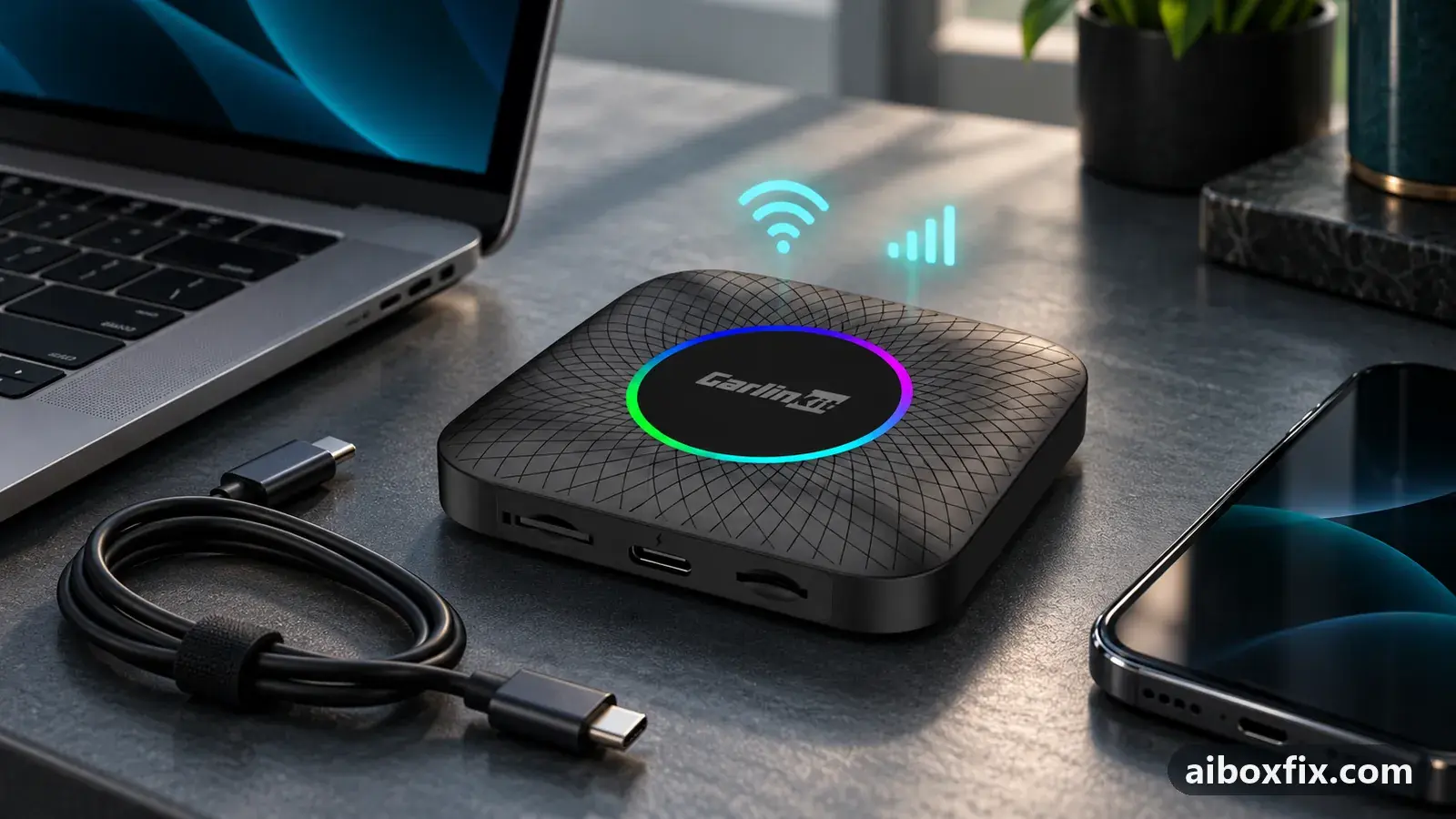
Quick answer
On the Carlinkit TBox Ambient, a Bluetooth connection error when the phone connects went away after the owner deleted the phone from the box's Bluetooth list and paired it again. If the phone pairs and drops at once, pair it through the box's own Bluetooth phone app instead of Android's Bluetooth settings: that worked for a second owner.
Symptoms
- The box shows a Bluetooth connection error and your phone no longer connects
- The phone pairs, the Bluetooth icon appears on the box, then disappears a moment later
- Tapping the phone in the box's saved Bluetooth devices connects it and drops it again at once
- A second phone does exactly the same on this box
Applies to
- Devices
- Connection to the car
- CarPlay and Android Auto
- Highest risk on this page
- Low risk
- Status
- Workaround confirmed by the community
Why it happens
A Carlinkit TBox has two separate Bluetooth systems. One is ordinary Android Bluetooth under Settings → Bluetooth; owners describe it as meant for mice, keyboards, OBD adapters and similar gadgets. The other is the box’s hands-free Bluetooth, which the phone sees under the box’s own name (TBOX Ambient on that model) and which the box’s Bluetooth phone app manages. Calls, contacts and call history go through the second one.
Pair the phone through Android’s settings and it ends up on the wrong system: it connects, finds nothing it can use for calls and drops. A phone that used to connect and suddenly shows a connection error usually has the opposite problem: the box’s saved record of the phone no longer matches the phone’s own record, so every reconnection is refused until both sides forget each other.
Fixes, ranked
Delete the phone on the box and pair it again
- Low risk
- Time: 5 minutes
- Worked for 1 of 1 report
- On the box, open the list of paired Bluetooth devices in the Bluetooth phone app and delete your phone. If the phone also appears under Settings → Bluetooth, delete it there too.
- On the phone, open Settings → Bluetooth and forget every entry for the box.
- Pair the phone with the box again, from the box’s Bluetooth phone app as in the next fix.
A TBox Ambient owner whose phone stopped connecting, with the box reporting a Bluetooth connection error, was told to delete the phone from the box’s Bluetooth list and pair again. He replied that it helped. He did not say which list he used, so clear both.
Pair through the box's Bluetooth phone app, not Android's settings
- Low risk
- Time: 10 minutes
- Worked for 1 of 1 report
- On the box, open Settings → Bluetooth and forget your phone.
- On the phone, forget every entry for the box.
- Open the box’s Bluetooth phone app (owners call it BT Phone or similar; it has a handset icon) and go to its Bluetooth or devices section.
- On the phone, search for Bluetooth devices and pair with the entry named after the box, TBOX Ambient on that model.
- Make a test call from the box’s phone app.
The owner in this case had set up a new TBox Ambient as a gift and paired his phone in the box’s Android Bluetooth settings. The Bluetooth icon vanished almost at once, and reconnecting from the saved device list connected and dropped every time. A second phone did the same. Replies explained that phones belong in the box’s own phone app, named the hands-free entry TBOX Ambient, and told him to delete the old pairing and pair again in the app. He did: the phone paired and calls went through.
One reply blamed his third-party launcher; he kept it, so it was not the cause. His next problem was different: calls went through but neither side could hear the other. If that happens to you, see can’t hear the caller on incoming calls, and for a microphone that callers cannot hear, microphone not working on calls.
Things to try (unverified)
- Keep only calls and contacts on the phone’s link. In the phone’s Bluetooth settings for the box, turn off everything except phone calls and contacts. Suggested to the owner above as a next step; he did not report on it.
- Reset the box’s software and align the firmware. The same owner had a second box with the same apps that paired without trouble; the two ran firmware from March and May 2025. A reply suggested a factory reset and matching the firmware. Nobody reported trying it for a pairing problem.
- Try a second phone. It does not fix anything, but it tells you where to look: if another phone drops the same way, the problem is on the box, as it was here.
- If you would rather keep the phone on the car, pairing it with the head unit while the box runs is a different setup with its own steps: see keep your phone on the car’s Bluetooth while the AI box runs.
If nothing works
Write down the box model and firmware date from Settings → About, your phone model and its software version, where you paired (the phone app or Android settings) and the exact error text. A short video of the phone connecting and dropping helps more than a description. How to report a bug lists what support engineers ask for.
Send that to your seller or to Carlinkit at [email protected]. The TBox Ambient hub collects the model’s other known problems. If no phone will stay paired even after a factory reset, the box’s Bluetooth module may be faulty, and a warranty claim or replacement is the honest answer; start here explains how the box families differ.
Pairing a phone with a TEYES head unit and not with a box? See TEYES Bluetooth: phone not found or no reconnect; its reports come from TEYES owners only.
What owners said
“Thanks! I paired the phone.”
Owner, Carlinkit TBox Ambient, Jun 2025
“Thanks. It helped.”
Owner, Carlinkit TBox Ambient, Jan 2025
Quotes are translated where needed and shortened ([…]); names are removed. Full counts are in the evidence table below.
Questions owners ask
Which Bluetooth name should my phone pair with?
The entry that carries the box's own name, TBOX Ambient on that model, found while the box's Bluetooth phone app is open. Android's Bluetooth settings on the box are meant for mice, keyboards and similar gadgets, not for the phone's hands-free link.
Do I have to remove my third-party launcher?
Not for this. One reply blamed the launcher, but the owner whose phone kept dropping kept it; pairing through the box's phone app is what fixed the connection.
The phone stays connected now, but nobody hears anything on calls. Is that the same problem?
No. That is a call-audio problem after pairing works, and it usually comes from duplicate pairings with the car or old entries. The page on not hearing the caller covers it.
Related fixes
- Can't Hear the Caller on Incoming Calls Through the AI BoxAdvanced
- Keep the Phone on the Car's Bluetooth: 21 Owner ReportsAdvanced
- Connect an OBD2 (ELM327) Adapter to Your AI BoxLow risk
- AI Box Keeps Dropping Your Phone's Wi-Fi HotspotLow risk
- AI Box Says "No SIM Card": Insert It Right or Shim a Thin SIMLow risk
Did this work for you?
Tell us which fix worked (or didn't), with your box, firmware date and car. Reports are how fixes get confirmed and re-ranked.
Send a reportChangelog
- Last reviewed against new community reports:
- Confirmed by 2 community reports on Carlinkit TBox Ambient.
- Page updated:
"Confirmed" means a community member reported that the fix worked on their unit. We have not tested it on our own hardware. How we verify.
Evidence behind these counts (2 cases)
One row per case: a device, a symptom and a fix, merged from owner reports. An owner counts once per fix. Reports with no outcome yet are not counted. Forum and chat message references are kept on file but not published, to protect owners' privacy; public Reddit and YouTube sources are linked.
| Case | Confirmed on | Result | Source |
|---|---|---|---|
| case-8790 | Carlinkit TBox Ambient | 1 worked | Owner discussion threads, 3 messages |
| case-8791 | Carlinkit TBox Ambient | 1 worked | Owner discussion threads, 4 messages |