SIM, Wi-Fi & GPSReviewed
AI Box Keeps Dropping Your Phone's Wi-Fi Hotspot
AI box drops your phone's hotspot every few seconds or minutes? Reset the box's network settings, then test another phone. Carlinkit TBox Plus, UX999.
Carlinkit TBox PlusApplePie UX999 Mini / Pro / MaxCarlinkit TBox AmbientCarlinkit TBox UHD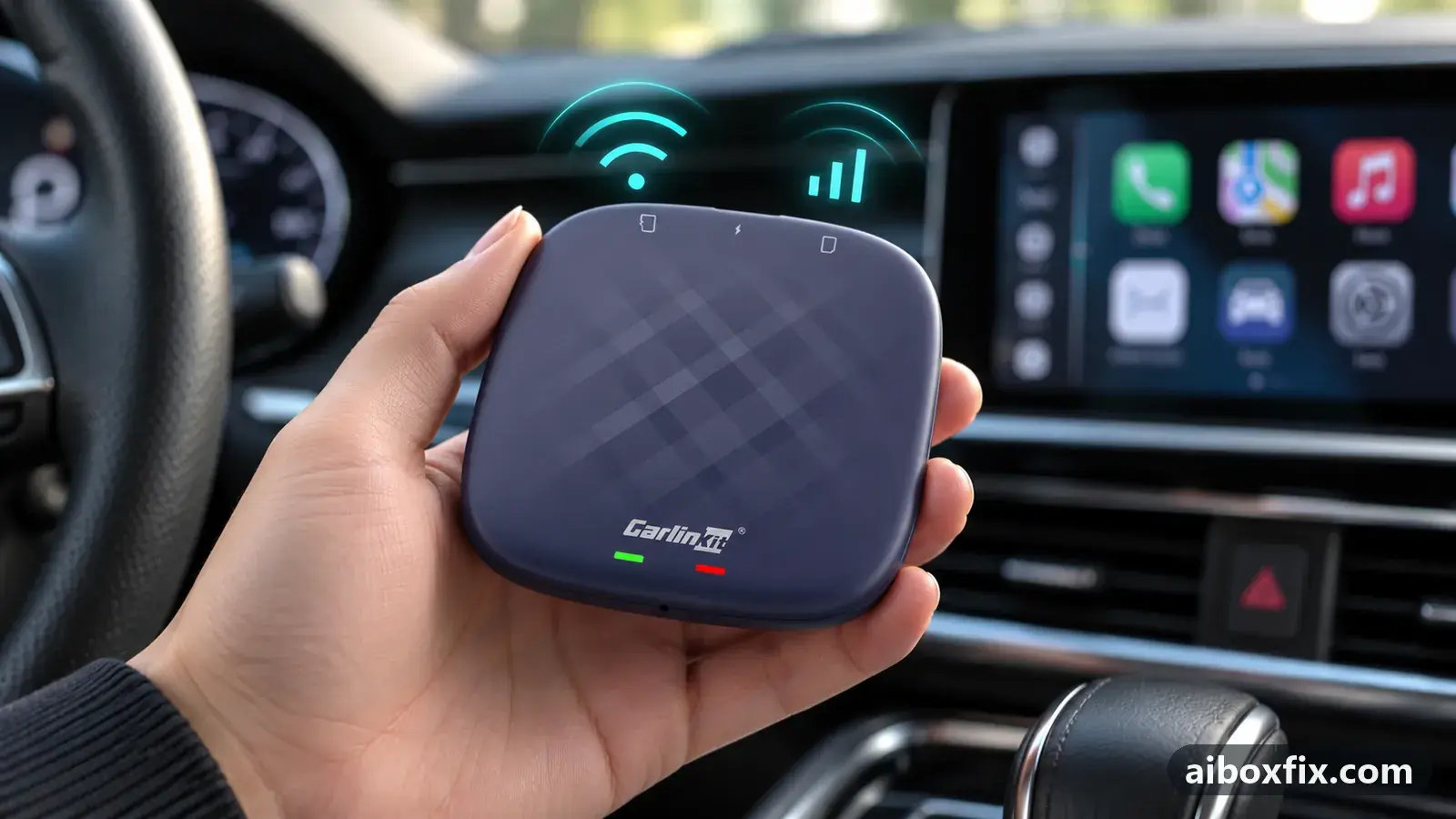
Quick answer
If a Carlinkit TBox Plus or ApplePie UX999 keeps dropping your phone's Wi-Fi hotspot or hangs on obtaining an IP address, reset only the box's network settings under Settings → System → Reset options and rejoin the hotspot. That stopped the drops for both owners who reported back, though one has to repeat it after every power-on.
Symptoms
- The Wi-Fi icon on the box goes on and off every second or every few minutes while the phone's hotspot stays on
- The box's Wi-Fi list shows the hotspot as Obtaining IP address, IP configuration error, or Saved instead of Connected
- Music and maps stop mid-drive and start again when you switch the hotspot off and on
- The box no longer joins the hotspot by itself after you start the car, only by hand
- The box will not join the phone's hotspot at all, though it worked for months
Applies to
- Devices
- Carlinkit TBox Plus
- ApplePie UX999 Mini / Pro / Max
- Carlinkit TBox Ambient
- Carlinkit TBox UHD
- Connection to the car
- CarPlay and Android Auto
- Highest risk on this page
- Low risk
- Status
- Workaround confirmed by the community
Why it happens
Without a SIM, the box gets its internet as an ordinary Wi-Fi client of your phone’s hotspot, and either side can break the link. On the box, its saved network configuration can go bad, so it hangs on getting an IP address or keeps reconnecting. On the phone, the hotspot can be cut by its own Wi-Fi settings, power saving, the band it uses, or a device block list.
The quickest way to tell which side is at fault is to change the other one. One owner’s box held fine on a second phone, so the first phone was the problem; an ApplePie UX999 Max dropped on every phone and on a home router too, so the box was.
Fixes, ranked
Reset the box's network settings and rejoin the hotspot
- Low risk
- Time: 5 minutes
- Worked for 2 of 2 reports
- On the box, open Settings → System → Reset options (on some firmware it sits under Settings → More → System).
- Choose the network-settings reset (Wi-Fi, mobile and Bluetooth). Do not choose Erase all data.
- Confirm and wait for the box to finish.
- Open Wi-Fi, select the phone’s hotspot and enter its password again.
- Re-pair any Bluetooth devices the box used.
A TBox Plus owner whose box had joined the car’s own Wi-Fi for a year and a half found it suddenly would not connect on start-up any more and stayed without an IP address unless connected by hand. Re-entering the network did not help; the network reset did, and a full factory reset was not needed.
An ApplePie UX999 Max owner’s Wi-Fi worked for a minute, then dropped for two or three, on the phone’s hotspot and a home router alike. Changing firmware and a full factory reset did not help; only the network reset gave a stable connection. That owner has to repeat it after each power-on, so treat it as a workaround on that box.
Share from a different phone to rule out the hotspot
- Low risk
- Time: 10 minutes
- Worked for 1 of 1 report
- Switch on the hotspot on another phone.
- Join it from the box and use it for a full drive.
- If it holds, the first phone’s hotspot is the cause: use the other phone, or work through the phone-side fixes below.
An owner whose box connected at once, then dropped after a few minutes and hung on obtaining an IP address, had already changed the hotspot’s name, password and band with no effect. A different Android phone ran without drops. Months later the same owner found the first phone failed again after about a month until the phone was restarted, while the second never had problems.
Unblock the box in the phone's hotspot device list
- Low risk
- Time: 3 minutes
- Worked for 1 of 1 report
- On the phone, open the hotspot settings.
- Open the list of connected or blocked devices.
- If the box is listed as blocked, unblock it.
- Join the hotspot from the box again.
A TBox Ambient owner whose box suddenly would not join the hotspot at all, after a year and a half of use, found it had been blocked in the phone’s hotspot settings without knowing how.
Turn off the phone's own Wi-Fi while sharing
- Low risk
- Time: 2 minutes
- Worked for 1 of 1 report
- Leave the phone’s hotspot switched on.
- Switch off the phone’s own Wi-Fi in its quick settings.
- Let the box rejoin the hotspot and watch whether it stays connected.
A TBox Plus on a Xiaomi 14T hotspot reconnected every second. Another owner said turning off the phone’s Wi-Fi had fixed the same thing for them, and it stopped the reconnections for the Plus owner too. The reply was brief, so if your phone has no plain Wi-Fi switch to try, check its hotspot settings for related Wi-Fi options.
Move the hotspot to the 5 GHz band
- Low risk
- Time: 3 minutes
- Worked for 1 of 2 reports
- Open the phone’s hotspot settings.
- Change the band from 2.4 GHz to 5 GHz.
- Rejoin the hotspot from the box.
One owner had Wi-Fi drop after about a minute on 2.4 GHz and a stable link on 5 GHz. The UX999 Max owner above tried 5 GHz with no change. A box that cannot see a 5 GHz hotspot at all is a different issue; switch back to 2.4 GHz if it disappears from the list.
Things to try (unverified)
- Turn off the phone’s hotspot timeout and power saving. Many Android phones switch the hotspot off when no device is connected, and replies pointed to that setting. One owner noticed the box stopped dropping while the phone’s screen stayed on, which points at the phone’s power saving. Nobody reported a fix from changing these.
- iPhone hotspot ends during calls. Two iPhone owners lose the hotspot whenever a call comes in and have to switch Personal Hotspot off and on afterwards. No fix was reported; one of them set up a voice command to toggle it. A reply added that an iPhone also ends the hotspot about five minutes after the last device disconnects, for example during a fuel stop.
- iPhone: Maximize Compatibility. A reply suggested switching it on in the Personal Hotspot settings when the link keeps dropping. Nobody reported back.
- Put a data SIM in the box. Owners who rely on the box’s own SIM avoid the hotspot altogether; see AI box SIM card not working if the SIM gives no data.
If the box stays connected but shows an exclamation mark, see exclamation mark on the Wi-Fi icon. If you need the box itself to share Wi-Fi with the car, that is a different setup: see hotspot on automatically at boot.
If nothing works
Write down the box model and firmware date from Settings → About, the phone’s make, model and Android or iOS version, the hotspot band, and what the box’s Wi-Fi list says when the link drops (Obtaining IP address, Saved, or nothing). Note whether the box also drops on another phone or a home router. The bug-report guide lists what else helps.
If the box drops on every network even after a network reset, contact the manufacturer: Carlinkit at [email protected], or ApplePie through its own support channel. A box whose Wi-Fi fails everywhere may have a hardware fault, and a warranty claim or replacement is the honest answer; start here explains the box families.
What owners said
“I solved the problem but didn't report back! It turns out (I don't know how this happened) the Wi-Fi wasn't reaching the box because the box was blocked on the phone.”
Owner, Carlinkit TBox Ambient, Jul 2026
“Thanks for the advice! It helped. I took another (Android) phone and shared the internet from it. Everything worked perfectly. Now I need to work out what's wrong with the phone; it shares fine to other devices.”
Owner, Dec 2024
“It turned out simpler: in the factory reset section you can choose 'reset network settings' on its own. That was enough for me; I re-entered the Wi-Fi network settings and everything worked (for now, at least).”
Owner, Carlinkit TBox Plus, Aug 2024
Quotes are translated where needed and shortened ([…]); names are removed. Full counts are in the evidence table below.
Questions owners ask
Does resetting network settings delete my apps?
No. It removes saved Wi-Fi networks and Bluetooth pairings and resets mobile-network settings, so you re-enter the hotspot password and re-pair Bluetooth afterwards. Apps, logins and the home screen stay.
How do I tell whether the phone or the box is at fault?
Join the box to a different phone's hotspot or a home router for a while. If it holds there, look at the first phone's hotspot settings. If it drops everywhere, start with the box's network reset.
The box stays connected but shows an exclamation mark. Is this the same problem?
No. A stable connection flagged as having no internet is Android's captive-portal check; see the exclamation-mark page.
Related fixes
- Exclamation Mark on Wi-Fi or Signal Icon: 14 Owner ReportsAdvanced
- Turn On the Box's Hotspot Automatically at BootLow risk
- Box Hotspot Won't Stay On After a Firmware UpdateAdvanced
- Mobile Data Without a SIM Card: Carlinkit CloudSIM (eSIM)Low risk
- AI Box Says "No SIM Card": Insert It Right or Shim a Thin SIMLow risk
Did this work for you?
Tell us which fix worked (or didn't), with your box, firmware date and car. Reports are how fixes get confirmed and re-ranked.
Send a reportChangelog
- Last reviewed against new community reports:
- Confirmed by 6 community reports on Carlinkit TBox Plus, ApplePie UX999 Mini / Pro / Max, Carlinkit TBox Ambient.
- Page updated:
"Confirmed" means a community member reported that the fix worked on their unit. We have not tested it on our own hardware. How we verify.
Evidence behind these counts (5 cases)
One row per case: a device, a symptom and a fix, merged from owner reports. An owner counts once per fix. Reports with no outcome yet are not counted. Forum and chat message references are kept on file but not published, to protect owners' privacy; public Reddit and YouTube sources are linked.
| Case | Confirmed on | Result | Source |
|---|---|---|---|
| case-8420 | Carlinkit TBox Plus; ApplePie UX999 Mini / Pro / Max | 2 worked | Owner discussion threads, 4 messages |
| case-8421 | Model not stated | 1 worked | Owner discussion threads, 5 messages |
| case-8422 | Carlinkit TBox Ambient | 1 worked | Owner discussion threads, 2 messages |
| case-8423 | Carlinkit TBox Plus | 1 worked | Owner discussion threads, 3 messages |
| case-8424 | Model not stated | 1 worked, 1 did not | Owner discussion threads, 3 messages |