Apps & launchersReviewed
CarCar Launcher Laggy or Glitchy? Change the Rendering Engine
CarCar Launcher pixelates in patches or lags more the longer it runs? Switch its rendering engine to legacy. Carlinkit TBox Ambient.
Carlinkit TBox Ambient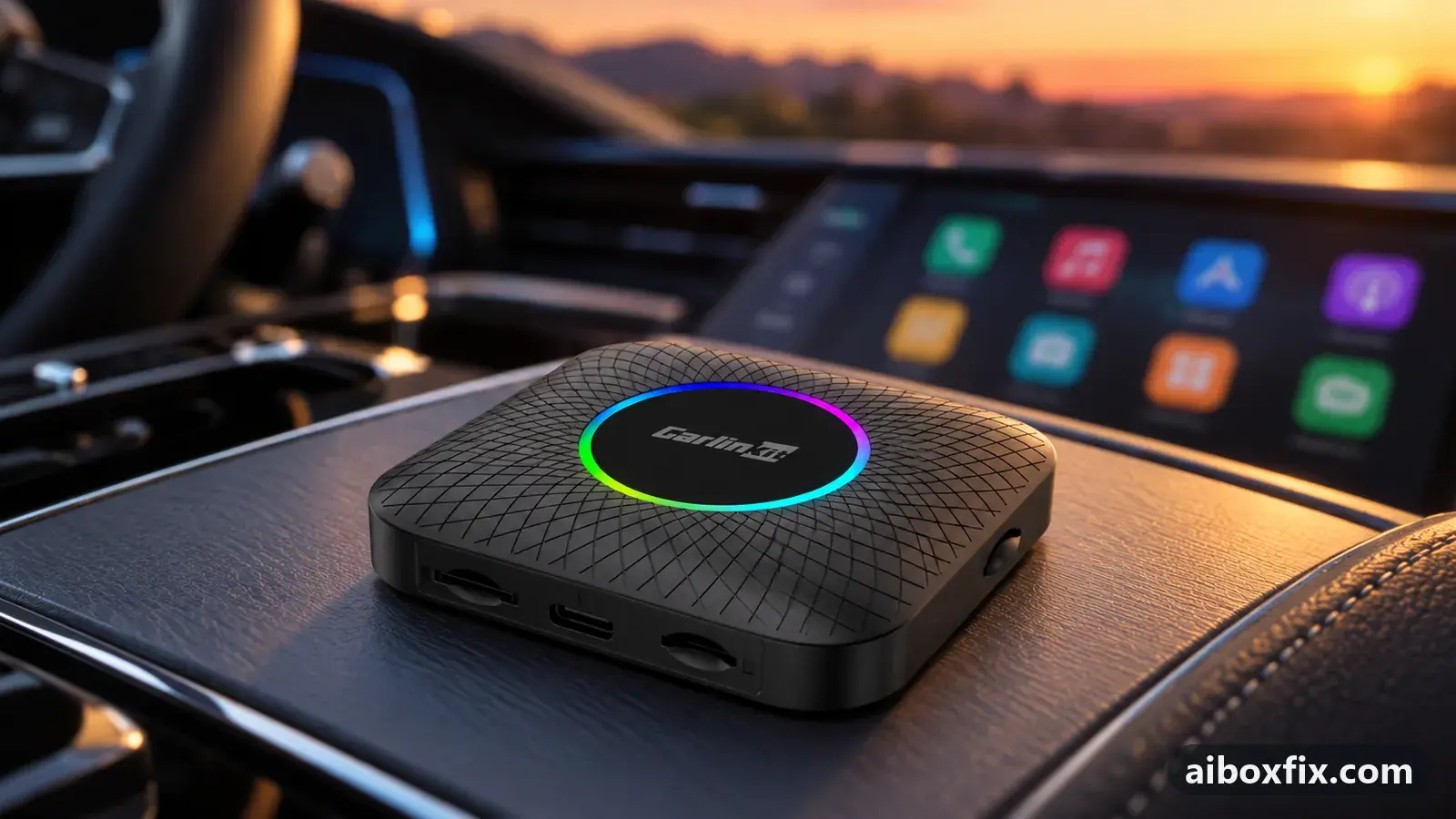
Quick answer
On a Carlinkit TBox Ambient where CarCar Launcher pixelates in patches or lags more the longer the box runs, switch the launcher's rendering engine to the legacy (old) one; that fixed it for two owners. If that alone does not help, set the main engine to experimental and the widgets engine to legacy, which cleared building lag for two more.
Symptoms
- CarCar Launcher's picture pixelates or breaks up in patches, often toward one side of the screen
- The launcher gets slower the longer the box runs, while the box's own settings menus stay quick
- Touch inside the launcher lags or lands late, worse in CarPlay mode
- Navigation and music widgets stutter when both are on screen at once
- It is smooth at first, then the lag builds up over a drive
Applies to
- Devices
- Connection to the car
- CarPlay and Android Auto
- Highest risk on this page
- Low risk
- Status
- Workaround confirmed by the community
Why it happens
CarCar Launcher draws its home screen and its widgets with a choice of rendering engine. These are Google’s rendering backends, and one does not suit every box. On some, the default engine shows up as patchy pixelation, usually stronger toward one side of the screen; on others the load builds until the whole launcher crawls.
Because the fault is in the launcher’s own drawing path, the box’s Android settings menus stay quick while the launcher lags. Owners describe it as fine at the start of a drive and worse later, especially with a navigation app and a music app both on screen. A second, separate engine setting controls the widgets, so the fix can take one change or two.
If the whole box is slow, not only the launcher, the cause is usually elsewhere: see AI box slow in CarPlay mode when taps arrive late box-wide, and AI box lags on a big high-resolution screen when the display is very large.
Fixes, ranked
Switch the rendering engine to legacy
- Low risk
- Time: 5 minutes
- Worked for 2 of 2 reports
- Open CarCar Launcher’s own settings (not the box’s Android settings).
- Find the rendering engine setting and change it to the legacy (old) option.
- Return to the launcher and use it for a full drive to confirm the pixelation or lag is gone.
One Ambient owner whose picture pixelated in patches toward the right side, a problem that had appeared recently, set the rendering engine to legacy and said everything was good again. An owner on third-party firmware, running a navigation app and a music app on screen at all times, switched to legacy and the lag “changed sharply for the better”, and confirmed later that the box had stopped lagging. He also tried turning his navigation app’s 3D map mode off and on; with the legacy engine, 3D back on made no difference for him.
Change both rendering engines if the lag keeps building
- Low risk
- Time: 10 minutes
- Worked for 2 of 2 reports
- In CarCar Launcher’s settings, find the main rendering engine and the separate widgets rendering engine.
- Set one to experimental and the other to legacy. One owner used experimental for the main engine and legacy for the widgets.
- If the lag still builds up, swap the two so the other engine is the legacy one; owners found opposite pairings worked on different boxes.
- Use the launcher for a full drive to confirm the lag no longer grows over time.
An Ambient owner whose box was fine at first and then lagged more the longer it ran fixed it with the main engine on experimental and the widgets engine on legacy. Another Ambient owner, on CarPlay, had slow touch inside the launcher while the box’s own settings felt normal; he changed the rendering engine in two places and the lag let go. The two used opposite pairings, which is why it is worth trying one and then swapping.
Things to try (unverified)
- Turn off your navigation app’s 3D map mode. One owner found turning 3D off cut the lag as much as the engine change, and turning 3D back on brought the lag back instantly. He changed the engine and 3D at the same time, so on its own this is unverified; it is a cheap lever to test.
- ApplePie UX999 Rocket launcher freeze. On the Rocket, owners report the launcher image freezing until a reboot rather than the pixelation or creeping lag this page covers. Switching engines helped one owner on an older launcher version but not the current one, and another gave up after trying it, so treat the engine change as unverified on the Rocket.
- The engine will not fix steering-wheel buttons ignored in a full-screen player. Owners tried the legacy widgets engine for that; the wheel buttons still needed a tap on the player window first. It is a separate problem.
- Update or reinstall the launcher if changing engines does nothing, in case a build is at fault: see install, update or roll back CarCar Launcher.
If nothing works
Record the box model and firmware date (Settings → About), the car make, model and year, the head unit, the protocol (CarPlay or Android Auto), and a short video of the pixelation or lag. Note whether only the launcher is slow while the box’s settings menus stay quick (points at the launcher) or the whole box is slow (points at the protocol or screen, so start with the two pages linked above). Switch to the stock launcher for a drive to confirm the launcher is the cause; if a licence prompt gets in the way, see reset the CarCar Launcher licence.
Write up what you tried with how to report a bug and take it to the launcher’s developer channel. If the box cannot keep up with the launcher at all, start here.
What owners said
“By the way, I changed the engine to legacy and things changed sharply for the better.”
Owner, Jun 2026
“Long ago I had the same problem (at first it was more or less OK, then lag appeared, worse the longer it ran). […] Solved it by trial and error: rendering engine experimental, widgets rendering engine legacy.”
Owner, Carlinkit TBox Ambient, Jun 2026
“I sorted that out: in CarCar Launcher I set the legacy rendering engine and everything became fine.”
Owner, Carlinkit TBox Ambient, Mar 2026
Quotes are translated where needed and shortened ([…]); names are removed. Full counts are in the evidence table below.
Questions owners ask
Where is the rendering engine setting in CarCar Launcher?
In the launcher's own settings, not the box's Android settings. There are two: a main rendering engine and a separate one for the widgets. Each offers a legacy (old), an experimental and a stable option.
Which engine should I pick?
Start with legacy for the main engine; most owners who reported back cleared pixelation and lag that way. If lag still builds up, set the main engine to experimental and the widgets engine to legacy. The best pairing differs between boxes, so if one does not help, swap them.
The steering-wheel buttons stop working when the player is full-screen. Is this the same fix?
No. Owners tried the legacy widgets engine for that and the wheel buttons still did not respond until they tapped the player window first. The rendering engine does not address it.
Related fixes
- AI Box Slow or Touch Off in CarPlay: 12 Owner ReportsLow risk
- AI Box Lags on a Big High-Resolution Screen? Raise Smallest WidthLow risk
- Install, Update or Roll Back CarCar LauncherLow risk
- CarCar Launcher Licence After a Reset or Selling the BoxLow risk
- AI Box Too Bright at Night: Dark Theme That Stays DarkLow risk
Did this work for you?
Tell us which fix worked (or didn't), with your box, firmware date and car. Reports are how fixes get confirmed and re-ranked.
Send a reportChangelog
- Last reviewed against new community reports:
- Confirmed by 4 community reports on Carlinkit TBox Ambient.
- Page updated:
"Confirmed" means a community member reported that the fix worked on their unit. We have not tested it on our own hardware. How we verify.
Evidence behind these counts (2 cases)
One row per case: a device, a symptom and a fix, merged from owner reports. An owner counts once per fix. Reports with no outcome yet are not counted. Forum and chat message references are kept on file but not published, to protect owners' privacy; public Reddit and YouTube sources are linked.
| Case | Confirmed on | Result | Source |
|---|---|---|---|
| case-9101 | Carlinkit TBox Ambient | 2 worked | Owner discussion threads, 4 messages |
| case-9102 | Carlinkit TBox Ambient | 2 worked | Owner discussion threads, 4 messages |