Power & connectionReviewed
ApplePie UX999 Not Connecting: Check the XQ Debug Switch
ApplePie UX999 replugged at every start, or never seen by the car after an update? Untick XQ debug if it drops out, tick XQ mode if it vanishes.
ApplePie UX999 UltraApplePie UX999 Rocket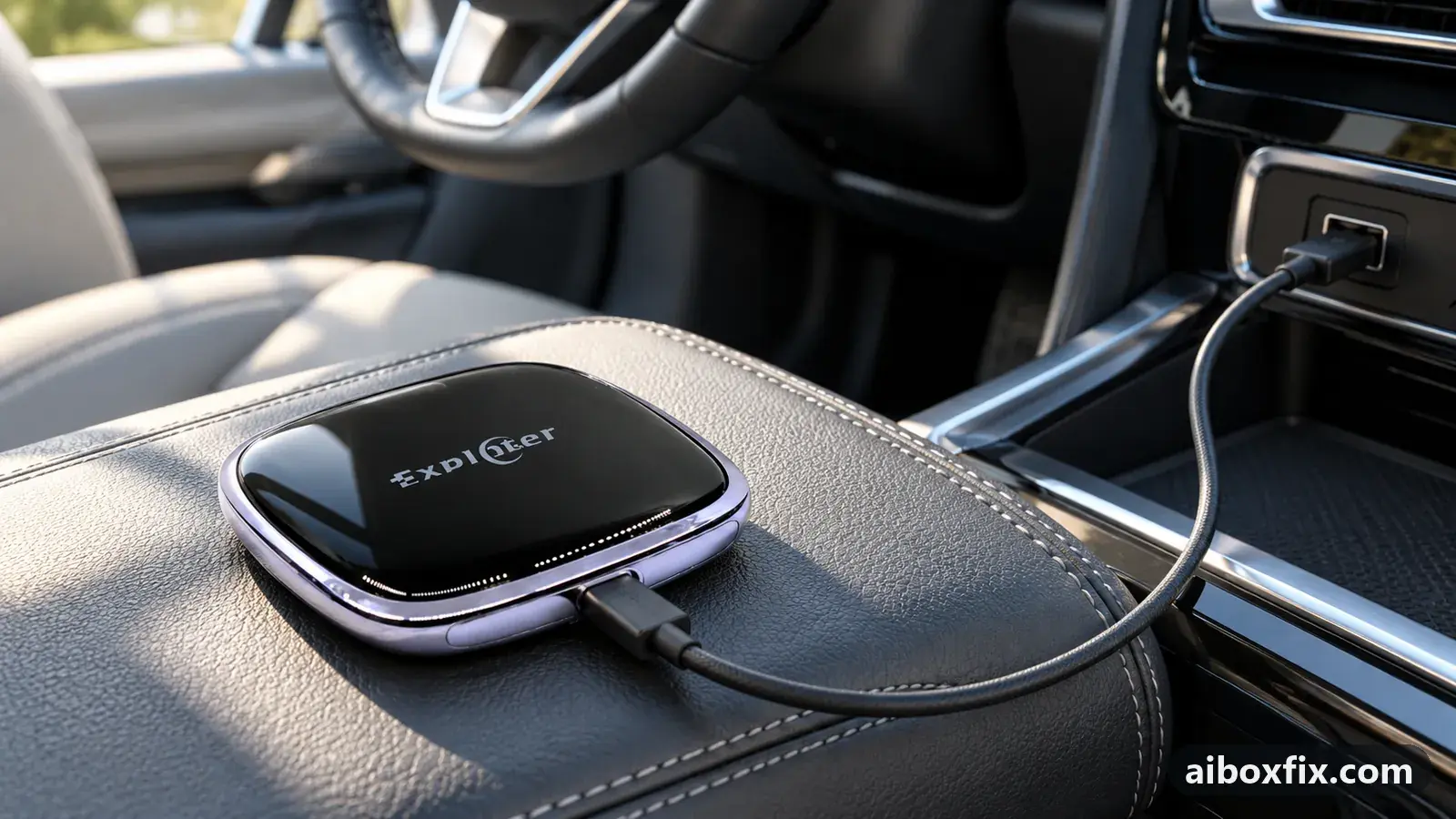
Quick answer
On the ApplePie UX999, if the box connects but has to be replugged at every start or its apps drop out after a firmware update, untick XQ debug in ApplePie (PlayAiBox) Settings and reboot. If instead the car never sees the box at all, turn XQ mode on. Two owners confirmed each fix.
Symptoms
- After a firmware update the box has to be unplugged and replugged every time you start the car
- Apps on the box drop back to the stock launcher or stop working until you reconnect
- The car never shows the box at all, though another CarPlay box works in the same USB port
- The box boots (lights come on, your phone pairs over Bluetooth) and runs over HDMI at home, but the head unit ignores it
- You see an XQ debug or XQ mode checkbox in ApplePie (PlayAiBox) Settings and are not sure whether to tick it
Applies to
- Devices
- ApplePie UX999 Ultra
- ApplePie UX999 Rocket
- Connection to the car
- CarPlay and Android Auto
- Head units mentioned in reports
- Haval / GWM GWM head units; Peugeot / Citroën Peugeot / Citroën touchscreens; Land Rover Pivi / InControl
- Firmware in confirmed reports
- ApplePie UX999 Ultra: 2023-11-06
- Highest risk on this page
- Low risk
- Status
- Workaround confirmed by the community
Why it happens
The XQ switch controls which protocol the ApplePie UX999 uses to talk to the head unit. It appeared in ApplePie (PlayAiBox) Settings with the November 2023 builds; September 2023 builds do not have it at all.
It cuts both ways, which is why the same switch fixes opposite problems. On some cars the box connects fine with XQ off, but with it on it loses the handshake after it loses power, so you have to replug the cable at every start and apps fall back to the stock launcher. On other cars the head unit only accepts the box over the XQ protocol, so with XQ off the box boots and runs over HDMI but the car never lists it.
So the first thing to establish is which way your car fails: the box is seen but unstable (turn XQ off), or the box is never seen at all (turn XQ on). If you are not sure your car even detects the box, the general detection checklist and boot-delay fix comes first; this page is only about the ApplePie-specific XQ switch.
Fixes, ranked
Untick XQ debug if the box drops out or needs replugging
- Low risk
- Time: 5 minutes
- Worked for 2 of 2 reports
- Open Settings → ApplePie Settings (labelled PlayAiBox Settings on some boxes).
- Find XQ debug and clear its checkbox.
- Reboot the box, then start the car the way you normally do and watch whether it connects without a replug.
One owner in a Haval F7 found that after the 6 Nov 2023 build the box blinked and would not start after a stop/start until the cable was replugged; unticking XQ debug fixed it and his apps stopped dropping. An owner in a Mitsubishi Outlander saw the same thing on the 6 Nov and 23 Nov 2023 builds, having to replug physically to connect, and unticking it fixed that too. Both were on the UX999 Ultra.
Turn XQ mode on if the car never sees the box
- Low risk
- Time: 15 minutes
- Worked for 2 of 2 reports
- Connect the box to a car that does see it, or to a TV or monitor over HDMI, so you can reach its menus. If you cannot see the box anywhere, reach the settings the way the reset-without-the-screen guide describes.
- Open Settings → ApplePie Settings and scroll to the bottom of the list.
- Tick XQ mode and the checkbox next to it.
- Reconnect the box to your car and start it.
An owner whose UX999 Ultra was not seen by a Citroën C5 Aircross, while another CarPlay box worked in the same car, connected it to a different car that did see it, ticked XQ mode and the box started on Peugeot and Citroën afterwards. An owner of a UX999 Rocket in a new Range Rover reported the box did not start until he enabled the XQ protocol.
Things to try (unverified)
- The XQ checkbox will not clear, or it ticks itself again after a reboot. Several owners, mostly on the Rocket, hit this; a factory reset did not fix it for them. There is no confirmed workaround. Because the newest builds make XQ always-on and remove the switch, updating the box is the honest next step; the firmware tracker lists what owners are running.
- Track time stuck at 00:00 on the instrument cluster. XQ debug also affects the metadata the box sends to the cluster: with it on, one owner saw the track title but a playing time frozen at 00:00. If that is your concern rather than the connection, see song title missing on the instrument cluster.
- If the box still will not connect either way, the problem may not be XQ at all. Work through the power and detection checklist and the detection and boot-delay fix before you decide the unit is faulty.
If nothing works
Note the box model and firmware date (Settings → About), the car’s make, model and year, the head unit, and whether the box is seen over HDMI at home. Record which way it fails: seen but unstable, or never seen at all, and what the XQ line shows. A short video of the car’s screen helps.
If the box runs cleanly over HDMI but no car will list it with XQ either on or off, and the switch will not change, the fault is likely in the box or its firmware; ask the seller or ApplePie support for the current build, and if that fails a replacement is the honest answer. Start here explains how the box families differ. The UX999 Rocket hub collects the Rocket-specific reports.
What owners said
“The Rocket in a new Range Rover wouldn't start until I turned on the XQ protocol.”
Owner, ApplePie UX999 Rocket, Jul 2025
“I had the same trouble with a Citroen C5 Aircross, but it's possible to fix it. Find another car that supports the default connection, […] tick XQ mode and the next checkbox, […] connect to the Peugeot. Enjoy!”
Owner, ApplePie UX999 Ultra, Feb 2024
“Yes, turning off XQ Debug helped me too. With it ticked, on the 06.11.23 and 23.11.23 firmware I had to physically replug the box.”
Owner, Dec 2023
Quotes are translated where needed and shortened ([…]); names are removed. Full counts are in the evidence table below.
Questions owners ask
Should XQ debug be on or off for my car?
It depends on the car. Turn it off if the box connects but has to be replugged at every start or its apps drop out. Turn it on if the car never sees the box at all, as on some Peugeot, Citroën and Range Rover units. Change it, reboot, and test one drive.
Where is the XQ option, and why can't I find it?
Look in Settings → ApplePie Settings (labelled PlayAiBox Settings on some boxes), near the bottom of the list. September 2023 builds do not have it, and the newest builds removed the switch because XQ is now always on.
The checkbox won't clear, or it ticks itself again after a reboot. What now?
Owners have reported this, mainly on the Rocket, and a factory reset did not fix it for them. On the newest firmware the switch is gone because XQ is permanently on, so updating the box, or asking the seller or ApplePie support for the current build, is the next step.
If none of these fixes work
Try every free fix above first. Each of these needs a car whose screen already runs wired CarPlay or Android Auto. We have not tested them: check the seller's compatibility list for your car and head unit, and that the listing shows the exact model named here, before you buy.
Wireless CarPlay / Android Auto adapter (Carlinkit Mini Ultra 3)
If you only use the box to get CarPlay or Android Auto without a cable, a plain wireless adapter has no Android system to update, overheat or crash.
Replacement AI box (Carlinkit, Android 13, SM6225)
If the box is out of warranty and still fails after the fixes above, another Carlinkit box keeps your apps on the car screen. It needs wired CarPlay or Android Auto in the car. Pick the NA variant for North American cars, EAU elsewhere.
Carlinkit TBox Ultra (Android 15)
If an older box is too slow for the apps you run: the TBox Ultra is Carlinkit's Android 15 box, with an SM6350 chip. Check that the variant on the listing supports your car's protocol before buying.
Replacement from another maker (Ottocast P3 Pro)
If you would rather switch brands, Ottocast's P3 Pro runs Android 13 and has HDMI out. It needs the connection protocol Ottocast lists for your car. The listing opens on a cheaper Mini adapter: select the P3 Pro option and check the picture and name before you pay.
Affiliate links: we may earn a commission at no extra cost to you. Disclosure.
Related fixes
- Car Doesn't Detect the AI Box: 13 Owner ReportsAdvanced
- Song Title Missing on the Cluster: 17 Owner ReportsLow risk
- ApplePie or Ottocast Update Prompt Missing? Insert the Card LiveAdvanced
- Factory Reset After Every Firmware Update? Try Cache Code 110144Advanced
- AI Box Keeps Rebooting or Disconnecting? Start With PowerLow risk
Did this work for you?
Tell us which fix worked (or didn't), with your box, firmware date and car. Reports are how fixes get confirmed and re-ranked.
Send a reportChangelog
- Last reviewed against new community reports:
- Confirmed by 4 community reports on ApplePie UX999 Ultra, ApplePie UX999 Rocket.
- Page updated:
"Confirmed" means a community member reported that the fix worked on their unit. We have not tested it on our own hardware. How we verify.
Evidence behind these counts (2 cases)
One row per case: a device, a symptom and a fix, merged from owner reports. An owner counts once per fix. Reports with no outcome yet are not counted. Forum and chat message references are kept on file but not published, to protect owners' privacy; public Reddit and YouTube sources are linked.
| Case | Confirmed on | Result | Source |
|---|---|---|---|
| case-1621 | ApplePie UX999 Ultra (2023-11-06) | 2 worked | Owner discussion threads, 3 messages |
| case-1622 | ApplePie UX999 Ultra; ApplePie UX999 Rocket | 2 worked | Owner discussion threads, 3 messages |