SIM, Wi-Fi & GPSReviewed
Box Hotspot Won't Stay On After a Firmware Update
Box hotspot switch flips off after an update? A factory reset fixed an ApplePie UX999 Ultra; the previous build fixed a Carlinkit TBox Plus.
Carlinkit TBox PlusApplePie UX999 Ultra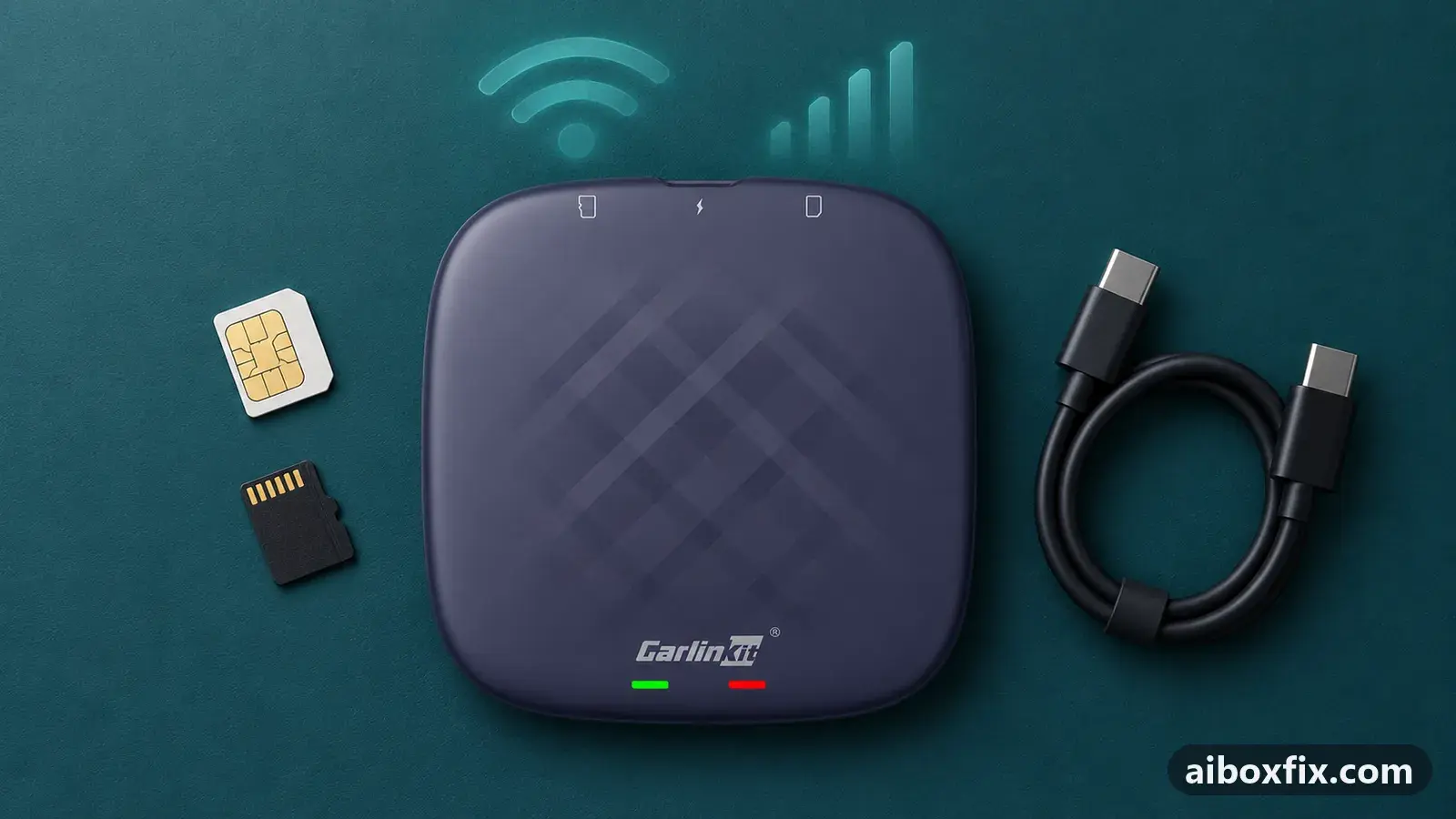
Quick answer
On an ApplePie UX999 Ultra whose hotspot slider switches itself off right after a firmware update, a factory reset from the Settings menu brought the hotspot back for the one owner who reported it. On a Carlinkit TBox Plus whose hotspot stopped turning on after the 12 Jul 2024 build, reinstalling the previous build fixed it without a reset.
Symptoms
- The box's own Wi-Fi hotspot switch flips back off the moment you turn it on
- The hotspot will not turn on at all since the last firmware update
- Your phone or other devices can no longer find the box's Wi-Fi network
- Other apps changed in the same update, for example the Android Auto app has a new name
Applies to
- Devices
- Carlinkit TBox Plus
- ApplePie UX999 Ultra
- Connection to the car
- CarPlay and Android Auto
- Firmware in confirmed reports
- ApplePie UX999 Ultra: 2024-11-20; Carlinkit TBox Plus: 2024-07-12
- Highest risk on this page
- Advanced
- Status
- Workaround confirmed by the community
Why it happens
The hotspot is part of Android on the box, and a firmware update replaces that system while keeping your data. When a build has a fault in its network code, or when data left from the old build no longer matches the new one, the hotspot switch refuses to stay on. In the two reports here the hotspot worked before the update and failed straight after it.
Which fix fits depends on the cause. If the build itself is faulty, only going back to the previous build helps. If leftovers from the old build are the problem, a factory reset clears them and the new build works.
This page is about the box’s own hotspot switch. If the box keeps dropping your phone’s hotspot instead, see AI box drops your phone’s hotspot. If the hotspot works but has to be switched on at every start, see turn on the box’s hotspot automatically at boot.
Fixes, ranked
ApplePie UX999 Ultra: factory reset from the Settings menu
- Low risk
- Time: 1 hour including setup
- Worked for 1 of 1 report
- Write down your apps and the accounts you will need to sign in to again.
- Open the box’s Settings and run the factory reset there. Do not use the pin-hole button: it does not reset the box.
- Let the box restart and set it up again.
- Turn the hotspot on and check that the switch stays on.
A UX999 Ultra owner updated to the 20 Nov 2024 build, and from then on the hotspot slider switched straight back off; the zLink app he used for Android Auto had also gone. An experienced member said the update had changed a lot and a full reset was needed, with xLink taking zLink’s place. After a factory reset from the menu, both the hotspot and Android Auto worked.
The same member’s advice if a reset does not help: install the same build again. Nobody reported trying that.
Carlinkit TBox Plus: reinstall the previous build
- Advanced
- Time: 20 minutes
- Worked for 1 of 1 report
Warranty warning: this uses developer or engineering access. Follow the undo steps afterwards; some sellers refuse warranty claims on units with debugging left enabled.
- Get the official update file for the build you had before. Owners often still have it on the box or on a card from the last update.
- Open FOTA Update, tap the gear or menu icon, then Local update.
- Pick the previous build’s file and install it.
- Let the box restart, then turn the hotspot on.
A TBox Plus owner on the 12 Jul 2024 build found that the hotspot would not turn on at all, and he did not want to reset the box. He reinstalled his previous build with the local update, and the hotspot worked again with all his apps and settings in place. A long-time member pointed out that a rollback combined with a reset is the more thorough option, if the plain rollback does not help.
Use only official Carlinkit files for your exact model. The full procedure, including installing from internal storage when the card is not seen, is in update TBox firmware with FOTA.
Things to try (unverified)
- Switch the hotspot band and back. One owner says that changing the band from 5 GHz to 2.4 GHz and back works for him. The TBox Plus owner above answered that his hotspot did not turn on at all, so the band was not the issue, and nobody else reported it.
- Factory reset on a Carlinkit TBox. A long-time member recommended a reset as the preferred fix for the TBox Plus, but that owner rolled back instead. The reset steps are in factory reset after a firmware update.
If nothing works
Note the box model and the firmware dates before and after the update, what the hotspot switch does (stays off, flips back, shows an error), and whether a SIM card is in the box. Report the build to the manufacturer: Carlinkit at [email protected], ApplePie through the seller you bought from. Check whether other owners report the same build on the firmware tracker.
If the hotspot fails on every build, even after a factory reset, the Wi-Fi hardware may be at fault and a warranty claim or replacement is the honest answer; start here compares the box families.
What owners said
“All great! I reset it through the menu and everything works, both the hotspot and Android Auto! Huge thanks.”
Owner, ApplePie UX999 Ultra, Dec 2024
“That's it, it's back to how it was and working. Thanks again.”
Owner, Carlinkit TBox Plus, Jul 2024
Quotes are translated where needed and shortened ([…]); names are removed. Full counts are in the evidence table below.
Questions owners ask
Can I go back to the previous firmware without a computer?
Yes. On a Carlinkit TBox the FOTA app's Local update installs an older official build from a microSD card or the box's storage. The TBox Plus owner on this page did it on the box alone and kept all his apps and settings.
Will the pin-hole button reset an ApplePie UX999 Ultra?
No. Owners say the button cannot reset the box; use the factory reset in the Settings menu.
My hotspot works but I have to turn it on at every start. Is this the same problem?
No. A hotspot that works but does not come up on its own is a different issue; see the page on turning the hotspot on automatically at boot.
Related fixes
Did this work for you?
Tell us which fix worked (or didn't), with your box, firmware date and car. Reports are how fixes get confirmed and re-ranked.
Send a reportChangelog
- Last reviewed against new community reports:
- Confirmed by 2 community reports on ApplePie UX999 Ultra, Carlinkit TBox Plus.
- Page updated:
"Confirmed" means a community member reported that the fix worked on their unit. We have not tested it on our own hardware. How we verify.
Evidence behind these counts (2 cases)
One row per case: a device, a symptom and a fix, merged from owner reports. An owner counts once per fix. Reports with no outcome yet are not counted. Forum and chat message references are kept on file but not published, to protect owners' privacy; public Reddit and YouTube sources are linked.
| Case | Confirmed on | Result | Source |
|---|---|---|---|
| case-8890 | Carlinkit TBox Plus (2024-07-12) | 1 worked | Owner discussion threads, 7 messages |
| case-8891 | ApplePie UX999 Ultra (2024-11-20) | 1 worked | Owner discussion threads, 5 messages |