SIM, Wi-Fi & GPSReviewed
Mobile Data Without a SIM Card: Carlinkit CloudSIM (eSIM)
Get data on a Carlinkit TBox with no physical SIM: activate its built-in GlocalMe CloudSIM eSIM in the app, scan the QR code, buy a plan.
Carlinkit TBox PlusCarlinkit TBox AmbientCarlinkit TBox UHD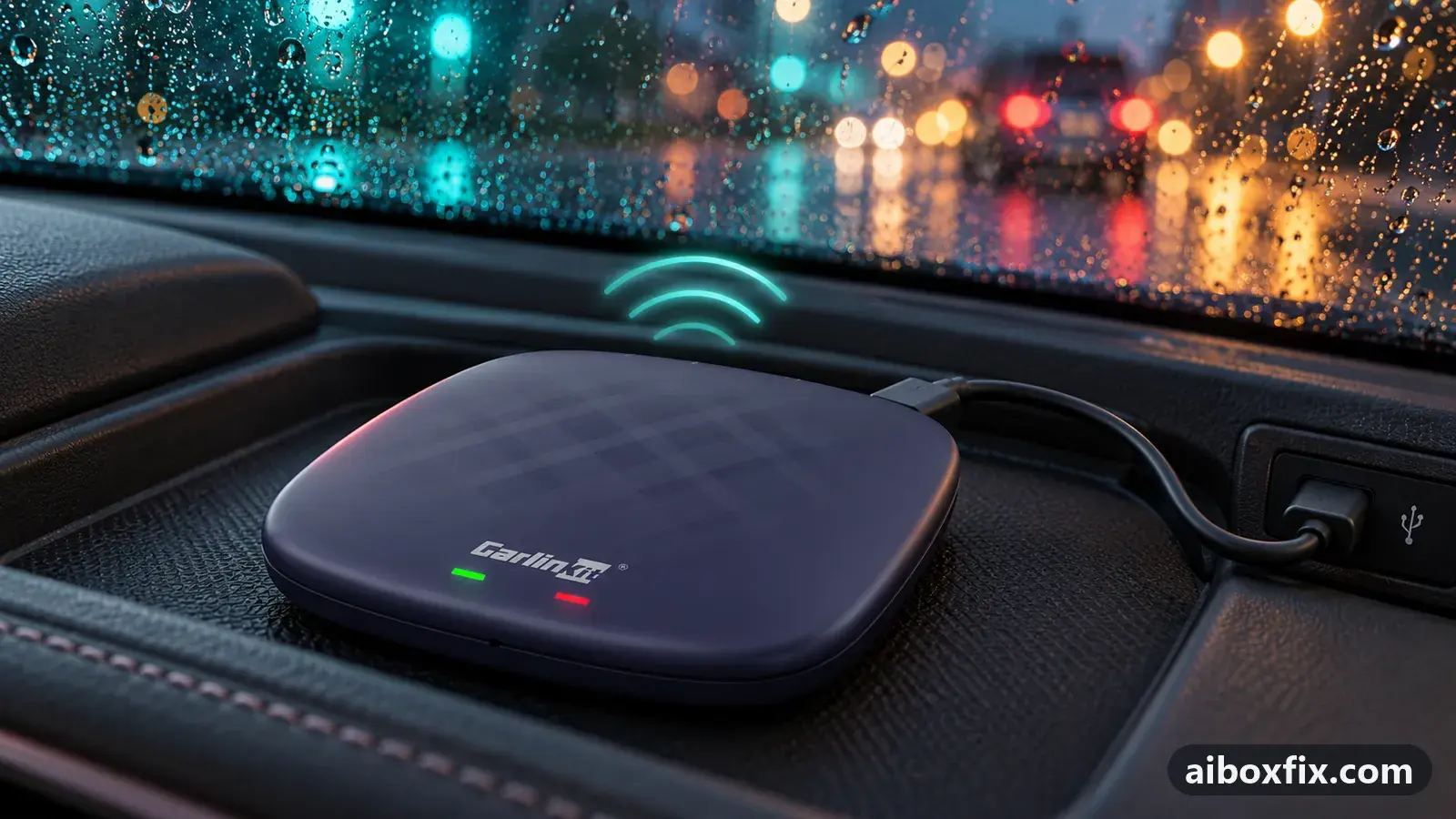
Quick answer
On a Carlinkit TBox Plus with no physical SIM, you get mobile data by activating its built-in GlocalMe CloudSIM: install the GlocalMe IoT app, scan the QR code the box's Cloud SIM app shows, and buy a data plan. One owner confirmed it carries data; it is data only, from a single provider, and the plans are expensive.
Before you start
- A Carlinkit TBox whose app list already has a Cloud SIM app (it arrives with a firmware update; see below)
- A smartphone that can install apps and go online
- A payment method for the data plan
Time: about 20 minutes. Tools: a smartphone, the GlocalMe IoT app.
Applies to
- Connection to the car
- CarPlay and Android Auto
- Firmware in confirmed reports
- Carlinkit TBox Plus: 2024-12-04
- Highest risk on this page
- Low risk
What CloudSIM is, and whether your box has it
Some Carlinkit TBox firmware builds carry a built-in eSIM. Carlinkit calls it CloudSIM and runs it through the GlocalMe service, so the box can get mobile data with no physical SIM in the tray. It is a convenience, not a free line: you still sign up and pay for a data plan, the same way you would top up any SIM.
You have CloudSIM only if a Cloud SIM app sits in the box’s app list. It appears after the update that added the feature; a TBox Plus owner first saw it on the 4 Dec 2024 build, and the Ambient and UHD gained it on later builds. If there is no Cloud SIM app, your build does not have the eSIM, and a physical SIM is the way to get data. AI box SIM card not working covers the physical-SIM route.
Steps
Activate the eSIM through the GlocalMe IoT app
- Low risk
- Time: 15 minutes
- Worked for 1 of 1 report
- Open the Cloud SIM app on the box. It shows a QR code.
- On your phone, install the GlocalMe IoT app, open it and sign up for an account.
- In the phone app, choose to add or scan a device and scan the QR code shown in the box’s Cloud SIM app.
- Once the box is linked, buy one of the data plans offered in the app.
- Turn the box’s Wi-Fi off so it does not fall back to a saved network, then open a web page. The eSIM should carry data within a minute.
A TBox Plus owner who activated the CloudSIM this way reported it “works great, no complaints” for data. The same owner named the three catches above: data only, one provider, and steep pricing. One more owner relayed the identical step list (new Cloud SIM app on the box, GlocalMe IoT on the phone, sign up, scan the code, pay), saying people in his group had subscribed; because he had not done it himself, that account is not counted here, only the first-hand one is.
If the box later shows GlocalMe as the operator and you did not mean to switch to the eSIM, it has chosen the cloud SIM over your physical one; set it back as described in TBox Ambient loses the SIM after 2026 firmware.
If the QR code will not register, enter the box's IMEI by hand
- Low risk
- Time: 10 minutes
- Worked for 1 of 2 reports
- On the box, open Settings → About and note the IMEI.
- Open the GlocalMe IoT app on your phone.
- Where the app offers to scan the code, choose to enter the device id by hand and type the box’s IMEI.
- Finish activation and buy a data plan.
- Turn the box’s Wi-Fi off and test a web page.
One owner got the box online this way: he copied the box’s IMEI into the GlocalMe app and reached the internet through the virtual eSIM. It did not work for a second owner, whose activation stuck part-way after he had reflashed the box with raw firmware images; typing the IMEI by hand made no difference, and GlocalMe support told him to email Carlinkit. If your box was recently reflashed and activation stalls, see the troubleshooting note below before spending more time on the app.
Verify it worked
- Check the status bar: the box should show the GlocalMe network with signal, not your own carrier and not “No SIM”.
- Turn the box’s Wi-Fi off (so a saved hotspot cannot hide a dead eSIM) and open a web page in the browser. Give the modem up to a minute.
- Open a map or a streaming app and confirm it loads without your phone’s hotspot.
If data does not come up, re-open the GlocalMe app and confirm the plan is active and paid; an expired or unpaid plan looks exactly like a broken eSIM.
Undo / rollback
Nothing here changes the system, so there is nothing to flash back. To stop using the CloudSIM:
- Put a physical SIM in the box’s tray and set it up as in AI box SIM card not working.
- If the box keeps choosing the eSIM over the physical SIM, open the Cloud SIM app, choose Physical SIM in its settings and restart; the full procedure, including builds with no setting, is in TBox Ambient loses the SIM after 2026 firmware.
- Cancel the GlocalMe plan in the phone app so you are not billed again.
Troubleshooting this guide
The Cloud SIM app is not in the app list. Your firmware does not include the eSIM. Updating to a build that has it is the only way to add it; update TBox firmware with FOTA explains how, but not every build carries CloudSIM, and newer SIM handling has caused its own problems (see the related pages).
Activation sticks at a percentage and will not finish. One owner hit this after reflashing his box with raw firmware images: activation stalled part-way and entering the IMEI by hand did not help. GlocalMe’s own support sent him to Carlinkit. If your box was recently recovered or reflashed, contact Carlinkit support with your model, firmware date and IMEI; their SIM FAQ and contact page are linked below.
Data drops after the car has been parked for a while. That pattern is not specific to the eSIM; it is covered in no mobile data after sitting overnight.
You want your own carrier instead of GlocalMe. The CloudSIM does not allow it. Use a physical data SIM; AI box SIM card not working walks through the APN and roaming settings that get a physical SIM online.
If none of this brings data up, write down the box model and firmware date from Settings → About, the IMEI, and what the Cloud SIM app and status bar show, and ask Carlinkit support ([email protected]) which builds for your unit carry a working CloudSIM.
What owners said
“Try that app and copy the IMEI of your Carlinkit. That worked for me, and it gets you internet access through a virtual eSIM.”
Owner, Aug 2026
“It works great, no complaints — but no calls or SMS, only data. The one downside is the price: the plans are just wild, nothing justifies it. And only one service; you can't set your own eSIM.”
Owner, Carlinkit TBox Plus, Jan 2025
“I already use the GlocalMe app; I tried manually writing the IMEI in it, but no way. GlocalMe customer service always says to email Carlinkit customer service.”
Owner, Aug 2026
Quotes are translated where needed and shortened ([…]); names are removed. Full counts are in the evidence table below.
Questions owners ask
Can I use my own carrier's eSIM in the box?
No. Owners report the CloudSIM is tied to one provider, GlocalMe, and you cannot load your own eSIM profile. If you want to use your own carrier, put a physical SIM in the box instead.
Can I make calls or send texts on the CloudSIM?
No. The owner who reported on it confirmed it carries mobile data only, with no calls or SMS. For voice, use a physical SIM.
Is the CloudSIM data cheap?
No. The owner who commented on cost called the plans very expensive. Compare them with a local data-only SIM before you commit.
My box has no Cloud SIM app. Can I still use the eSIM?
Only builds that added the eSIM show a Cloud SIM app. If yours does not have it, the box has no CloudSIM, and a physical SIM is the way to get data.
Related fixes
Did this work for you?
Tell us which fix worked (or didn't), with your box, firmware date and car. Reports are how fixes get confirmed and re-ranked.
Send a reportChangelog
- Last reviewed against new community reports:
- Confirmed by 2 community reports on Carlinkit TBox Plus.
- Page updated:
"Confirmed" means a community member reported that the fix worked on their unit. We have not tested it on our own hardware. How we verify.
Evidence behind these counts (2 cases)
One row per case: a device, a symptom and a fix, merged from owner reports. An owner counts once per fix. Reports with no outcome yet are not counted. Forum and chat message references are kept on file but not published, to protect owners' privacy; public Reddit and YouTube sources are linked.
| Case | Confirmed on | Result | Source |
|---|---|---|---|
| case-1702 | Carlinkit TBox Plus | 1 worked | Owner discussion threads, 2 messages |
| case-1703 | Model not stated | 1 worked, 1 did not | Owner discussion threads, 1 message |