Firmware & recoveryReviewed
Update an Ottocast Wireless Adapter's Firmware From Your Phone
Ottocast adapter update page won't open on Android? Switch it to P2P and update over Wi-Fi Direct at 192.168.100.1. U2-Now: 192.168.50.2. Owner steps.
Any Android AI box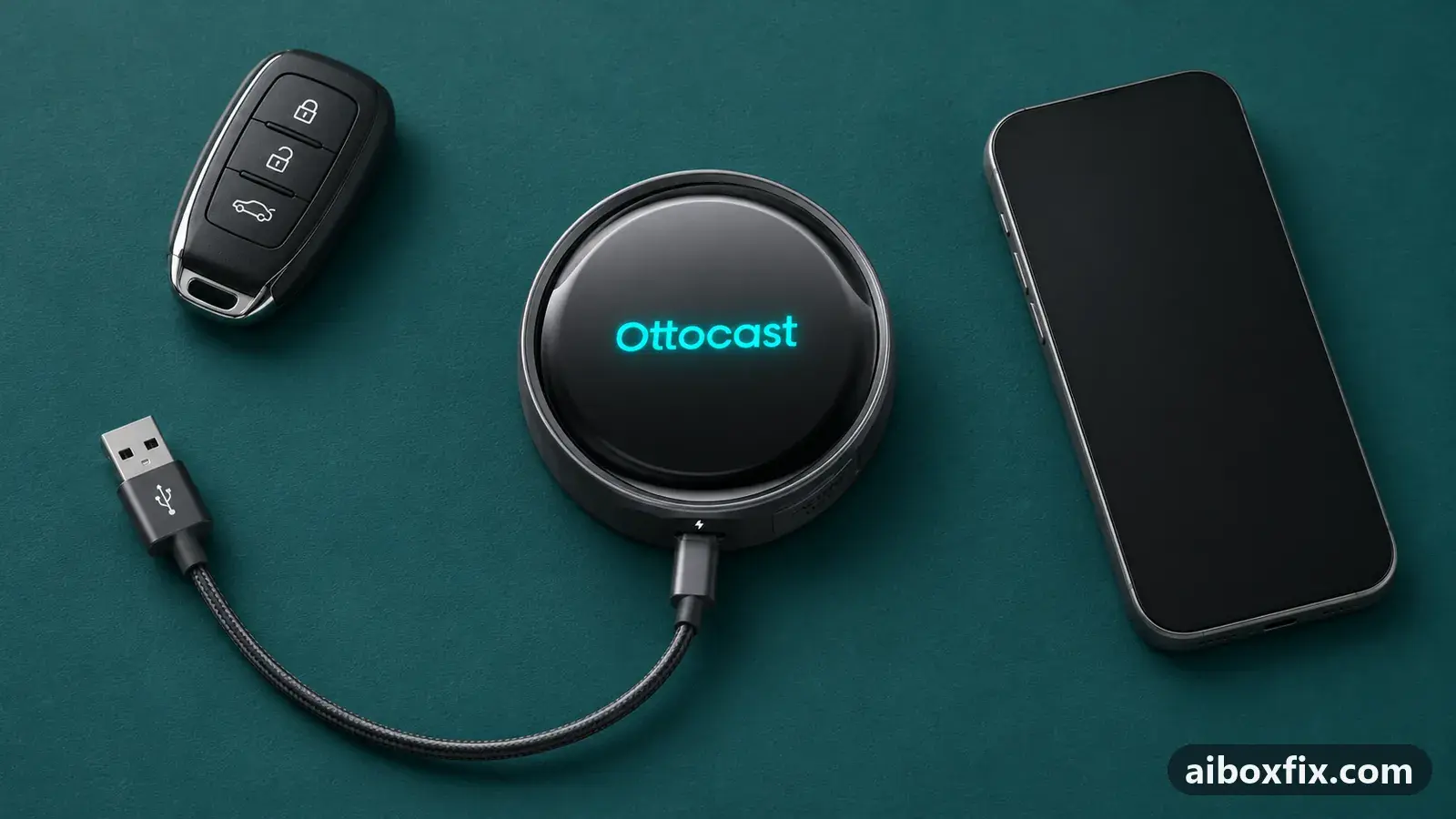
Quick answer
On an Ottocast wireless CarPlay adapter, an Android phone that cannot open the update page gets there through Wi-Fi Direct: switch the adapter to P2P at 192.168.1.101, connect over Wi-Fi Direct, open 192.168.100.1 and tap Update. That worked for 6 of 11 owners; a U2-Now updates at 192.168.50.2 instead.
Before you start
- The adapter powered: in the car's USB port with the engine running (one U2-Now owner used a computer's USB port at home)
- The adapter's Wi-Fi password, from its manual
- For the P2P route: an Android phone with Wi-Fi Direct in its Wi-Fi settings
- For the U2-Now: working mobile data on the phone
Time: about 20 minutes. Tools: Android phone with Wi-Fi Direct, phone browser.
Applies to
- Devices
- Any Android AI box
- Connection to the car
- CarPlay and Android Auto
- Highest risk on this page
- Advanced
What this guide covers
Ottocast’s screenless wireless adapters (the dongles that turn wired CarPlay or Android Auto into wireless) have no screen of their own. You update them from a settings page that the adapter serves over its own Wi-Fi network, opened in your phone’s browser.
Ottocast’s own FAQ gives the short version: connect the phone, wait for CarPlay to appear, open 192.168.1.101 in the browser and tap the update if one is offered. This guide is for when that does not get you there from an Android phone: the page will not open, or the update never starts.
If you have a full Android AI box such as an Ottocast Picasou, this is the wrong page: those boxes update from a microSD card, as in ApplePie or Ottocast update prompt missing. A Carlinkit adapter has its own guide: update a Carlinkit adapter stuck on “use mobile data”.
Which address does your adapter use?
The adapters in these reports use one of two settings pages. Ottocast’s FAQ gives 192.168.1.101 for its adapters, and the Wi-Fi Direct route below switches them to a second page at 192.168.100.1 for the update. One owner’s Ottocast U2-Now opened at 192.168.50.2 instead, the same address Carlinkit adapters use.
If you are not sure, try 192.168.1.101 first while joined to the adapter’s Wi-Fi. If nothing loads there, try 192.168.50.2.
Steps
Android phone: update over Wi-Fi Direct at 192.168.100.1
- Advanced
- Time: 10–20 minutes
- Worked for 6 of 11 reports
Warranty warning: this uses developer or engineering access. Follow the undo steps afterwards; some sellers refuse warranty claims on units with debugging left enabled.
- Plug the adapter into the car’s USB port and start the engine.
- On the phone, turn Bluetooth off.
- In the phone’s Wi-Fi settings, forget the adapter’s network, then join it again. The password is in the adapter’s manual (88888888 on the adapter in the steps these owners followed).
- Open the phone’s browser and go to 192.168.1.101.
- On the settings page, tap switch P2P.
- Go back to the phone’s Wi-Fi settings and open Wi-Fi → Advanced → Wi-Fi Direct. Pick the adapter from the list and connect.
- In the browser, open 192.168.100.1 and tap Update.
- Wait until the page says the update is finished. In the steps these owners followed it took about 30 seconds, with the adapter’s blue light flashing fast.
- Unplug the adapter, plug it back in and let it start.
Six owners reported that this worked. One said the Wi-Fi Direct step was what got them through, and two said it went through the first time they followed it. The other three used it on adapters of other brands: a Carlizem, an EKIY and an SMT-AC01, all with the same steps.
Five owners did not get a working result. One update stopped at 50% and another hung at 98%; one owner could not get the address to load at all; two finished the update and then could not get CarPlay to connect. The troubleshooting section below has what each of them saw. One more owner, on a XEITIN adapter, finished the update and has not said yet whether it cured their reconnect trouble.
Ottocast U2-Now: update at 192.168.50.2 over mobile data
- Advanced
- Time: 15–30 minutes
- Worked for 1 of 1 report
Warranty warning: this uses developer or engineering access. Follow the undo steps afterwards; some sellers refuse warranty claims on units with debugging left enabled.
- Plug the adapter into a powered USB port. The car’s port works; one owner used a computer’s USB port at home.
- On the phone, join the adapter’s U2-Now Wi-Fi network.
- Open the phone’s browser and go to 192.168.50.2.
- Check for new firmware. The page uses the phone’s mobile data to fetch it, so keep mobile data on.
- When the update finishes, check again. Repeat until the page offers no newer version.
The owner who reported this found that the U2-Now updates one version at a time: it took three updates in a row to reach the latest build, 2022.01.24.1908 on their unit. The adapter’s Wi-Fi network name changed during the update, so look for a new name in the Wi-Fi list if the old one disappears.
Verify it worked
- Join the adapter’s Wi-Fi again and open its settings page (192.168.1.101, or 192.168.50.2 on a U2-Now). Check that the version number has changed, or that the page says you are on the latest version.
- In the car, turn the phone’s Bluetooth back on and connect as usual. Wait for CarPlay or Android Auto to start on the car screen.
- Drive a short trip and reconnect once. Two owners updated to cure dropouts or slow reconnects, so that is the test that matters.
If the adapter lights up but CarPlay never starts after the update, work through wireless CarPlay adapter lights up but CarPlay never starts next: a cable or a half-seated plug causes that more often than firmware.
Undo / rollback
On the U2-Now, the settings page at 192.168.50.2 has a rollback option under Advanced. On the adapters updated over Wi-Fi Direct, no owner in these reports found one, so the only way back is Ottocast support.
If the adapter no longer starts at all, its settings page is out of reach. Write to [email protected] with the model from the adapter’s label, the version you updated from and what the lights do. How to report a bug has a checklist of what to send.
Troubleshooting this guide
The address will not load. One owner followed every step and the page never loaded; no fix was reported. Check that the phone is still joined to the adapter’s Wi-Fi (or its Wi-Fi Direct link) and that Bluetooth is off. One set of the instructions owners used names 192.168.1.1 for the first page, so try that if 192.168.1.101 does not open.
The update stops at 50% or 98%. One owner’s update stopped at 50% and they reported nothing after. Another’s ran for more than 30 minutes and stopped at 98%. After unplugging the adapter and plugging it back in, the page said the latest firmware was installed, but their Pixel 6 still connected only on the third or fourth try.
CarPlay will not connect after the update. Two owners finished the update and then could not connect: one in a Mazda 2 had updated to version V262, and the car said it could not connect to CarPlay. Neither reported a fix. Unplug and replug the adapter, check the cable and the plug, then contact Ottocast support with the version you installed.
The Wi-Fi network has a new name. On the U2-Now, the network name changed during the update. Look for the new name in the phone’s Wi-Fi list before you decide the adapter is dead.
Other firmware problems. Updates that fail on full Android AI boxes are on the firmware symptoms page.
What owners said
“Thanks for the Wi-Fi Direct trick, it really helped.”
Owner, Oct 2025YouTube video
“Use your phone to join the U2-Now wireless network [and] navigate to 192.168.50.2 […] It will use your cellphone's cellular data to check for new firmware. […] I had to update mine 3 times to get to the latest version.”
Owner, Oct 2022YouTube video
“I did this update in my Mazda 2 […] it was successfully updated. After I restart my car it gives a message (Can't connect to CarPlay).”
Owner, Oct 2025YouTube video
Quotes are translated where needed and shortened ([…]); names are removed. Full counts are in the evidence table below.
Questions owners ask
Why will the update page not open on my Android phone?
Owners did not find out why. What got six of them through was the Wi-Fi Direct route: switching the adapter to P2P on its settings page, then opening 192.168.100.1 over a Wi-Fi Direct link instead of the adapter's normal Wi-Fi network.
Do the same steps work on adapters that are not Ottocast?
Three owners said they did, on a Carlizem, an EKIY and an SMT-AC01 adapter. Carlinkit adapters use a different settings page at 192.168.50.2 and have their own update guide on this site.
What if CarPlay will not connect after the update?
Two owners had that and neither reported a fix. Unplug the adapter and plug it back in, check the cable and the plug, then contact Ottocast support with the adapter model and the version the page showed.
How do I update an Ottocast U2-Now?
One owner joined the U2-Now Wi-Fi network, opened 192.168.50.2 in the phone's browser and let the page fetch the update over mobile data. The updates came one version at a time, so it took three runs to reach the latest build.
Related fixes
- Update a Carlinkit Adapter Stuck on "Use Mobile Data"Advanced
- Wireless CarPlay Adapter Lights Up but CarPlay Never StartsLow risk
- ApplePie or Ottocast Update Prompt Missing? Insert the Card LiveAdvanced
- Factory Reset an Ottocast Wireless CarPlay AdapterAdvanced
- CarPlay Map Not on the Driver Display With an Ottocast AdapterAdvanced
Did this work for you?
Tell us which fix worked (or didn't), with your box, firmware date and car. Reports are how fixes get confirmed and re-ranked.
Send a reportChangelog
- Last reviewed against new community reports:
- Confirmed by 7 community reports.
- Page updated:
"Confirmed" means a community member reported that the fix worked on their unit. We have not tested it on our own hardware. How we verify.
Evidence behind these counts (2 cases)
One row per case: a device, a symptom and a fix, merged from owner reports. An owner counts once per fix. Reports with no outcome yet are not counted. Forum and chat message references are kept on file but not published, to protect owners' privacy; public Reddit and YouTube sources are linked.
| Case | Confirmed on | Result | Source |
|---|---|---|---|
| case-1722 | Model not stated | 6 worked, 5 did not | Owner reviews, 6 messages YouTube video YouTube video YouTube video YouTube video YouTube video YouTube video YouTube video YouTube video YouTube video YouTube video YouTube video |
| case-1723 | Model not stated | 1 worked | Owner reviews, 1 message YouTube video |