Firmware & recoveryReviewed
Update a Carlinkit Adapter Stuck on "Use Mobile Data"
Carlinkit adapter update page keeps saying "turn off Wi-Fi and use mobile data"? Open 192.168.50.2 in Firefox, or update from an iPhone. Owner steps.
Carlinkit CPC200-Autokit / wireless adapters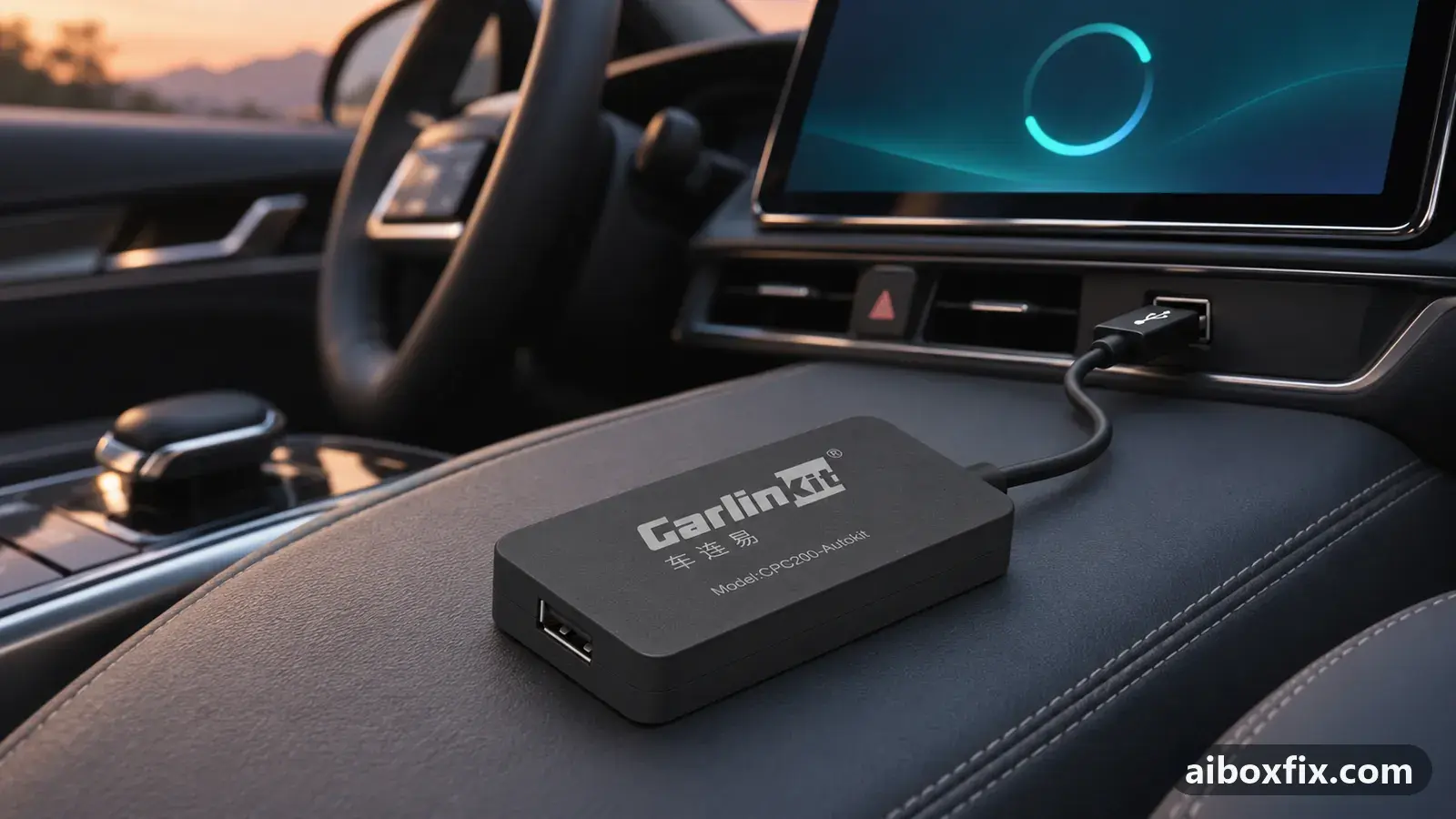
Quick answer
A Carlinkit wireless CarPlay adapter updates from its settings page: join the adapter's Wi-Fi, open 192.168.50.2 and choose Help → Check update, which worked for 7 of 10 owners. If the page keeps saying "turn off Wi-Fi and use mobile data" with Wi-Fi off, open it in Firefox instead of Chrome (2 of 2 owners) or use an iPhone.
Before you start
- The adapter powered: in the car's USB port with the engine running, or in a computer's USB port at home
- A phone with working mobile data
- The adapter's Wi-Fi password, from its manual
- Firefox installed on the phone, in case the page loops in Chrome
Time: about 20 minutes. Tools: phone with mobile data, Firefox browser (if Chrome loops).
Applies to
- Devices
- Carlinkit CPC200-Autokit / wireless adapters
- Connection to the car
- CarPlay and Android Auto
- Highest risk on this page
- Advanced
What this guide covers
Carlinkit’s screenless wireless adapters (the dongles that turn wired CarPlay or Android Auto into wireless, such as the Carlinkit 5.0 / 2Air) have no screen of their own. You update them from a settings page that the adapter serves over its own Wi-Fi network, opened in your phone’s browser.
The update itself is a few taps. What stops most owners is one message: the page asks you to turn off Wi-Fi and use mobile data, and keeps asking after you have done it. This guide gives the normal steps first, then the three ways owners got past that message.
If you have a full Android AI box such as a Carlinkit TBox, this is the wrong page: those boxes update through the FOTA app, as in update TBox firmware with FOTA and a microSD card. Which TBox do I have helps if you are not sure what you own.
Why the page keeps asking for mobile data
While your phone is joined to the adapter’s Wi-Fi it can talk to the adapter, but that network has no internet. The update has to be fetched from the internet, so the page asks the phone to switch to mobile data for that part.
On some phones the page does not notice that Wi-Fi is off and shows “Please turn off Wi-Fi and use mobile data to proceed” again and again. Owners found it happened in Chrome but not in Firefox, and on an Android phone but not on an iPhone. Nobody in these reports found out why.
Steps
Join the adapter's Wi-Fi and run Check update
- Advanced
- Time: 10–20 minutes
- Worked for 7 of 10 reports
Warranty warning: this uses developer or engineering access. Follow the undo steps afterwards; some sellers refuse warranty claims on units with debugging left enabled.
- Power the adapter: plug it into the car’s USB port with the engine running, or into a computer’s USB port at home.
- On the phone, turn Bluetooth off.
- Open the phone’s Wi-Fi settings and join the adapter’s own network (it shows as AutoKit on the adapters in these reports). The password is in the adapter’s manual.
- When the phone warns that the network has no internet, choose to stay connected.
- Open the phone’s browser and type 192.168.50.2 in the address bar.
- Open Help → Check update.
- If the page offers a newer version, start it. When it shows “Please turn off Wi-Fi and use mobile data to proceed”, turn Wi-Fi off and mobile data on, then carry on in the page.
- Follow the page until it says the update is done. Keep the adapter powered the whole time.
Seven owners reported that the update went through and their adapter worked afterwards. One of them had an adapter that could only do one thing at a time: with navigation running on the car screen, music would not play and hands-free calls failed. After the update all of it worked. Another was about to give up on the adapter altogether.
Three owners said it did not help. Two wrote only that it did nothing on theirs. The third installed the update, the adapter worked once, and then it crashed again with a hardware Wi-Fi error; see the troubleshooting section below.
Message loops in Chrome: open the page in Firefox
- Advanced
- Time: 10 minutes
- Worked for 2 of 2 reports
Warranty warning: this uses developer or engineering access. Follow the undo steps afterwards; some sellers refuse warranty claims on units with debugging left enabled.
- Install Firefox on the phone from your app store, while the phone still has internet.
- Join the adapter’s Wi-Fi again and stay connected without internet.
- Open 192.168.50.2 in Firefox, not in Chrome.
- Run Help → Check update again, and turn Wi-Fi off and mobile data on when the page asks.
One owner had the page stuck on the turn-off-Wi-Fi message in Chrome; another could not get the update to work in Chrome at all. Both got it through in Firefox, and one said Firefox “works 100%”. A third owner whose update had also failed in Chrome has not said yet whether Firefox got it through.
Android phone stuck: run the update from an iPhone
- Advanced
- Time: 10 minutes
- Worked for 1 of 1 report
Warranty warning: this uses developer or engineering access. Follow the undo steps afterwards; some sellers refuse warranty claims on units with debugging left enabled.
- Borrow an iPhone.
- On the iPhone, join the adapter’s Wi-Fi and stay connected without internet.
- Open 192.168.50.2 in the iPhone’s browser.
- Run Help → Check update, and turn Wi-Fi off and mobile data on when the page asks.
One owner’s Android phone stayed on the message to disconnect Wi-Fi although Wi-Fi was already off. The same update then worked from an iPhone; the owner did not know why the Android phone had failed.
Keep mobile data on and accept the no-internet Wi-Fi
- Advanced
- Time: 10 minutes
- Worked for 1 of 1 report
Warranty warning: this uses developer or engineering access. Follow the undo steps afterwards; some sellers refuse warranty claims on units with debugging left enabled.
- Turn mobile data on before you start.
- Join the adapter’s Wi-Fi network.
- When the phone warns that the network has no internet access, accept it and stay connected.
- Open 192.168.50.2 and run the update from the settings page.
One owner had tried to update the adapter for several months without success. What finally worked was keeping mobile data on while joined to the adapter’s Wi-Fi, and accepting the adapter’s network even though it has no internet access.
Verify it worked
- Join the adapter’s Wi-Fi again, open 192.168.50.2 and run Help → Check update: the page should now report that you are on the latest version.
- In the car, connect your phone as usual and wait for CarPlay or Android Auto to start on the car screen.
- Run navigation, play music and make a short call at the same time. That combination is what failed for one owner before the update.
If the adapter will not start CarPlay at all after the update, work through wireless CarPlay adapter lights up but CarPlay never starts before anything else: a cable or a half-seated plug causes that more often than firmware. If music now stutters or plays fast, see music stutters through a CarPlay adapter.
Undo / rollback
The adapter’s upgrade page has a rollback option for going back to the previous build. Be ready for it to show the same “turn off Wi-Fi and use mobile data” message: one CPC200-CCPA owner hit it on rollback, tried again from a phone, got the same message and still could not roll back. No owner in these reports confirmed a rollback through the workarounds above, so treat them as worth a try, not a known route.
If the adapter no longer starts at all, the settings page is out of reach. Ask Carlinkit for help through its contact page with the adapter model from its label, the version you updated from and what the LEDs do.
Troubleshooting this guide
The message comes back with Wi-Fi already off. This is the problem the last three steps solve, in the order to try them: Firefox, an iPhone, then mobile data kept on. Three more owners, one of them on a CPC200-CCPA rollback, reported the same loop with no fix yet.
Check update says you are on the latest version, but the build is from 2023. One owner in September 2026 was told that 2023.04.19.1000 was the latest version for their adapter. No fix was reported. Send Carlinkit support the adapter model and that version and ask whether a newer build exists for your unit.
The page shows “UUID Undefined”. One owner got this error during the update and reported no answer or outcome. Contact Carlinkit support with a screenshot of the page.
The adapter crashes after the update with a hardware Wi-Fi error. One owner’s adapter worked once after the update and then crashed on every attempt with this error. No fix was reported in these posts; contact Carlinkit support before trying anything else.
Nothing changed after the update. Two owners found the update did nothing for their problem. If the adapter drops out or never starts CarPlay, check the cable and the plug next, as in the adapter page linked under “Verify it worked”. Other firmware problems are listed on the firmware symptoms page.
What owners said
“Thanks! I was struggling with why the update wouldn't work [...] the problem turned out to be opening it in Chrome. In Firefox it went through.”
Owner, Oct 2024YouTube video
“I did the update with an iPhone and it worked. I don't know why, but with Android it didn't work.”
Owner, Oct 2024YouTube video
“I found it and updated it. It still keeps crashing. It worked one time after the update, and on the next try it all crashes. Hardware Wi-Fi error.”
Owner, Oct 2024YouTube video
Quotes are translated where needed and shortened ([…]); names are removed. Full counts are in the evidence table below.
Questions owners ask
Why does the update page tell me to turn off Wi-Fi?
The adapter's own Wi-Fi network has no internet, and the update has to come from the internet, so the page asks the phone to use mobile data. The trouble starts when the page keeps showing the message after Wi-Fi is already off.
Wi-Fi is off and the message keeps coming back. What worked for owners?
Two owners got past it by opening the settings page in Firefox instead of Chrome. One owner did the update from an iPhone after an Android phone stayed stuck, and another kept mobile data on while joined to the adapter's Wi-Fi and accepted its no-internet warning.
Will an update fix my adapter?
It fixed things for 7 of 10 owners who reported back, including one whose navigation, music and hands-free calls would not work together. Two said it changed nothing, and one still had crashes with a hardware Wi-Fi error afterwards.
Is this the same as updating a Carlinkit TBox?
No. A TBox is a full Android box and updates through its FOTA Update app or a microSD card. This page is for the screenless wireless adapters that you set up from a web page on your phone.
Related fixes
Did this work for you?
Tell us which fix worked (or didn't), with your box, firmware date and car. Reports are how fixes get confirmed and re-ranked.
Send a reportChangelog
- Last reviewed against new community reports:
- Confirmed by 11 community reports on Carlinkit CPC200-Autokit / wireless adapters.
- Page updated:
"Confirmed" means a community member reported that the fix worked on their unit. We have not tested it on our own hardware. How we verify.
Evidence behind these counts (6 cases)
One row per case: a device, a symptom and a fix, merged from owner reports. An owner counts once per fix. Reports with no outcome yet are not counted. Forum and chat message references are kept on file but not published, to protect owners' privacy; public Reddit and YouTube sources are linked.
| Case | Confirmed on | Result | Source |
|---|---|---|---|
| case-1713 | Carlinkit CPC200-Autokit / wireless adapters | 7 worked, 3 did not | Owner reviews, 7 messages YouTube video YouTube video YouTube video YouTube video YouTube video YouTube video YouTube video YouTube video YouTube video YouTube video |
| case-1714 | Model not stated | 2 worked | Owner reviews, 2 messages YouTube video YouTube video |
| case-1715 | Model not stated | 1 worked | Owner reviews, 1 message YouTube video |
| case-1716 | Model not stated | 1 worked | Owner reviews, 1 message YouTube video |
| case-1717 | Model not stated | 0 worked | Owner reviews, 3 messages YouTube video YouTube video YouTube video |
| case-1718 | Model not stated | 0 worked | Owner reviews, 2 messages YouTube video YouTube video |