SIM, Wi-Fi & GPSReviewed
Phone Hotspot That Starts by Itself When You Get in the Car
Make your phone's Wi-Fi hotspot start by itself in the car so a SIM-less Carlinkit TBox has internet: Samsung routine, iPhone Shortcut or MacroDroid.
Carlinkit TBox PlusCarlinkit TBox AmbientMGears Mstick4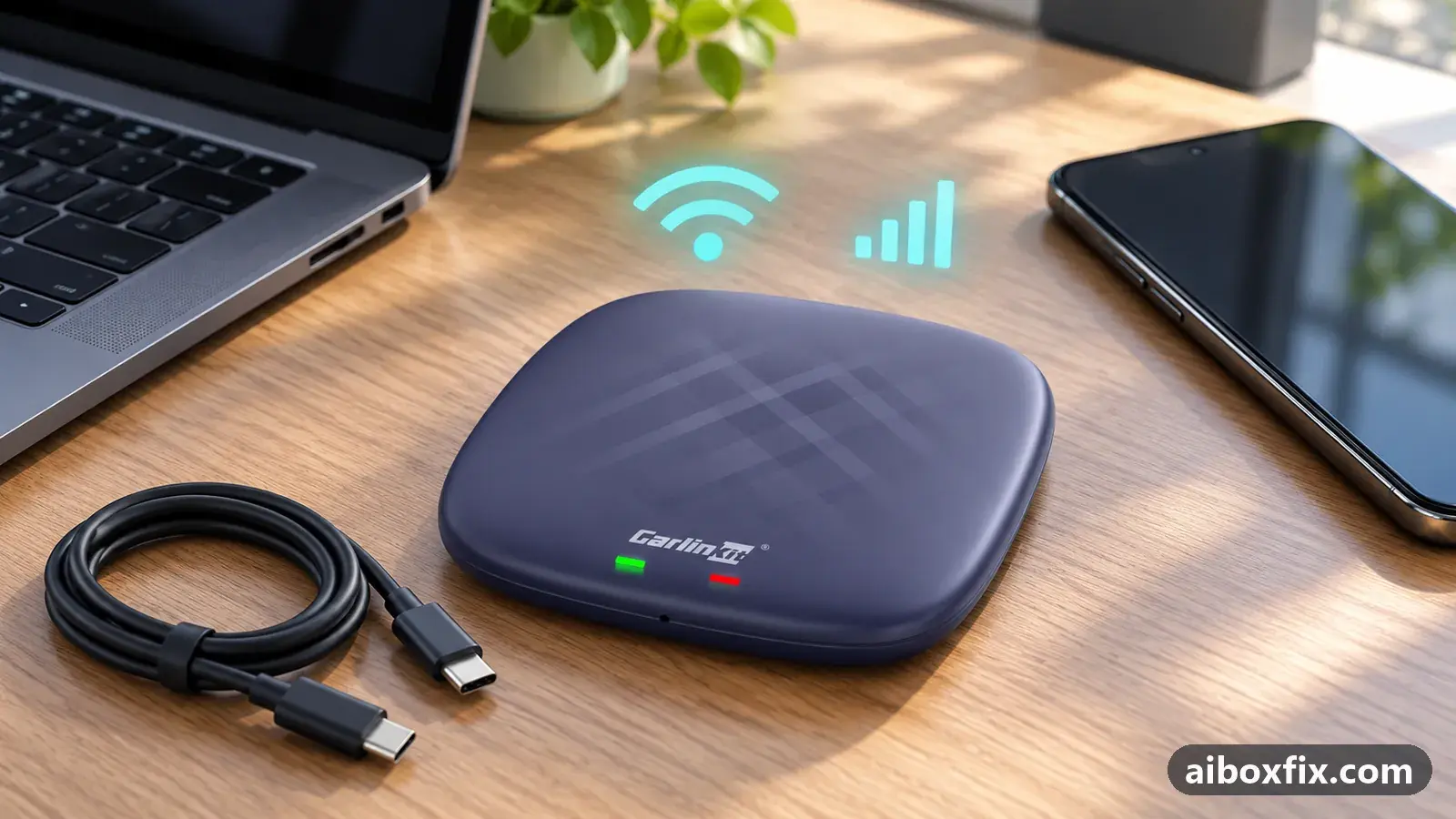
Quick answer
To give a SIM-less Carlinkit TBox Plus internet the moment it starts, set your phone to switch its Wi-Fi hotspot on by itself: built-in routines such as Samsung Modes and Routines, tied to the car's Bluetooth, did it for five owners. A Shortcuts automation worked for three iPhone owners; other Android phones use MacroDroid, which worked for four of eight.
Before you start
- A phone that comes into the car with you (the automation runs on the phone, not the box)
- The automation tool your phone has: Samsung Modes and Routines, the iPhone Shortcuts app, or MacroDroid from Google Play on other Android phones
- The box set to take internet over Wi-Fi, with no SIM in use
- Bluetooth already paired between the phone and the car's head unit or the box
Time: about 10 minutes. Tools: your phone's built-in automation, or MacroDroid (Android).
Applies to
- Connection to the car
- CarPlay and Android Auto
- Highest risk on this page
- Low risk
Why the hotspot does not come back on its own
A box without a SIM gets online by joining your phone’s Wi-Fi hotspot. The catch is that neither Android nor iOS remembers a hotspot across a restart, and your phone keeps it switched off to save battery. So every time you get in the car you would otherwise have to open the phone and turn the hotspot on by hand before the box has internet.
The way around it is to let the phone switch its own hotspot on when it notices it is in the car, and off again when you leave. The reliable signal is Bluetooth: your phone already pairs with the car’s head unit or the box for calls, so an automation can watch for that connection and toggle the hotspot to match.
This is the phone side of the problem. If you want the box’s own hotspot to come up at boot to feed the head unit or a dash cam, that is a different setup covered in turn on the box’s hotspot automatically at boot. Using the box itself as the car’s internet source is use the AI box as a standalone hotspot.
Which tool does your phone have?
You do not need an extra app if your phone already automates tasks:
- Samsung: Modes and routines (older builds call it Bixby Routines). This is what most owners used, and it keeps working across Android updates because it is part of the phone.
- iPhone: a personal automation in the Shortcuts app.
- Other Android phones without a built-in routines feature: MacroDroid, a free app from Google Play.
All three do the same job, so pick the one for your phone and follow its step below. The idea is identical: one rule turns the hotspot on when Bluetooth connects, a second turns it off when it disconnects.
Steps
Before you build the rule, confirm the plumbing. On the box, open Wi-Fi and make sure it is set to connect to your phone’s hotspot (join it once by hand and enter the password). Pair the phone with the car’s head unit or the box over Bluetooth so the automation has something to watch. Then set it up on your phone.
Samsung: a Modes and Routines rule on the car's Bluetooth
- Low risk
- Time: 5 minutes
- Worked for 5 of 5 reports
- Open Settings → Modes and routines → Routines (older Samsung builds: Bixby Routines) and add a routine.
- Set the If condition to Bluetooth device connected and pick the car’s head unit or the box.
- Set the Then action to turn Mobile Hotspot on. Optionally add Turn Wi-Fi off, so the phone falls back to mobile data and the box is not competing with it for the same Wi-Fi.
- Add a second routine with the reverse: when that Bluetooth device disconnects, turn the hotspot off and Wi-Fi back on.
- Get in, let the phone pair, and check the box picks up the hotspot on its own.
Four owners set this up with the phone’s built-in automation. One described the whole sequence: sit in the car, the phone connects to the box by Bluetooth, the hotspot comes on by itself, and when you get out it switches off after about ten minutes with nothing connected. Another, on a Skoda with a TBox Plus, used Bixby routines to turn the hotspot on and the phone’s Wi-Fi off on connect, with the reverse on disconnect, and called it fully automatic. Two more owners whose boxes could not use a SIM did the same with their phone’s own scenario tool and were happy with it. A fifth, with a TBox Plus in a VW ID.4, set a routine to turn the hotspot on when the phone connects to the box and wrote that it solved the problem completely; he did not name his phone.
Other Android phones: a MacroDroid macro
- Low risk
- Time: 10 minutes
- Worked for 4 of 8 reports
- Install MacroDroid from Google Play. If you already have a copy from another source, uninstall it first and reinstall from Play, or the hotspot action can fail with an “api” error.
- Add a macro with the trigger Bluetooth device connected, and choose the car’s handsfree, not the box. The box’s Bluetooth link drops once it connects, so a macro watching the box never fires; the car’s handsfree stays connected long enough.
- Add the action HotSpot On/Off → Enable. Optionally add a Wi-Fi off action so the phone uses mobile data.
- Add a second macro on Bluetooth disconnected that disables the hotspot.
- Grant every permission MacroDroid asks for, install its helper app if it prompts you, and exclude MacroDroid from battery optimisation.
- Start the car and confirm the hotspot comes up and the box joins it without you touching the phone.
One owner’s macro turns the hotspot on when the car’s Bluetooth connects and even wakes the screen with a spoken confirmation. Another, on a OnePlus 12 running Android 15, has it switch on whenever the phone sees the car Bluetooth and off when it does not. A third turned the phone’s Wi-Fi off and the hotspot on this way for a box without a SIM.
The trigger matters more than anything. An owner whose macro never fired by itself found the box’s Bluetooth switched off the moment the box connected, so the trigger was gone before it could act; pointing the trigger at the car’s handsfree, as the step above says, is the fix. One owner summed it up: the phone connects to the car first, the hotspot is already on, and only then does the box’s own link drop.
iPhone: a Shortcuts personal automation
- Low risk
- Time: 5 minutes
- Worked for 3 of 3 reports
- Open the Shortcuts app, go to Automation, and add a Personal Automation.
- Choose Bluetooth as the trigger, select the box or the car’s head unit, set it to Is Connected, and turn off Ask Before Running.
- Add an action that turns Personal Hotspot on (Set Personal Hotspot, or a toggle shortcut if your iOS build has no direct action).
- Add a matching automation on Is Disconnected that turns Personal Hotspot off.
- Get in the car and confirm the box connects to the hotspot without you touching the phone.
An owner with a TBox Plus set this up so the hotspot comes on as he gets in and off as he leaves. He pointed out the real advantage: his car wakes the box as he approaches, so by the time he sits down the hotspot is already there and the box has internet at once, whereas a SIM in the box can take a minute to register a network. A second iPhone owner’s automation fired correctly too, though his box then lost the connection after a couple of songs; that drop is a separate problem, below.
A third iPhone owner, with an AI box in a Ford F-150 Lightning, triggers the automation on CarPlay connecting instead of Bluetooth. He had planned to buy a separate SIM for the box and now lets it tether off his phone.
Verify it worked
Leave the phone in your pocket and start the car as you normally would. Within a few seconds the head unit should show the box online (a Wi-Fi icon, and maps or music loading). Open a web page or start navigation to confirm there is real internet, not only a connection.
Then test the off side: switch the car off, get out, and check the phone a few minutes later. The hotspot should be off so it is not draining the battery or your data allowance. If it stays on, the disconnect rule is missing or its trigger is wrong.
Undo / rollback
This change lives entirely on your phone, so there is nothing to undo on the box.
- To stop it, delete the two routines (Samsung), the two automations (iPhone Shortcuts) or the two macros (MacroDroid). The hotspot goes back to manual.
- If you would rather the box not depend on your phone at all, put a data SIM in the box instead; see AI box SIM card not working if the SIM gives no data.
Troubleshooting this guide
The macro or routine never fires, though it works when you run it by hand. The trigger is watching something that disappears too soon. The box’s Bluetooth link drops as soon as it connects, so trigger on the car’s handsfree Bluetooth instead. Also check the automation app is excluded from battery optimisation, as a sleeping app cannot react.
It stopped working after a phone update. Android 15, One UI 8 and Android 16 each broke MacroDroid for some owners, usually through its helper app. Try reinstalling the helper (tap More → Install anyway if the install is blocked), and if your phone has built-in routines, move the automation there, as those survive updates. The same macro still runs on other phones on the same Android version, so an update is not always the cause.
The box connects to the hotspot, then drops it after a while. The automation is doing its job; this is a connection-stability problem on the box or phone side. Work through AI box keeps dropping your phone’s hotspot.
Wireless Android Auto hangs after the hotspot comes on. One owner found the box re-enabled Wi-Fi for wireless Android Auto at the same moment the macro turned the phone’s Wi-Fi off, and the two fought until he changed the box’s own hotspot security from WPA3 to WPA2, which his phone supported; after that the connection came up almost at once.
You use remote engine start. One owner’s hotspot came on and Bluetooth connected as he walked up to a remotely started car, but the box’s Bluetooth then dropped when he unlocked the car. If your box behaves like this, a firmware update that stops the box dropping Bluetooth on its own may help; check the firmware tracker for your model.
The hotspot is on but nothing loads. The phone itself has no data, or is on a plan that blocks tethering. Confirm the phone can browse over mobile data with Wi-Fi off before blaming the automation.
If none of this gives you a hotspot that comes up on its own, the manual toggle in quick settings is the fallback, and a SIM in the box removes the dependence on the phone. The network symptom hub lists the related connection fixes, and start here compares the box families if you are weighing a SIM against a phone hotspot.
What owners said
“Set up a Shortcut on the iPhone: when I get in the car the hotspot turns on, when I leave it turns off. The box starts and the Wi-Fi from the phone is already there.”
Owner, Carlinkit TBox Plus, May 2025
“Using Bixby routines on the Samsung, when the Bluetooth connects the phone turns the hotspot on and Wi-Fi off; on disconnect, the reverse. All automatic. Very convenient.”
Owner, Carlinkit TBox Plus, Aug 2024
“The wife's phone had MacroDroid sharing Wi-Fi when it saw the car's handsfree. The phone updated to Android 15 and it stopped working, so I gave up and put a SIM in the Ambient.”
Owner, Carlinkit TBox Ambient, Jun 2025
Quotes are translated where needed and shortened ([…]); names are removed. Full counts are in the evidence table below.
Questions owners ask
Does this share the box's SIM or my phone's data?
Your phone's data. The box has no SIM in this setup; it joins your phone's hotspot as an ordinary Wi-Fi client, so the data comes off your phone plan.
Will the hotspot drain my phone or burn through data while parked?
Set the off rule so it closes when you leave. One Samsung owner's routine switched the hotspot off after ten minutes with no device connected, so a quick stop does not leave it running.
My macro turns the hotspot on when I test it, but never by itself. Why?
The trigger is usually the problem. The box's Bluetooth link drops once it connects, so a macro watching the box never fires; trigger on the car's handsfree Bluetooth instead, or check that the automation app is excluded from battery optimisation.
Is a SIM in the box better than this?
A SIM means the box is independent of your phone, but owners reported it takes a minute to register a network at start, while a phone hotspot is ready as the box boots. Several owners switched to this because their box's SIM would not work on their network at all.
Related fixes
Did this work for you?
Tell us which fix worked (or didn't), with your box, firmware date and car. Reports are how fixes get confirmed and re-ranked.
Send a reportChangelog
- Last reviewed against new community reports:
- Confirmed by 12 community reports on Carlinkit TBox Plus.
- Page updated:
"Confirmed" means a community member reported that the fix worked on their unit. We have not tested it on our own hardware. How we verify.
Evidence behind these counts (5 cases)
One row per case: a device, a symptom and a fix, merged from owner reports. An owner counts once per fix. Reports with no outcome yet are not counted. Forum and chat message references are kept on file but not published, to protect owners' privacy; public Reddit and YouTube sources are linked.
| Case | Confirmed on | Result | Source |
|---|---|---|---|
| case-1694 | Carlinkit TBox Plus | 4 worked | Owner discussion threads, 4 messages |
| case-1695 | Carlinkit TBox Plus | 2 worked | Owner discussion threads, 2 messages |
| case-1696 | Model not stated | 4 worked, 4 did not | Owner discussion threads, 4 messages |
| case-2137 | Carlinkit TBox Plus | 1 worked | Owner reviews, 1 message Reddit thread |
| case-2138 | Any Android AI box | 1 worked | Owner reviews, 1 message Reddit thread |