Apps & launchersReviewed
Make Text and Icons Bigger or Smaller: Smallest Width (DPI)
Text or icons too big or too small on your AI box? Change Smallest width (DPI) in Developer options; values owners chose. Carlinkit TBox Ambient, Plus.
Carlinkit TBox AmbientCarlinkit TBox Plus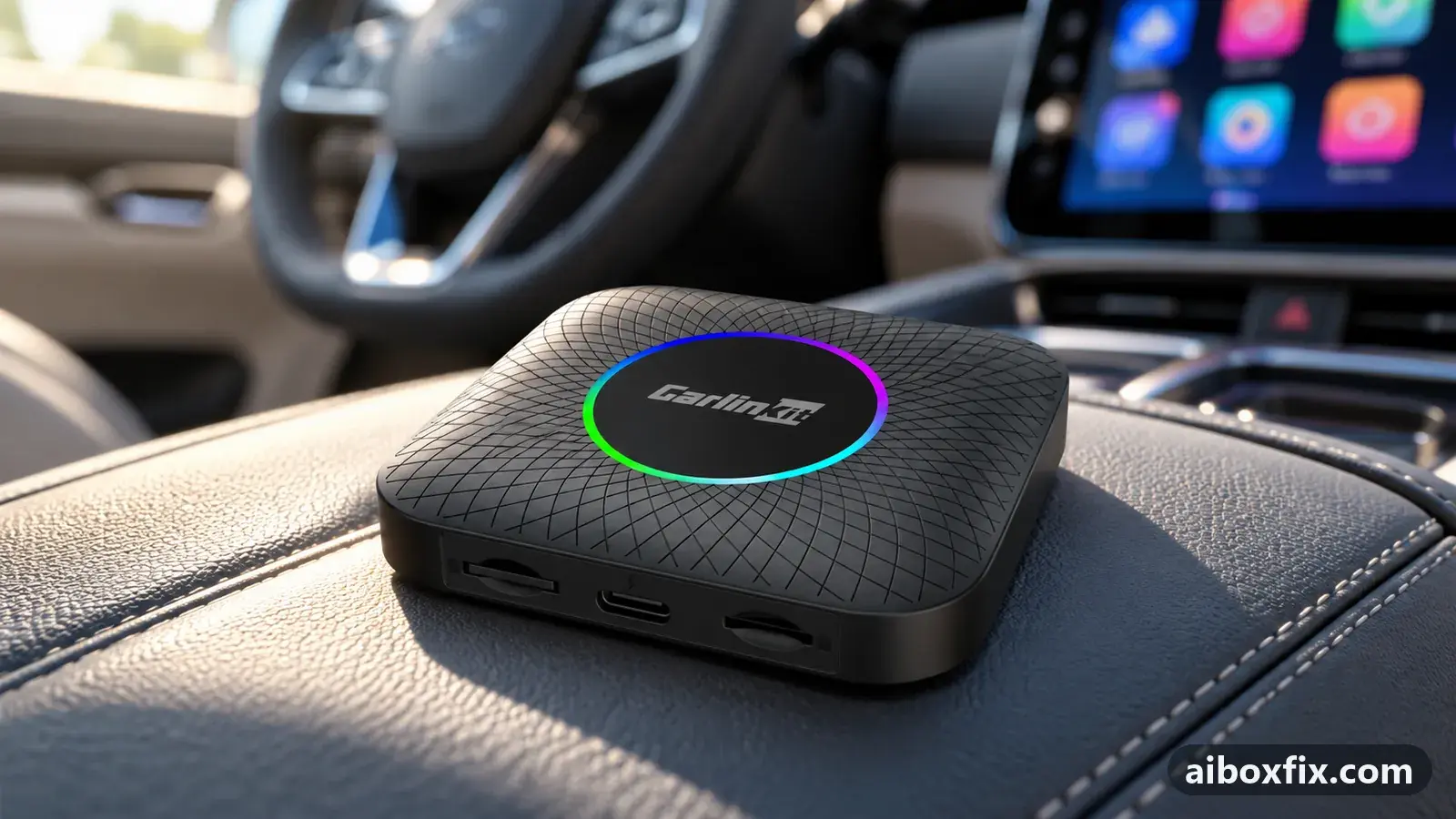
Quick answer
On a Carlinkit TBox Ambient or Plus whose text, icons or app layouts are the wrong size for the car screen, change Developer options → Smallest width and reboot: a higher value makes everything smaller, a lower one bigger. Seven of eleven owners got the layout they wanted; 600 suited a 7-inch screen, 640 a 9-inch one.
Before you start
- The box connected to the car with the engine running, so it stays powered through the reboots
- Your current Smallest width value written down before you change it
- A few minutes per value: every change needs a reboot to judge it
Time: about 15 minutes.
Applies to
- Connection to the car
- CarPlay and Android Auto
- Highest risk on this page
- Advanced
What Smallest width changes
Android draws text, icons and app layouts at a size derived from the display density. On an AI box that density is set from the head unit’s resolution, not from how big the screen physically is, so the same box can look cramped on a 7-inch screen and oversized on a 10-inch one. Many apps also pick their phone or tablet layout from it: a music app may show its full cover art and video features only at one density, and a browser may render a page broken at another.
Developer options show the density as Smallest width. Owners call it DPI. The rule that confuses people at first: a higher value makes everything smaller, and a lower value makes everything bigger. The defaults owners found on their boxes were 431, 484 and 570.
If you want to change the size because the box lags or overheats on a very large, high-resolution screen, the same setting is used differently; see big screens overload the AI box.
Steps
Change Smallest width in Developer options
- Low risk
- Time: 10–15 minutes
- Worked for 7 of 11 reports
- Open Settings → More → About and tap Build number repeatedly until the box says you are a developer.
- Open Settings → More → System → Developer options → Smallest width. You can also type “Smallest width” into the search bar in Settings.
- Write down the current value.
- Enter a new value and confirm: higher for smaller text and icons, lower for bigger. Change it by 50 to 100 at a time.
- Reboot the box. Owners found the change does not settle in properly until after a restart.
- Check your home screen and the app you care about. Repeat steps 4 and 5 until it fits.
A TBox Plus owner who moved his box to another car and back found the icons had grown; the value had reset with the change of resolution, and 600 looked right again on the 7-inch screen. An owner with a 9-inch, 1280 by 720 screen set 640 so that, with the stock launcher in a 7:3 split, navigation filled the larger part and the music app showed its phone-style cover.
A TBox Ambient owner with the stock launcher could not get a music app’s vertical video feature to appear in split screen until the owner raised Smallest width from 570 to 700. Another owner fixed a browser that opened with a broken layout by lowering the value from 600 to 450. Two more owners got a music player to look as it does on a tablet by raising the value, one of them settling on 540; a CarCar launcher user was told to start at 560 and adjust, and that helped.
Expect your home-screen shortcuts to move around after each change, and put them back once you have settled on a value.
TBox Plus: open Developer options with code 9999
- Advanced
- Time: 5 minutes
- Worked for 1 of 1 report
Warranty warning: this uses developer or engineering access. Follow the undo steps afterwards; some sellers refuse warranty claims on units with debugging left enabled.
- Open Settings → Other → Factory settings.
- Enter 9999. Developer options open.
- Change Smallest width as in the first step above, then reboot.
A TBox Plus owner who could not find where to change the DPI was told that on these boxes Developer options open with code 9999, and it worked. The code does not open Developer options on every model: on TBox Ultra firmware from late 2025 it stopped working, and on some boxes the factory menu does not accept 9999 at all. The engineering codes reference lists which code works where. Change only Smallest width there.
Which value should you pick?
There is no single right number; it depends on the screen size, its resolution and which app you are fitting. These are the values owners settled on:
| Situation | Value owners chose |
|---|---|
| 7-inch screen, TBox Plus, icons too big after a car change | 600 |
| 9-inch screen, 1280 by 720, navigation and music in a 7:3 split | 640 |
| TBox Ambient, music app’s video feature missing in split screen | 570 → 700 (600 also worked) |
| Music player looked wrong compared with a tablet | 540 |
| CarCar launcher, music app laid out too small | start at 560 and adjust |
| Browser pages rendered broken | 600 → 450 |
On a very large screen the published fix for lag and touch dropouts used 800. If the split screen ratio is what squeezes an app, change the ratio first and Smallest width second.
Verify it worked
- After the reboot, Settings → More → System → Developer options → Smallest width shows your new value.
- Text in the apps you use while driving is readable at a glance, and buttons are large enough to hit without looking twice.
- The app you were fitting shows the layout you wanted: cover art, video feature, or a page that fits the screen.
- Your home-screen widgets still fit; if they overflow, step the value back.
Undo / rollback
- Open Developer options → Smallest width.
- Enter the value you wrote down before you started (owners saw 431, 484 and 570 as defaults).
- Reboot.
Nothing else on the box changes with this setting. If you no longer know the original value, choose one that looks right; a value from the table above is a reasonable start.
Troubleshooting this guide
One app does not change at all. One owner who moved a box from a Chery Tiggo 4 Pro to a Tiggo 7 Pro Max lowered Smallest width from 484 and also changed Android’s display size and font size: everything else got bigger, the YouTube app stayed tiny. Another owner tried several values and preset scales in the CarCar launcher and the music app’s cover still sat wrongly. Some apps keep their own layout; another client of the same service is the only suggestion owners had, untested.
Everything got smaller, but the app still looks wrong. One owner raised the value from 431 to 640 to make a music app use its full layout in a split-screen window. It only shrank everything. When an app’s window is the problem, the split ratio matters more than the density.
Text is blurry rather than small. An Ambient owner whose navigation text looked blurry found that neither Smallest width nor text size helped, and suspected the car’s low-resolution screen. Density changes the size of the text, not the sharpness of the picture the head unit shows.
The value keeps resetting. The box resets Smallest width when the output resolution changes: after moving it to another car, or after switching between CarPlay and Android Auto, which can change the resolution. Set it again afterwards. If it will not change at all, see the note about the split-screen ratio in big screens overload the AI box.
You cannot find Developer options. If tapping Build number does nothing, use the factory-settings route above on a TBox Plus, or check the engineering codes reference for your model. If you are not sure which box you have, which TBox do I have helps.
What owners said
“Yes, Developer options, then Smallest width. That is the DPI. The higher the DPI, the smaller the interface. […] My head unit is 9 inches, 1280 by 720. […] I set the DPI to 640. It turned out great.”
Owner, Dec 2025
“The issue was solved by lowering the DPI from 600 to 450.”
Owner, Nov 2023
“No, it didn't help at all, except that everything became small. Stock was 431, I set 640.”
Owner, Nov 2023
Quotes are translated where needed and shortened ([…]); names are removed. Full counts are in the evidence table below.
Questions owners ask
Is Smallest width the same as DPI?
For this purpose, yes. Owners call it DPI. It is Android's display-density setting: a higher Smallest width draws everything smaller and gives apps more room, a lower one draws everything bigger.
Why did my icons get huge after I used the box in another car?
The box recalculates Smallest width when the head unit's resolution changes, so moving it to another car, or back, can reset your value. Set it again in Developer options and reboot.
Why does YouTube stay tiny whatever value I choose?
One owner changed Smallest width, Android's display size and font size, and the YouTube app did not change at all. That app keeps its own layout; a different YouTube client was suggested but nobody reported back.
Can I change the size for one app only?
Not on the TBox Ambient or Plus. A community member said the TBox Ultra has per-app density in its factory menu (code 4545, Density tab), but no owner confirmed using it.
Related fixes
- AI Box Lags on a Big High-Resolution Screen? Raise Smallest WidthLow risk
- Split Screen on Carlinkit: Widgets vs Real SplitAdvanced
- App Buttons Cut Off in Phone Layout: 14 Owner ReportsLow risk
- Change the Boot Animation on a Carlinkit TBoxLow risk
- AI Box Fills Only Part of the Silverado or Sierra ScreenLow risk
Did this work for you?
Tell us which fix worked (or didn't), with your box, firmware date and car. Reports are how fixes get confirmed and re-ranked.
Send a reportChangelog
- Last reviewed against new community reports:
- Confirmed by 8 community reports on Carlinkit TBox Ambient, Carlinkit TBox Plus.
- Page updated:
"Confirmed" means a community member reported that the fix worked on their unit. We have not tested it on our own hardware. How we verify.
Evidence behind these counts (2 cases)
One row per case: a device, a symptom and a fix, merged from owner reports. An owner counts once per fix. Reports with no outcome yet are not counted. Forum and chat message references are kept on file but not published, to protect owners' privacy; public Reddit and YouTube sources are linked.
| Case | Confirmed on | Result | Source |
|---|---|---|---|
| case-8260 | Carlinkit TBox Ambient; Carlinkit TBox Plus | 7 worked, 4 did not | Owner discussion threads, 40 messages |
| case-8261 | Carlinkit TBox Plus | 1 worked | Owner discussion threads, 4 messages |