Apps & launchersReviewed
App Buttons Cut Off in Phone Layout: 14 Owner Reports
Phone app hides its buttons or won't fill the car screen? Give it a narrow split window or lower its scale. MGears Mstick4, Carlinkit TBox Ambient, Plus.
MGears Mstick4Carlinkit TBox AmbientCarlinkit TBox Plus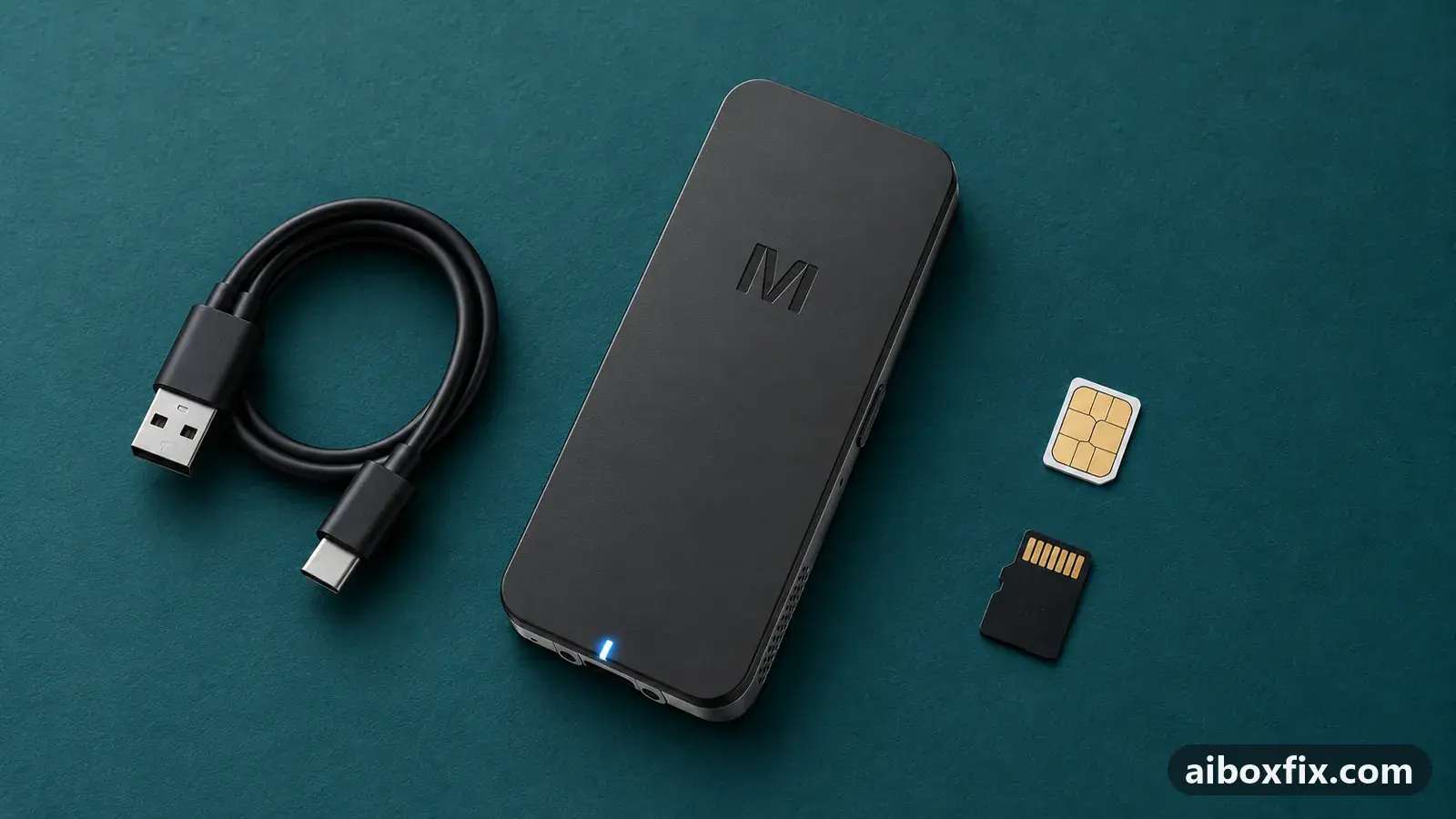
Quick answer
When a phone-style app on an MGears Mstick4 or Carlinkit TBox hides its buttons or shows only part of its layout, open it in split screen and drag the divider until its window is narrower than it is tall. That worked for six of seven owners. Lowering the app's window scale and, on the Mstick4, tablet mode also helped.
Owner reports at a glance
- Owner reports of a fix that worked
- 14
- Reports with a result
- 16
- 14 worked, 2 did not help
- Most-confirmed fix
- Give the app a narrow, portrait-shaped split window: worked in 6 of 7 reports; all fixes, ranked
- Boxes owners confirmed it on
- MGears Mstick4
One owner counts once per fix; reports with no result yet are not counted. Counts reviewed . How we count.
Symptoms
- A dashcam app shows only the video view and the buttons below it are out of reach
- A streaming app has no Play, Watch or Download button for films
- A music app's cover art or track video never appears on the car screen, though it does on your phone
- An app opens upright like on a phone, with wide empty margins, and will not fill the screen
- In a CarCar split wider than 50/50 the app in the bigger window does not fill it
- An app's layout in its split window broke right after the app updated
Applies to
- Connection to the car
- CarPlay and Android Auto
- Highest risk on this page
- Low risk
- Status
- Workaround confirmed by the community
Why it happens
Many apps are built for a phone held upright. The box gives them a wide landscape screen instead, and an app that cannot adapt crops its layout, pushes buttons off the visible area, or switches off features it only offers in portrait. The app works; it is laid out for the wrong shape of screen.
A split-screen window narrower than it is tall gives the app the portrait-shaped space it expects, so it switches to its full phone layout. Lowering the window’s scale, or telling the box to report itself as a tablet, gets the same result in other cases.
Fixes, ranked
Give the app a narrow, portrait-shaped split window
- Low risk
- Time: 5 minutes
- Worked for 6 of 7 reports
- Open another app first, for example your navigation app.
- Start split screen: on a Carlinkit box tap the floating button and then its split-screen icon, in CarCar Launcher use a preset, on the MGears Mstick4 use the stick’s split screen.
- Put the problem app in the smaller window.
- Drag the divider until the app’s window is clearly narrower than it is tall. Owners used 65/35 in CarCar Launcher and 3:2 or 7:3 in the stock Carlinkit launcher, depending on the screen width.
- On the Mstick4, for an 8:2 split turn on MGears Settings → Display → Expanded Split-Screen Ratios, open the split at 70/30 and nudge the divider further.
- If the app keeps its broken layout, force-stop it in Settings → Apps, then launch it straight into the split window instead of opening it full screen first.
A Mstick4 owner with a dashcam app saw its two recording buttons only after tapping the video view’s full-screen toggle inside the small window. A Carlinkit owner after a music app’s portrait layout found that a wide split did nothing and only a narrower window worked. Three Mstick4 owners got a music app’s cover art and track video back at 8:2. One Ownice owner tried 30/70 in CarCar Launcher for an app’s login screen and it did not help.
If you want the split saved as a shortcut on a Carlinkit box, see split screen on Carlinkit; that route uses the engineering menu.
Lower the window scale so the buttons fit
- Low risk
- Time: 5 minutes
- Worked for 2 of 2 reports
- If the app runs in a CarCar Launcher preset, edit that preset and lower the app’s scale. Owners mention about 75%.
- Save the preset and reopen the app.
- If you do not use CarCar Launcher, give the app a smaller split window as in the first fix.
Two owners got a streaming app’s missing Play, Watch and Download buttons back this way. One said he reduced “the scale in the window” without saying where; the other was told to shrink or split the screen and did not say which one helped.
MGears Mstick4: turn on tablet mode
- Low risk
- Time: 2 minutes
- Worked for 2 of 3 reports
- Open MGears Settings → Display.
- Turn on Tablet mode.
- Reopen the app.
A streaming app that would not go full screen filled the screen after this, and another owner’s music app displayed properly in CarCar Launcher. App interfaces get smaller; CarCar’s own interface does not change. It did not help the dashcam app from the first fix. One owner noticed that switching tablet mode reset some settings inside his navigation app and a speed-camera app, so check those afterwards. The Mstick4 device page lists the stick’s other display settings.
Mstick4 with CarCar: turn off auto-rotate
- Low risk
- Time: 1 minute
- Worked for 2 of 2 reports
- Swipe down from the top edge of the screen to open the quick-settings shade.
- Turn off Auto-rotate.
- Reopen the split preset.
Two owners whose app did not fill the larger window of a CarCar split wider than 50/50 fixed it this way. A box setting that forces landscape, tried first, did not help.
Layout broke after an app update: install an earlier version
- Low risk
- Time: 15 minutes
- Worked for 1 of 1 report
- Note the app’s version in Settings → Apps and when the layout broke.
- Install an earlier version of the app over it, as described in install an APK on the box. Take it from a source you trust.
- Reopen the app in the same window or preset and check the layout.
- Turn off automatic updates for that app, or the store installs the broken version again.
- In Settings → Apps → Special app access → Install unknown apps, switch the permission off again for the file manager you used.
The window ratio and the box are not always the cause. A CarCar Launcher owner had a music app in the small half of a 70/30 preset at 75% scale, where its cover art filled the window; after an app update the art sat small in a corner, and resetting the launcher did not help. Going back one or two versions did not help either; a version from about two months earlier restored the layout. Another owner saw the same change at the same time. Report the problem to the app’s developer as well, describing it as a small-window or split-screen layout bug.
Navigation bar drifts to the centre: raise the window scale
- Low risk
- Time: 2 minutes
- Worked for 1 of 1 report
- Open the CarCar Launcher setting where the app’s scale is set.
- Raise the scale. The owner went from 75% to 125%.
- Reopen the navigation app.
Scale works in both directions. A Carlinkit owner whose navigation app’s time and route bar had moved to the middle of the screen found the app was at 75% scale; at 125% the bar went back where it belongs. Change one step at a time and check the app after each change.
Things to try (unverified)
- Change Smallest width (DPI). It resizes the whole interface, not one app, so it is a different fix with its own guide: change text and icon size with Smallest width.
- Open the app from the stock launcher. One Mstick4 owner reported that a music app opened upright in CarCar Launcher but correctly in the stock launcher. Nobody reported trying it as a fix.
If nothing works
Note the box model and firmware date (Settings → About), the head unit’s screen size and resolution, the launcher and split ratio you tried, and the app’s name and version. Take a photo of the cropped screen. Ask the app’s developer for a landscape or tablet layout: the box cannot add one to an app that lacks it.
If the problem is a playback error rather than the layout, see YouTube playback errors. If you are choosing a box for a large or unusual screen, start here.
What owners said
“I switched it; that didn't help. What helped was turning off screen auto-rotate in the top pull-down shade.”
Owner, Feb 2026
“For anyone interested: I beat it by installing version 2025.09.3 […]. Everything's fine there; the screen came back the way it should be.”
Owner, Nov 2025
“Thanks! It worked, though in a tricky way: I had to tap the dashcam screen as if to make it full screen, and then the buttons appeared at the bottom.”
Owner, MGears Mstick4, Sep 2025
Quotes are translated where needed and shortened ([…]); names are removed. Full counts are in the evidence table below.
Questions owners ask
Can I force one app into portrait without splitting the screen?
Not reliably. One owner tried an automation app that forces portrait, but it rotated the whole system, not the one app. A narrow split window is how owners got a portrait layout for a single app.
Will changing Smallest width (DPI) fix this instead?
Sometimes. It changes the size of everything on the box, not one app. If a narrow window does not help, see the Smallest width guide.
Why does the app work in split screen but break when I open it full screen?
Some phone apps work out their layout once, when they start. Started full screen they pick a broken landscape layout and keep it; started inside a narrow window they pick their phone layout.
Related fixes
- Split Screen on Carlinkit: Widgets vs Real SplitAdvanced
- Make Text and Icons Bigger or Smaller: Smallest Width (DPI)Advanced
- App Icons Duplicated in the Box's App MenuLow risk
- Apps Keep Losing Their Special Permissions on the BoxLow risk
- WhatsApp on the AI Box Logs Out Your Phone: Link It InsteadLow risk
Did this work for you?
Tell us which fix worked (or didn't), with your box, firmware date and car. Reports are how fixes get confirmed and re-ranked.
Send a reportChangelog
- Last reviewed against new community reports:
- Confirmed by 14 community reports on MGears Mstick4.
- Page updated:
"Confirmed" means a community member reported that the fix worked on their unit. We have not tested it on our own hardware. How we verify.
Evidence behind these counts (6 cases)
One row per case: a device, a symptom and a fix, merged from owner reports. An owner counts once per fix. Reports with no outcome yet are not counted. Forum and chat message references are kept on file but not published, to protect owners' privacy; public Reddit and YouTube sources are linked.
| Case | Confirmed on | Result | Source |
|---|---|---|---|
| case-8550 | MGears Mstick4 | 6 worked, 1 did not | Owner discussion threads, 21 messages |
| case-8551 | Model not stated | 2 worked | Owner discussion threads, 6 messages |
| case-8552 | MGears Mstick4 | 2 worked, 1 did not | Owner discussion threads, 9 messages |
| case-8553 | MGears Mstick4 | 2 worked | Owner discussion threads, 4 messages |
| case-9220 | Model not stated | 1 worked | Owner discussion threads, 4 messages |
| case-9221 | Model not stated | 1 worked | Owner discussion threads, 4 messages |