Firmware & recoveryReviewed
Picasou 3 Screen Refreshes Every Few Seconds After an Update
Picasou 3 (P3) screens reload every 10–15 s after a firmware update? Reset it with the reset hole, not from Settings: hold until the lights go out.
Ottocast Picasou 3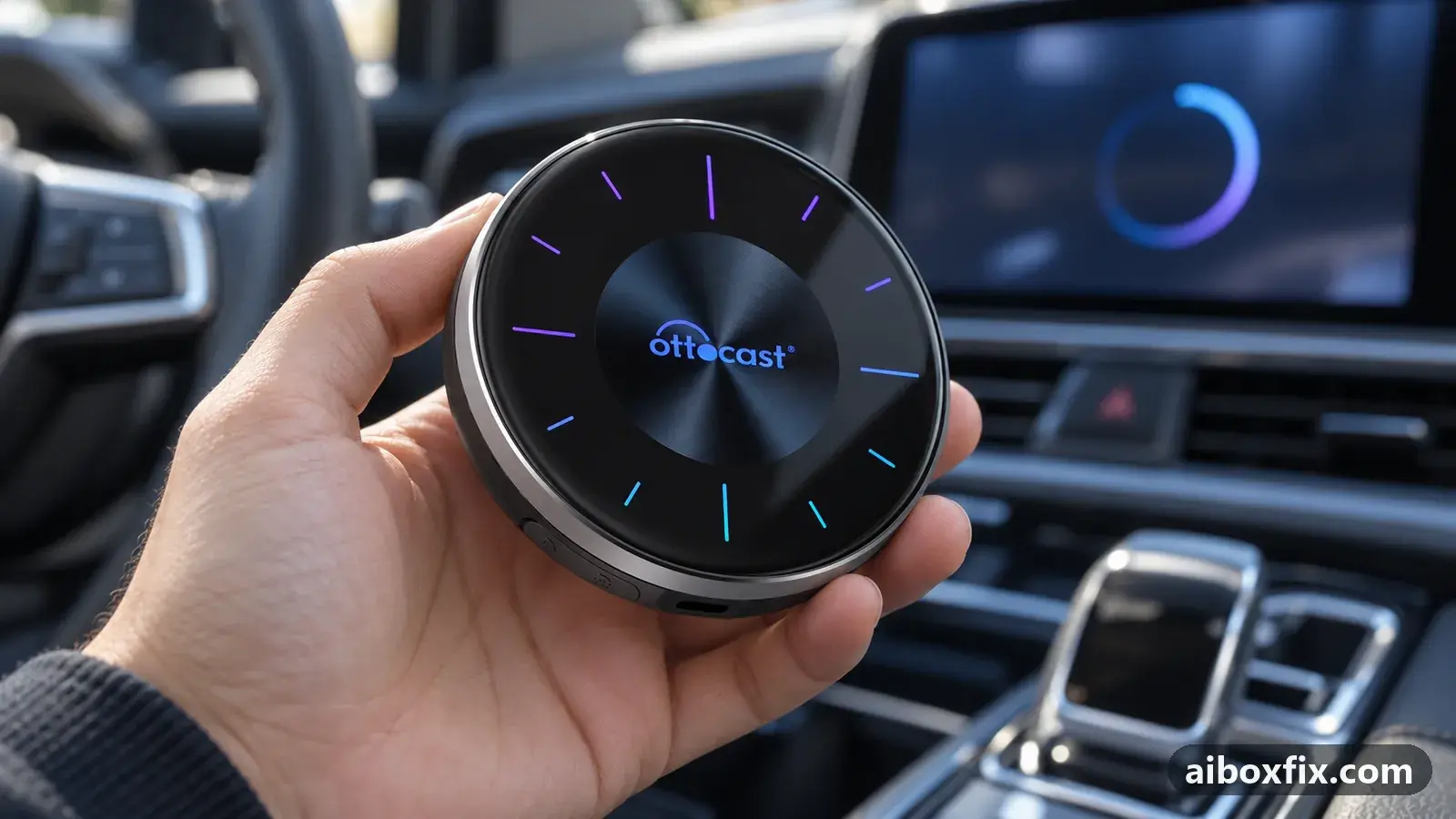
Quick answer
If every screen on an Ottocast Picasou 3 (OttoAibox P3) reloads every 10 to 15 seconds after the 20 Aug 2024 firmware update, reset the box with its reset hole: hold a pin in it until the lights go out, then 3 to 5 seconds more. One owner confirmed it after a reset from Settings had not helped.
Symptoms
- The screen content reloads by itself every 10 to 15 seconds
- The Play Store refreshes on its own when you leave it open
- The Google sign-in page resets before you can finish typing your password
- It started right after a firmware update (build 202408201424)
- A factory reset from Settings did not stop it
Applies to
- Devices
- Connection to the car
- CarPlay and Android Auto
- Firmware in confirmed reports
- Ottocast Picasou 3: 202408201424
- Highest risk on this page
- Low risk
- Status
- Workaround confirmed by the community
Why it happens
The cause is not known. The one owner who reported it saw it start right after updating a Picasou 3 to the 202408201424 build (20 Aug 2024): every screen, from the Play Store to the Google sign-in page, reloaded every 10 to 15 seconds. Another owner on the same build saw nothing of the kind, so it is not the firmware alone.
What is known is which reset helped. A factory reset from Settings left the problem in place, and the owner felt it made it slightly worse. A reset with the reset hole on the underside, done a few days later, stopped it.
Fixes, ranked
Reset with the reset hole, not from Settings
- Low risk
- Time: 5 minutes
- Worked for 1 of 1 report
- Connect the Picasou 3 to the car or to a USB power source and let it start: the reset is done while the box is running.
- Turn the box over and find the reset hole next to one of the three small feet.
- Press a SIM tool or a paper clip into the hole and hold it until the box’s lights go out.
- Keep holding for another 3 to 5 seconds, then release.
- Set the box up again, and sign in to your Google account only once the screen has stopped reloading.
The owner whose P3 kept refreshing had already tried the reset in Settings, which did not help. The reset with the hole, held until the lights went out and then 3 to 5 seconds longer, fixed it. The full reset procedure, including what the other box families use instead of a hole, is in factory reset an AI box when you can’t reach Settings.
Things to try (unverified)
- A factory reset from Settings. It did not help the one owner who reported this problem. Try the reset hole first.
- Ask Ottocast for a newer build or a way back. The owner hoped for a fix or a downgrade path; nobody has reported receiving either. ApplePie or Ottocast update prompt missing covers installing a build Ottocast sends you.
- Reset the car’s head unit. In the same discussion, another P3 owner whose box kept resetting itself (a full restart, not a screen refresh) stopped it by resetting the car’s head unit on Ottocast’s advice. It costs your radio presets and has not been tried for the refresh problem.
If nothing works
Note the firmware build (Settings → About), how often the screen reloads, and whether it happens in every app or only some. Send that to Ottocast at [email protected] and ask whether a newer or older build is available for your box.
If the box restarts completely rather than redrawing the screen, the cause is usually power: start with AI box keeps rebooting. The Picasou 3 hub lists the P3 variants and their firmware, and start here helps if you decide to replace the box.
What owners said
“I managed to fix the refreshing by doing a hardware factory reset on the device itself. […] The first thing I tried was a factory reset from the settings menu, which didn't help at all.”
Owner, Ottocast Picasou 3, Sep 2024Reddit thread
Quotes are translated where needed and shortened ([…]); names are removed. Full counts are in the evidence table below.
Questions owners ask
Why does the reset hole work when the reset in Settings did not?
Nobody knows. Both are meant to return the box to factory state, and the owner who reported the fix found it odd too. In his case only the reset with the hole stopped the refreshing.
Will I lose my apps and accounts?
Yes. The reset returns the box to factory state, so you sign in to your Google account and reinstall apps afterwards. Do that once the refreshing has stopped, or the sign-in page will reset under you.
Is every P3 on this firmware affected?
No. Another P3 owner on the same 202408201424 build had no refresh problem.
If none of these fixes work
Try every free fix above first. Each of these needs a car whose screen already runs wired CarPlay or Android Auto. We have not tested them: check the seller's compatibility list for your car and head unit, and that the listing shows the exact model named here, before you buy.
Wireless CarPlay / Android Auto adapter (Carlinkit Mini Ultra 3)
If you only use the box to get CarPlay or Android Auto without a cable, a plain wireless adapter has no Android system to update, overheat or crash.
Replacement AI box (Carlinkit, Android 13, SM6225)
If the box is out of warranty and still fails after the fixes above, another Carlinkit box keeps your apps on the car screen. It needs wired CarPlay or Android Auto in the car. Pick the NA variant for North American cars, EAU elsewhere.
Carlinkit TBox Ultra (Android 15)
If an older box is too slow for the apps you run: the TBox Ultra is Carlinkit's Android 15 box, with an SM6350 chip. Check that the variant on the listing supports your car's protocol before buying.
Affiliate links: we may earn a commission at no extra cost to you. Disclosure.
Related fixes
- Factory Reset an AI Box When You Can't Reach SettingsBrick risk
- ApplePie or Ottocast Update Prompt Missing? Insert the Card LiveAdvanced
- Set the Stock Launcher Before Any Firmware UpdateBrick risk
- Update Fails After Disabling Verity? Run adb enable-verity FirstBrick risk
- Recover a Dead Ottocast Picasou 3 With a PC Flash (EDL, QFIL)Brick risk
Did this work for you?
Tell us which fix worked (or didn't), with your box, firmware date and car. Reports are how fixes get confirmed and re-ranked.
Send a reportChangelog
- Last reviewed against new community reports:
- Confirmed by 1 community report on Ottocast Picasou 3.
- Page updated:
"Confirmed" means a community member reported that the fix worked on their unit. We have not tested it on our own hardware. How we verify.
Evidence behind these counts (1 case)
One row per case: a device, a symptom and a fix, merged from owner reports. An owner counts once per fix. Reports with no outcome yet are not counted. Forum and chat message references are kept on file but not published, to protect owners' privacy; public Reddit and YouTube sources are linked.
| Case | Confirmed on | Result | Source |
|---|---|---|---|
| case-1033 | Ottocast Picasou 3 (202408201424) | 1 worked | Owner reviews, 1 message Reddit thread |