Apps & launchersReviewed
Google Play Store Downloads Stuck on Pending or Failing at 99%
Google Play updates stuck on Pending or failing near 100%? Put it on Wi-Fi or a phone hotspot instead of its SIM. Carlinkit TBox, ApplePie UX999.
ApplePie UX999 UltraCarlinkit TBox Ambient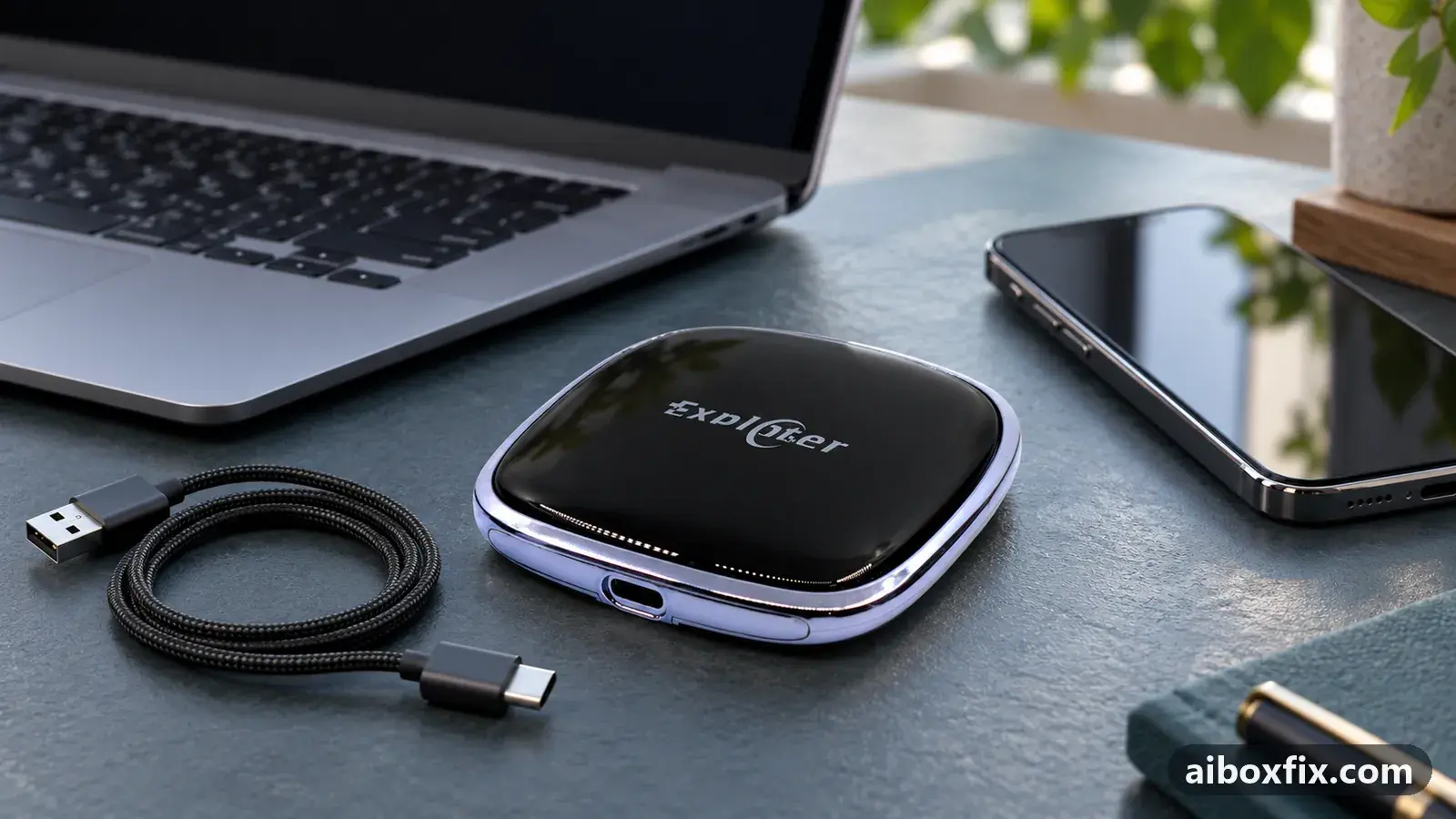
Quick answer
When Google Play updates on a Carlinkit TBox or ApplePie UX999 sit on Pending or fail near 100% while other apps have internet, put the box on Wi-Fi or a phone's hotspot instead of its own SIM: that worked for two of two owners. If updates freeze only with Update all, update one app at a time.
Symptoms
- Google Play updates or installs sit on Pending or Waiting and never start
- Updates climb to 98-100%, then fail and offer Install again, in a loop
- Some updates freeze at a few percent while others on the same box download fine
- Browsing and other apps work on the box, but Play downloads will not finish
- It happens on the box's own SIM; downloads work on Wi-Fi or a phone hotspot
Applies to
- Devices
- ApplePie UX999 Ultra
- Carlinkit TBox Ambient
- Connection to the car
- CarPlay and Android Auto
- Highest risk on this page
- Low risk
- Status
- Workaround confirmed by the community
Why it happens
The store opens and you are signed in, so the hold-up is the download itself. It shows up in two shapes: updates that sit on Pending or Waiting and never start, and updates that climb to 98-100% and then fail, offering Install again in a loop.
The thread running through the confirmed reports is the box’s own mobile data. Play has to pull the whole app package before it installs, and over the box’s SIM that transfer often does not finish even though a browser loads pages and other apps have internet. So the download waits, or dies near the end. Moving the box onto Wi-Fi or a phone’s hotspot lets it complete.
Running every update at once can also overwhelm the box, so some downloads freeze while others go through; starting them one at a time clears that. The two shapes may not share one cause, so try the network first and, if that is not it, update one app at a time.
Fixes, ranked
Put the box on Wi-Fi or a phone's hotspot, then update
- Low risk
- Time: 5 minutes
- Worked for 2 of 2 reports
- Connect the box to a Wi-Fi network in Settings → Network & internet → Wi-Fi, or turn on your phone’s hotspot and join it.
- Open the Play Store and start the stuck updates or installs again.
- Once they finish, you can switch the box back to its SIM. Updates that had stalled started downloading for owners after the switch.
An ApplePie UX999 Ultra owner on Android 12 found Play had 9 updates that each sat on “Waiting” for two days with the internet working. Connecting the box to Wi-Fi started the downloads, and afterwards they also ran over the SIM. Another owner with a Carlinkit TBox tested it directly: over a phone’s hotspot every app updated, over the box’s SIM nothing did, although maps and other apps had internet on that SIM.
Because these reports sit on the box’s mobile data and on different networks, a carrier cannot be ruled in or out. Treat Wi-Fi or a hotspot as the fix to reach for, not as proof your SIM is faulty. If downloads never finish on any network, the box may be offline for a deeper reason: see AI box SIM card not working.
Update apps one at a time instead of Update all
- Low risk
- Time: 10 minutes
- Worked for 1 of 1 report
- Open the Play Store and go to Manage apps & device → Updates available.
- Rather than tapping Update all, update one app, wait for it to finish, then start the next.
- Leave the apps that stalled for last and update each on its own.
A Carlinkit TBox Ambient owner on the 19 Jul 2024 build saw some updates freeze at 2% and others at 98% when they ran together, and clearing the Play Store cache and data did not help. Another owner with the same stalls found that Update all froze some apps while updating one at a time went through. On some days the stuck updates also cleared on their own a few hours later, so a wait can resolve it when the one-by-one approach does not.
Things to try (unverified)
- Check the status bar first. If the Wi-Fi or signal icon has an exclamation mark or reads “No internet access”, clear that before anything else; one owner’s downloads only started once it was gone. The full procedure is in exclamation mark on the Wi-Fi or signal icon. Most owners here had no mark.
- Set the download network preference to any network. In the Play Store, Settings → Network preferences → App download preference, choose Over any network. Suggested in two threads; one owner tried the Wi-Fi-only option both ways with no change, so it is unconfirmed.
- Clearing the Play Store cache and data is the standard advice, and Google’s own troubleshooting lists it, but several owners reported it did not move stuck downloads here, and a factory reset did not help two owners. Reach for the network switch before you wipe anything.
If nothing works
Note the box model and firmware date (Settings → About), whether the status bar shows an exclamation mark, whether a browser loads pages, which network you were on (the box’s SIM, Wi-Fi, or a phone hotspot), and whether the download sits on Pending or fails near the end. If downloads finish on Wi-Fi or a hotspot but never on the box’s SIM, the problem is the mobile-data connection, not Play.
The manufacturer’s support channel can check whether a build for your model addresses this. If the box downloads nothing on any network and a browser loads nothing either, it is offline rather than stuck, and start here compares the alternatives if a replacement is the honest answer.
What owners said
“I ran an experiment. Shared internet from my phone: everything updates fine. Switched to the SIM in the box: nothing updates. The SIM does have internet, since […] maps etc. work.”
Owner, May 2025
“Another thing: when you update all the apps at once, some of them froze. But as soon as you update them one at a time, they went through.”
Owner, Oct 2024
“I had that. I connected it to Wi-Fi and it started downloading, then it worked over the SIM too.”
Owner, Oct 2023
Quotes are translated where needed and shortened ([…]); names are removed. Full counts are in the evidence table below.
Questions owners ask
Play says I'm online and other apps work. Why won't downloads finish?
Google Play has to pull the whole app package before it installs. On the box's own mobile data that transfer often stalls or fails near the end even though a browser loads pages, so updates sit on Pending or loop at 98-100%. Wi-Fi or a phone hotspot usually completes them.
Does clearing the Play Store cache help?
Owners here reported it did not move stuck downloads, and a factory reset did not help two of them. Switch the network first.
Is my SIM or carrier to blame?
The cause is not certain. The reports sit on different mobile networks, so treat 'use Wi-Fi or a hotspot' as the workaround rather than proof that one carrier is at fault.
Related fixes
- Can't Sign In to Google on the Box: 15 Owner ReportsAdvanced
- Exclamation Mark on Wi-Fi or Signal Icon: 14 Owner ReportsAdvanced
- AI Box SIM Card Not Working: 29 Owner ReportsAdvanced
- AI Box Too Bright at Night: Dark Theme That Stays DarkLow risk
- Can't Enable an App's Notifications or Accessibility AccessLow risk
Did this work for you?
Tell us which fix worked (or didn't), with your box, firmware date and car. Reports are how fixes get confirmed and re-ranked.
Send a reportChangelog
- Last reviewed against new community reports:
- Confirmed by 3 community reports on ApplePie UX999 Ultra.
- Page updated:
"Confirmed" means a community member reported that the fix worked on their unit. We have not tested it on our own hardware. How we verify.
Evidence behind these counts (2 cases)
One row per case: a device, a symptom and a fix, merged from owner reports. An owner counts once per fix. Reports with no outcome yet are not counted. Forum and chat message references are kept on file but not published, to protect owners' privacy; public Reddit and YouTube sources are linked.
| Case | Confirmed on | Result | Source |
|---|---|---|---|
| case-1692 | ApplePie UX999 Ultra | 2 worked | Owner discussion threads, 2 messages |
| case-1693 | Model not stated | 1 worked | Owner discussion threads, 1 message |