Power & connectionReviewed
Restart the AI Box Without Unplugging It
Reboot or power off your AI box without pulling the USB cable: install a Shutdown app from Google Play for a reboot button on the box's own screen.
Any Android AI box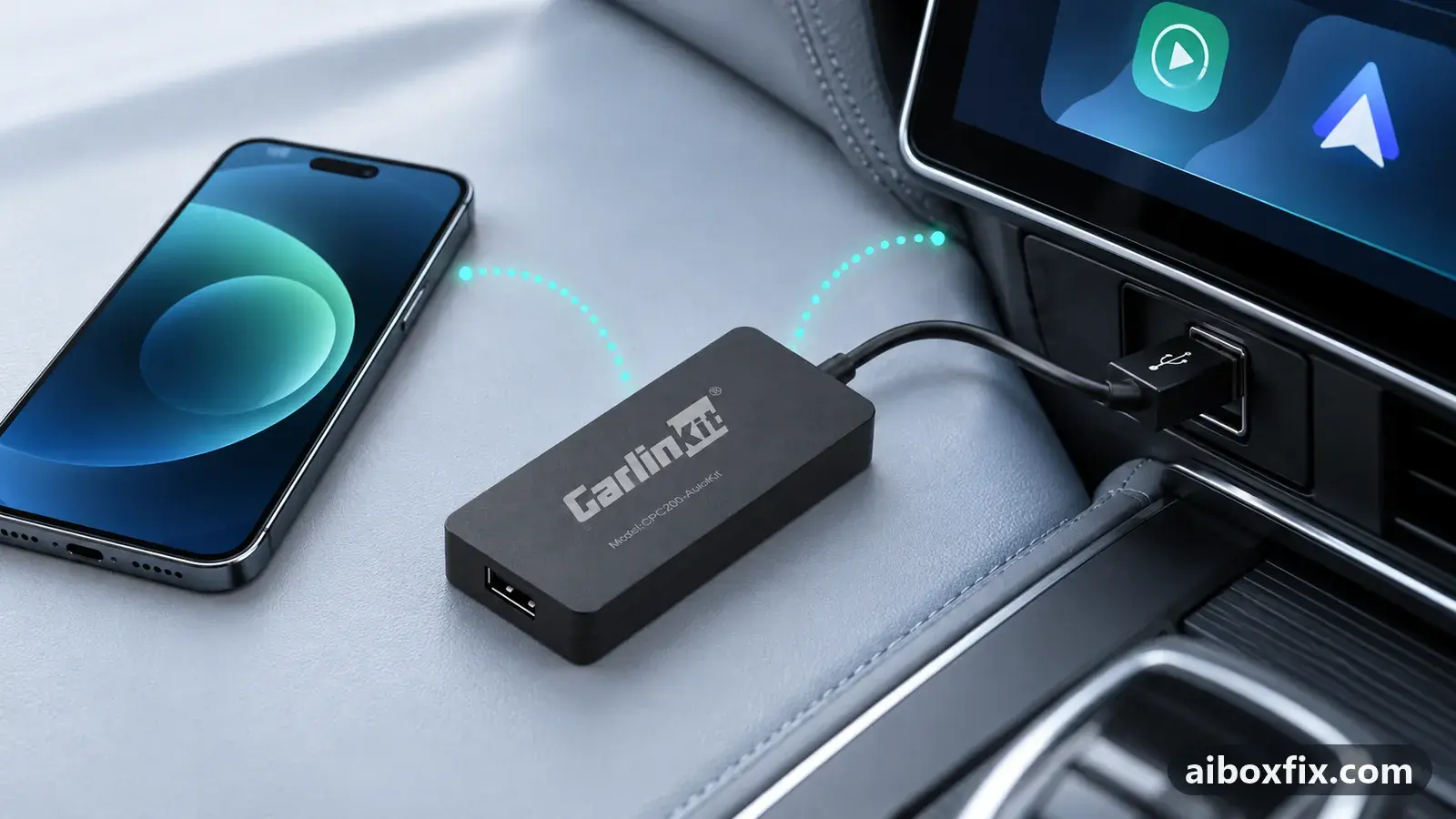
Quick answer
To restart an AI box without pulling the USB cable or cycling the ignition, install a Shutdown app from Google Play on the box; it adds a reboot and power-off control you tap from the box's own screen. Three owners reported it rebooted their box this way, with no root needed.
Before you start
- The box booted to its own Android home screen
- Google Play signed in on the box, with a working connection (Wi-Fi, SIM or phone hotspot) to install the app
Time: about 5 minutes.
Applies to
- Devices
- Any Android AI box
- Connection to the car
- CarPlay and Android Auto
- Highest risk on this page
- Low risk
Why there is no reboot button
An AI box runs Android, but its stock launcher gives you no power or reboot control. When the launcher freezes, an app hangs, or a setting only takes effect after a restart, the obvious options are to pull the USB cable or to switch the ignition off and on. Both are clumsy: the box’s cable often runs behind the dash, and some cars have a single reachable port.
Android can restart itself from an app, so owners add one. A small Shutdown app from Google Play puts a reboot and power-off control on the box’s own screen, and the box restarts with the cable still connected.
This is a convenience, not a repair. If your box restarts on its own under load or with a SIM inserted, that is a power problem, not something you fix with a reboot app; see AI box keeps rebooting.
Steps
Add a reboot control with a Shutdown app
- Low risk
- Time: 5 minutes
- Worked for 3 of 3 reports
- On the box, make sure it is online (Wi-Fi, its SIM, or a phone hotspot) so Google Play can download an app.
- Open Google Play on the box and search for a Shutdown app, one that offers both reboot and power-off.
- Install it and open it.
- Tap its reboot action. The box restarts on its own, with the USB cable still connected.
Three owners reported this worked on their boxes, and the one who first described it said the Shutdown app rebooted the box without root. Keep the app on the home screen or a split-screen slot so it is one tap away.
If you only want to power the box down rather than restart it, the same app’s power-off action does that; on most boxes it comes back on the next time the car’s USB port supplies power.
Verify it worked
- Open the app and tap reboot. The screen should go dark and the box should start again by itself within a minute, without you touching the cable or the ignition.
- Watch for the launcher to come back. If the box was frozen before, confirm the stuck app or screen is gone after the restart.
- If the box does not come back on its own after a power-off, give the car’s USB port power (start the car or reconnect the charger); a power-off is a full shutdown, not a reboot.
Undo / rollback
Nothing in the system is changed. To remove the control, uninstall the app: open Settings → Apps, select the Shutdown app and tap Uninstall. You can still reboot by pulling the USB cable or cycling the ignition as before.
Troubleshooting this guide
The app asks for root and the box is not rooted. Some power and reboot apps need root to restart the device. The owners here reported the Shutdown app worked without it, so if one app refuses, try a different one that lists “no root required”.
The reboot does nothing. A few apps only send the command on rooted devices even without warning. Pick another Shutdown app, or restart the box the old way for now. Owners also suggested a Power Menu app and a separate reboot app from the store, but nobody reported back on whether those worked, so treat them as untested alternatives.
The box reboots by itself after you install the app. The app is not the cause; unexpected restarts point to a power or heat problem. Start with AI box keeps rebooting and the power symptom hub.
You wanted to clear a problem, not only restart. A reboot will not fix a box that the car stops detecting at ignition (car doesn’t detect the AI box) or one whose launcher never loads (launcher not opening at boot). A restart app is also not a factory reset: to wipe a box when Settings is unreachable, see factory reset without the Settings menu.
If none of this helps and you are deciding whether the box is worth keeping, start here explains how the families differ.
What owners said
“The Shutdown app worked for me.”
Owner, Nov 2022
“Yes, it works, thanks!”
Owner, Nov 2022
Quotes are translated where needed and shortened ([…]); names are removed. Full counts are in the evidence table below.
Questions owners ask
Do I need root to reboot the box this way?
Owners reported the Shutdown app from Google Play rebooted the box without root. Some other power or reboot apps ask for root; if one does and you have not rooted the box, choose an app that works without it.
Does this turn the box off for good, or just restart it?
A Shutdown app usually offers both. Reboot restarts the box; power-off shuts it down until it next receives power, which on most boxes means it starts again the next time the car's USB port powers up.
Why not unplug it instead?
Pulling the USB cable or cycling the ignition works, but it is awkward while driving and some cars have only one reachable port. Rebooting from the screen clears a frozen launcher or a stuck app without reaching behind the dash.
Related fixes
- AI Box Keeps Rebooting or Disconnecting? Start With PowerLow risk
- Factory Reset an AI Box When You Can't Reach SettingsBrick risk
- Car Doesn't Detect the AI Box: 13 Owner ReportsAdvanced
- Launcher or App Doesn't Open When the Box StartsLow risk
- Carlinkit TBox Shows Nothing on Renault R-Link: Two FixesLow risk
Did this work for you?
Tell us which fix worked (or didn't), with your box, firmware date and car. Reports are how fixes get confirmed and re-ranked.
Send a reportChangelog
- Last reviewed against new community reports:
- Confirmed by 3 community reports.
- Page updated:
"Confirmed" means a community member reported that the fix worked on their unit. We have not tested it on our own hardware. How we verify.
Evidence behind these counts (1 case)
One row per case: a device, a symptom and a fix, merged from owner reports. An owner counts once per fix. Reports with no outcome yet are not counted. Forum and chat message references are kept on file but not published, to protect owners' privacy; public Reddit and YouTube sources are linked.
| Case | Confirmed on | Result | Source |
|---|---|---|---|
| case-1610 | Model not stated | 3 worked | Owner reviews, 3 messages |