Apps & launchersReviewed
YouTube Audio Out of Sync With the Video: Fixes That Worked
YouTube sound out of sync through your AI box? Install SmartTube and set its audio offset, or switch to Android Auto. Carlinkit TBox, UX999.
Carlinkit TBox PlusCarlinkit TBox AmbientCarlinkit TBox UltraCarlinkit TBox Ultra 2Carlinkit TBox Ultra 3Carlinkit TBox Ultra 4Carlinkit TBox UHDApplePie UX999 Ultra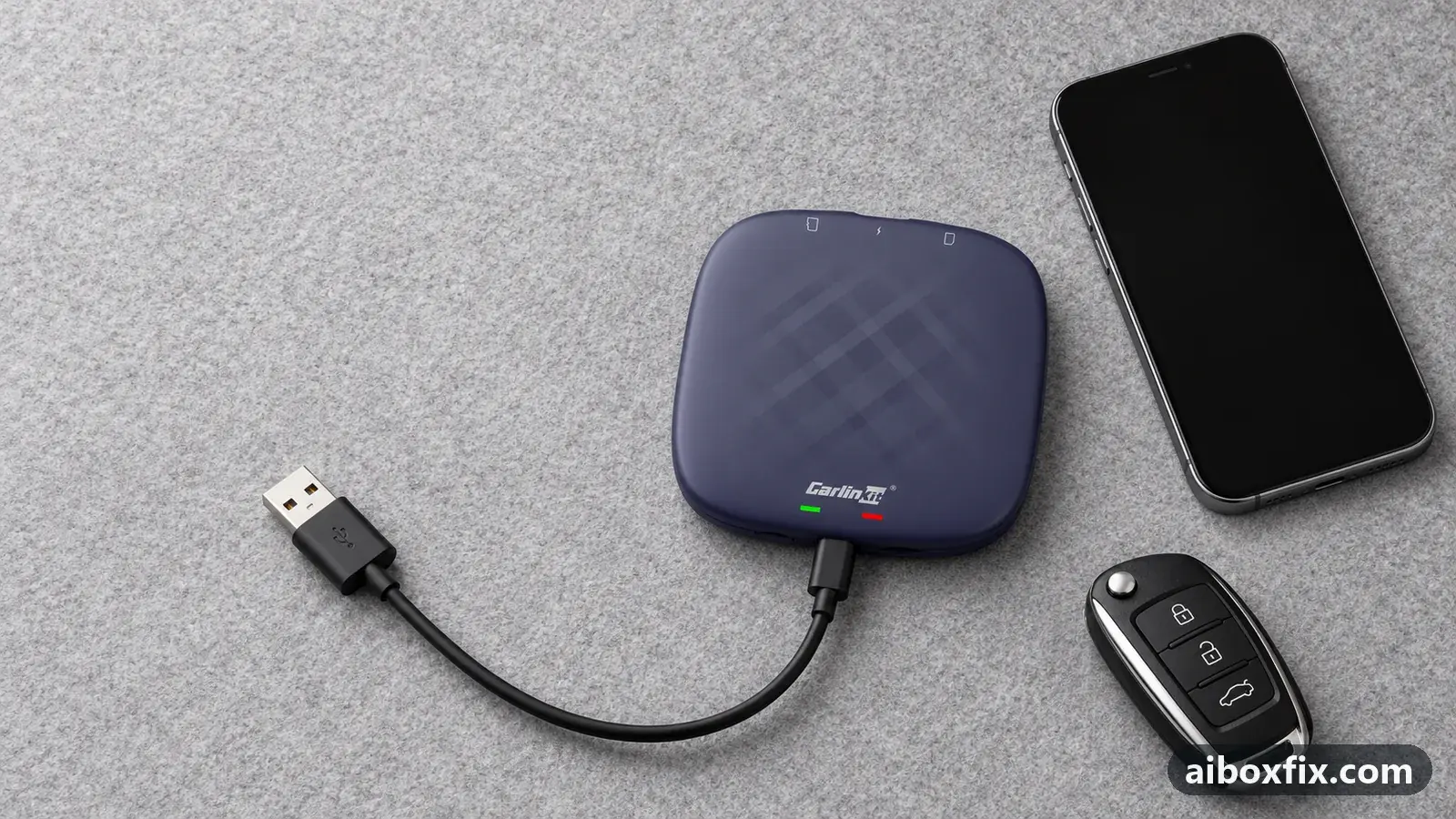
Quick answer
On the Carlinkit TBox, when YouTube's sound runs ahead of or behind the picture, install the SmartTube client and set its player audio offset (owners used about -0.4 to -1 second); that fixed the desync for three owners. Switching the box to Android Auto cleared it for three more, though whether it helps depends on the head unit.
Symptoms
- YouTube sound runs ahead of or behind the picture through the box, though the same video is in sync on your phone
- The same lag shows in films played through VLC or MX Player
- Switching the box to Android Auto removes it on some cars but not on others
- The offset grows during a long video, so one fixed value stops matching
- Online video apps have no setting to correct it, unlike local-video players
Applies to
- Devices
- Connection to the car
- CarPlay and Android Auto
- Head units mentioned in reports
- Chery / Exeed Chery and Exeed head units; Haval / GWM GWM head units
- Highest risk on this page
- Advanced
- Status
- Workaround confirmed by the community
Why it happens
The official YouTube app has no audio-offset control, so when the sound and picture drift apart there is nothing inside the app to correct. On these boxes the lag comes from the audio path the box uses to reach the car, and it varies by head unit: the same box and the same video are in sync in one car and offset in another.
That is why the video plays in sync on your phone but not through the box. The phone drives the screen directly; the box sits between the phone or its own apps and the car’s audio, and on some head units that extra step is where the sound slips. Owners on some head units (Hyundai and Kia among them) report no offset at all.
Because there is no one cause, there is no one fix. An alternative client with an offset setting lets you correct it by hand, the Android Auto protocol avoids it on some cars, and a few firmware builds have removed it on specific boxes. Work down the list in that order.
Fixes, ranked
Watch YouTube in SmartTube and set its audio offset
- Low risk
- Time: 15 minutes
- Worked for 3 of 3 reports
- Install the SmartTube client in place of the official YouTube app. It is not in Google Play, so get it only from its developer’s own release page, never from a re-upload in a chat or file-sharing link.
- Open its player settings and find the audio offset (audio-delay) value.
- Set a small offset and play a clip with clear speech to judge it. Owners landed on about -0.4 s and -1 s; the right value depends on your car and the video.
- Adjust the value until the mouth movements match the sound.
Three owners fixed the YouTube desync this way: one on a TBox Ultra with the offset at -1 second, one on a TBox Plus at -0.4 seconds, and one more who used the delay setting but found SmartTube would not play in the background or in split screen. SmartTube is an independent client, not endorsed by Google or the box maker, and it updates outside Google Play.
One caveat owners raised: on a long video a single fixed offset can drift, so the sound that lined up at the start slips again later. If that happens, nudge the value again rather than assuming the setting is wrong.
Switch the box to the Android Auto protocol
- Low risk
- Time: 10 minutes
- Worked for 3 of 6 reports
- Check that your head unit supports wired Android Auto before you switch.
- Switch the box from CarPlay to Android Auto. The method depends on your model: see switch the box’s protocol.
- Let the box restart and open the Android Auto tile on the head unit.
- Play the video that used to lag and check whether sound and picture now match.
For three owners the offset disappeared on Android Auto. One on a TBox Plus in a Haval F7x reported it fixed; another with the same box and car switched and also enabled multitouch and said “everything is perfect now”; a TBox Plus owner in an Exeed TXL/VX had the delay gone completely over an 800-to-2000 km stretch.
It is not a sure thing. Three other owners switched and the lag stayed: one in the same Exeed model after a factory reset on Android Auto, one who found the delay remained in everything, and one in an Exeed LX whose seller had suggested the switch. Because it turns on the head unit, try it, but have the SmartTube offset above as a fallback. If the sound turns bad rather than late after switching, see noise after switching to Android Auto.
Play films in a player that has an audio-delay setting
- Low risk
- Time: 10 minutes
- Worked for 2 of 2 reports
- Play the film in a local-video player that exposes an audio-delay control, such as VLC or nPlayer, rather than an online video app.
- Open the player’s audio delay (audio-sync) control during playback.
- Nudge the audio delay until the sound matches the picture, the same idea as the SmartTube offset.
This is the answer for local films rather than YouTube. One owner plays films through VLC and sets VLC’s audio delay; another corrects the lag with nPlayer’s audio adjustment and notes MX Player has the same setting. It works because these players let you shift the audio, which online video apps do not: for a video app with no alternative client, there is no equivalent and you are back to the first two fixes.
Update the firmware (hit or miss, by box and car)
- Advanced
- Time: 30–60 minutes
- Worked for 3 of 4 reports
Warranty warning: this uses developer or engineering access. Follow the undo steps afterwards; some sellers refuse warranty claims on units with debugging left enabled.
- Check which firmware the box runs (Settings → About).
- Install a build known to help your model with a local update from a memory card, not the small over-the-air patch. Follow update TBox firmware with FOTA; for an ApplePie UX999 use the manufacturer’s support channel for the file.
- Set the box up and test a video that used to lag.
Firmware fixed it for some owners and broke it for others, so treat this as advanced and reversible. On an ApplePie UX999 Ultra the sound did not match the video on every earlier build; the 9 April 2024 build, installed from a memory card rather than as the small over-the-air patch, removed it, and a second UX999 owner said the same and that the box got snappier. On a Carlinkit TBox Ultra the June 2026 build removed the desync with no lag afterwards.
The other side of it: one UX999 Ultra owner in a Haval F found the desync got worse and the sound dropped out in one app after the small over-the-air patch, and a full reinstall with a reset did not cure it. Check the firmware tracker and ask the manufacturer’s support channel which build is right for your exact model before you flash anything.
Factory reset the box while it is in Android Auto mode
- Low risk
- Time: 30–60 minutes including setup
- Worked for 1 of 1 report
- Switch the box to the Android Auto protocol first if it is not already.
- Write down your apps and logins. A reset erases everything on the box.
- Open Settings → System → Reset options → Erase all data (factory reset).
- Set the box up again and test YouTube before you add other apps.
One owner who was fighting both the audio lag and poor sound did a factory reset with the box in Android Auto mode, and afterwards the YouTube sound lagged by only milliseconds. This combines the protocol switch above with a reset, so try the plain switch first; reset only if the switch alone leaves a smaller offset you still want gone.
Things to try (unverified)
- The box’s video-resolution slider (0–10). Some owners shift the offset with this slider in the box settings, but it drifts after you switch apps and nobody reported a value that held. A 2026 Ultra build adds an audio/video-sync setting as well; test it, but no owner has reported it fixing the lag.
- MX Player’s audio delay. MX Player has an audio-delay control and is recommended in more than ten replies, but no owner in the threads read said he set it and it worked. It has the setting; treat it like VLC or nPlayer above and judge the result yourself.
If the box is slow or touch is late rather than the sound being offset, that is a different problem: see AI box slow in CarPlay mode. If YouTube stops with a playback error rather than playing out of sync, see YouTube playback error on Carlinkit boxes.
If nothing works
Note the box model and firmware date (Settings → About), the car make, model and year, the head unit, the protocol you are on, and whether the offset is the same in the official app, in SmartTube, and in a local player such as VLC. Record a short clip that shows the lag, and note whether it is steady or grows during the video.
Send that to the manufacturer’s support channel (Carlinkit: [email protected], listed on its contact page) so they can see which head units it affects. A box that plays everything else correctly and only lags the sound on video is not usually a reason to replace it, but if you are comparing boxes for other reasons, start here.
What owners said
“Flashed my Ultra with the June firmware: the sound/picture desync is gone, no lag, really pleased.”
Owner, Jul 2026
“I beat the YouTube desync by installing the SmartTube client and, in its player settings, setting the audio offset in seconds to '-1'.”
Owner, Apr 2026
“Updated the TBox Plus 8/128 to the latest version. Switched to the Android Auto protocol. […] The sound delay problem is gone. Completely (an 800 km trip without problems).”
Owner, Carlinkit TBox Plus, Jan 2024
Quotes are translated where needed and shortened ([…]); names are removed. Full counts are in the evidence table below.
Questions owners ask
Why is the video in sync on my phone but not through the box?
Your phone plays the video directly. The box adds its own audio path to the car, and on some head units that path makes the sound run ahead of or behind the picture. The same video on the same phone is fine until it goes through the box.
Will switching to Android Auto fix the lag for everyone?
No. It removed the offset for three owners and did nothing for three others on different cars. It depends on the head unit, so try it, but do not count on it.
Can I fix the official YouTube app itself?
There is no audio-offset control in the official app, so there is nothing to adjust inside it. Owners either use an alternative client with an offset setting, or a firmware build happens to fix it on their car.
Does the box's video-resolution slider fix the offset?
Some owners shift the offset with it, but it drifts after you switch apps, and nobody reported a value that held. Treat it as a stop-gap, not a fix.
Related fixes
- Head Unit Shows Only CarPlay? Switch the Box's ProtocolAdvanced
- YouTube "Playback Error" on Carlinkit Boxes: What WorksLow risk
- Update TBox Firmware Locally With FOTA and a microSD CardAdvanced
- AI Box Slow or Touch Off in CarPlay: 12 Owner ReportsLow risk
- Poweramp Equalizer Only Works With One App on an AI BoxAdvanced
Did this work for you?
Tell us which fix worked (or didn't), with your box, firmware date and car. Reports are how fixes get confirmed and re-ranked.
Send a reportChangelog
- Last reviewed against new community reports:
- Confirmed by 12 community reports on Carlinkit TBox Plus, Carlinkit TBox Ambient, ApplePie UX999 Ultra.
- Page updated:
"Confirmed" means a community member reported that the fix worked on their unit. We have not tested it on our own hardware. How we verify.
Evidence behind these counts (6 cases)
One row per case: a device, a symptom and a fix, merged from owner reports. An owner counts once per fix. Reports with no outcome yet are not counted. Forum and chat message references are kept on file but not published, to protect owners' privacy; public Reddit and YouTube sources are linked.
| Case | Confirmed on | Result | Source |
|---|---|---|---|
| case-1667 | Carlinkit TBox Plus; Carlinkit TBox Ambient | 3 worked | Owner discussion threads, 3 messages |
| case-1668 | Carlinkit TBox Plus | 3 worked, 3 did not | Owner discussion threads, 3 messages |
| case-1669 | Model not stated | 1 worked | Owner discussion threads, 1 message |
| case-1670 | Model not stated | 2 worked | Owner discussion threads, 2 messages |
| case-1671 | Model not stated | 2 worked, 1 did not | Owner discussion threads, 2 messages |
| case-1672 | Model not stated | 1 worked | Owner discussion threads, 1 message |