SIM, Wi-Fi & GPSReviewed
SIM Data Works Only in Google Apps on the AI Box
SIM data reaches YouTube and Maps but Spotify or your navigation app says offline? Set the APN protocol to IPv4. Carlinkit TBox Ambient and other AI boxes.
Carlinkit TBox Ambient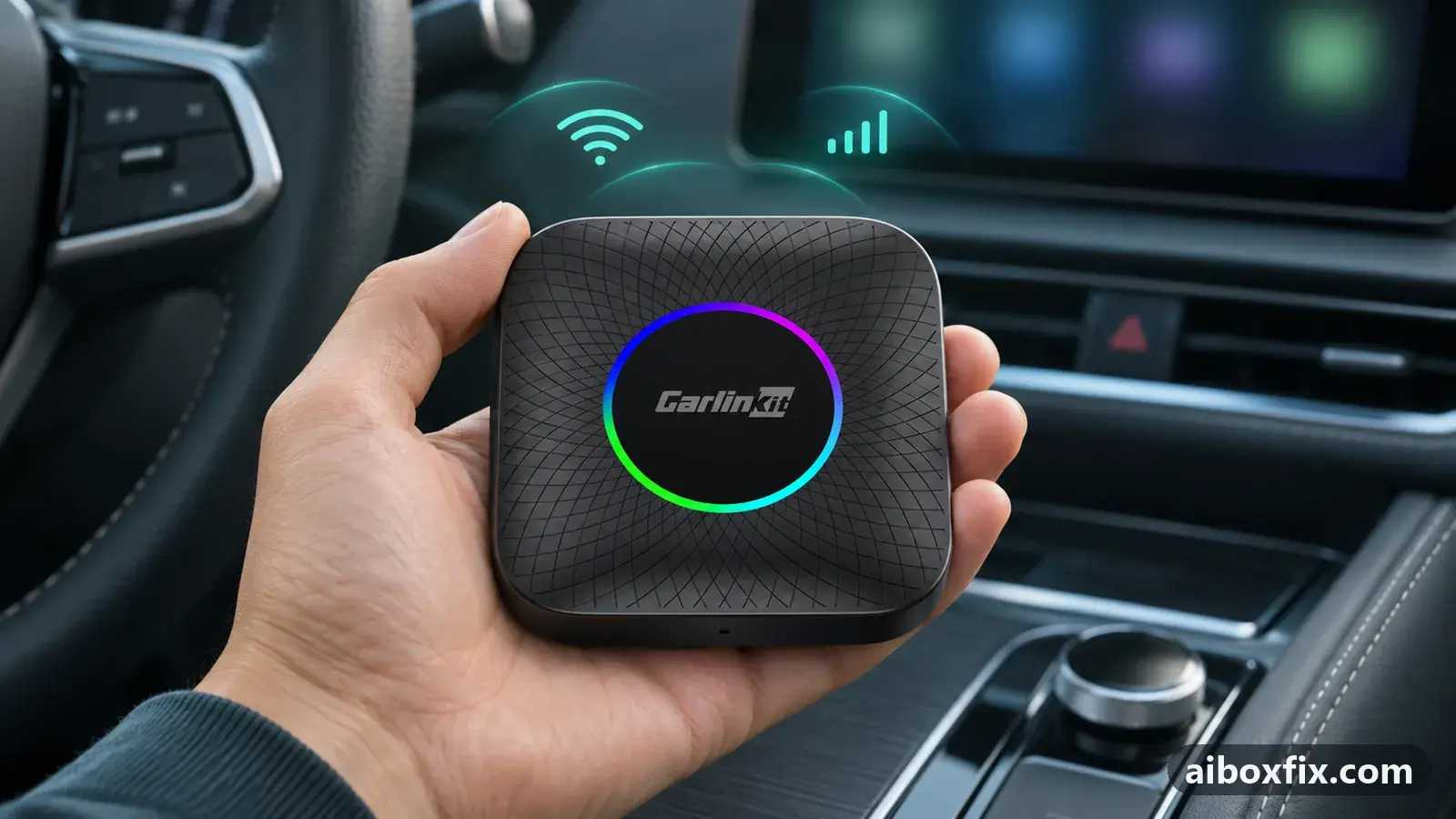
Quick answer
On a Carlinkit AI box whose SIM data reaches only the pre-installed Google apps while Spotify or a navigation app says it is offline, open the SIM's access point entry and set APN protocol to IPv4: the one owner who tried it got data in every app. The phone's hotspot working for all apps is the tell-tale sign.
Symptoms
- With the SIM in the box, YouTube, Google Maps and the Play Store load, but Spotify, a navigation app or another app you installed says it is offline
- The status bar shows 4G or LTE with data arrows the whole time
- Over your phone's hotspot every app, including the ones you installed, has internet
- The SIM has full data in a phone
- A second unit of the same box behaves the same way
Applies to
- Devices
- Connection to the car
- CarPlay and Android Auto
- Highest risk on this page
- Low risk
- Status
- Workaround confirmed by the community
Why it happens
Every app on the box shares one mobile-data session, and the access point name (APN) entry decides how that session is set up. One of its fields is the protocol: IPv4, IPv6 or both. In the one confirmed report, the entry the box used for the carrier’s SIM preferred IPv6. The apps that came with the box, YouTube, Maps and the Play Store, reached the internet on that session; the apps the owner had installed, Spotify and a navigation app, did not.
The likely reason is that many apps and the servers behind them still expect an IPv4 route, and the box does not bridge the gap the way a modern phone does on an IPv6-only connection. A phone makes the difference invisible; the box leaves it to each app, so some load and some report no network. The same owner saw the proof in reverse: a SIM from another carrier, whose entry used IPv4, worked for every app at once.
This is not the usual SIM failure. If the box shows bars but no app has data, the APN itself or the roaming switch is missing, and AI box SIM card not working covers that. If data is there on some starts and gone on others, read no mobile data after sitting overnight. Here the data is there and working, but only for part of the apps.
Fixes, ranked
Set the APN protocol to IPv4
- Low risk
- Time: 5 minutes
- Worked for 1 of 1 report
- Open Settings → Network & internet → SIM card and tap the gear icon next to the carrier’s name.
- Open Access point names and tap the entry whose dot is filled. If the list is empty, or the entry cannot be edited, tap ⋮ (top right) and create a new one with your carrier’s values, as described on the SIM card page.
- Scroll to APN protocol and choose IPv4. If the entry also has APN roaming protocol, set it to IPv4 too.
- Tap ⋮ → Save, then make sure the entry you edited is the selected one.
- Restart the box, turn Wi-Fi off, and open an app you installed yourself: a music app or a navigation app. Give it a minute after the data arrows appear.
One owner, whose box had the same split, found the entry for their carrier preferring IPv6, changed it to IPv4 and reported that it solved the issue. They had first swapped in a SIM from another carrier, which worked straight away, and went back to their own SIM once the protocol was changed.
The owner who asked, on a Carlinkit TBox Ambient, had already updated the firmware, reset the box and bought a second unit from another seller with the same result, and returned it before the APN answer came. So the count stands at one report, on a Carlinkit box whose exact model the owner did not name. A firmware update and a reset did not change the symptom for the asker, which fits a setting rather than a fault in the unit.
Things to try (unverified)
- A SIM from another carrier. It worked at once for the owner above, but as a stopgap before the APN change, by the same owner, so it is counted under the fix and not again here. If your carrier’s entry refuses to connect on IPv4, a different carrier’s SIM is the quick way to tell whether the box or the plan is at fault.
- The reverse pattern. One owner reported that with the box’s SIM, YouTube and YouTube Music said they were offline and a video app stopped after a few clips, while the phone’s hotspot worked for all of them. Nobody answered, so there is no confirmed fix. The APN protocol is still the first thing to look at.
- IPv4/IPv6 instead of IPv4. The general SIM page lists the dual setting as its step 5 for a SIM with no data at all. Whether it also cures the Google-apps-only split has not been reported; plain IPv4 has.
If a cross or exclamation mark sits on the signal icon while data works, that is a different symptom, covered in exclamation mark on the Wi-Fi or signal icon.
If nothing works
Write down the box model and firmware date from Settings → About, the carrier and plan type, the full APN entry (name, APN, protocol fields) and two app names: one that has data and one that does not. Add whether the same apps work over the phone’s hotspot. That list lets a support engineer see at once that the modem is fine and the question is the data session. The TBox Ambient hub lists what else to check on that model.
Carlinkit’s SIM guide and support ([email protected]) are the place to send it; Ottocast owners can write to [email protected]. In the meantime the phone’s hotspot gives every app data, which is also the quickest way to prove that the apps themselves are fine. If the box refuses every APN protocol on a known-good SIM, and a different carrier’s SIM behaves the same, a warranty claim is reasonable; start here compares the box families if you are replacing it.
What owners said
“None of the applications I installed myself could connect to the internet. The problem was the APN configuration: it was using IPv6 as the preferred protocol. [...] I changed the APN to use IPv4 and it solved the issue.”
Owner, Aug 2024Reddit thread
Quotes are translated where needed and shortened ([…]); names are removed. Full counts are in the evidence table below.
Questions owners ask
Why do the Google apps work and my own apps do not?
The one confirmed report traces it to the access point entry preferring IPv6. The apps that came with the box reached the internet on that session; the apps installed later did not. Setting the entry to IPv4 gave every app data. Why the firmware treats the two groups differently is not known.
Should I pick IPv4 or IPv4/IPv6?
The owner who fixed it chose plain IPv4. The general SIM page suggests IPv4/IPv6 when a SIM has no data at all, which is a different problem. If IPv4 alone will not connect on your carrier, try IPv4/IPv6 next and watch whether your installed apps still get data.
Does a different carrier's SIM fix it?
For the same owner, a SIM from another carrier worked at once, before the APN change. Its access point entry presumably used IPv4. That is a stopgap, not a fix: change the protocol on the SIM you want to keep instead of buying another plan.
The opposite happens: YouTube says offline on SIM data while other apps load. Same fix?
One owner reported that pattern and received no answer, so it is unconfirmed. The APN protocol is the first thing to check, because it costs nothing, but nobody has reported back on it yet.
Related fixes
- AI Box SIM Card Not Working: 29 Owner ReportsAdvanced
- TBox Ambient Has No Mobile Data After Sitting OvernightAdvanced
- Exclamation Mark on Wi-Fi or Signal Icon: 14 Owner ReportsAdvanced
- AI Box Keeps Dropping Your Phone's Wi-Fi HotspotLow risk
- AI Box Says "No SIM Card": Insert It Right or Shim a Thin SIMLow risk
Did this work for you?
Tell us which fix worked (or didn't), with your box, firmware date and car. Reports are how fixes get confirmed and re-ranked.
Send a reportChangelog
- Last reviewed against new community reports:
- Confirmed by 1 community report on Any Android AI box.
- Page updated:
"Confirmed" means a community member reported that the fix worked on their unit. We have not tested it on our own hardware. How we verify.
Evidence behind these counts (1 case)
One row per case: a device, a symptom and a fix, merged from owner reports. An owner counts once per fix. Reports with no outcome yet are not counted. Forum and chat message references are kept on file but not published, to protect owners' privacy; public Reddit and YouTube sources are linked.
| Case | Confirmed on | Result | Source |
|---|---|---|---|
| case-1733 | Any Android AI box | 1 worked | Owner reviews, 3 messages Reddit thread Reddit thread |