Audio & callsReviewed
IPTV and Video Apps Much Quieter Than Music: Level the Volume
IPTV and video apps much quieter than music? Turn on Poweramp Equalizer's compressor and Global equalization, or add a volume booster. Mstick4, TBox.
MGears Mstick4Carlinkit TBox (V3 / CPC-200 / S450)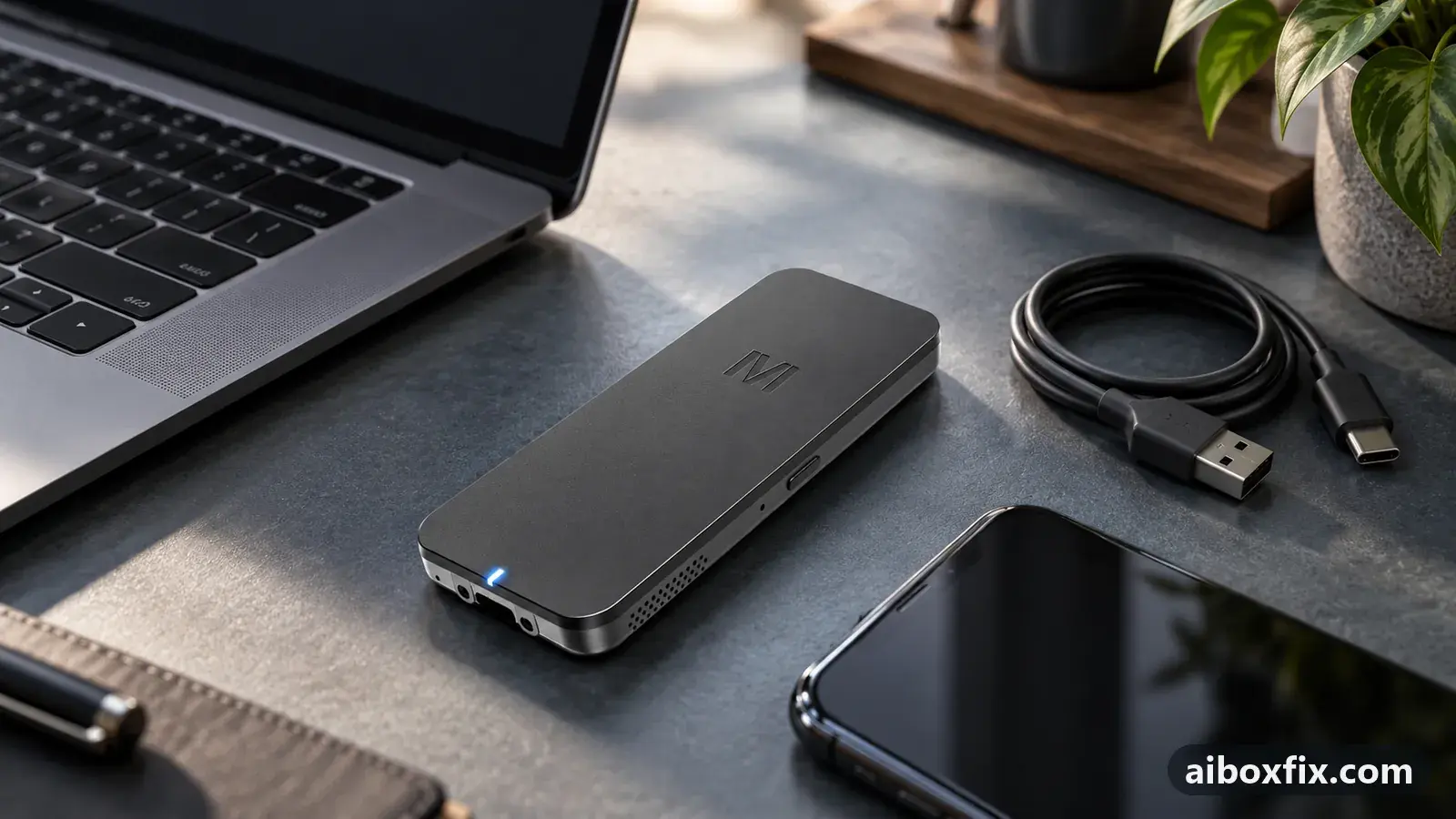
Quick answer
On an MGears Mstick4 and other CarPlay/Android Auto boxes, IPTV and video apps often play far quieter than music apps; turning on Poweramp Equalizer's compressor and Global equalization brought every app to about the same level for the one owner who reported back. A system-wide volume-booster app helped another owner lift the quiet video players.
Symptoms
- IPTV, TV and video apps play far quieter than music and navigation apps
- You turn the car volume up for a film, then the next song or voice prompt is deafening
- A video app stays quiet even with its own volume set to 180–200%
- Music and navigation sound fine; only the video and IPTV apps are too low
- There is no single master volume on the box that evens the apps out
Applies to
- Devices
- MGears Mstick4
- Carlinkit TBox (V3 / CPC-200 / S450)
- Connection to the car
- CarPlay and Android Auto
- Highest risk on this page
- Low risk
- Status
- Workaround confirmed by the community
Why it happens
Every app on the box sets its own output level. Music and navigation apps tend to send a high level; IPTV, TV and video apps send a much lower one. The box mixes them straight to the car with no master stage that evens them out, so at a volume loud enough for a film the next song or spoken prompt comes out far too loud.
Owners level the two in one of two ways: raise the quiet apps until they match, or run a system-wide equalizer that normalises every app’s loudness at once.
Fixes, ranked
Even out every app with Poweramp Equalizer
- Low risk
- Time: 10 minutes
- Worked for 1 of 1 report
- Install Poweramp Equalizer from the Play Store and open it.
- Turn on the compressor.
- Turn on Global equalization (newest version), which processes every app from the first minute; on older versions turn on the experimental process-in-all-apps option instead.
- Play a video app and a music app and check they now come out at about the same level; if the setting switched itself off, reopen the app to re-enable it.
One MGears Mstick4 owner struggled for a long time with IPTV running about three times quieter than his music apps. Setting the stick’s per-app volume — music and navigation low, video at 200% — was not enough on its own. Turning on the compressor and the all-apps processing in Poweramp Equalizer brought music and video to about the same level for him.
Two things to expect. The newest version calls this Global equalization and applies it to every app from the first minute, but it sometimes switches itself off; reopen the app to turn it back on. And the box may auto-start a music app loudly for a second or two before the equalizer settles it.
Do not expect the app’s per-app, separate regulation to do this. The same owner first bought the equalizer to set video and audio levels on their own and found that did not help; it was the compressor and all-apps/Global equalization that evened them out. Getting the equalizer to see every player and start with the box is a setup of its own, separate from this leveling option.
Lift the quiet apps with a volume booster
- Low risk
- Time: 5 minutes
- Worked for 1 of 1 report
- Install a volume-booster app that has a single master gain slider.
- Move the slider up until the quiet video apps are loud enough at a normal car-volume setting.
- Play a video app and a music app and check nothing now distorts; back the slider off if the louder apps clip.
A Carlinkit TBox owner had the same quiet video players — the problem was there even with a phone plugged in directly — and fixed it with a system-wide volume-booster app: one slider, and the video players he used came out louder.
A booster raises every app together, so it cannot single out one app. It is the fix when everything is too quiet and you are running the car volume near maximum; it does not rebalance a loud music app against a quiet video one. For that, pair it with the box’s per-app volume (raise the video apps, leave music where it is) or use the equalizer above.
Things to try (unverified)
- Per-app volume in the box’s own menu. The MGears Mstick4 and some other boxes let you set each app’s volume. Raise the IPTV and video apps and leave music lower. One owner set a video app to 180–200% and it was still too quiet on its own, and pushing a music app up too far made it wheeze, so nudge each app rather than maxing it.
- A video player with its own gain. Some IPTV and video player apps have a built-in volume boost up to 200%. One owner turns that up inside the player he uses for TV and keeps the car volume normal. Whether a given app offers it depends on the app.
- Avoid root volume modules. A couple of owners levelled volume with a root (Magisk) module. Better to avoid it: it needs root, which can brick the box, and relies on a community file. The settings and app fixes above do the same job without that risk.
If nothing works
Note your box model and firmware date (Settings → About), the car and head unit, and the exact volume each app is set to, then compare a video app and a music app at the same car-volume level so you can describe the gap.
This is an app-and-settings problem, not a fault the box can be returned for, so the fixes above are the realistic route. If the imbalance is only with navigation prompts rather than video apps, see navigation voice prompts too quiet. If an app lost all sound after you used the box’s per-app volume menu, see an app went silent after the volume menu. For crackle or muffled sound rather than low volume, see crackling or muffled sound.
What owners said
“For now I've got round it with a new setting in Poweramp Equalizer, Global equalization. All the apps sound about the same. But sometimes it switches off, and you just need to activate Poweramp Equalizer.”
Owner, Nov 2025
“Have you tried turning on the compressor in Poweramp Equalizer and the experimental processing-in-all-apps option? That helped me level the volume between music and video. IPTV sounded about three times quieter than the music apps.”
Owner, MGears Mstick4, Sep 2025
“I've noticed this many times. The same problem happens with the phone connected too. I solved it with a Volume Booster app.”
Owner, Feb 2025
Quotes are translated where needed and shortened ([…]); names are removed. Full counts are in the evidence table below.
Questions owners ask
Why is only the video app quiet and not the music?
Each app sets its own output level. IPTV and video apps often send a much lower level than music and navigation apps, and these boxes have no master mixer to even the apps out.
Will a volume booster make my music distort?
It can if you push the slider too high, because it raises every app at once. Back it off until the louder apps stop clipping, and raise the video apps in the box's own per-app volume instead of boosting everything.
Do I need root or ADB for Poweramp Equalizer's Global equalization?
No. Global equalization in the current version acts on every app without root and without the extra ADB permission that the older per-player detection needed.
Related fixes
- Navigation Prompts Too Quiet, Loud or Silent: 13 Owner ReportsLow risk
- App Lost Its Sound After Using the "Volume Assistant" SettingAdvanced
- Crackling or Muffled Sound? Turn Off Voice-Assistant Hot-WordLow risk
- AI Box Sound Quality: When 44.1 kHz (Code 166888) Helps or HurtsAdvanced
- Call Delay and Bluetooth Music Quality: What's NormalAdvanced
Did this work for you?
Tell us which fix worked (or didn't), with your box, firmware date and car. Reports are how fixes get confirmed and re-ranked.
Send a reportChangelog
- Last reviewed against new community reports:
- Confirmed by 2 community reports on MGears Mstick4.
- Page updated:
"Confirmed" means a community member reported that the fix worked on their unit. We have not tested it on our own hardware. How we verify.
Evidence behind these counts (2 cases)
One row per case: a device, a symptom and a fix, merged from owner reports. An owner counts once per fix. Reports with no outcome yet are not counted. Forum and chat message references are kept on file but not published, to protect owners' privacy; public Reddit and YouTube sources are linked.
| Case | Confirmed on | Result | Source |
|---|---|---|---|
| case-1682 | MGears Mstick4 | 1 worked | Owner discussion threads, 2 messages |
| case-1683 | Model not stated | 1 worked | Owner discussion threads, 2 messages |