Apps & launchersReviewed
Floating Button Jumps Back to the Top After Every Reboot
Floating navigation button resets to the top after every reboot? Set the stock launcher as default, place it, reboot. Carlinkit TBox Plus, Ambient, UHD.
Carlinkit TBox PlusCarlinkit TBox AmbientCarlinkit TBox UHD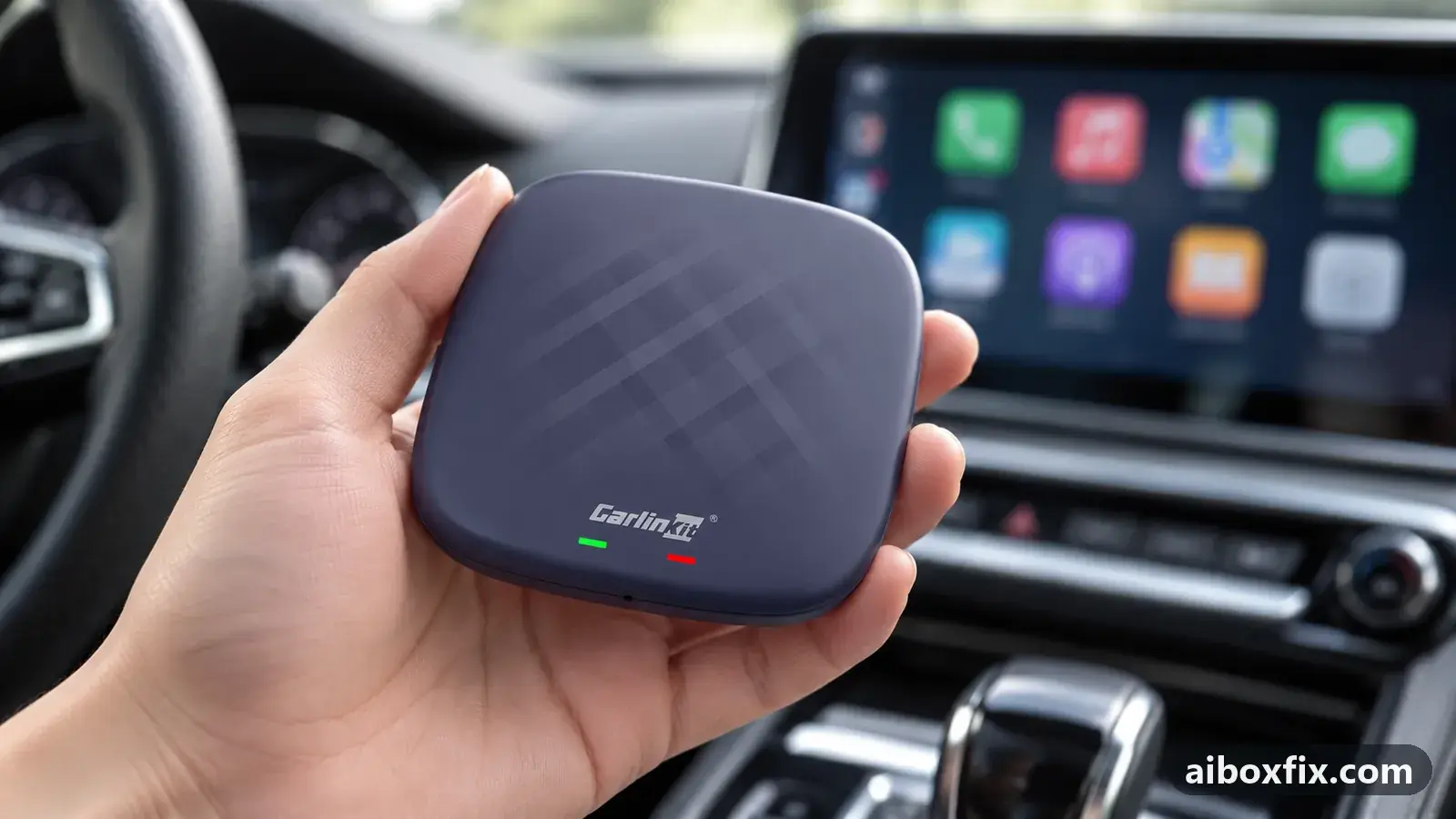
Quick answer
On a Carlinkit TBox whose floating navigation button jumps to the top centre after every reboot, set the stock launcher as the default home app, place the button, reboot while it is active, then switch your third-party launcher back on. Only the stock launcher saves the position; five of five owners who reported back kept the button in place.
Symptoms
- The floating white button for home, back and recent apps sits at the top centre every time the box starts, however you drag it
- You move the button to a corner, reboot, and it is back at the top middle
- The position started slipping after you switched the box between CarPlay and Android Auto
- The position started slipping after you used the box in a different car
- On a TBox Plus it stopped saving after a firmware step from Android 12 to 13
Applies to
- Connection to the car
- CarPlay and Android Auto
- Highest risk on this page
- Advanced
- Status
- Workaround confirmed by the community
Why it happens
The floating button belongs to the box’s stock launcher, and the stock launcher is the only thing that writes its position to storage. While a third-party launcher (CarCar, Agama and the like) is your default home app, the box still shows the button but never saves where you drag it, so every reboot brings it back to the top centre.
A change of screen resolution clears the saved position as well. The resolution changes when you switch the box between CarPlay and Android Auto, or when you plug it into a different car, which is why owners most often notice the problem right after one of those.
One owner’s case was different: the button stopped saving after a firmware step from Android 12 to 13, on the same car and with no resolution change. For that case the launcher procedure did not apply, and reinstalling the firmware was what worked.
Fixes, ranked
Save the position on the stock launcher, then switch back
- Low risk
- Time: 5 minutes
- Worked for 5 of 5 reports
- Set the box’s stock (built-in) launcher as the default home app: Android Settings → Apps → Default apps → Home app, and pick the stock launcher. If CarCar or another launcher is set, switch it to the stock one for now.
- Go to the home screen and drag the floating button to the exact spot you want.
- Reboot the box while the stock launcher is still the default, so the position is written to storage.
- After the restart, check the button is where you left it.
- Set your third-party launcher back as the default home app. The saved position now holds.
- Avoid switching protocol (CarPlay to Android Auto or back) or moving the box to another car afterwards unless you are ready to repeat this; either changes the screen resolution and can reset the position.
Five owners kept the button in place this way. The order matters. One owner reported that it never worked for him at first, with either the stock launcher or CarCar set as the default and a full reset on every firmware; when he redid it in this order, rebooting while the stock launcher was still active before switching back, the button stayed at the bottom where he had placed it. Two more owners who were asking about the same thing tried the procedure and reported it fixed, and two others described doing it on their own boxes with the same result.
It applies to the stock interface as well as to CarCar Launcher: one of the confirmations came from a CarCar user who set the stock launcher, placed the button, rebooted, then reinstalled CarCar. If your launcher boots behind the stock screen instead, that is a separate setting covered in launcher or app doesn’t open when the box starts. If a swipe keeps opening the stock controls over your launcher, or you want the button and side bar gone altogether, see remove the navigation bar and floating button.
If it started after an Android version update: reinstall the firmware
- Advanced
- Time: 30–60 minutes
- Worked for 1 of 1 report
Warranty warning: this uses developer or engineering access. Follow the undo steps afterwards; some sellers refuse warranty claims on units with debugging left enabled.
- Note the current firmware date (Settings → About) before you start.
- Roll the box back to an earlier Android 13 build through the box’s own firmware updater, then update it again to the latest build. No firmware files are shared here; if the updater offers no earlier build, ask the manufacturer’s support channel ([email protected]) for the build and the steps.
- Set the box up, drag the floating button where you want it, and reboot to confirm the position now holds.
One Carlinkit TBox Plus owner on CarPlay saw the button stop saving right after the firmware moved from Android 12 to 13. The position did not come back after a reboot or after unplugging the box, and Fix 1 did not help because the fault was not tied to the launcher. Rolling the firmware back to an earlier Android 13 build and then updating to the latest again restored it, and the button has kept its place since. Treat this as the route only when the trouble began at a firmware step; a firmware reinstall is a larger operation than it needs to be otherwise.
Things to try (unverified)
- Update the firmware or factory reset without a rollback. One owner disabled the button, updated the firmware, and the trouble was gone; a reply suggested a plain factory reset instead. Neither owner said which step mattered, so this sits below Fix 1 and Fix 2.
- Keep to one protocol. Owners who set the position on the stock launcher and then stopped switching between CarPlay and Android Auto, and stopped moving the box between cars, reported that it held. This is the mechanism behind Fix 1 rather than a separate test; the apps symptom hub collects related launcher and interface issues.
If nothing works
Record the box model and firmware date (Settings → About), whether you run a third-party launcher, and whether the trouble began after a protocol switch, a car change or a firmware update; that is what the manufacturer’s support and other owners ask for first. If the firmware tracker lists a later build than yours, it is worth checking whether it changed this behaviour.
Some owners left the button at the top and stopped fighting it. If that is not acceptable and nothing above holds the position, turning the button off and using your launcher’s own controls or a navigation-bar app is the honest fallback; the steps are in remove the navigation bar and floating button.
What owners said
“I solved the problem by rolling back to an earlier Android 13 version and updating to the latest again. […] Now the floating button stays where I left it on the screen.”
Owner, Carlinkit TBox Plus, Jun 2025
“Here's what I did: picked the standard launcher, put the button where I wanted it, rebooted the box, the button is where it should be, and then I install CarCar.”
Owner, May 2025
“Mine jumps to the top if I switch the box to Android Auto or back. […] I pick the stock launcher, move the button, reboot the box, it stays, I turn the third-party launcher on, all OK.”
Owner, Apr 2025
Quotes are translated where needed and shortened ([…]); names are removed. Full counts are in the evidence table below.
Questions owners ask
Do I lose my CarCar or Agama layout by switching to the stock launcher?
No. Changing the default home app does not touch a launcher's own settings or layout. You switch to the stock launcher only long enough to save the button's position, then set your launcher back as the default.
The button moved again after I switched protocol. Is that normal?
Yes. Switching between CarPlay and Android Auto, or moving the box to another car, changes the screen resolution and clears the saved position. Repeat the stock-launcher procedure after either.
I would rather remove the button than reposition it. Is that different?
Yes, and it is covered separately. See remove the navigation bar and floating button for turning it off in Display settings or disabling it over ADB.
Related fixes
- Remove the Navigation Bar and Floating Button: 10 Owner ReportsAdvanced
- Launcher or App Doesn't Open When the Box StartsLow risk
- Stuck on "Loading Phone" After Installing a LauncherAdvanced
- CarCar Launcher Licence After a Reset or Selling the BoxLow risk
- AI Box Fills Only Part of the Silverado or Sierra ScreenLow risk
Did this work for you?
Tell us which fix worked (or didn't), with your box, firmware date and car. Reports are how fixes get confirmed and re-ranked.
Send a reportChangelog
- Last reviewed against new community reports:
- Confirmed by 6 community reports on Carlinkit TBox Plus.
- Page updated:
"Confirmed" means a community member reported that the fix worked on their unit. We have not tested it on our own hardware. How we verify.
Evidence behind these counts (2 cases)
One row per case: a device, a symptom and a fix, merged from owner reports. An owner counts once per fix. Reports with no outcome yet are not counted. Forum and chat message references are kept on file but not published, to protect owners' privacy; public Reddit and YouTube sources are linked.
| Case | Confirmed on | Result | Source |
|---|---|---|---|
| case-9297 | Model not stated | 5 worked | Owner discussion threads, 12 messages |
| case-9298 | Carlinkit TBox Plus | 1 worked | Owner discussion threads, 4 messages |