Audio & callsReviewed
Music Stutters or Plays Too Fast Through a CarPlay Adapter
Music stutters or plays too fast through a Carlinkit CPC200-CP2A CarPlay adapter? Raise the Media delay to 2000 ms and try a different Wi-Fi channel.
Carlinkit CPC200-Autokit / wireless adapters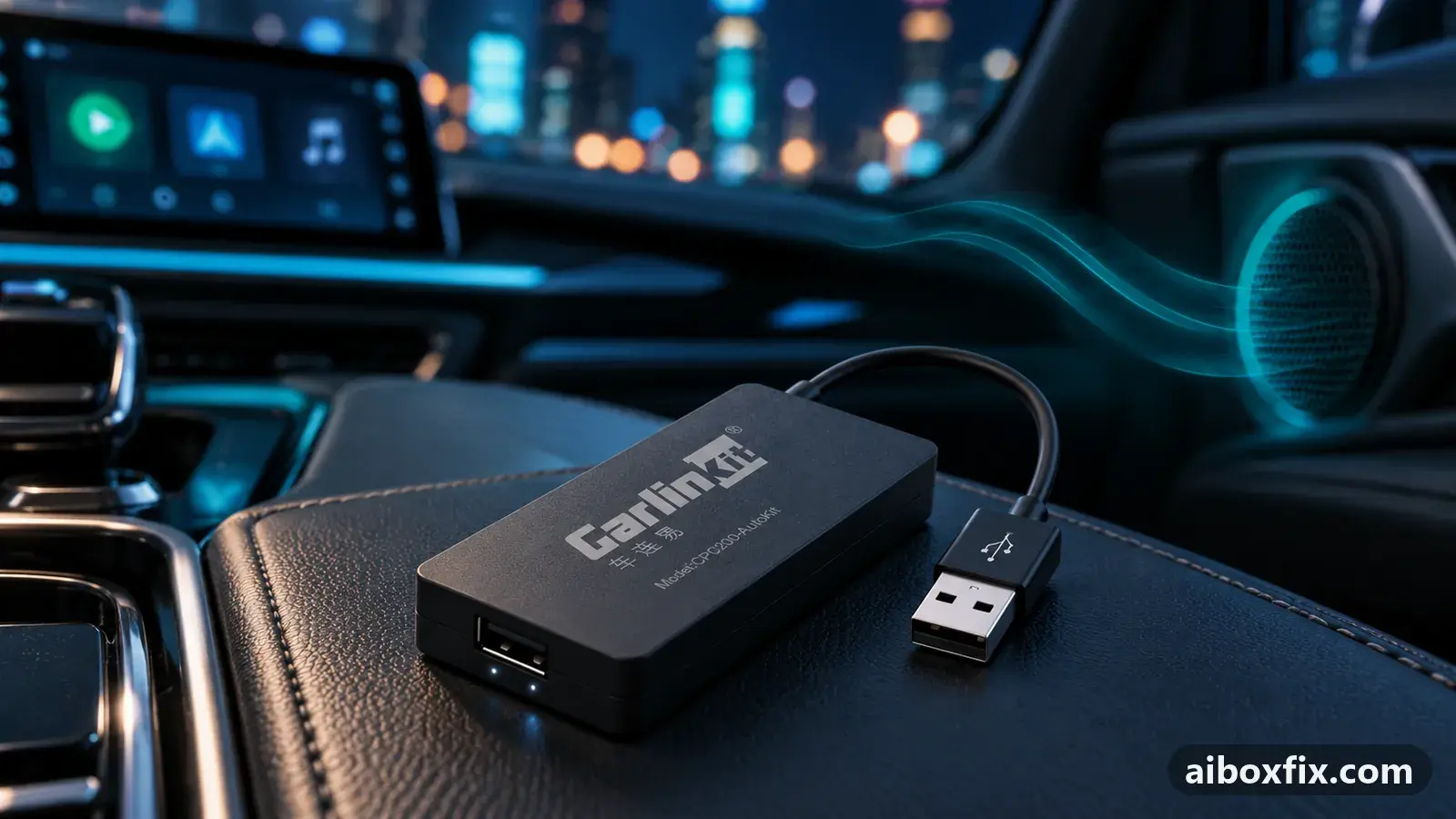
Quick answer
On a Carlinkit CPC200-CP2A wireless CarPlay adapter, music that stutters or plays too fast usually clears when you raise the Media delay from 1000 ms to 2000 ms in the adapter's own settings. The one owner who reported this fixed it that way, and also moved off a crowded Wi-Fi channel. Reconnect and test a full track.
Symptoms
- Music through a Carlinkit CPC200-CP2A (Carlinkit 4.0) wireless CarPlay adapter stutters and breaks up
- Tracks play too fast, as if on fast-forward, through the adapter
- The stutter is there as soon as you connect, not only after a while
- You have a wireless CarPlay dongle, not a full Android AI box
Applies to
- Devices
- Carlinkit CPC200-Autokit / wireless adapters
- Connection to the car
- CarPlay
- Highest risk on this page
- Low risk
- Status
- Workaround confirmed by the community
Why it happens
A Carlinkit CPC200-CP2A (sold as “Carlinkit 4.0”) is a wireless CarPlay adapter: it talks to your phone over its own Wi-Fi link and passes the audio and picture to the car. The audio is buffered before it plays, and the size of that buffer is the Media delay setting.
When the Wi-Fi link is congested and the buffer is left at its default 1000 ms, audio arrives late and the buffer runs dry. The adapter then stutters, or races to catch up so the track sounds sped up. A longer buffer and a cleaner Wi-Fi channel give the stream room to arrive in order.
If instead the sped-up sound is on a full Android box and affects every app, not a wireless adapter, that is a different fault; see all audio on the AI box plays sped up. This page is for the wireless CarPlay dongle.
Fixes, ranked
Raise Media delay to 2000 ms, then try a different Wi-Fi channel
- Low risk
- Time: 5 minutes
- Worked for 1 of 1 report
- Connect your phone to the adapter and open the adapter’s configuration screen — the AutoKit settings the dongle shows, not your car’s menu or your phone’s settings.
- Find Media delay and change it from 1000 ms to 2000 ms.
- Reconnect and play the track that stuttered. Listen for a full song before you judge it.
- If it still stutters, change the adapter’s Wi-Fi channel and test again.
One owner on a CPC200-CP2A had music that stuttered so it was unlistenable, or ran too fast. Raising the Media delay to 2000 ms, together with moving off his Wi-Fi channel, cleared it for him.
If nothing works
Note the adapter model from its label (CPC200-CP2A), the car make, model and year, and the head unit, and say whether it stutters on every track or only some. Test once with your phone plugged into the car directly over a cable: if wired CarPlay plays cleanly and only the wireless adapter stutters even at 2000 ms, the adapter’s Wi-Fi link is the weak point, and Carlinkit support should handle it.
If the adapter will not connect at all, rather than stuttering once connected, see AutoKit stuck “waiting for phone”. For other audio faults, the audio problems hub lists the confirmed fixes, and if you are weighing a different box or adapter, start here.
What owners said
“Thanks, it seems to have worked, but I also had to switch away from 5G.”
Owner, Carlinkit CPC200-Autokit / wireless adapters, Nov 2024
Quotes are translated where needed and shortened ([…]); names are removed. Full counts are in the evidence table below.
Questions owners ask
Where is the Media delay setting?
It is in the adapter's own configuration screen — the AutoKit settings the dongle shows when your phone connects to it, not in your car's menu or your phone's settings. Change the value there from 1000 ms to 2000 ms.
Do I have to turn off the 5 GHz Wi-Fi band?
No. The owner who fixed this also moved channels, but another owner runs the same adapter fine on 5 GHz channel 48, and channel 149 is reported to work too. Try a different channel rather than avoiding 5 GHz outright.
My whole Android box plays fast, not just music — is this the same?
No. If every app on a full Android box plays sped up, that is a different problem with a different fix; see the AI box sped-up audio page. This page is for the wireless CarPlay adapter dongle.
Related fixes
- All Audio on the AI Box Plays Sped Up: Try a Factory ResetLow risk
- Crackling or Muffled Sound? Turn Off Voice-Assistant Hot-WordLow risk
- AutoKit Stuck on "Waiting for Phone": Use the 5 GHz HotspotAdvanced
- Calls Have No Audio on Ford SYNC 3 With a Wireless AdapterLow risk
- Sound or Picture Lags Behind Through a CarPlay AdapterLow risk
Did this work for you?
Tell us which fix worked (or didn't), with your box, firmware date and car. Reports are how fixes get confirmed and re-ranked.
Send a reportChangelog
- Last reviewed against new community reports:
- Confirmed by 1 community report on Carlinkit CPC200-Autokit / wireless adapters.
- Page updated:
"Confirmed" means a community member reported that the fix worked on their unit. We have not tested it on our own hardware. How we verify.
Evidence behind these counts (1 case)
One row per case: a device, a symptom and a fix, merged from owner reports. An owner counts once per fix. Reports with no outcome yet are not counted. Forum and chat message references are kept on file but not published, to protect owners' privacy; public Reddit and YouTube sources are linked.
| Case | Confirmed on | Result | Source |
|---|---|---|---|
| case-1601 | Carlinkit CPC200-Autokit / wireless adapters | 1 worked | Owner discussion threads, 2 messages |