Audio & callsReviewed
Calls Have No Audio on Ford SYNC 3 With a Wireless Adapter
Calls ring but have no audio on Ford SYNC 3 with a wireless CarPlay/Android Auto adapter? Set SYNC's ringtone to your phone's ringtone.
Carlinkit CPC200-Autokit / wireless adapters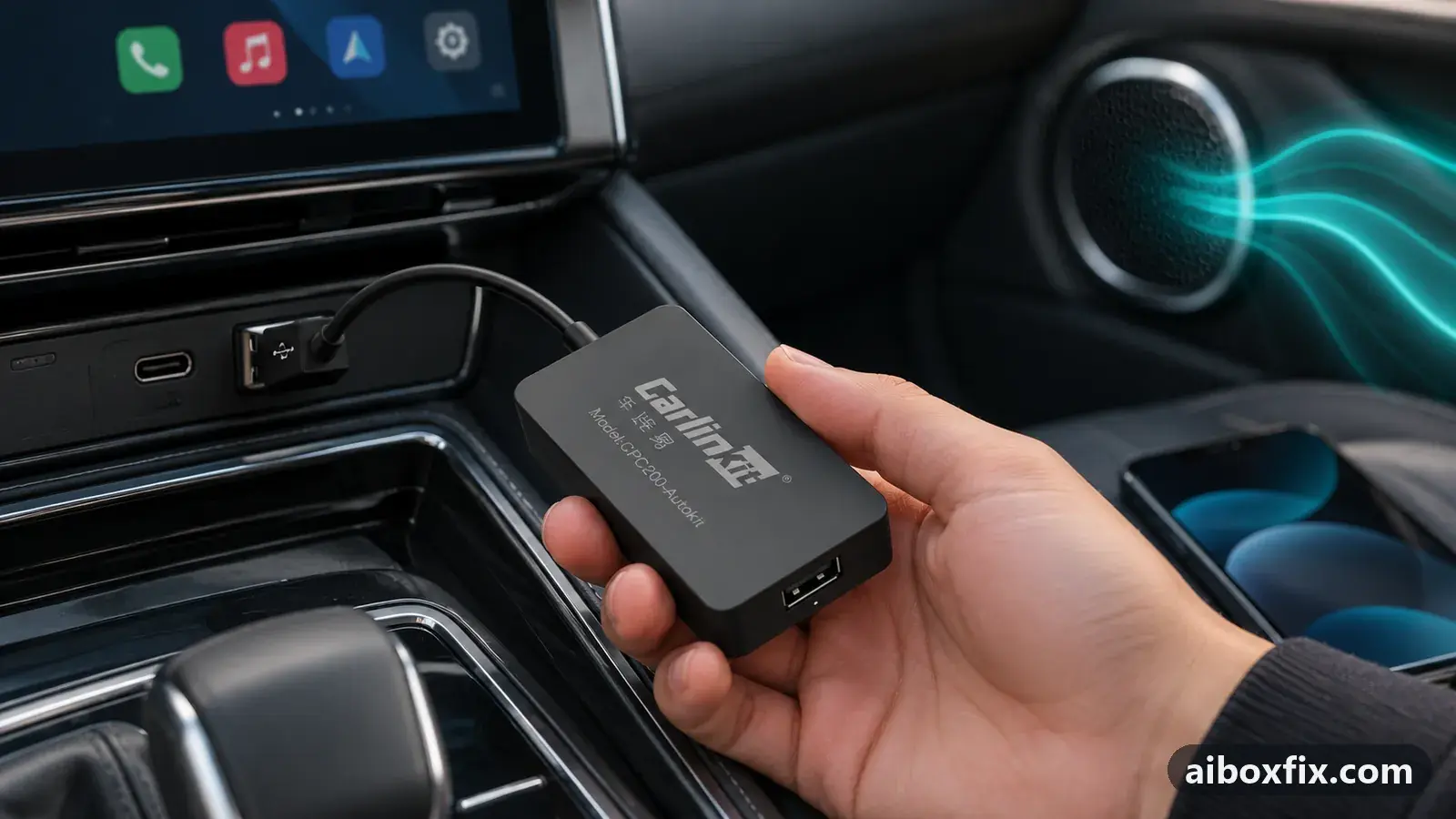
Quick answer
On a Ford with SYNC 3, if calls through a wireless adapter ring but have no audio when you answer, change SYNC's ringtone from its own ringtone to your phone's ringtone; that restored call audio for three owners on Android Auto adapters. All confirmations are Android Auto, not iPhone CarPlay.
Symptoms
- An incoming call rings on the SYNC 3 screen, but when you answer there is no sound either way
- Calls drop after about a minute, or outgoing calls are silent both ways
- Music, maps and apps through the adapter play normally; only calls have no audio
- It happens with a wireless CarPlay or Android Auto adapter plugged into the Ford's USB port
- On a Carlinkit 4.0, audio from Waze or Google Maps is missing too
Applies to
- Devices
- Carlinkit CPC200-Autokit / wireless adapters
- Connection to the car
- Android Auto
- Head units mentioned in reports
- Ford SYNC 3 / 4
- Highest risk on this page
- Low risk
- Status
- Workaround confirmed by the community
Why it happens
SYNC 3 lets you pick which ringtone plays for Bluetooth calls: one of SYNC’s own tones, or the ringtone from your phone. When SYNC is set to its own tone, the head unit keeps the call on its own audio path and never hands it to the wireless adapter, so an answered call reaches no speaker. Choosing the phone’s ringtone routes the whole call through the adapter, and the audio comes back.
On a Carlinkit 4.0 adapter the cause is different. The adapter’s own admin page carries a call-quality setting and a media-delay setting, and the shipped values left one owner with no call audio and no sound from Waze or Google Maps until the values were changed.
Fixes, ranked
Set SYNC's ringtone to your phone's ringtone
- Low risk
- Time: 5 minutes
- Worked for 3 of 3 reports
- On the SYNC 3 screen, open the phone menu and its settings (Phone → Settings, or Settings → Phone).
- Find the Ringtone setting; by default it is one of SYNC’s own ringtones (for example Ringtone 1).
- Change it to Phone ringtone (your phone’s own ringtone).
- Make a test call both ways to confirm you have audio.
Three owners fixed silent calls this way: one with an OttoCast adapter in a 2017 Ford Edge, one with an AAWireless adapter in a Ford Fusion, and one with an AAWireless adapter in a 2020 Ranger. The Fusion owner did not even unplug the phone from Android Auto; the adapter stayed connected through the change.
All three ran Android Auto, so this is confirmed for Android Auto adapters only. The setting is the same on SYNC 3 with an iPhone, but no owner has reported it curing silent calls over CarPlay.
The one catch owners reported: SYNC resets the ringtone to its own tone (such as Ringtone 1) each time the wireless adapter reconnects. If your calls go silent again after the adapter drops and re-links, open the setting and choose the phone’s ringtone again. If calls are silent even when the ringtone is already set to the phone’s, the trouble is more likely a duplicate Bluetooth link; see can’t hear the caller on incoming calls. For the rest of how SYNC 3 behaves with a box, including the 3.0 → 3.4 update that fixed a related Bluetooth problem, see the Ford SYNC 3 and SYNC 4 page.
Carlinkit 4.0: set call quality and media delay in the admin page
- Low risk
- Time: 10 minutes
- Worked for 1 of 1 report
- Open the Carlinkit admin page for your adapter (the settings page the adapter serves; the quick-start card for your model gives the address).
- Set the call quality setting to Standard or High Definition.
- Set the Media Delay setting to 1010.
- Reconnect the adapter and test a call and app audio.
One owner with a Carlinkit 4.0 in a GAC GS8, using a Pixel 8 Pro, had no audio from calls, Waze or Google Maps. Carlinkit support pointed to these two settings, and after changing them the owner reported audio working. Carlinkit’s advice on its own is not an owner result, so this counts as the one owner who reported back that it worked. If your calls instead have audio but lag or echo, that is a different problem; see call delay and echo.
Things to try (unverified)
- Carlinkit 5.0 on a Mondeo: only incoming calls are silent. Two owners of a Ford Mondeo with SYNC 3 and a Carlinkit 5.0 in wireless Android Auto report that calls they dial work, while an answered incoming call is silent both ways; for one it began around August 2024. Updating the adapter’s firmware and changing the phone’s Bluetooth permissions did not help one of them, and on wired Android Auto without the adapter he had no such problem. Neither reported trying the ringtone setting above, so it is the first thing to try.
- iPhone on CarPlay: try the ringtone setting anyway. The SYNC 3 ringtone option does not depend on the phone, so it is worth setting to the phone’s ringtone, but no owner has confirmed it fixes silent CarPlay calls.
- Route calls through the head unit’s own Bluetooth. On other cars, owners whose calls would not play through the box pair the phone with the car itself and keep the adapter for navigation and music. It is untested on this SYNC 3 adapter scenario; the method is on can’t hear the caller on incoming calls and call delay and Bluetooth music quality.
If nothing works
Write down the adapter model and its firmware, your phone and its operating-system version, the Ford’s model and year, the SYNC version, the protocol (CarPlay or Android Auto), and whether only calls fail while music and maps play. A short video of a call that rings but stays silent helps.
Send that to the adapter maker’s support (Carlinkit: [email protected], or the message form at https://www.carlinkit.com/messages.html). If calls over the adapter stay silent in your car after both settings above, taking calls on the car’s own Bluetooth is the honest workaround, and start here explains how the adapter and box families differ if call handling is a deciding factor.
What owners said
“I just bought an OttoCast for my 2017 Edge and this issue was happening. It's fixed now.”
Owner, Oct 2025YouTube video
“It fixed the same problem I had with Android Auto in my Ford Fusion. I didn't even unplug my phone - it stayed connected with the AAWireless adapter.”
Owner, Oct 2025YouTube video
“I changed the call quality setting in the Carlinkit admin page to Standard or High Definition and the Media Delay to 1010. Once I did that, it started to work fine.”
Owner, Carlinkit CPC200-Autokit / wireless adapters, Oct 2025Reddit thread
Quotes are translated where needed and shortened ([…]); names are removed. Full counts are in the evidence table below.
Questions owners ask
Does this work with an iPhone on CarPlay?
Every confirmation comes from owners running Android Auto adapters (OttoCast, AAWireless). The ringtone setting is the same on SYNC 3 whatever the phone, but no owner has reported back that it fixed silent calls over CarPlay, so treat that as untested.
Why does the ringtone keep resetting?
Owners found SYNC reverts to its own ringtone (for example Ringtone 1) each time the wireless adapter reconnects. If calls go silent again after a reconnect, set the ringtone back to your phone's ringtone.
Will I lose a ringtone for incoming calls?
No. You still hear a ring; you are choosing your phone's ringtone over one of SYNC's built-in tones, which is what routes the call audio to the adapter.
Related fixes
- Can't Hear the Caller on Incoming Calls Through the AI BoxAdvanced
- Call Delay and Bluetooth Music Quality: What's NormalAdvanced
- Microphone Not Working on Calls? Clear Every Bluetooth PairingAdvanced
- Sound or Picture Lags Behind Through a CarPlay AdapterLow risk
- Music Stutters or Plays Too Fast Through a CarPlay AdapterLow risk
Did this work for you?
Tell us which fix worked (or didn't), with your box, firmware date and car. Reports are how fixes get confirmed and re-ranked.
Send a reportChangelog
- Last reviewed against new community reports:
- Confirmed by 4 community reports on Carlinkit CPC200-Autokit / wireless adapters.
- Page updated:
"Confirmed" means a community member reported that the fix worked on their unit. We have not tested it on our own hardware. How we verify.
Evidence behind these counts (3 cases)
One row per case: a device, a symptom and a fix, merged from owner reports. An owner counts once per fix. Reports with no outcome yet are not counted. Forum and chat message references are kept on file but not published, to protect owners' privacy; public Reddit and YouTube sources are linked.
| Case | Confirmed on | Result | Source |
|---|---|---|---|
| case-1700 | Model not stated | 3 worked | Owner reviews, 3 messages YouTube video YouTube video YouTube video |
| case-1701 | Carlinkit CPC200-Autokit / wireless adapters | 1 worked | Owner reviews, 1 message Reddit thread |
| case-2177 | Model not stated | 0 worked | Owner reviews, 2 messages YouTube video YouTube video |