Apps & launchersReviewed
AutoKit Ignores Touch After the Car Starts? Check One Permission
AutoKit starts on its own but the screen ignores touch? Give it the display-over-other-apps permission. Carlinkit adapter, Android head unit.
Carlinkit CPC200-Autokit / wireless adapters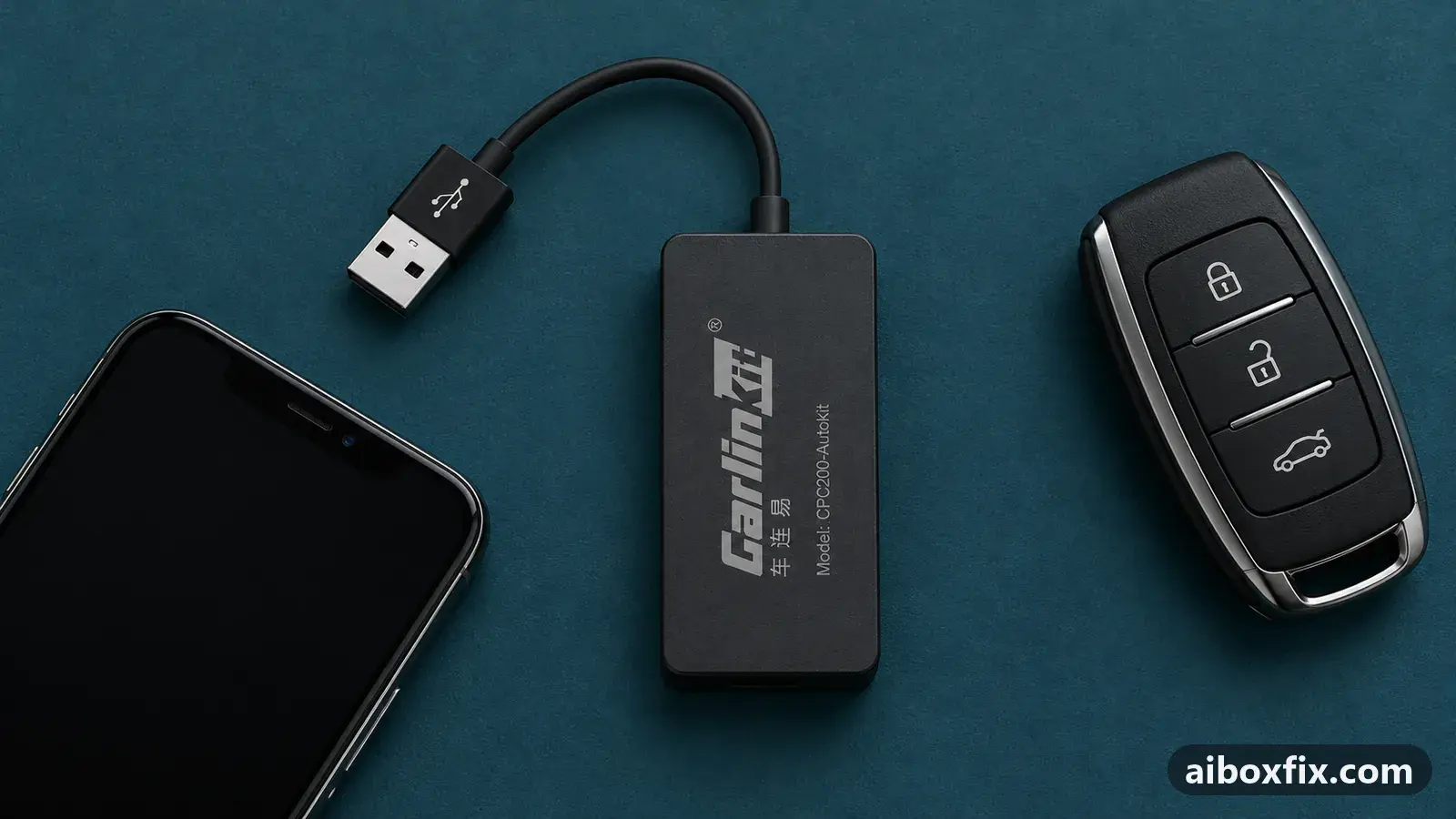
Quick answer
On a head unit running the AutoKit app with a Carlinkit adapter, if the screen ignores touch when CarPlay or Android Auto starts automatically, grant AutoKit the display-over-other-apps permission in Android settings; one owner on a BYD got touch back this way. Until then, closing and reopening the app restores touch.
Symptoms
- CarPlay or Android Auto comes up on its own when you start the car, but no tap on the screen does anything
- The picture, music and your moving position on the map all work, and the steering-wheel buttons work; only touch is dead
- Closing the AutoKit app and opening it again brings touch back, until the next time the car starts it automatically
- It only happens on the first, automatic start, not when you open the app yourself
Applies to
- Devices
- Carlinkit CPC200-Autokit / wireless adapters
- Connection to the car
- CarPlay and Android Auto
- Head units mentioned in reports
- BYD DiLink
- Highest risk on this page
- Low risk
- Status
- Workaround confirmed by the community
Why it happens
AutoKit is the app that runs CarPlay or Android Auto on an Android head unit through a Carlinkit adapter. When the car starts, AutoKit launches by itself and draws its screen over whatever the head unit was showing. To draw over another app, Android first needs to grant it the display over other apps permission.
Without that permission, on the automatic start the app shows its picture but its touch layer never comes to the front. Your taps land on the layer underneath instead, so nothing happens, even though music and the steering-wheel buttons keep working. Opening the app by hand forces its screen to the front, which is why closing and reopening restores touch for a while.
This is a permission on the app, not a fault in the adapter or the car’s touchscreen. If instead the car’s screen ignores a box that plugs into factory CarPlay, the cause is different: see touchscreen ignores the AI box, where restarting the head unit is the fix.
Fixes, ranked
Give AutoKit permission to display over other apps
- Low risk
- Time: 5 minutes
- Worked for 1 of 1 report
- Open the head unit’s Android Settings.
- Go to Apps → Special app access (on some units it is under Advanced), then open Display over other apps.
- Find AutoKit in the list and turn the permission on.
- Start the car, or reconnect the adapter, and let AutoKit launch by itself. Tap the screen; it should respond now.
One owner on a China-spec BYD, connecting an Android phone over Android Auto through a Carlinkit adapter, had no touch every time the car started the connection on its own, although music and the steering-wheel buttons worked. What pointed to the cause was AutoKit’s floating “quick ball” option: it would not appear on screen until this permission was on. The owner turned the permission on and the screen responded normally from then on, without needing the quick ball at all. The firmware was already on the current build, so no update was involved.
If the Display over other apps switch for AutoKit is greyed out, an Android 13 restriction may be locking it; allow restricted settings covers how to release the switch first.
Things to try (unverified)
- Reopen AutoKit as a stop-gap. Until you set the permission, closing AutoKit and opening it again brings touch back for that session. It is a workaround, not a fix: touch is dead again the next time the car starts the app on its own.
- If the head unit does not even see the adapter. That is a different fault. One owner found AutoKit’s permissions were not granted when the app was installed through its own installer, and the adapter was detected only after a reinstall; see AutoKit does not see the USB adapter.
- If AutoKit connects but then sits waiting. When the box plays nothing and shows “waiting for the phone”, the problem is the connection, not touch: see AutoKit stuck waiting for the phone.
If nothing works
Note the adapter model and the AutoKit version (in AutoKit’s own About or Settings), the head unit and its Android version, the car make, model and year, and the protocol (CarPlay or Android Auto). Record a short video that shows the picture and the moving map working while taps do nothing, then the same screen responding after you reopen the app.
If touch is still dead with the permission on, check the apps symptom hub for the closest match, and ask the adapter’s seller or Carlinkit ([email protected]) whether your head unit is supported. If the car never worked well with the box, start here compares the alternatives.
What owners said
“I found out the root cause was that the AutoKit app needed its permission to draw over other apps enabled. […] I ended up not using that option, but noticed that it now works properly.”
Owner, Carlinkit CPC200-Autokit / wireless adapters, Sep 2026Reddit thread
Quotes are translated where needed and shortened ([…]); names are removed. Full counts are in the evidence table below.
Questions owners ask
Why does closing and reopening AutoKit bring touch back?
Reopening the app by hand forces its screen to the front, where it does receive touch. The permission makes that happen on the automatic start too, so you no longer have to reopen it each time.
The display-over-other-apps switch for AutoKit is greyed out. What now?
Some Android 13 head units lock special-access switches for certain apps. See allow restricted settings for how to release the switch, then turn the permission on.
AutoKit never connects my phone at all. Is this the same problem?
No. That is a connection fault, not a touch one. This page is for when the box connects and plays but ignores touch on the automatic start; if it never connects, see AutoKit stuck waiting for the phone.
Related fixes
Did this work for you?
Tell us which fix worked (or didn't), with your box, firmware date and car. Reports are how fixes get confirmed and re-ranked.
Send a reportChangelog
- Last reviewed against new community reports:
- Confirmed by 1 community report on Carlinkit CPC200-Autokit / wireless adapters.
- Page updated:
"Confirmed" means a community member reported that the fix worked on their unit. We have not tested it on our own hardware. How we verify.
Evidence behind these counts (1 case)
One row per case: a device, a symptom and a fix, merged from owner reports. An owner counts once per fix. Reports with no outcome yet are not counted. Forum and chat message references are kept on file but not published, to protect owners' privacy; public Reddit and YouTube sources are linked.
| Case | Confirmed on | Result | Source |
|---|---|---|---|
| case-1619 | Carlinkit CPC200-Autokit / wireless adapters | 1 worked | Owner reviews, 1 message Reddit thread |