Firmware & recoveryReviewed
TBox Plus EM 668 Sold as EAU 138: 7 Owner Reports
TBox Plus shows the carrier but no network, or won't boot after 138 firmware? It may be an EM 668: check Settings → Version, install the 668 build.
Carlinkit TBox Plus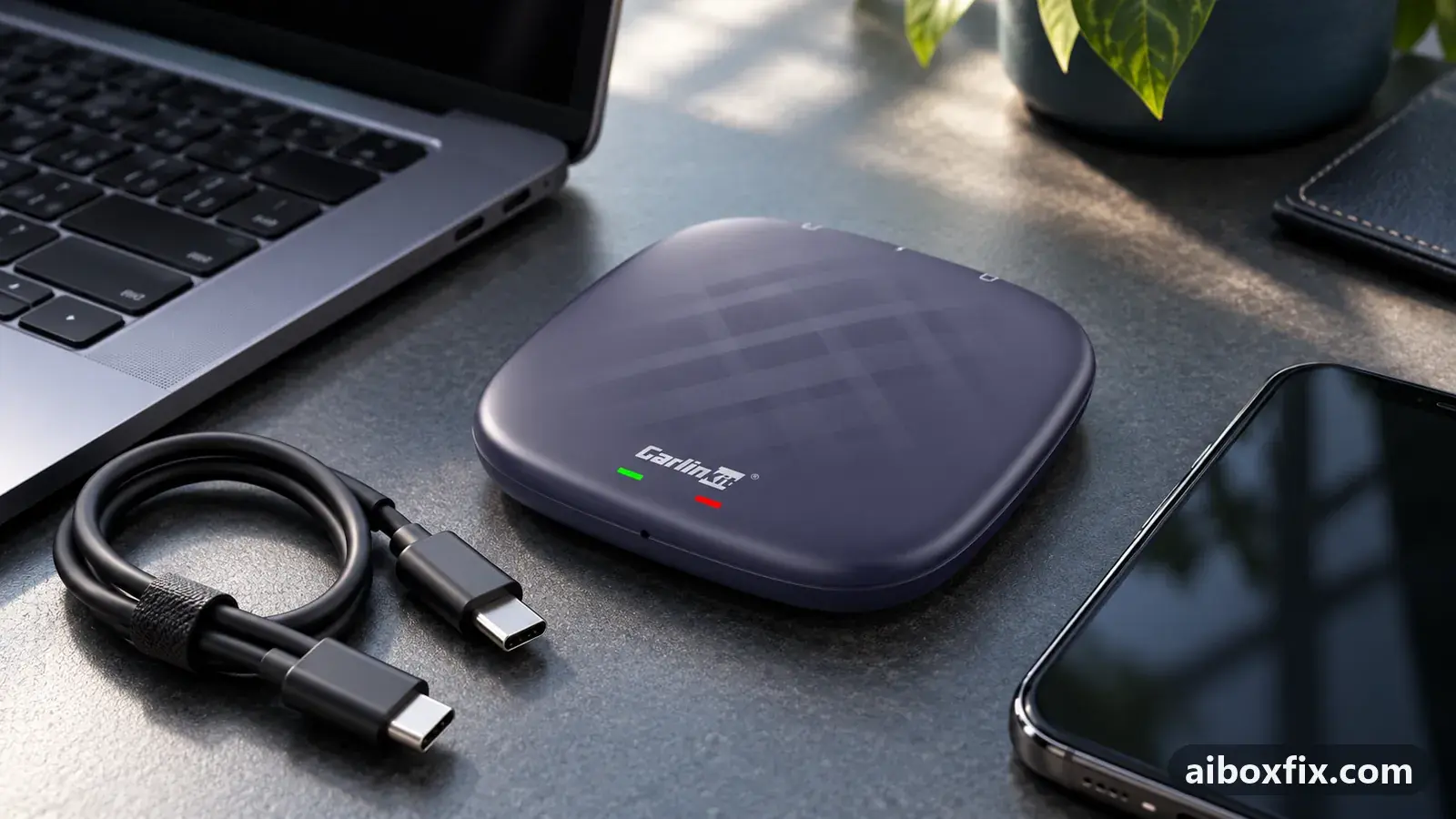
Quick answer
If a Carlinkit TBox Plus sold as EAU 138 shows the carrier but no network, open Settings → Version: SC668 means it is really an EM 668, and the official 4 Jul 2024 668 build brought the network back for four owners. Three more, whose box stopped booting after 138 firmware, revived it with the 668 recovery package.
Owner reports at a glance
- Owner reports of a fix that worked
- 7
- Reports with a result
- 8
- 7 worked, 1 did not help
- Most-confirmed fix
- SIM sees the carrier but no network: install the 4 Jul 2024 668 build: worked in 4 of 5 reports; all fixes, ranked
- Boxes owners confirmed it on
- Carlinkit TBox Plus
One owner counts once per fix; reports with no result yet are not counted. Counts reviewed . How we count.
Symptoms
- The status bar shows your carrier's name, but the signal bars stay empty
- Only emergency calls work and mobile data never connects, with every SIM you try
- The case or the listing says EAU or 138, but Settings → Version contains SC668
- After a 138 update or recovery, both LEDs light, then only blue, then nothing
- The car never shows the box, although a PC still detects it in download mode
Applies to
- Devices
- Connection to the car
- CarPlay and Android Auto
- Firmware in confirmed reports
- Carlinkit TBox Plus: 2024-07-04
- Highest risk on this page
- Brick risk
- Status
- Workaround confirmed by the community
Why it happens
The Carlinkit TBox Plus exists in two hardware variants with separate firmware lines: the EM, built on the SC668 module, and the EAU (also sold as JP or NA), built on the SC138. Carlinkit says the two lines cannot be mixed. Owners have repeatedly received 668 units in cases or boxes marked EAU 138; a long-time community member dated the first ones to spring 2024.
That mix-up causes two different failures. A 138 build can install on a 668, but the box then no longer starts, and a 138 recovery package cannot bring it back. And on the 668 line, the modem connected to these owners’ carriers only on the 4 Jul 2024 build: on later 668 builds such as 18 Jul 2024 the box saw the SIM and the carrier but never registered on the network. Roaming and APN settings cannot fix either.
Which TBox Plus do you really have?
Open Settings → Version on the box. A string with SC668, for example X9-SC668-4 A13 2024-07-18, is an EM 668; SC138 is an EAU. This is what owners trusted over the label on the case.
If the box no longer starts, you cannot read that screen. Check the label on the packaging, which one owner found correct where the case was not, and ask the seller which module the unit has. One owner opened the case to read the chip shield; that can void the warranty, so ask Carlinkit support first. The variant notes for recovery, including memory type, are in the TBox Plus and Ambient QFIL recovery guide; the labels of every model are in which TBox do I have.
Fixes, ranked
SIM sees the carrier but no network: install the 4 Jul 2024 668 build
- Advanced
- Time: 30–45 minutes
- Worked for 4 of 5 reports
- Recommended in the community FAQ
Warranty warning: this uses developer or engineering access. Follow the undo steps afterwards; some sellers refuse warranty claims on units with debugging left enabled.
- Open Settings → Version on the box and read the version string: SC668 means a TBox Plus EM (668), SC138 an EAU (138).
- If it says SC668, get the official 4 Jul 2024 TBox Plus 668 Android 13 build from Carlinkit.
- Copy the file unchanged, without unzipping it, to the root of a FAT32 microSD card from a computer.
- Insert the card in the box, open FOTA Update → menu → Local update, pick the file and confirm the restart.
- Keep the engine running until the box restarts, then check signal bars and mobile data.
The full local-update routine, including what to do when the card is not read, is in update TBox firmware with FOTA.
An owner whose case said EAU had the latest firmware, a SIM that showed the carrier, and no network with any SIM, data-only ones included. Settings → Version showed 668; with the 4 Jul 2024 668 build everything worked. Another owner could make only emergency calls and had empty bars, and an update he had downloaded changed nothing. His packaging said TBox Plus 668 EM, and the 4 Jul 2024 build brought the SIM and internet back.
A third owner’s 668 on the 18 Jul 2024 build showed the carrier but would not connect; on the 4 Jul 2024 build the SIM worked. A fourth installed the same build on a friend’s 668, which was also on 18 Jul 2024, and reported it working. An owner-community FAQ gives the same advice for a 668 on Android 13 with no working SIM.
One owner moved his 668 from 18 Jul to 4 Jul 2024 and the SIM settings stayed greyed out, with no data icon; that thread ended unresolved. Staying on this build also means skipping later 668 updates for as long as you need the SIM.
Box won't boot after 138 firmware: flash the 668 recovery package
- Brick risk
- Time: 1–2 hours
- Worked for 3 of 3 reports
Warranty warning: this changes system partitions. A wrong file or an interrupted step can leave the box unbootable, and manufacturers treat it as outside warranty. Back up first and keep the undo steps open.
- Ask Carlinkit support for the QFIL recovery package for the TBox Plus EM 668.
- Put the box in EDL mode and open QFIL with the package’s programmer, as the QFIL recovery guide describes; check that Tools → Partition Manager opens.
- Flash
rawprogram0withpatch0, unplug, re-enter EDL, and repeat for each pair up torawprogram5withpatch5. - Start the box in the car; if it shows a not-activated QR screen, give it internet from a SIM or the phone’s hotspot.
A TBox Plus sold as EAU was restored to Android 13 with the 138 package and still only lit its green and blue LEDs, then blue, then nothing, with no CarPlay. After the owner was told that 668 units are shipped as 138, he flashed the 668 package and everything worked. A second owner’s box died after an update and the 138 recovery files did not revive it; with the 668 recovery files it started again.
A third owner’s box said EAU on both the box and the order. After an update and a 138 recovery attempt it showed the same LED pattern and no picture; the 668 recovery, flashed as six pairs in order, brought it up to the activation screen, which cleared once the box had internet. On that unit QFIL reported eMMC unavailable and worked with UFS: the memory type varies between 668 units.
Things to try (unverified)
- Roaming and APN settings. They are the usual fix when a SIM shows bars but no data, covered in AI box SIM card not working. With the wrong 668 build the box never registers on the network, so they do not help on their own.
- A newer 668 build. One owner was told a 2025 668 build should keep the SIM working, but nobody reported a SIM on it. Keep the 4 Jul 2024 file before you try.
If nothing works
Write down the full version string from Settings → Version, the firmware date from Settings → About, the carrier and whether the IMEI is shown. Photograph the labels on the case and on the packaging. If the box no longer starts, add the LED sequence and what the PC shows in Device Manager.
Send it to Carlinkit support at [email protected]. If the seller listed the unit as EAU 138 and it is a 668, you were sold a different variant: asking for an exchange is fair, and one owner was advised to return such a box. Firmware dates for every model are in the firmware tracker, the variants are on the TBox Plus hub, and start here compares the box families if you would rather replace it.
What owners said
“It all worked: it sees the SIM and the internet works.”
Owner, Carlinkit TBox Plus, Dec 2025
“You're right. That's how it turned out: I flashed the 668 firmware and everything worked.”
Owner, Carlinkit TBox Plus, Apr 2025
“Well, I flashed the 4 Jul version, but it didn't help. In the settings the SIM card buttons are still grey as before, and there's no data icon.”
Owner, Carlinkit TBox Plus, Aug 2024
Quotes are translated where needed and shortened ([…]); names are removed. Full counts are in the evidence table below.
Questions owners ask
Which label should I trust, the case or the box it came in?
Neither, if the box still starts: the version string under Settings → Version is the reliable one. Cases and listings have said EAU on units that were 668, and one owner found the packaging right where the case was wrong.
Can I put EAU 138 firmware on a 668 to get newer builds?
No. Carlinkit says the 668 and 138 lines cannot be mixed. Owners whose 668 received 138 firmware were left with a box that no longer started.
Will a newer 668 update keep my SIM working?
Not necessarily. These owners had network on the 4 Jul 2024 build and lost it on the 18 Jul 2024 one. Keep the 4 Jul 2024 file, so you can go back if a later build drops the network.
Parts the fixes above need
Data-only / IoT SIM card
AI boxes use the SIM as a modem; a data-only plan avoids voice-plan device locks.

microSD card (32 GB, formatted FAT32)
Local firmware updates, reset files and protocol-switch files are read from a FAT32 card. A high-endurance 32 GB card copes with car heat; pick the 32 GB size.
Some links above are affiliate links: if you buy through them we may earn a commission at no extra cost to you. It never changes which fix we rank first. Product photos are the sellers' own, from the AliExpress listing. Disclosure.
If none of these fixes work
Try every free fix above first. Each of these needs a car whose screen already runs wired CarPlay or Android Auto. We have not tested them: check the seller's compatibility list for your car and head unit, and that the listing shows the exact model named here, before you buy.
Wireless CarPlay / Android Auto adapter (Carlinkit Mini Ultra 3)
If you only use the box to get CarPlay or Android Auto without a cable, a plain wireless adapter has no Android system to update, overheat or crash.
Replacement AI box (Carlinkit, Android 13, SM6225)
If the box is out of warranty and still fails after the fixes above, another Carlinkit box keeps your apps on the car screen. It needs wired CarPlay or Android Auto in the car. Pick the NA variant for North American cars, EAU elsewhere.
Carlinkit TBox Ultra (Android 15)
If an older box is too slow for the apps you run: the TBox Ultra is Carlinkit's Android 15 box, with an SM6350 chip. Check that the variant on the listing supports your car's protocol before buying.
Replacement from another maker (Ottocast P3 Pro)
If you would rather switch brands, Ottocast's P3 Pro runs Android 13 and has HDMI out. It needs the connection protocol Ottocast lists for your car. The listing opens on a cheaper Mini adapter: select the P3 Pro option and check the picture and name before you pay.
Affiliate links: we may earn a commission at no extra cost to you. Disclosure.
Related fixes
- AI Box SIM Card Not Working: 29 Owner ReportsAdvanced
- Recover a Bricked TBox Plus, Ambient or UHD With QFILBrick risk
- QR Code or "Device Not Activated" After a TBox UpdateLow risk
- Factory Reset After Every Firmware Update? Try Cache Code 110144Advanced
- Set the Stock Launcher Before Any Firmware UpdateBrick risk
Did this work for you?
Tell us which fix worked (or didn't), with your box, firmware date and car. Reports are how fixes get confirmed and re-ranked.
Send a reportChangelog
- Last reviewed against new community reports:
- Confirmed by 7 community reports on Carlinkit TBox Plus.
- Page updated:
"Confirmed" means a community member reported that the fix worked on their unit. We have not tested it on our own hardware. How we verify.
Evidence behind these counts (3 cases)
One row per case: a device, a symptom and a fix, merged from owner reports. An owner counts once per fix. Reports with no outcome yet are not counted. Forum and chat message references are kept on file but not published, to protect owners' privacy; public Reddit and YouTube sources are linked.
| Case | Confirmed on | Result | Source |
|---|---|---|---|
| case-0046 | Model not stated | Recommended in the FAQ (not counted) | Community FAQ, 1 message |
| case-8300 | Carlinkit TBox Plus (2024-07-04) | 4 worked, 1 did not | Owner discussion threads, 27 messages |
| case-8301 | Carlinkit TBox Plus | 3 worked | Owner discussion threads, 16 messages |