Audio & callsReviewed
Speed-Camera App Goes Silent When Navigation Is Running
Speed-camera app silent while navigation runs on your AI box? Turn off the navigator's camera alerts, or change the alert app's audio mode. TBox Ambient.
Carlinkit TBox Ambient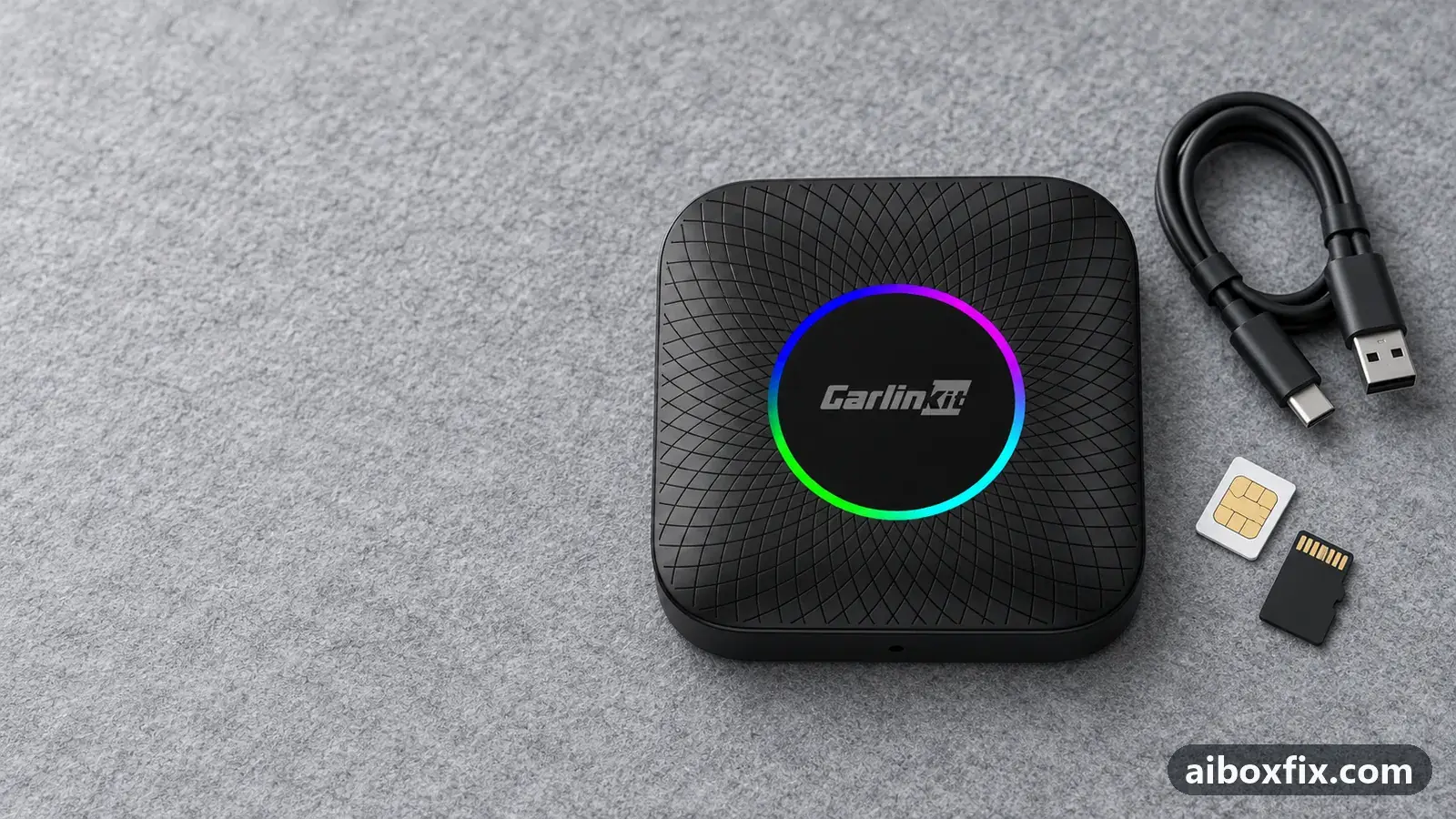
Quick answer
On a Carlinkit TBox Ambient, a speed-camera app silenced by a navigation app spoke again once the navigation app's own speed-camera voice alerts were turned off; one owner confirmed this. If the alert app stays silent on its own, set it to pause other audio and use the Notifications channel, which worked for another owner.
Symptoms
- The speed-camera app stopped speaking right after you installed or started a second navigation app
- Its settings look unchanged and every alert is on, yet nothing is said at a camera
- The navigation app announces the camera, but the radar-alert app stays quiet
- With the alert app set to lower other audio, the music dips at a camera but no warning is spoken
- The alert voice is so faint it sounds far away
Applies to
- Devices
- Connection to the car
- CarPlay and Android Auto
- Highest risk on this page
- Low risk
- Status
- Workaround confirmed by the community
Why it happens
Android lets one app at a time take the sound for a spoken alert. An app set to lower other audio during its alerts ducks everything else while it speaks, and that includes another app’s voice, not only your music. A navigation app with its own speed-camera alerts and a separate radar-alert app (MapcamDroid, Radarbot, HUD Speed and similar) announce the same cameras at the same moment, so one of them can push the other below hearing.
The box adds a second problem. How it sends prompts to the car, on the media or the navigation channel, depends on what else is playing, as explained in navigation prompts too quiet or too loud. On some head units an alert app in ducking mode lowers the music correctly, but its voice never reaches the speakers.
Fixes, ranked
Turn off the navigation app's own speed-camera alerts
- Low risk
- Time: 5 minutes
- Worked for 1 of 1 report
- Open the navigation app’s settings → Sounds and notifications (in some apps Sound or Alerts).
- Turn off the voice alerts for speed cameras only.
- Leave its other alerts on: accidents, roadworks and route prompts.
- Drive a route that passes a known camera and listen for the radar-alert app.
A TBox Ambient owner installed another navigation app, and his radar-alert app went quiet from that day on. He had not touched its settings, and its option to lower music during alerts was already on. With all sound alerts off in the navigation app, the radar-alert app spoke again.
Setting the navigation app to lower other audio during alerts did not solve it: the navigator then lowered the radar-alert app’s voice as well. On the drive back he kept the navigation app’s alerts for accidents and roadworks and turned off only its camera alerts. Both apps now speak when they should.
Silent even on its own: let the alert app pause other audio
- Low risk
- Time: 10 minutes
- Worked for 1 of 1 report
- Open the radar-alert app’s settings → Audio.
- Find its setting for other audio (audio control) and change it from lower / try to duck to the option that pauses other audio during an alert.
- Set the app’s audio output channel to Notifications.
- Drive past a known camera and check that the warning is spoken and the music comes back afterwards.
A TBox Ambient owner in a VW Tiguan could barely hear his radar-alert app, or not at all. In its ducking mode the music went down at each camera, but no warning was spoken on any output channel, and the volume options did not change that. The mode that pauses other audio, on the Notifications channel, worked: the music stops, the camera is announced, and playback resumes.
Other owners run their alert apps differently with no complaints. One uses the Alarm channel with the beep volume at 30% and the app set to leave other audio alone; another uses the multimedia channel with ducking. The channel that works depends on your head unit, so change one setting at a time.
Things to try (unverified)
- Register the alert app as the box’s navigation app. On head units where an alert takes the whole sound source away from the car’s radio, owners set the alert app as the box’s navigation app so that it ducks the radio instead. That is confirmed for the radio problem in car radio goes silent when the AI box is plugged in; nobody reported it for two apps silencing each other.
- Keep the two voices from overlapping. A long-time community member noted that the car’s radio switches off only when both apps speak at the same moment. Leaving camera warnings to one app, as in Fix 1, avoids that too, though nobody reported back on it.
- If prompts lose their first or last words rather than going silent, the lower-other-audio setting is usually the cause: see navigation prompts cut off words.
- If every voice sounds muffled or crackly, an always-listening assistant is the likely cause, not the alert app: see crackling or muffled sound.
If nothing works
Write down both apps’ audio settings: what each does to other audio during alerts (lower, pause or nothing) and which output channel the alert app uses. Note the box model and firmware date (Settings → About), the car, head unit and protocol. Then test each app alone on the same stretch of road: if the alert app is silent even with no navigation app running, the problem is between the box and the head unit.
Send those details and a short video to the manufacturer (Carlinkit: [email protected]); the bug report guide lists what support asks for. More on this box is on the TBox Ambient page. If reliable alert audio matters more than anything else in your car, start here to compare boxes.
What owners said
“Driving back, the radar app is talking. So what helped was turning off the camera sound alerts in [the navigation app]; I kept its alerts about accidents, roadworks and so on. Now both say what they should.”
Owner, May 2026
“I only managed to beat it with audio control 'Option 3' and the Notifications channel. It fully mutes the music, speaks the camera alert and resumes playback. Ducking didn't work for me on the Tiguan.”
Owner, Carlinkit TBox Ambient, Oct 2024
Quotes are translated where needed and shortened ([…]); names are removed. Full counts are in the evidence table below.
Questions owners ask
Do I lose camera warnings if I turn them off in the navigation app?
No. The speed-camera app still gives them, and that is the voice you get back. Keep the navigation app's other alerts, such as accidents and roadworks, switched on.
Why does the navigation app silence the alert app and not the other way round?
Owners have no firm answer. In the confirmed case both apps were set to lower other audio during alerts, and the navigation app ducked the alert app every time. Removing the overlap was what worked.
Which output channel should a speed-camera app use?
It depends on the head unit. Owners run their alert apps on the Notifications, Alarm or multimedia channel with good results. Change one setting at a time and test it on a drive past a known camera.
Related fixes
- Car Radio Goes Silent When the AI Box Is Plugged InAdvanced
- Navigation Prompts Too Quiet, Loud or Silent: 13 Owner ReportsLow risk
- All Audio on the AI Box Plays Sped Up: Try a Factory ResetLow risk
- Sound Distorts at High Volume: Lower the Box's Media VolumeLow risk
- Box Audio Starts Quiet and the Volume Shows "Navigation"Low risk
Did this work for you?
Tell us which fix worked (or didn't), with your box, firmware date and car. Reports are how fixes get confirmed and re-ranked.
Send a reportChangelog
- Last reviewed against new community reports:
- Confirmed by 2 community reports on Carlinkit TBox Ambient.
- Page updated:
"Confirmed" means a community member reported that the fix worked on their unit. We have not tested it on our own hardware. How we verify.
Evidence behind these counts (2 cases)
One row per case: a device, a symptom and a fix, merged from owner reports. An owner counts once per fix. Reports with no outcome yet are not counted. Forum and chat message references are kept on file but not published, to protect owners' privacy; public Reddit and YouTube sources are linked.
| Case | Confirmed on | Result | Source |
|---|---|---|---|
| case-8430 | Carlinkit TBox Ambient | 1 worked | Owner discussion threads, 6 messages |
| case-8431 | Carlinkit TBox Ambient | 1 worked | Owner discussion threads, 5 messages |