SIM, Wi-Fi & GPSReviewed
Carlinkit T2C Keeps Dropping the Tesla's Wi-Fi After an Update
Carlinkit T2C drops the Tesla's Wi-Fi after a box update? Clear the pairing, factory-reset the box, then rejoin. Worked for two of three owners.
Carlinkit T2C (CarPlay for Tesla)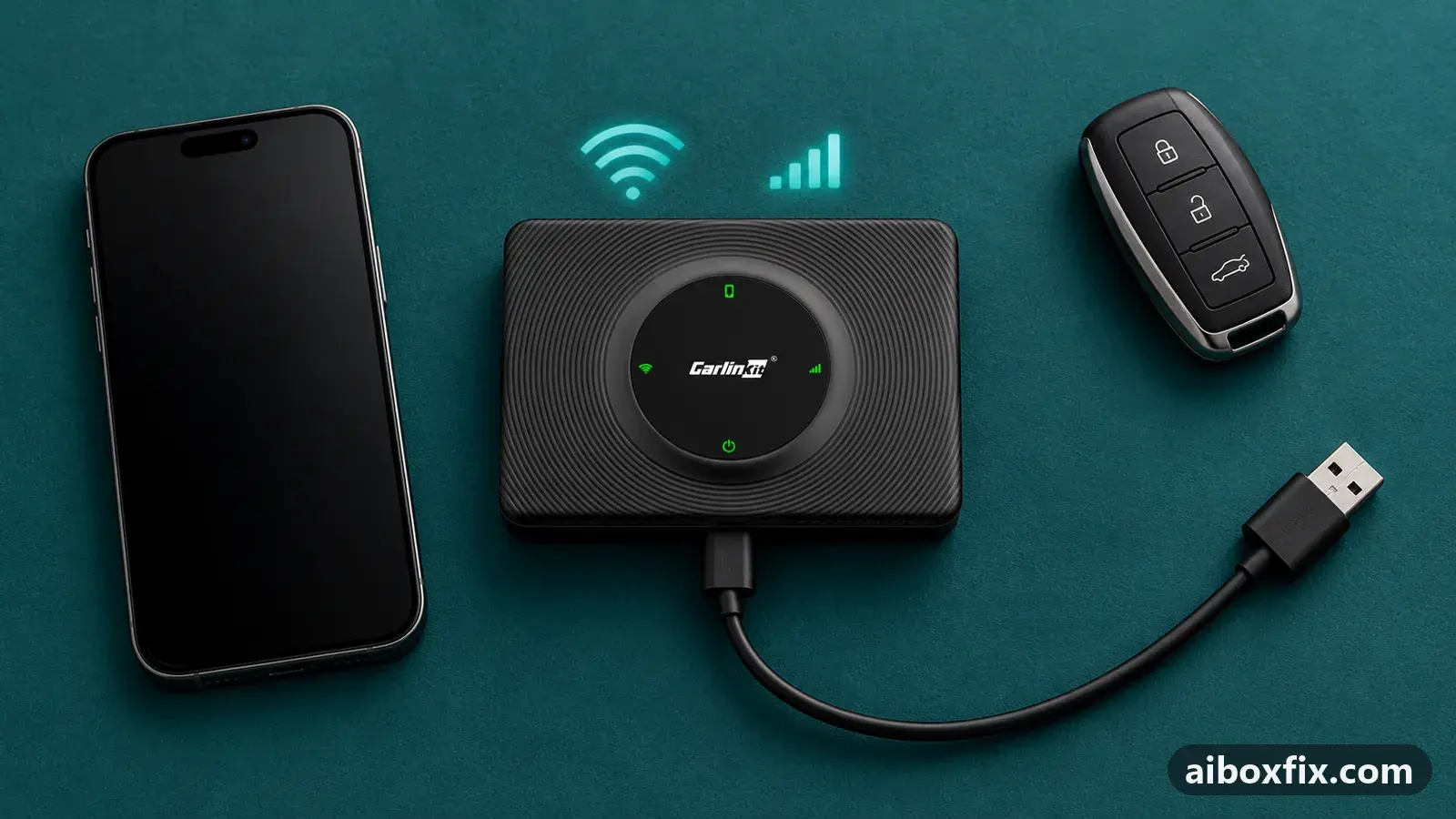
Quick answer
On a Carlinkit T2C that started dropping the Tesla's Wi-Fi after a box update, forget the Bluetooth pairing on your phone, factory-reset the T2C from its page at 192.168.3.1, turn your phone's hotspot on, then rejoin the Tesla to the box's Wi-Fi. That restored a stable link for two of the three owners who reported trying it.
Symptoms
- The Tesla joins the box's Wi-Fi, then drops it again and again
- CarPlay or Android Auto in the Tesla browser keeps cutting out
- It started right after you updated the T2C or its CarPlay app
- The same set-up ran for months before the update
- Restarting CarPlay or reconnecting does not hold the link
Applies to
- Devices
- Carlinkit T2C (CarPlay for Tesla)
- Connection to the car
- CarPlay and Android Auto
- Head units mentioned in reports
- Tesla Tesla in-car browser (Model 3 / Y)
- Highest risk on this page
- Low risk
- Status
- Workaround confirmed by the community
Why it happens
The Carlinkit T2C shows CarPlay or Android Auto to the Tesla as a web page it serves over its own Wi-Fi network, so a steady link to that network is what keeps the picture on screen. When owners update the box, a set-up that ran for months can start connecting and dropping over and over, on both an iPhone and an Android phone.
Owners do not pin down the exact cause. What two of them found is that wiping the box back to its defaults and pairing the car from scratch cleared it: the old Bluetooth pairing and the box’s saved state seem to be left half-broken by the update, and a factory reset of the box removes them.
Fixes, ranked
Clear the pairing, factory-reset the box, then rejoin
- Low risk
- Time: 20 minutes
- Worked for 2 of 3 reports
- On the phone, open Bluetooth and delete (forget) the box’s pairing (Autokit_xxxx).
- From a phone that is joined to the box’s Wi-Fi, open the box’s page at 192.168.3.1 and run its factory reset. Open that page from the phone, not from the Tesla.
- Turn the phone’s personal hotspot (data sharing) on.
- Pair the phone with the box over Bluetooth again and choose CarPlay or Android Auto.
- On the Tesla, open Wi-Fi, join the box’s network (Autokit_xxxx) again, and tick Remain connected in Drive.
Two different owners ran these steps and reported the link steady again. The order matters: the pairing is cleared first, then the box is wiped, so the car and phone both see a fresh box rather than reconnecting to the broken state.
It was not enough for one owner on an iPhone 17, whose Tesla joined the box’s Wi-Fi and then dropped it about every minute even with Remain connected in Drive ticked and the reset done. If that is you, the link may need a firmware fix rather than a reset: record your firmware version and contact Carlinkit support, as under If nothing works.
The factory reset erases everything on the box, so you set CarPlay or Android Auto up again afterwards. None of this touches the phone or the Tesla.
Things to try (unverified)
- Move the box off Wi-Fi channel 149. The owner whose link broke after the update was on channel 149. No one reported that changing the channel on the box’s page fixed the dropping, so this is a guess, not a confirmed fix, but it costs nothing if the reset does not hold.
- Rule out the other Tesla quirks first. A link that goes quiet after you park, internet that disappears while the car is on the box’s Wi-Fi, and CarPlay dropping only in Drive each have their own cause and fix on the Tesla T2C set-up and quirks page. Check there that you are not chasing one of those instead.
If the Tesla browser blocks the page outright with a “not private” warning rather than connecting and dropping, that is a different fault: see tespush.com not private or won’t load.
If nothing works
Note the T2C firmware version and UUID from its page at 192.168.3.1 (opened from a phone on the box’s Wi-Fi), your Tesla model, year and software version, your phone and its software version, and whether the car joins the box’s Wi-Fi at all before it drops. Record a short video of the connecting-and-dropping if you can.
Send that to Carlinkit support at [email protected]; how to report a bug has a template, and corrected firmware has been needed before to keep the T2C working with Tesla. More connection problems are on the network symptom page. If the box keeps breaking with each Tesla or box update, start here covers the alternatives.
What owners said
“And it all works!”
Owner, Carlinkit T2C (CarPlay for Tesla), Mar 2026
“I got it to work as well.”
Owner, Carlinkit T2C (CarPlay for Tesla), Mar 2026
“WiFi on the car connects initially and every minute or so the WiFi disconnects, […] remain connected while in drive is checked. I have iPhone 17 and it had been like this for the past few months.”
Owner, Carlinkit T2C (CarPlay for Tesla), Apr 2026
Quotes are translated where needed and shortened ([…]); names are removed. Full counts are in the evidence table below.
Questions owners ask
Does this erase my settings on the T2C?
Yes. The factory reset clears the box's own settings and its saved pairings, so you set CarPlay or Android Auto up again afterwards. It does not touch your phone or the Tesla.
The box's page will not open at 192.168.3.1. What now?
Open it from a phone that is joined to the box's Wi-Fi, not from the Tesla. If it still will not load, the Tesla T2C set-up page has the current steps.
The link still drops after the reset. Is my box faulty?
One owner's link still dropped about every minute after the same steps. Note your firmware version and ask Carlinkit support; corrected firmware has been needed before to keep the T2C working with Tesla.
Related fixes
Did this work for you?
Tell us which fix worked (or didn't), with your box, firmware date and car. Reports are how fixes get confirmed and re-ranked.
Send a reportChangelog
- Last reviewed against new community reports:
- Confirmed by 2 community reports on Carlinkit T2C (CarPlay for Tesla).
- Page updated:
"Confirmed" means a community member reported that the fix worked on their unit. We have not tested it on our own hardware. How we verify.
Evidence behind these counts (1 case)
One row per case: a device, a symptom and a fix, merged from owner reports. An owner counts once per fix. Reports with no outcome yet are not counted. Forum and chat message references are kept on file but not published, to protect owners' privacy; public Reddit and YouTube sources are linked.
| Case | Confirmed on | Result | Source |
|---|---|---|---|
| case-1699 | Carlinkit T2C (CarPlay for Tesla) | 2 worked, 1 did not | Owner reviews, 4 messages |