Firmware & recoveryReviewed
Carlinkit T2C CarPlay Zoomed In on Tesla After Update: Fix
CarPlay on the Carlinkit T2C enlarged and cropped in the Tesla browser since the 2026 Tesla update? Corrected firmware from Carlinkit support fixes it.
Carlinkit T2C (CarPlay for Tesla)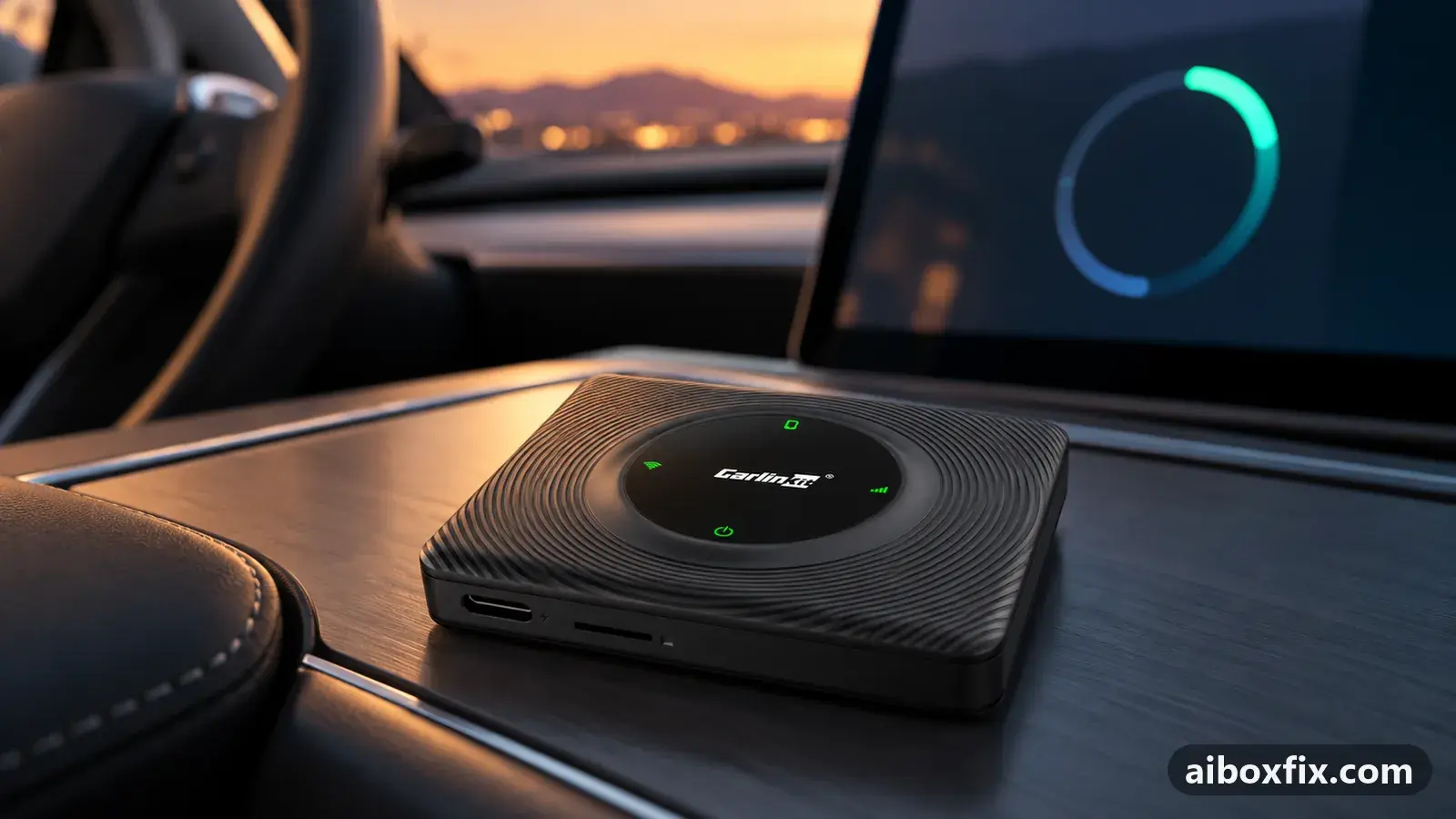
Quick answer
When CarPlay on the Carlinkit T2C shows enlarged and cropped in the Tesla browser after the 2026 Tesla software update, install the corrected T2C firmware that Carlinkit support sends on request; four owners reported it fixed the display. Four more fixed it with a community-built firmware, which can brick the box.
Symptoms
- CarPlay in the Tesla browser looks roughly double size, with the edges cut off
- Maps or Waze show only part of the map and the navigation details fall off the screen
- It started after a Tesla software update, without any change to the T2C
- Changing the T2C resolution, frame rate or video mode makes no difference
Applies to
- Devices
- Carlinkit T2C (CarPlay for Tesla)
- Connection to the car
- CarPlay
- Head units mentioned in reports
- Tesla Tesla in-car browser (Model 3 / Y)
- Firmware in confirmed reports
- Carlinkit T2C (CarPlay for Tesla): 1508 build; Carlinkit T2C (CarPlay for Tesla): 26020416.1508.1
- Highest risk on this page
- Brick risk
- Status
- Fixed in firmware
Why it happens
The Carlinkit T2C does not plug into a CarPlay head unit. It shows CarPlay as a web page that the Tesla browser opens, and it sizes the CarPlay picture from the window width that page reports. After Tesla’s summer 2026 software update the browser window got narrower, and the T2C kept drawing for the old width.
An owner who examined the T2C’s web page found the cause: the page forced a minimum width of 1024 pixels, while the updated browser on a 2023 Model Y showed about 773. CarPlay was rendered for 1024 and cropped to 773, which is the “double size” picture owners describe. The T2C’s display options do not change that minimum, so only a firmware change helps.
Fixes, ranked
Install the corrected T2C firmware from Carlinkit support
- Advanced
- Time: About 6 min to flash, plus the wait for support
- Worked for 4 of 4 reports
Warranty warning: this uses developer or engineering access. Follow the undo steps afterwards; some sellers refuse warranty claims on units with debugging left enabled.
- Connect a phone to the T2C’s Wi-Fi (AutoKit_xxxx, default password 88888888), open 192.168.3.1 in its browser and note the firmware version shown there, for example a 1508 build.
- Email Carlinkit support at [email protected]: say that CarPlay is enlarged and cropped in the Tesla browser since the Tesla update, and give the T2C firmware version and your Tesla model and year.
- Wait for their reply. Owners got the firmware and instructions within one to three days; one waited longer while Carlinkit’s engineers finished the fix.
- Install it exactly as their instructions say. For an online update they point you to the Update button in the footer of the 192.168.3.1 page; the red LED blinks while the box upgrades, so keep it powered until the update has finished.
- If they send an image file for a PC flash, use PhoenixSuit on a Windows PC: select Firmware → Image and the file, hold a SIM pin in the reset hole while you connect the T2C by USB, confirm the format prompt, then let the upgrade run (about 6 minutes; it pauses for a long time at 7%).
- Use the USB cable that came with the T2C for the PC flash.
- Reconnect in the car and open CarPlay in the Tesla browser. The picture should fill the browser area without cropping.
The four owners who reported back all said the problem was gone; one wrote that CarPlay “fits the Tesla screen properly again”. A fifth owner received update directions within a day and has not reported a result yet; that report is pending, so it is not counted as a failure or a success. One owner could not get the PC flash to start with three or four spare USB cables; it worked with the cable from the box.
Install only the file Carlinkit sends for your build. Carlinkit’s own PC-flash page offers separate images for the 1508 and 1552 builds, and the wrong one can leave the box unusable. If an Android phone cannot open 192.168.3.1, Carlinkit suggests using an iPhone for the update.
Build the community-patched firmware yourself
- Brick risk
- Time: Varies: a Mac build with command-line tools
- Worked for 4 of 4 reports
Warranty warning: this changes system partitions. A wrong file or an interrupted step can leave the box unbootable, and manufacturers treat it as outside warranty. Back up first and keep the undo steps open.
- Open the community project carlinkit-t2c-tesla-fix and read its README to the end before you start. It is written for a Mac with Homebrew; on an Intel Mac, owners had to change the
cpiopath from/opt/homebrewto/usr/localin its scripts. - Connect the computer to the T2C’s Wi-Fi and run the repository’s device check. Continue only if it reports firmware 26020416.1508.1, the build the project was tested on.
- Run the build script. It downloads Carlinkit’s own 1508 update image, checks it, changes the two lines that cause the cropping (the 1024-pixel minimum width and the resize timer), and rebuilds the image.
- Run the verify script on the built image and stop if it reports any failure.
- Give the T2C stable power, upload the image to the box at 192.168.3.1 as the README shows, and leave it powered: it may reboot more than once while it installs.
- Open CarPlay in the Tesla browser and check that the picture fits.
Four owners reported this fixed the display: the project’s author on a 2023 Model Y, and three owners who built and flashed it themselves. Early builds stopped with a “hunks failed” error on some boxes; the project fixed that on 4 Sep 2026, so use its current version. One owner asked how to get back the sharper pre-update resolution; the patched firmware fits CarPlay to the smaller browser area instead.
This is a community project, not Carlinkit’s firmware, and the box has no automatic rollback. An image built for a different build or hardware revision, or a power cut during the upload, can leave the T2C unusable. Try the official firmware from support first.
Things to try (unverified)
- Changing the T2C display settings does not help. One owner on a 2026 Model Y set Resolution to HD, Frame rate to Fast and Mode to Video; CarPlay stayed enlarged and cropped. Two more owners reported the same display problem without a fix. Use this only to rule the settings out.
- Prebuilt patched images shared by other owners. Some owners ask for a ready-made patched image instead of building one. Nobody has reported back on a shared image, and an image from an unknown source can be built for the wrong hardware or altered; this site links only the build scripts, which start from Carlinkit’s own file. Read third-party firmware for Carlinkit boxes for the general risks.
If nothing works
Write down the T2C firmware version from the 192.168.3.1 page, your Tesla model and year and its software version, and take a photo of the cropped screen. Send all of it to [email protected] and say which firmware you already installed. The bug-report guide lists what support needs to answer in one reply.
If the corrected firmware is installed and the picture is still cropped, a later Tesla update may have changed the browser again; report it to Carlinkit rather than going back to older firmware. More firmware problems and fixes are on the firmware symptom page. If the T2C keeps breaking with Tesla updates and support cannot keep up, a replacement is the honest answer; start here explains the alternatives.
What owners said
“I was able to upgrade the firmware, and the firmware fixed the problem. One tip for other folks upgrading firmware: use the USB cables that came with the box.”
Owner, Carlinkit T2C (CarPlay for Tesla), Sep 2026
“Just compiled and installed. It's working!”
Owner, Carlinkit T2C (CarPlay for Tesla), Sep 2026Reddit thread
“I have already tried the available T2C display settings: Resolution HD, Frame rate Fast, Mode Video. The problem remains.”
Owner, Carlinkit T2C (CarPlay for Tesla), Oct 2026
Quotes are translated where needed and shortened ([…]); names are removed. Full counts are in the evidence table below.
Questions owners ask
Is the zoomed-in CarPlay caused by my T2C or by Tesla?
By the Tesla update. Owners who had not touched their T2C saw it appear after the Tesla browser changed. Carlinkit support treated it as a known issue and answered with new T2C firmware.
Is the community build safe to use?
Four owners reported it worked on the 26020416.1508.1 firmware. It is a community project, not Carlinkit's, the box has no automatic rollback, and an image built for another build or hardware revision can brick it. Ask Carlinkit support first.
Will changing the T2C resolution or mode fix it?
No. One owner set Resolution to HD, Frame rate to Fast and Mode to Video and the picture stayed enlarged and cropped. The size problem sits in the firmware, not in those options.
Can I get my old, sharper resolution back after the fix?
Not from the owner reports so far. The corrected firmware makes CarPlay fit the area the Tesla browser now gives it; nobody has reported a setting that restores the pre-update size.
Related fixes
Did this work for you?
Tell us which fix worked (or didn't), with your box, firmware date and car. Reports are how fixes get confirmed and re-ranked.
Send a reportChangelog
- Last reviewed against new community reports:
- Confirmed by 8 community reports on Carlinkit T2C (CarPlay for Tesla).
- Page updated:
"Confirmed" means a community member reported that the fix worked on their unit. We have not tested it on our own hardware. How we verify.
Evidence behind these counts (3 cases)
One row per case: a device, a symptom and a fix, merged from owner reports. An owner counts once per fix. Reports with no outcome yet are not counted. Forum and chat message references are kept on file but not published, to protect owners' privacy; public Reddit and YouTube sources are linked.
| Case | Confirmed on | Result | Source |
|---|---|---|---|
| case-8004 | Carlinkit T2C (CarPlay for Tesla) (1508 branch) | 4 worked | Owner reviews, 5 messages |
| case-8005 | Model not stated | 0 worked, 1 did not | Owner reviews, 3 messages |
| case-8006 | Carlinkit T2C (CarPlay for Tesla) (26020416.1508.1) | 4 worked | Owner reviews, 4 messages Reddit thread |