Firmware & recoveryReviewed
Carlinkit T2C on Tesla: tespush.com Not Private or Won't Load
Tesla browser says tespush.com is not private or shows a black page? Open 101.200.208.6 instead, or update the Carlinkit T2C to renew its certificate.
Carlinkit T2C (CarPlay for Tesla)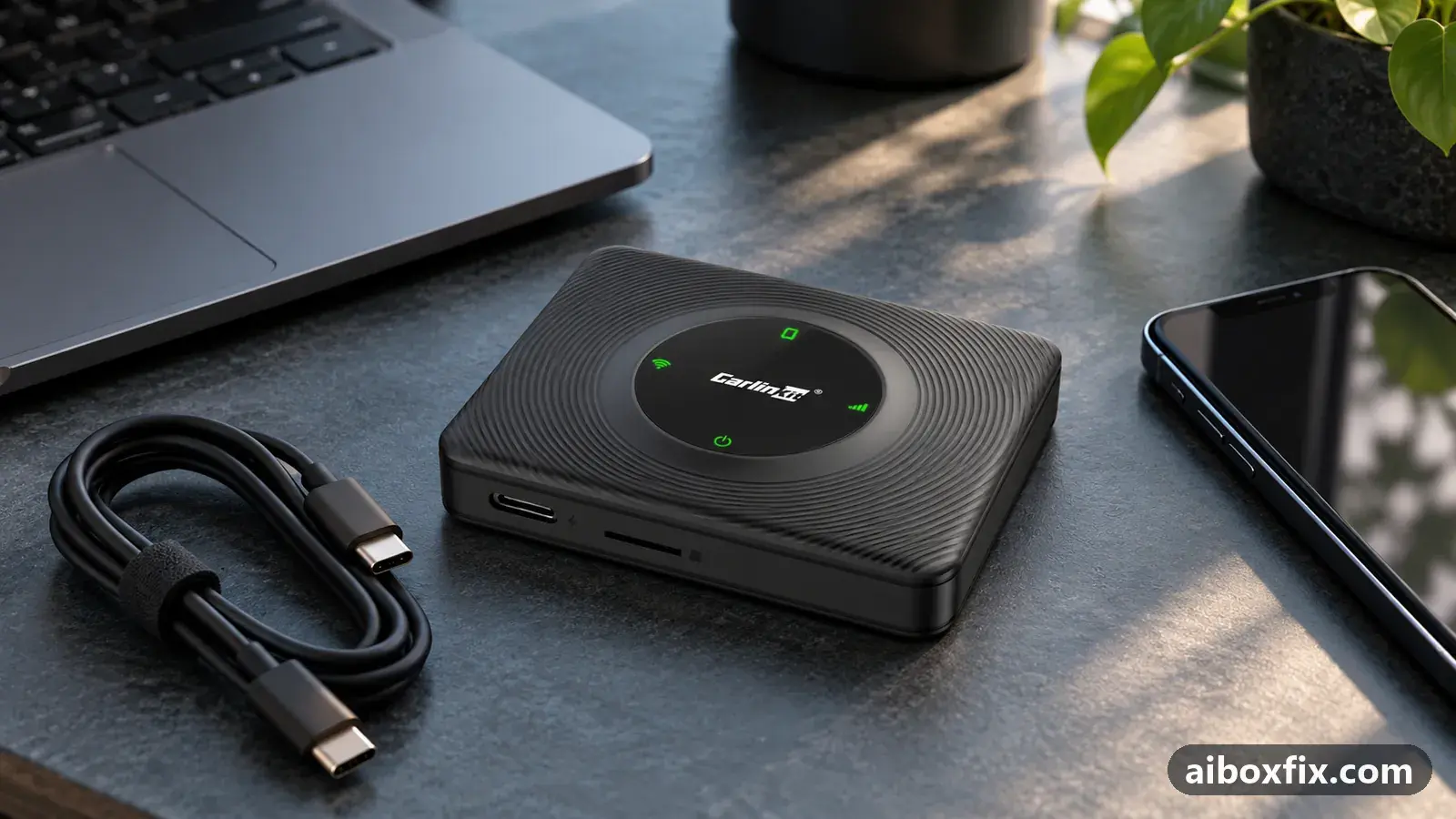
Quick answer
When the Tesla browser says tespush.com is not private or refuses to open it, type 101.200.208.6 in the address bar instead to reach the Carlinkit T2C; it brought CarPlay back for 5 of 7 owners who tried it. If that fails too, install the T2C update with a renewed certificate, which worked for 3 of 5.
Symptoms
- The Tesla browser shows "Your connection is not private" or a not-secure warning for tespush.com
- The Tesla browser blocks tespush.com as an unsafe site
- tespush.com opens, but the page stays black and CarPlay or Android Auto never appears
- The T2C worked for months and stopped without any change on your side
- The T2C's update page offers a firmware with an updated certificate
Applies to
- Devices
- Carlinkit T2C (CarPlay for Tesla)
- Connection to the car
- CarPlay and Android Auto
- Head units mentioned in reports
- Tesla Tesla in-car browser (Model 3 / Y)
- Highest risk on this page
- Advanced
- Status
- Fixed in firmware
Why it happens
The Carlinkit T2C shows CarPlay or Android Auto as a web page that the Tesla browser loads from the box over the box’s own Wi-Fi. tespush.com is only the name of that page: according to Carlinkit it points to 101.200.208.6, and the T2C answers that address itself instead of passing it on to the internet.
A secure page needs a valid certificate for its name, and the T2C keeps that certificate in its firmware. When it runs out, the Tesla browser stops trusting tespush.com and shows a not-private or blocked-site warning, or a black page. Owners hit this in December 2023, after the Tesla 2023.44.30.4 update, again in February 2025 and in February 2026.
Fixes, ranked
Open 101.200.208.6 instead of tespush.com
- Low risk
- Time: 1 min
- Worked for 5 of 7 reports
- Check that the Tesla is connected to the T2C’s Wi-Fi (Autokit_xxxx) and that your phone is paired with the box.
- Open the Tesla browser.
- Type 101.200.208.6 in the address bar and open it.
- Save it as a favourite so you can open it on the next drive.
Five owners reported CarPlay working again this way, among them a Model 3 owner whose browser had stopped reading the T2C after the Tesla 2023.44.30.4 update; the latest report is from March 2026. Carlinkit’s own T2C FAQ names this address as the one tespush.com resolves to.
It failed for 2 owners: on their boxes the address did not load and the browser called it insecure as well. One of them could still open tespush.com, but the page went black when it reached Android Auto. If that happens to you, try the certificate update below.
Update the T2C to renew its certificate
- Advanced
- Time: About 10 min, plus any wait for support
- Worked for 3 of 5 reports
Warranty warning: this uses developer or engineering access. Follow the undo steps afterwards; some sellers refuse warranty claims on units with debugging left enabled.
- Connect a phone to the T2C’s Wi-Fi (Autokit_xxxx, default password 88888888).
- Open 192.168.3.1 in the phone’s browser and note the firmware version and the box’s UUID shown there.
- Tap Update and keep the box powered until the update has finished.
- If no update is offered, email the UUID to Carlinkit support at [email protected] and say that tespush.com shows a certificate warning or a black page in the Tesla browser.
- When support replies that the firmware has been pushed, open 192.168.3.1 again and tap Update.
- Back in the car, open tespush.com in the Tesla browser.
Three owners reported this worked: one found the latest update renewed the expired certificate, a Model Y owner had to update before the box would connect again, and one received an update procedure from support and wrote that the box worked again. Carlinkit’s T2C help page for the black tespush.com page gives the same route: send the UUID, then update at 192.168.3.1.
It failed for 2 owners. In February 2025 one owner’s update, a version 5.2 build with an updated certificate, stopped at 70–80 % and reset every time. Another owner’s update page never found an update; he got CarPlay back with the address in the first fix instead.
Things to try (unverified)
- Clear the Tesla browser’s cache and reload tespush.com. One owner was advised to do this, and Carlinkit has a short guide for clearing it, but nobody reported whether it cleared the certificate warning.
- Try tescarplay.com. One owner suggested this alternative name alongside the cache tip; nobody reported back on it.
If nothing works
Write down the T2C firmware version and UUID from 192.168.3.1, your Tesla model, year and software version, the exact warning text, and whether 101.200.208.6 shows the same warning. Send it to [email protected]; the bug-report guide lists what support needs to answer in one reply.
Two owners saw a black page after a firmware update, and one of them had no answer from support; if that is you, say which update you installed. More update problems are on the firmware symptom page. If the box keeps breaking and support cannot keep up, start here explains the alternatives.
What owners said
“Since the latest Tesla update (2023.44.30.4) the browser will not read from the T2C. […] Amazing, that works! Thank you so much!”
Owner, Carlinkit T2C (CarPlay for Tesla), Dec 2023Reddit thread
“The cert expired […]. The latest update (confirmed available and installed) updates the cert.”
Owner, Dec 2023Reddit thread
“Looks like the cert expired. I've finally got it to show that v5.2 is available with an updated cert […], and nothing I do gets it past 70–80% before it resets and fails to update.”
Owner, Feb 2025Reddit thread
Quotes are translated where needed and shortened ([…]); names are removed. Full counts are in the evidence table below.
Questions owners ask
Is it safe to open 101.200.208.6 instead of tespush.com?
Carlinkit's own T2C FAQ says tespush.com resolves to 101.200.208.6 and that the T2C answers that address itself over its own Wi-Fi, so the CarPlay picture stays between the box and the car.
Will the warning come back?
Owners have seen it in waves: December 2023, February 2025 and February 2026. Each time the certificate inside the T2C had run out, and a later firmware renewed it. Keep 101.200.208.6 saved as a favourite in the Tesla browser.
CarPlay opens but looks enlarged and cropped. Is that the same problem?
No. That started with the summer 2026 Tesla browser change and has its own fix: corrected firmware from Carlinkit support. See the page on the T2C zoomed in on Tesla.
Related fixes
Did this work for you?
Tell us which fix worked (or didn't), with your box, firmware date and car. Reports are how fixes get confirmed and re-ranked.
Send a reportChangelog
- Last reviewed against new community reports:
- Confirmed by 8 community reports on Carlinkit T2C (CarPlay for Tesla).
- Page updated:
"Confirmed" means a community member reported that the fix worked on their unit. We have not tested it on our own hardware. How we verify.
Evidence behind these counts (2 cases)
One row per case: a device, a symptom and a fix, merged from owner reports. An owner counts once per fix. Reports with no outcome yet are not counted. Forum and chat message references are kept on file but not published, to protect owners' privacy; public Reddit and YouTube sources are linked.
| Case | Confirmed on | Result | Source |
|---|---|---|---|
| case-1154 | Carlinkit T2C (CarPlay for Tesla) | 5 worked, 2 did not | Owner reviews, 7 messages Reddit thread Reddit thread |
| case-1155 | Carlinkit T2C (CarPlay for Tesla) | 3 worked, 2 did not | Owner reviews, 5 messages Reddit thread Reddit thread Reddit thread |