Apps & launchersReviewed
Black Screen or Flicker After Uninstalling a Launcher
Black screen, lag or Quickstep error after removing CarCar Launcher? Clear the stock launcher's storage, not just its cache. Carlinkit TBox Ultra 2, 4.
Carlinkit TBox UltraCarlinkit TBox Ultra 2Carlinkit TBox Ultra 3Carlinkit TBox Ultra 4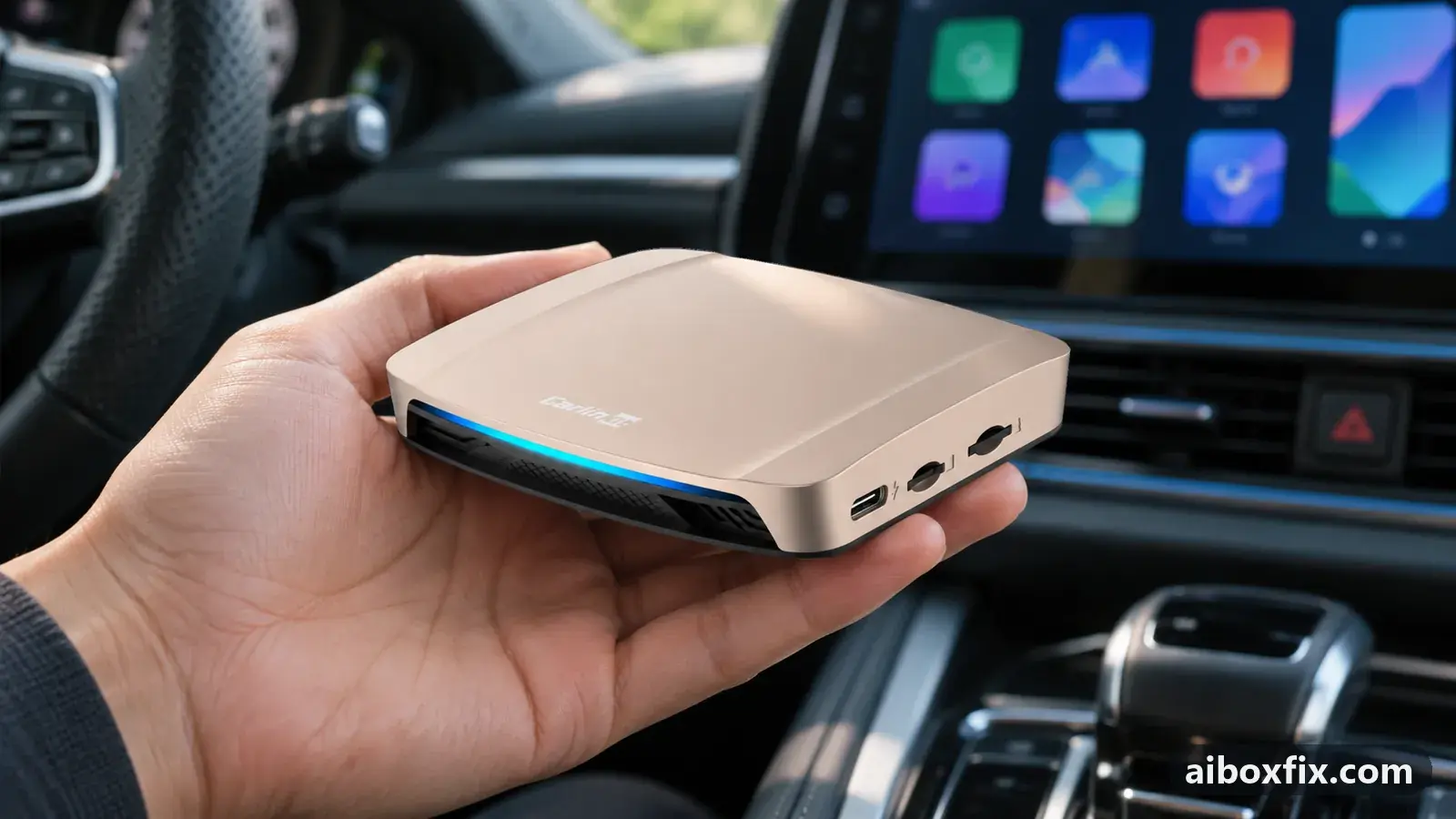
Quick answer
On a Carlinkit TBox Ultra that shows a black screen, heavy lag or flicker after you uninstall CarCar Launcher, open Settings → Apps → Quickstep (the stock launcher) and clear its storage as well as its cache. That fixed it without a reset for both owners who reported back; a third owner needed a factory reset.
Symptoms
- The screen stays black after you uninstalled CarCar Launcher, and the box is very slow
- A Quickstep error keeps popping up and the whole interface flickers
- Windows open and close by themselves and the navigation app keeps launching
- You cannot get into Settings from the home screen any more
Applies to
- Connection to the car
- CarPlay and Android Auto
- Highest risk on this page
- Low risk
- Status
- Workaround confirmed by the community
Why it happens
Quickstep is the box’s stock launcher: the home screen you see without a third-party launcher. When you remove CarCar Launcher, Android hands the home screen back to Quickstep. On the affected boxes Quickstep then fails to start from the data it has saved, crashes, restarts and crashes again, which you see as a black screen, flicker or a repeating Quickstep error.
Clearing Quickstep’s storage makes it start as if new. Owners who saw this disagree about whether the launcher’s uninstall or the box’s firmware is to blame; the fix is the same either way.
Fixes, ranked
Clear Quickstep's storage and cache
- Low risk
- Time: 5–10 minutes
- Worked for 2 of 2 reports
- Reach Settings. Pull down the shade from the top edge of the screen and tap the gear; it can take a few tries while the screen flickers. If you have a remote-desktop app on the box, you can also control it from your phone, as one owner did.
- Go to Settings → More → Apps → All apps (show system apps if the list hides them) and open Quickstep.
- Open Storage and tap Clear cache.
- Tap Clear storage (or Clear data) and confirm.
- Press Home and check that the stock home screen loads.
A TBox Ultra 4 owner who had a constant black screen and heavy lag fixed it this way without a reset. A TBox Ultra 2 owner whose windows kept opening and closing by themselves first cleared only the cache, which did not help; clearing all of Quickstep’s data did. Expect the stock home screen to come back in its default layout.
Factory reset the box
- Low risk
- Time: 30–60 minutes including setup
- Worked for 1 of 1 report
- Write down your apps and logins. A reset erases everything on the box.
- Settings → System → Reset options → Erase all data (factory reset).
- Set the box up again.
One TBox Ultra owner who got a Quickstep error and a flickering interface after removing CarCar Launcher said only a factory reset helped. He did not say whether he had tried clearing Quickstep’s storage first, so try the first fix before this one. For what else to check after a reset, see factory reset after a firmware update.
Things to try (unverified)
- Set Quickstep as the home app. If a home-app chooser appears or Home does nothing, open Settings → More → Apps → Default apps → Home app and choose Quickstep. Owners suggested it in several threads; nobody reported it as the fix on its own, and one owner whose box broke already had Quickstep selected.
- Next time, switch the default before uninstalling. Owners advise choosing the stock launcher as home app first and only then removing the third-party one, the same habit as setting the stock launcher before a firmware update. One owner who got endless flicker had skipped that step; another uninstalled CarCar from its own settings on two boxes without trouble.
If nothing works
Record a short video of the screen, and note the box model and firmware date (Settings → About when you can reach it), the launcher version you removed and how you removed it. Send that to Carlinkit at [email protected]. The TBox Ultra hub collects the model’s other fixes.
If the box hangs on “Loading phone” right after you install a launcher rather than after removing one, see stuck on Loading phone after installing a launcher. If you plan to reinstall CarCar Launcher after a reset, the licence guide explains how to restore it. If the box is past saving, start here.
What owners said
“I solved it without a reset: I got into the system settings by sending button presses over the remote-desktop app, opened Quickstep's app info, then cleared the cache and the data.”
Owner, Carlinkit TBox Ultra 4, Aug 2026
“Sorted it! I deleted the QuickStep app data and everything went back to how it was.”
Owner, Apr 2026
“Only a factory reset helped.”
Owner, Nov 2025
Quotes are translated where needed and shortened ([…]); names are removed. Full counts are in the evidence table below.
Questions owners ask
Does clearing Quickstep's storage delete my apps?
No. It resets only the stock launcher: its home-screen layout, shortcuts and settings. Your other apps and their data stay on the box.
Is clearing the cache enough?
For one owner it was not: the problem stayed until he cleared all of Quickstep's data. Clear both.
Will I lose my CarCar Launcher licence?
Uninstalling removes the app, not the licence. If you install it again later, see the licence guide for how to restore it.
Related fixes
- Set the Stock Launcher Before Any Firmware UpdateBrick risk
- Factory Reset After Every Firmware Update? Try Cache Code 110144Advanced
- Stuck on "Loading Phone" After Installing a LauncherAdvanced
- AI Box Too Bright at Night: Dark Theme That Stays DarkLow risk
- Apps Log You Out When the Launcher StartsLow risk
Did this work for you?
Tell us which fix worked (or didn't), with your box, firmware date and car. Reports are how fixes get confirmed and re-ranked.
Send a reportChangelog
- Last reviewed against new community reports:
- Confirmed by 3 community reports on Carlinkit TBox Ultra 4, Carlinkit TBox Ultra 2.
- Page updated:
"Confirmed" means a community member reported that the fix worked on their unit. We have not tested it on our own hardware. How we verify.
Evidence behind these counts (2 cases)
One row per case: a device, a symptom and a fix, merged from owner reports. An owner counts once per fix. Reports with no outcome yet are not counted. Forum and chat message references are kept on file but not published, to protect owners' privacy; public Reddit and YouTube sources are linked.
| Case | Confirmed on | Result | Source |
|---|---|---|---|
| case-8570 | Carlinkit TBox Ultra 4; Carlinkit TBox Ultra 2 | 2 worked | Owner discussion threads, 13 messages |
| case-8571 | Model not stated | 1 worked | Owner discussion threads, 4 messages |