Apps & launchersReviewed
Apps Missing From the Home Screen After a Factory Reset
A factory reset left only a few apps on your AI box home screen? Tick each missing app in the factory settings list (code 4545). Carlinkit TBox Ambient.
Carlinkit TBox Ambient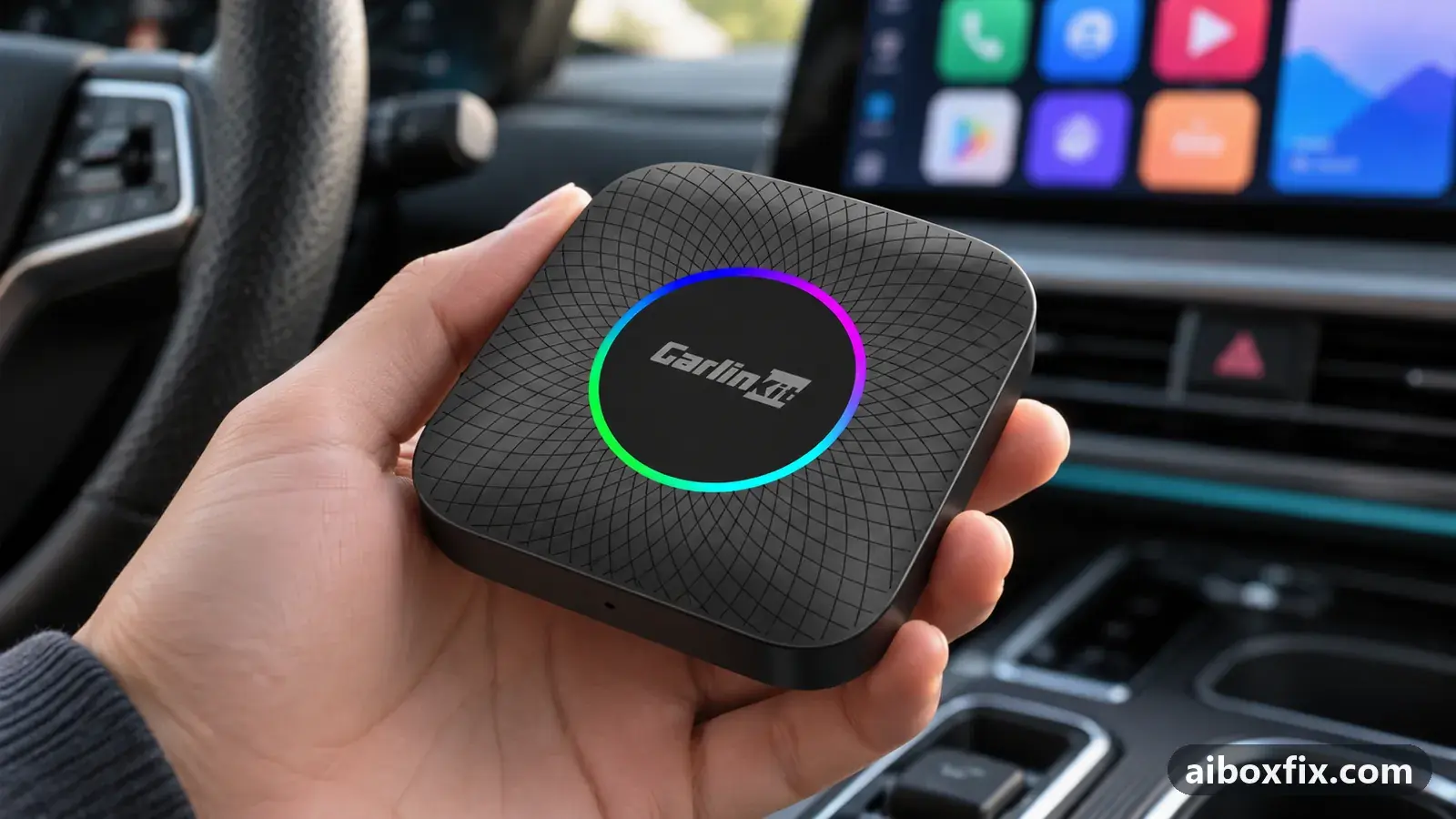
Quick answer
On the Carlinkit TBox Ambient, if a factory reset leaves only YouTube, YouTube Music, Google Maps and the speedometer on the home screen, open the factory settings app list (engineering code 4545) and tick the checkbox beside every app that is missing. The one owner who reported back got all his apps back this way.
Symptoms
- After a factory reset the home screen shows only YouTube, YouTube Music, Google Maps and the speedometer
- The box looks as if it has "nothing" on it, although the apps are still installed
- Other apps you installed do not appear in the stock launcher or the app list
- The missing apps come back only after you tick them somewhere in the factory settings
Applies to
- Devices
- Connection to the car
- CarPlay and Android Auto
- Highest risk on this page
- Advanced
- Status
- Workaround confirmed by the community
Why it happens
The box’s factory settings hold an app show/hide list: one checkbox per app that tells the stock launcher which apps to display. It is a visibility list, not an install list, so an app with its checkbox cleared is still installed and still works, but does not show on the home screen.
A factory reset can leave that list cleared for most apps. One owner’s TBox Ambient came back from a reset with only YouTube, YouTube Music, Google Maps and the speedometer visible; in the factory settings every other app’s checkbox was unticked. The apps were all still there, only hidden.
This is not something every reset does. Another owner says that by default all apps are enabled after a reset and nothing is hidden, so treat a near-empty home screen as a list to check rather than a rule. The checkbox list is reached with engineering code 4545, one of the codes described on the engineering codes page.
Fixes, ranked
Tick the missing apps in the factory settings list (4545)
- Advanced
- Time: 5 minutes
- Worked for 1 of 1 report
Warranty warning: this uses developer or engineering access. Follow the undo steps afterwards; some sellers refuse warranty claims on units with debugging left enabled.
- Open Settings → Other → Factory settings (Other settings on some builds).
- Enter 4545 on the keypad and tap OK.
- Open the app show/hide list: the list of installed apps, each with a checkbox. Owners also reach the same list through code 166888 from this menu.
- Tick the checkbox next to every app that is missing from the home screen.
- Go back to the home screen. The apps you ticked now appear.
A TBox Ambient owner did exactly this after a reset left his home screen almost bare. In the factory settings he found every app’s checkbox cleared except the few that still showed; he ticked them and the box listed all his apps again.
Reaching Settings can be the hard part when the home screen is nearly empty. That owner got in the long way round: he held the home icon, which opened the box’s voice assistant, asked it for Google Play, and from there installed a launcher whose settings reached the factory menu. You should not need to install anything: the stock Settings app is still there, and the voice assistant can open it for you if you cannot find it on the sparse home screen.
Things to try (unverified)
- Check the launcher, not only the list. If apps are present in the 4545 list but still absent from a third-party home screen, the launcher may not be the one that opens at start-up, or may be hiding them itself. See launcher or app doesn’t open when the box starts.
- If the reset itself caused wider glitches. A home screen that is bare because the whole box misbehaved after a reset or an update is a different problem; clear the system cache first as described in factory reset after every firmware update.
If nothing works
If an app is ticked in the 4545 list and still will not appear, note the box model and firmware date (Settings → About), the car and head unit, and which apps are affected. Confirm the apps are actually installed by opening Settings → Apps; if an app is gone from there, reinstall it rather than hunting the checkbox.
If the box will not hold the app list after a reset no matter what you tick, report it to Carlinkit support at [email protected] with a short video. If the box misbehaves on every build even after a clean reset, a warranty claim or replacement is the honest answer; start here compares the box families.
What owners said
“In factory settings, under code 4545, I saw that every app except YouTube and YouTube Music had the checkbox cleared that lets the launcher see it. I ticked them, and the box saw all the apps.”
Owner, Feb 2026
Quotes are translated where needed and shortened ([…]); names are removed. Full counts are in the evidence table below.
Questions owners ask
Did the factory reset delete my apps?
Usually not. One owner found every app still installed; they were only hidden from the home screen because their checkbox in the factory settings app list had been cleared. Tick the checkboxes and they reappear.
The home screen is nearly empty, so how do I even reach Settings?
The stock Settings app is still installed. Open it and go to Other → Factory settings. If the home screen is too bare to find it, the box's voice assistant can open other apps for you, including Google Play and Settings.
Does every factory reset hide apps like this?
No. Other owners report that after a reset every app is enabled by default and nothing is hidden. Treat a near-empty home screen as a checkbox to re-tick, not as something every reset does.
Related fixes
- Factory Reset After Every Firmware Update? Try Cache Code 110144Advanced
- Launcher or App Doesn't Open When the Box StartsLow risk
- Stuck on "Loading Phone" After Installing a LauncherAdvanced
- AI Box Too Bright at Night: Dark Theme That Stays DarkLow risk
- Can't Enable an App's Notifications or Accessibility AccessLow risk
Did this work for you?
Tell us which fix worked (or didn't), with your box, firmware date and car. Reports are how fixes get confirmed and re-ranked.
Send a reportChangelog
- Last reviewed against new community reports:
- Confirmed by 1 community report on Carlinkit TBox Ambient.
- Page updated:
"Confirmed" means a community member reported that the fix worked on their unit. We have not tested it on our own hardware. How we verify.
Evidence behind these counts (1 case)
One row per case: a device, a symptom and a fix, merged from owner reports. An owner counts once per fix. Reports with no outcome yet are not counted. Forum and chat message references are kept on file but not published, to protect owners' privacy; public Reddit and YouTube sources are linked.
| Case | Confirmed on | Result | Source |
|---|---|---|---|
| case-1603 | Carlinkit TBox Ambient | 1 worked | Owner discussion threads, 3 messages |