Firmware & recoveryReviewed
ApplePie or UX999 Black Screen After a Firmware Update
ApplePie or UX999 Ultra black after a firmware update, red LED solid, blue flashing? Re-run the update from a clean microSD card and wait 10 minutes.
ApplePie UX999 Ultra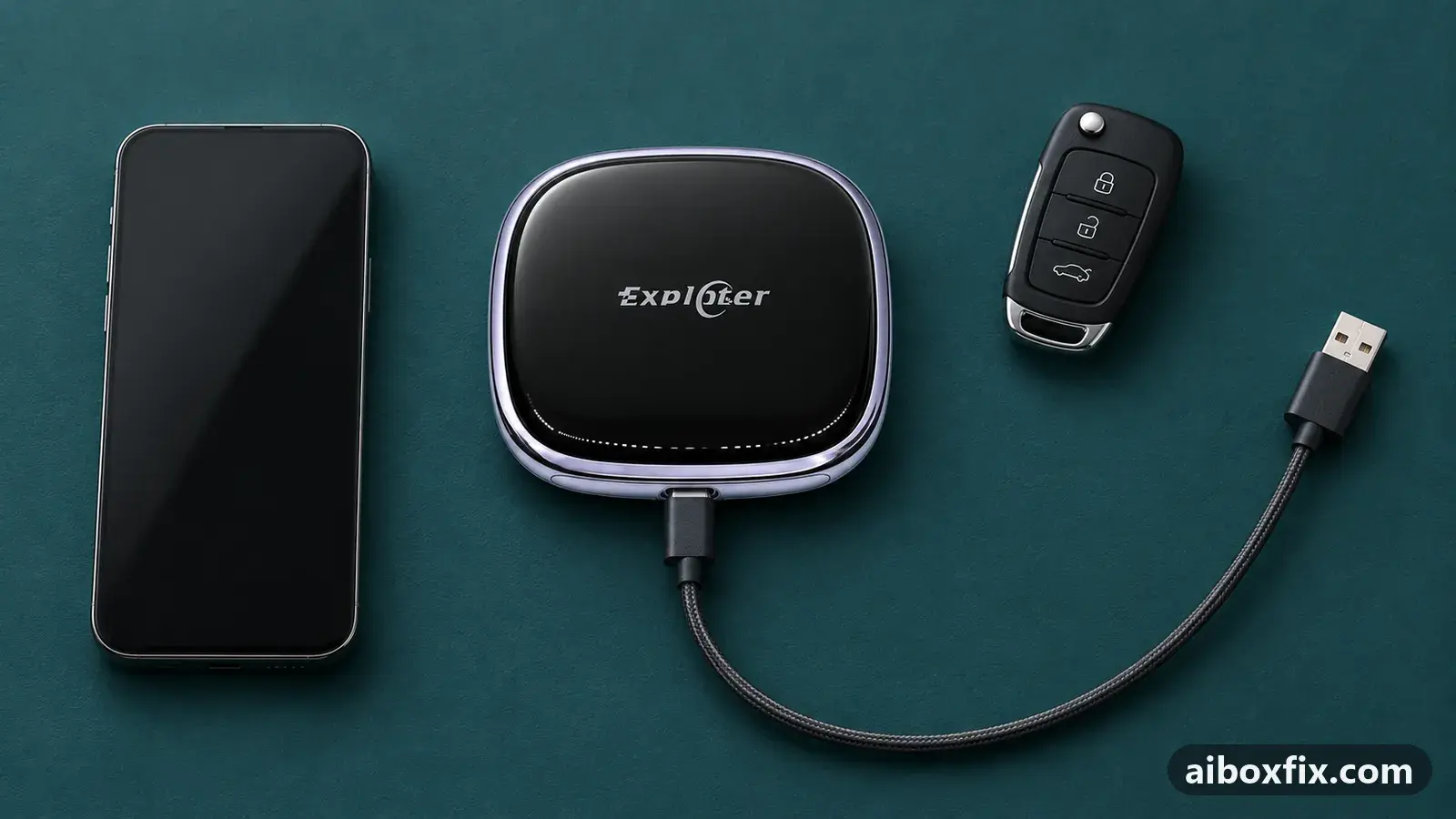
Quick answer
On an ApplePie or Playaibox UX999 Ultra that stays black after a firmware update, run the update again from a freshly formatted microSD card holding only the firmware file, and leave the box powered for about 10 minutes while its LEDs blink. That worked for 2 of 2 owners; a third owner's box came back after about ten repeated updates.
Symptoms
- The ApplePie or UX999 box rebooted at the end of a firmware update and the car screen stays black
- The red LED is on solid and the blue LED keeps flashing
- The car does not show CarPlay, Android Auto or the box's own launcher
- The box ran the update from the microSD card, or one that arrived over the air
- Unplugging and reconnecting the box brings back the same black screen
Applies to
- Devices
- ApplePie UX999 Ultra
- Connection to the car
- CarPlay and Android Auto
- Highest risk on this page
- Advanced
- Status
- Workaround confirmed by the community
Why it happens
An ApplePie or UX999 box installs a firmware update from the microSD card in its slot, and part of that install runs with nothing on the car’s screen. One UX999 Ultra owner re-ran an update and watched a black screen for over 10 minutes before the updating screen came back. If the box loses power in that window, or the update is left half-done, it can stay black on every start.
The LEDs are the sign that the box is still running: owners in this state saw the red LED on solid and the blue LED flashing. The fixes owners confirmed give the box the update again, from a clean card, with time to complete, before anything as drastic as a PC flash.
If your update never starts at all, that is a different problem: see ApplePie or Ottocast update prompt missing. If it stops with an error message such as ERROR/1, see ApplePie or UX999 update keeps failing? Swap the microSD card.
Fixes, ranked
Re-run the update from a clean card and wait 10 minutes
- Advanced
- Time: 20 minutes
- Worked for 2 of 2 reports
Warranty warning: this uses developer or engineering access. Follow the undo steps afterwards; some sellers refuse warranty claims on units with debugging left enabled.
- On a computer, quick-format a microSD card as FAT32.
- Copy only the official firmware file for your exact model to the root of the card. Put nothing else on it.
- Insert the card into the slot on the box and power the box from the car.
- Leave it alone for at least 10 minutes while the LEDs blink, even though the screen stays black. Do not unplug it or switch the car off.
- When the box has started to its launcher, remove the card.
The owner of an ApplePie Ultra (APM1688 firmware) whose box rebooted at the end of an update and stayed black solved it this way. They used a freshly fast-formatted card with only the one firmware file on it, and the run took about 10 minutes. At first they thought something had gone wrong, but the LEDs kept blinking, so they waited.
A second owner in the same discussion had the same black screen and reported that this method fixed it too. They did not name their box, so it is counted here without a device.
Repeat the update until the box boots
- Advanced
- Time: 1–2 hours
- Worked for 1 of 1 report
Warranty warning: this uses developer or engineering access. Follow the undo steps afterwards; some sellers refuse warranty claims on units with debugging left enabled.
- Leave the card with the firmware file in the box.
- Let each update run go to its end and the box reboot by itself.
- If the box comes back to the black screen, let the update run again; power the box off and on if it does not start a new run by itself.
- Repeat until the box starts normally, then remove the card.
A UX999 Ultra (APM1688) owner whose box was bricked by a new update reported that after about ten update runs in a loop it started to work again. In an earlier description of the same state they saw the red LED solid, the blue LED flashing and a black screen that came back after about 10 minutes. They did not say what started each run, so step 3 is the general way to start one, not their exact routine.
So one run that seems to fail is not proof the box is dead. Keep the box on stable power the whole time.
Things to try (unverified)
- Fully erase the card instead of a quick format. One owner whose card update ended in a CarPlay connection error said a full erase of the card, not a quick format, was what helped. That was a different symptom, so it is untested for a black screen; it is worth a go if a quick-formatted card changes nothing.
- An empty
recovery_commandfile. This file on a microSD card resets UX999 boxes that still boot, as in factory reset an AI box without Settings. On a UX999 Plus that was already black after an update, an owner reported it gave no result, so do not count on it here. The same owner’s blind re-flash left the blue LED flashing for hours. - Reset after the box starts. If the box comes back but behaves oddly on the new build, see factory reset after a firmware update. None of the owners here needed a reset to get past the black screen, so it is not part of the fixes above.
If nothing works
Note the exact model (Ultra, Ultra 3.0, Plus, Rocket), the name of the firmware file on the card, how long you waited on each run, and the LED pattern (which colour, solid or flashing, how fast). A short video of the LEDs helps support more than a description.
For ApplePie and Playaibox UX999 boxes, ask the maker’s support (Exploter, [email protected]) or your seller for the correct file for your model, and say the box stays black after an update. When the card route has failed, the next step owners used is a full recovery from a PC, in recover an ApplePie UX999 with QFIL; it erases everything on the box. The firmware tracker lists the builds owners discuss. If even a recovery with the maker’s set does not bring it back, a warranty claim is the honest answer; start here compares the box families.
What owners said
“I bricked my APM1688 too with the new update. After updating about 10 times in a loop, it started to work again.”
Owner, ApplePie UX999 Ultra, Aug 2025
“Yes, I solved it. I used a fast-formatted micro SD card with only one firmware file. It took 10 minutes. At first I felt something was wrong, but the lights on the device blinked, so I waited.”
Owner, ApplePie UX999 Ultra, Jan 2024
Quotes are translated where needed and shortened ([…]); names are removed. Full counts are in the evidence table below.
Questions owners ask
How long should I wait before I decide the box is dead?
At least 10 minutes with the box powered and the card in. One UX999 Ultra owner saw a black screen for over 10 minutes before the updating screen came back, and thought at first that something had gone wrong. While the LEDs blink, the box is still doing something.
Should the card hold anything besides the firmware file?
No. The owner who solved it used a freshly formatted card with only the one firmware file on it, to rule out the box picking up the wrong file. Use the official file for your exact model.
When do I need a PC flash instead?
When repeated runs from the card change nothing: the LEDs stay the same, the update screen never appears and the box never starts. Then the QFIL recovery from EDL mode is the next step, and it erases everything on the box.
If none of these fixes work
Try every free fix above first. Each of these needs a car whose screen already runs wired CarPlay or Android Auto. We have not tested them: check the seller's compatibility list for your car and head unit, and that the listing shows the exact model named here, before you buy.
Wireless CarPlay / Android Auto adapter (Carlinkit Mini Ultra 3)
If you only use the box to get CarPlay or Android Auto without a cable, a plain wireless adapter has no Android system to update, overheat or crash.
Replacement AI box (Carlinkit, Android 13, SM6225)
If the box is out of warranty and still fails after the fixes above, another Carlinkit box keeps your apps on the car screen. It needs wired CarPlay or Android Auto in the car. Pick the NA variant for North American cars, EAU elsewhere.
Carlinkit TBox Ultra (Android 15)
If an older box is too slow for the apps you run: the TBox Ultra is Carlinkit's Android 15 box, with an SM6350 chip. Check that the variant on the listing supports your car's protocol before buying.
Replacement from another maker (Ottocast P3 Pro)
If you would rather switch brands, Ottocast's P3 Pro runs Android 13 and has HDMI out. It needs the connection protocol Ottocast lists for your car. The listing opens on a cheaper Mini adapter: select the P3 Pro option and check the picture and name before you pay.
Affiliate links: we may earn a commission at no extra cost to you. Disclosure.
Related fixes
- Recover an ApplePie UX999 With QFIL (eMMC, Firehose)Brick risk
- ApplePie or UX999 Update Keeps Failing? Swap the microSD CardAdvanced
- ApplePie or Ottocast Update Prompt Missing? Insert the Card LiveAdvanced
- Factory Reset After Every Firmware Update? Try Cache Code 110144Advanced
- Factory Reset an AI Box When You Can't Reach SettingsBrick risk
Did this work for you?
Tell us which fix worked (or didn't), with your box, firmware date and car. Reports are how fixes get confirmed and re-ranked.
Send a reportChangelog
- Last reviewed against new community reports:
- Confirmed by 3 community reports on ApplePie UX999 Ultra.
- Page updated:
"Confirmed" means a community member reported that the fix worked on their unit. We have not tested it on our own hardware. How we verify.
Evidence behind these counts (2 cases)
One row per case: a device, a symptom and a fix, merged from owner reports. An owner counts once per fix. Reports with no outcome yet are not counted. Forum and chat message references are kept on file but not published, to protect owners' privacy; public Reddit and YouTube sources are linked.
| Case | Confirmed on | Result | Source |
|---|---|---|---|
| case-1731 | ApplePie UX999 Ultra | 2 worked | Owner reviews, 2 messages |
| case-1732 | ApplePie UX999 Ultra | 1 worked | Owner reviews, 1 message |