Apps & launchersReviewed
TBox UHD Shows No HDMI Signal: Turn On the HDMI Switch
Carlinkit TBox UHD monitor shows 'no signal' over HDMI, new or after a reset? Turn on the box's HDMI switch from the car screen. Off by default.
Carlinkit TBox UHD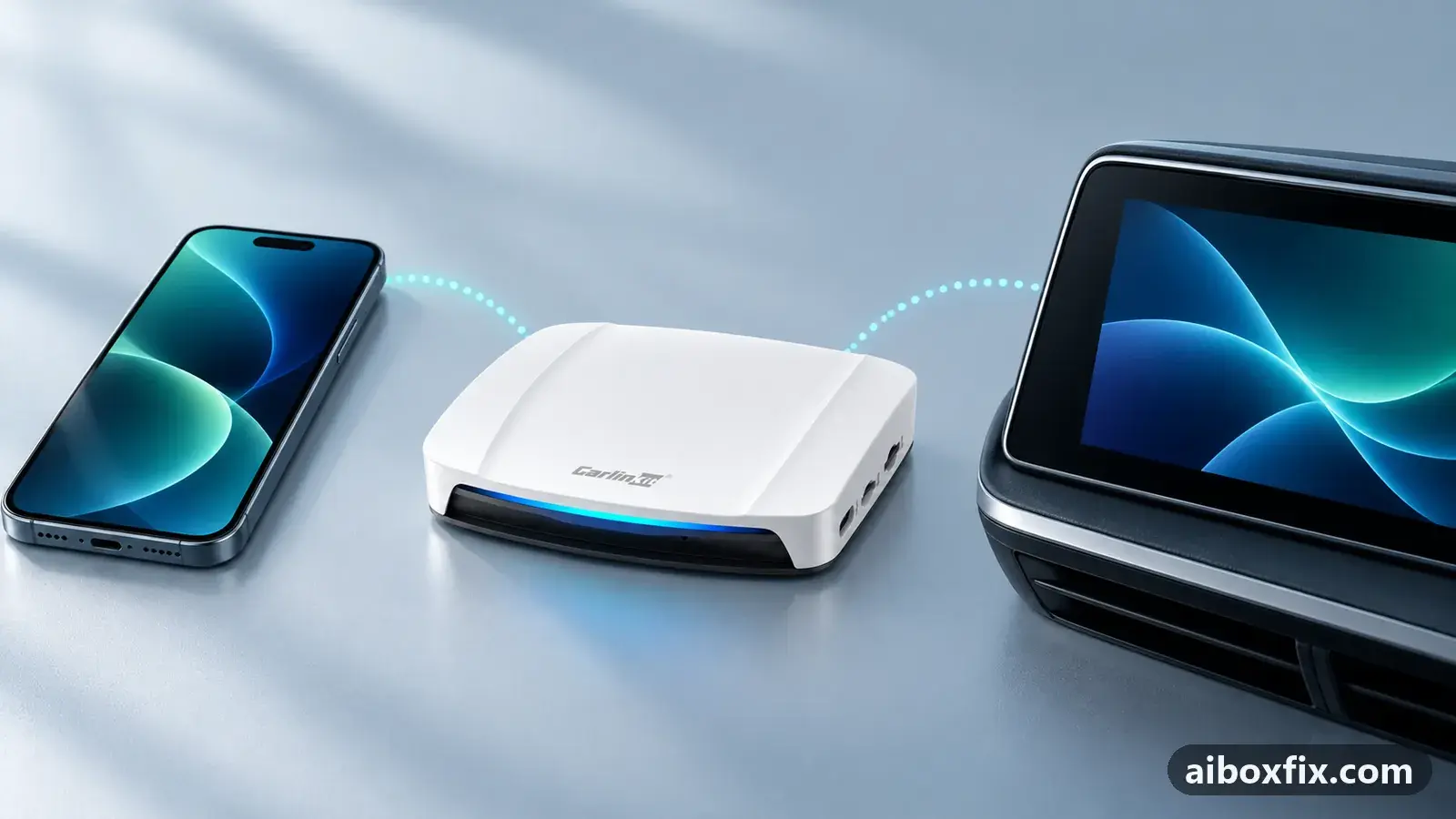
Quick answer
On the Carlinkit TBox UHD, a monitor that shows 'no signal' over HDMI needs the HDMI switch turned on: it is off by default and after a factory reset. Open the box on the car's head unit and turn on Settings → Display → HDMI settings → HDMI switch. That fixed it for the one owner who reported back.
Symptoms
- A monitor or rear-seat screen connected to the TBox UHD by HDMI shows "no signal"
- HDMI worked before, then went to "no signal" after a factory reset
- The picture never appeared on the HDMI output of a brand-new UHD
- The box runs normally on the car's head unit, but the HDMI screen stays blank
Applies to
- Devices
- Connection to the car
- CarPlay and Android Auto
- Highest risk on this page
- Low risk
- Status
- Workaround confirmed by the community
Why it happens
The TBox UHD can drive a second screen through its HDMI port, but that output is switched off until you turn it on. A new box ships with it off, and a factory reset turns it off again. Until the switch is on, any monitor on the HDMI port shows “no signal” even while the box runs normally on the car’s head unit.
The switch sits in the box’s own display settings, and you reach those settings on whatever screen the box is already driving — normally the car’s head unit. So the one screen that cannot show you the setting is the blank HDMI monitor itself, which is why turning it on means going to the car first.
Fixes, ranked
Turn on the HDMI switch from the car screen
- Low risk
- Time: 10 minutes
- Worked for 1 of 1 report
- Connect the TBox UHD to the car’s head unit and wait for the box’s own interface to appear.
- Open Settings → Display → HDMI settings and set HDMI switch to On.
- Connect your HDMI monitor or rear-seat screen again. It should now show the picture.
One owner’s TBox UHD drove a monitor over HDMI until a factory reset, after which the monitor showed “no signal”. The reset had turned the HDMI output back off; switching it on again brought the picture back. The same owner recalled the output being off on the box when it was new, too.
If you cannot get the box into the car to reach this setting, owners suggest running Headunit Reloaded, an Android Auto head-unit app, on a phone or Android tablet: connect the box to it in Android Auto mode, open the box’s settings there and turn the switch on. The HDMI output tops out at 1080p, as the TBox UHD device page explains, so set the monitor to accept a 1080p input. Because a factory reset switches it off again, re-check it after a factory reset or firmware update.
Things to try (unverified)
- Switch on but still “no signal”. A few owners turned the HDMI switch on and the screen stayed blank. One was on the SDM660 version of the UHD; another reported the HDMI output working on the 22 Jan 2025 build but failing on newer firmware on the SM6225 version. Neither has a confirmed fix. Check which chip you have on the which TBox do I have page and note your firmware date before asking support.
- Match the monitor’s input to 1080p. The port outputs 1080p at most, so a screen expecting a higher-resolution signal can read it as no signal. Set the screen’s HDMI input mode manually if it will not sync. Nobody reported this clearing a full “no signal”, so treat it as a check, not a fix.
- Try another HDMI cable and port. A worn cable or an adapter in the chain can stop the handshake. Owners have not tied this to the “no signal” case specifically, but it is quick to rule out.
If nothing works
Record the box model and whether it is the SM6225 or SDM660 version (Settings → About), the firmware date, the screen and HDMI cable you used, and whether the box works on the car’s head unit. A box that drives the car screen but never the HDMI output tells you the switch or the firmware is the issue, not the cable.
Send that to Carlinkit support at [email protected]. This is a different fault from the car screen going dark after boot; if your problem is a black car screen rather than a blank second screen, see TBox Ultra black screen after boot. If the HDMI output stays dead with the switch on and official firmware, the HDMI hardware may be at fault, and a warranty claim or replacement is the honest answer; start here compares the box families.
What owners said
“Thanks a lot! It helped!”
Owner, Carlinkit TBox UHD, Oct 2025
Quotes are translated where needed and shortened ([…]); names are removed. Full counts are in the evidence table below.
Questions owners ask
Where is the HDMI switch on the TBox UHD?
In the box's own settings: Settings → Display → HDMI settings → HDMI switch. You see it only on the screen the box drives, normally the car's head unit, not on the HDMI monitor showing no signal.
Does the TBox UHD output 4K over HDMI?
No. Carlinkit's product page lists the HDMI port as 1080p; it does not output 2K, 4K or 8K, so set the monitor to accept a 1080p input.
The switch is on but the monitor still shows no signal. What then?
A few owners report this, in some cases after newer firmware. It is not confirmed fixed. Note whether you have the SM6225 or SDM660 version and your firmware date, then contact Carlinkit support.
Related fixes
- Factory Reset After Every Firmware Update? Try Cache Code 110144Advanced
- TBox Ultra Black Screen After Boot: Screen Sleep, Nav Bar, QFILBrick risk
- Update TBox Firmware Locally With FOTA and a microSD CardAdvanced
- AI Box Too Bright at Night: Dark Theme That Stays DarkLow risk
- CarCar Launcher Player: Wheel Track Buttons Dead Until You TapLow risk
Did this work for you?
Tell us which fix worked (or didn't), with your box, firmware date and car. Reports are how fixes get confirmed and re-ranked.
Send a reportChangelog
- Last reviewed against new community reports:
- Confirmed by 1 community report on Carlinkit TBox UHD.
- Page updated:
"Confirmed" means a community member reported that the fix worked on their unit. We have not tested it on our own hardware. How we verify.
Evidence behind these counts (1 case)
One row per case: a device, a symptom and a fix, merged from owner reports. An owner counts once per fix. Reports with no outcome yet are not counted. Forum and chat message references are kept on file but not published, to protect owners' privacy; public Reddit and YouTube sources are linked.
| Case | Confirmed on | Result | Source |
|---|---|---|---|
| case-9299 | Carlinkit TBox UHD | 1 worked | Owner discussion threads, 5 messages |