Apps & launchersReviewed
On-Screen Keyboard Flickers or Vanishes on Picasou 3
Keyboard closes or flickers when you type an address on an Ottocast Picasou 3 with CarCar Launcher? Turn off the box's pinned side panel in Personalization
Ottocast Picasou 3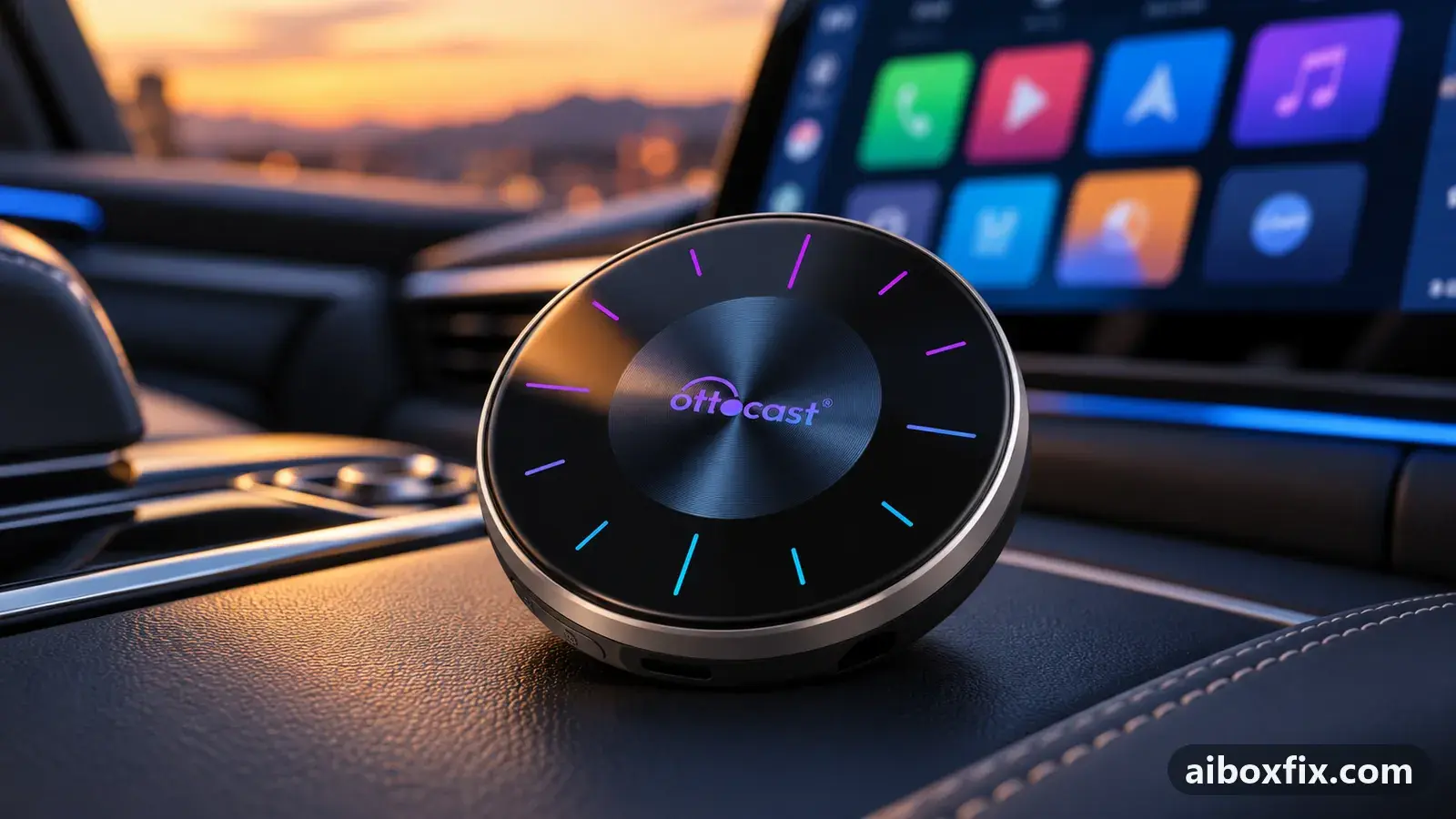
Quick answer
On an Ottocast Picasou 3 with CarCar Launcher, a keyboard that vanishes or flickers as soon as you start typing stops once you turn off the box's pinned side panel under Settings → Personalization. Both owners who reported back fixed it this way; you then get around with the floating button or the launcher's own controls.
Symptoms
- You tap the address search in your navigation app, the keyboard appears and closes again at once
- The on-screen keyboard flickers and never opens fully
- When the keyboard appears, your third-party launcher and the stock Picasou launcher swap back and forth on screen
- The Picasou's own side panel is still showing next to your third-party launcher
Applies to
- Devices
- Connection to the car
- CarPlay and Android Auto
- Highest risk on this page
- Low risk
- Status
- Workaround confirmed by the community
Why it happens
The Picasou 3 keeps its own navigation panel pinned down the left edge of the screen. When you run a third-party launcher such as CarCar Launcher, that panel and the launcher both try to own the screen. Opening the keyboard is the moment they clash: the keyboard window gets dismissed, or the stock launcher is brought forward over yours and then pushed back.
The launcher developer’s team, answering owners, recognises this symptom as the Picasou’s side panel, which in their words Ottocast never got working properly. Changing the keyboard app does not help; removing the panel does.
Fixes, ranked
Turn off the Picasou's pinned side panel
- Low risk
- Time: 2 minutes
- Worked for 2 of 2 reports
- Open the box’s Settings.
- Open Personalization. It holds two options one after the other: one for the pinned bar, one for the floating dot.
- Switch off Always show navigation bar.
- Open your navigation app, tap the search field and type a few letters to check the keyboard stays open.
One owner’s keyboard closed every time they started typing an address; with the panel off it stayed open. On a second owner’s Picasou 3, CarCar and the stock launcher swapped back and forth whenever the keyboard appeared, which had started after a CarCar update; turning the panel off made everything normal again.
With the bar off, the Picasou 3 shows a floating button instead, since it has no top bar like the Picasou 2. Keep it unless your launcher gives you home and back controls; remove the navigation bar and floating button explains what to set up before you remove both. One of the two owners later noticed a blue icon on the car’s instrument cluster whenever music played; nobody in the thread linked it to the setting.
Things to try (unverified)
- Ottocast i3 (BMW): look for a “SideBar” option elsewhere. Three i3 owners found no Personalization item in their settings, and another owner admitted the i3 menus differ from the P3. Nobody reported where the switch lives on that model.
- Split-screen preset with a navigation app. A Picasou 3 owner whose keyboard flickered only inside a 70/30 split preset was told to turn off the side panel, but did not report back. Another owner’s similar problem, on a different box, went away after a navigation-app update.
- Carlinkit boxes with the same symptom. A TBox owner whose keyboard brought up the stock launcher menu was told to turn off the side panel and use the floating button; they did not report the result. The Carlinkit route to the switch is in remove the navigation bar and floating button, and the related “Loading phone” loop is in stuck on “Loading phone” after installing a launcher.
- ApplePie UX999 Rocket. One owner saw the same vanishing keyboard there and got no fix, only the opinion that the box has deeper problems with third-party launchers.
If nothing works
Note the box model and firmware date from Settings → About, the launcher version, the navigation app, and whether you use a split-screen preset. Record a short video of the keyboard closing. Send those details to the launcher developer’s support, and to Ottocast at [email protected], since the side panel belongs to the box’s firmware.
Model differences and firmware notes for the whole family are on the Picasou 3 hub. Other launcher and app problems are collected under apps, and if the box keeps fighting your launcher, start here to compare boxes.
What owners said
“Beat that one and removed the side panel. But now a blue icon keeps appearing on the car's instrument panel whenever the player is on.”
Owner, Sep 2025
“Thanks! Everything's fine. I turned that junk off and everything went back to normal!”
Owner, Ottocast Picasou 3, Aug 2024
Quotes are translated where needed and shortened ([…]); names are removed. Full counts are in the evidence table below.
Questions owners ask
Do I need a different keyboard app?
No. One owner asked exactly that and was told to leave the keyboard alone and turn off the Picasou side panel instead, which fixed it.
How do I get home or back once the side panel is off?
On the Picasou 3 the navigation controls are either the side panel or a floating button. With the panel off, the floating button takes over, and your launcher's own home button still works.
Is this a CarCar Launcher bug?
The launcher developer's team recognised the symptom as a Picasou fault: the box's own side panel does not behave well alongside a third-party launcher. One owner first saw it after a launcher update, but the cure was the box setting.
Related fixes
- Stuck on "Loading Phone" After Installing a LauncherAdvanced
- Remove the Navigation Bar and Floating Button: 10 Owner ReportsAdvanced
- AI Box Too Bright at Night: Dark Theme That Stays DarkLow risk
- Launcher or App Doesn't Open When the Box StartsLow risk
- Split Screen on Carlinkit: Widgets vs Real SplitAdvanced
Did this work for you?
Tell us which fix worked (or didn't), with your box, firmware date and car. Reports are how fixes get confirmed and re-ranked.
Send a reportChangelog
- Last reviewed against new community reports:
- Confirmed by 2 community reports on Ottocast Picasou 3.
- Page updated:
"Confirmed" means a community member reported that the fix worked on their unit. We have not tested it on our own hardware. How we verify.
Evidence behind these counts (1 case)
One row per case: a device, a symptom and a fix, merged from owner reports. An owner counts once per fix. Reports with no outcome yet are not counted. Forum and chat message references are kept on file but not published, to protect owners' privacy; public Reddit and YouTube sources are linked.
| Case | Confirmed on | Result | Source |
|---|---|---|---|
| case-8590 | Ottocast Picasou 3 | 2 worked | Owner discussion threads, 10 messages |