SIM, Wi-Fi & GPSReviewed
CarPlay Drops Every Few Minutes on a Box With a 5G SIM
Wireless CarPlay drops every 5–10 minutes on an AI box with a 5G SIM, then reconnects? Pick a network type without NR (5G). Lamtto RC31.
Lamtto RC31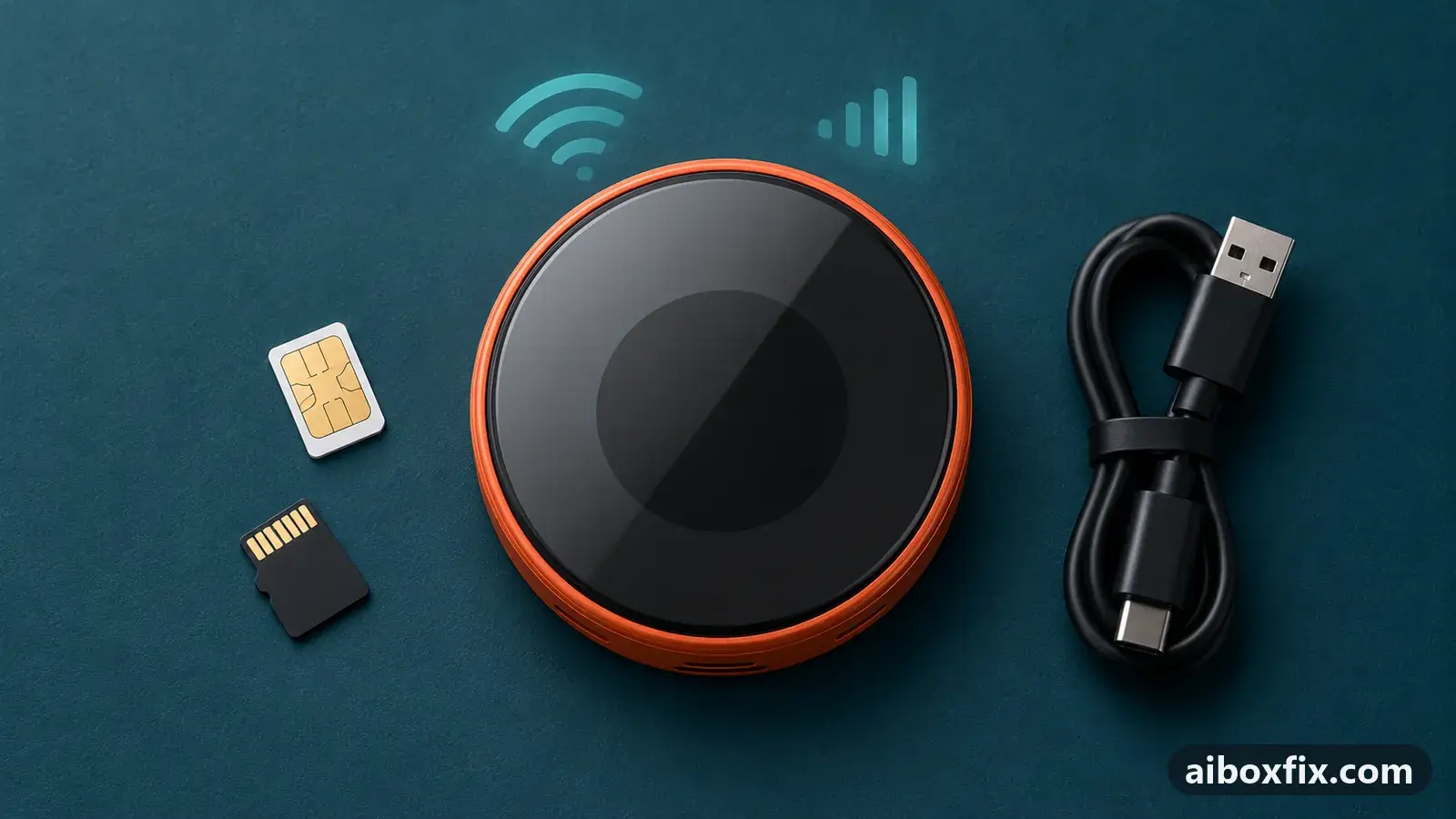
Quick answer
On the Lamtto RC31 AI box with a 5G SIM, wireless CarPlay that dropped every 5 to 10 minutes and came back about 10 seconds later stopped dropping once the SIM's preferred network type was set to an option without NR (5G). One owner confirmed it after logging the box's modem crashing on 5G.
Symptoms
- CarPlay disconnects every 5 to 10 minutes and reconnects on its own about 10 seconds later
- The box keeps running: no reboot, no boot logo
- Every device on the box's hotspot drops at the same moment
- It happens with good signal and a 5G SIM in the box
- A wireless or a USB connection to the car makes no difference
Applies to
- Devices
- Lamtto RC31
- Connection to the car
- CarPlay
- Highest risk on this page
- Low risk
- Status
- Workaround confirmed by the community
Why it happens
Wireless CarPlay on an AI box travels over the box’s own Wi-Fi hotspot: your phone joins it, and the box passes the picture to the car. On the box one owner examined, the Wi-Fi appears to share hardware with the mobile modem, so when the modem crashed, the hotspot went down with it and every connected device, the phone included, was thrown off.
One owner pulled the modem logs from a Lamtto RC31 and lined them up with each drop. The modem restarted 13 times in 24 minutes, always while connected to a standalone 5G network and with normal to strong signal. Each CarPlay drop came 3.6 to 4.3 seconds after a restart, and there was no hotspot drop without one. Near the end of the drive the modem was crashing about every half minute.
That rules out coverage: the box was not hunting for a signal, its 5G connection was failing. Keeping the modem off 5G removes the trigger.
Fixes, ranked
Choose a network type without NR (5G)
- Low risk
- Time: 5 minutes
- Worked for 1 of 1 report
- Open Settings → SIM → Preferred network type on the box.
- Choose an option with no NR in its name, for example LTE/WCDMA.
- Drive as usual and check that CarPlay stays connected.
The RC31 owner, on a box running Android 15 in a 2023 Chevrolet Bolt, had CarPlay dropping every 5 to 10 minutes over both the wireless and the USB connection to the car. After picking a network type without NR there were no more drops. The trade-off is 5G on the box itself; CarPlay does not use the box’s data, so the phone side is unchanged.
The maker’s support first suggested better signal, sky view and power checks, then blamed the phone. The owner has sent them the logs and asked for a modem firmware fix; no reply has been reported yet.
Things to try (unverified)
- Take the box off its SIM for a drive. Using your phone’s hotspot for the box’s internet stopped modem-related reboots for several owners in AI box reboots when mobile signal drops. Nobody has reported it for this symptom, but with no SIM data the modem has nothing to crash on, so it is a quick test.
- Ask for a modem firmware update. If the box only fails on 5G with good signal, the fault is in the modem firmware. Nobody has reported receiving an update for it yet.
- LTE only. Also removes 5G, but where LTE coverage ends the modem has nothing to fall back on, and on another box LTE only stopped calls from working. LTE/WCDMA is the safer choice.
If nothing works
Note the box model and firmware date (Settings → About), whether your SIM is on 5G at the time, how often CarPlay drops and whether other devices on the box’s hotspot drop at the same moment. If the box also freezes or restarts, start with AI box keeps rebooting, because power problems look similar. How to report a bug lists what to send the maker.
If the drops continue on every network type, the SIM setup itself may be wrong: AI box SIM card not working covers data SIMs and settings. A box whose modem keeps failing is a warranty case; start here compares box families if you decide to replace it.
What owners said
“My Lamtto RC31 dropped wireless CarPlay every 5–10 minutes. […] Turning off NR (5G) in the box's network settings stopped it completely. […] No drops since.”
Owner, Lamtto RC31, Oct 2026Reddit thread
Quotes are translated where needed and shortened ([…]); names are removed. Full counts are in the evidence table below.
Questions owners ask
Does turning off 5G on the box slow CarPlay down?
No. CarPlay runs over the box's Wi-Fi link to your phone and uses the phone's own data. Only apps running on the box itself use the box's SIM, and they fall back to 4G.
Can I block only standalone 5G and keep the rest?
Not from this menu. The owner found that every option containing NR still allowed standalone 5G, and nobody reported a way to block it without root.
How is this different from a box that reboots when the signal drops?
Here the signal was strong and the box never restarted; only CarPlay dropped while the modem restarted. A box that freezes or reboots in dead zones is a different problem, covered on the signal-drop page linked below.
Related fixes
Did this work for you?
Tell us which fix worked (or didn't), with your box, firmware date and car. Reports are how fixes get confirmed and re-ranked.
Send a reportChangelog
- Last reviewed against new community reports:
- Confirmed by 1 community report on Lamtto RC31.
- Page updated:
"Confirmed" means a community member reported that the fix worked on their unit. We have not tested it on our own hardware. How we verify.
Evidence behind these counts (1 case)
One row per case: a device, a symptom and a fix, merged from owner reports. An owner counts once per fix. Reports with no outcome yet are not counted. Forum and chat message references are kept on file but not published, to protect owners' privacy; public Reddit and YouTube sources are linked.
| Case | Confirmed on | Result | Source |
|---|---|---|---|
| case-9283 | Lamtto RC31 | 1 worked | Owner reviews, 1 message Reddit thread |