ADB, root & tinkeringReviewed
Disable the DataGo App on a Carlinkit TBox Ultra
DataGo is a system app on the Carlinkit TBox Ultra that blocks your own SIM and will not uninstall: turn on ADB and disable it with a graphical ADB tool.
Carlinkit TBox UltraCarlinkit TBox Ultra 2Carlinkit TBox Ultra 3Carlinkit TBox Ultra 4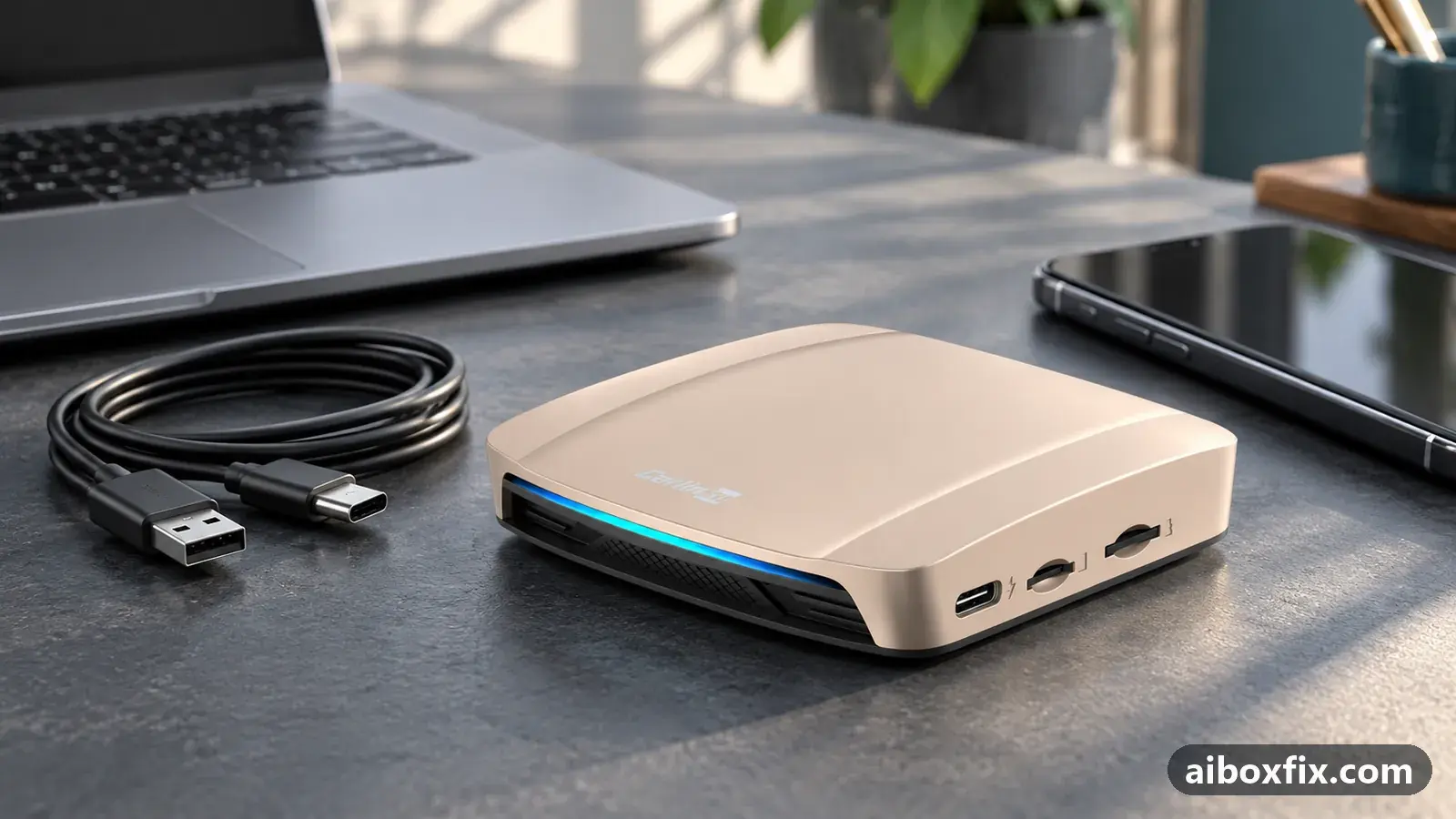
Quick answer
On a Carlinkit TBox Ultra, the pre-installed DataGo app cannot be paused or uninstalled and takes over the box's data, so turn on developer mode and USB debugging, connect the box to a computer running the graphical ADB tool ADB AppControl, and disable the DataGo system app. One owner did this so his own SIM worked.
Before you start
- A Carlinkit TBox Ultra (confirm the model in Settings → About)
- A computer with ADB, or the graphical tool ADB AppControl, which bundles ADB
- A USB data cable (a charge-only cable will not carry data)
- Your own SIM and its carrier APN settings, if you are switching to your own SIM
Time: about 20 minutes. Tools: Computer with ADB (Android SDK Platform Tools), ADB AppControl (graphical ADB tool), USB data cable.
Applies to
- Connection to the car
- CarPlay and Android Auto
- Highest risk on this page
- Advanced
What DataGo is and why it will not uninstall
DataGo is a pre-installed app on the Carlinkit TBox Ultra. It manages the box’s own built-in data service, the arrangement that gives the box data without a SIM of your own. If you want to run your own SIM instead, DataGo gets in the way of it.
Android marks DataGo as a system app. The normal app settings give you no working Uninstall or Disable for it, and an owner who removes a system app over ADB finds a firmware update puts it straight back. So the route that owners use is not to remove DataGo but to disable it over ADB: the app stays on the box but stops running, which is reversible and is enough to hand the data connection back to your SIM.
Before you start
You turn ADB on for this job and off again afterwards. If you have never used ADB on an AI box, read enable ADB on an AI box first; it covers installing ADB, the USB cable to use, and the wireless route if USB will not connect. The commands you may want later are collected in the ADB cheat sheet. If you are not certain your box is an Ultra, which TBox do I have tells the models apart; this guide is written for the TBox Ultra.
Steps
Disable DataGo over ADB with ADB AppControl
- Advanced
- Time: 15–20 minutes
- Worked for 1 of 1 report
Warranty warning: this uses developer or engineering access. Follow the undo steps afterwards; some sellers refuse warranty claims on units with debugging left enabled.
- On the box, open Settings → About and tap Build number repeatedly (about seven times) until the box says you are now a developer.
- Open Settings → System → Developer options and turn on USB debugging.
- On a computer, install and open ADB AppControl, a graphical ADB tool that lists a device’s apps; it bundles ADB if you do not already have it.
- Connect the box to the computer with a USB data cable. If the box’s screen shows Allow USB debugging?, accept it.
- Wait for the box to appear in ADB AppControl, then turn on the option to show system apps.
- Find DataGo in the app list, select it, and choose Disable (not Uninstall or Remove).
- Reboot the box, then set up your own SIM: enter the carrier’s APN and turn on mobile data, as in AI box SIM card not working.
One TBox Ultra owner could not pause or uninstall DataGo from the app list and wanted to use his own SIM. He turned on developer mode and USB debugging, connected the box to a computer running ADB AppControl, disabled the DataGo system app, and reported that it worked well. That is one report of one owner. Disable rather than uninstall: removing a system app over ADB does not survive a firmware update, and removing the wrong one can stop the box from starting cleanly.
Verify it worked
- After the reboot, DataGo no longer starts and no longer holds the data connection.
- Insert your own SIM with Wi-Fi off, and confirm 4G or LTE with a web page that loads. If the SIM shows signal but no data, the APN or roaming is the next thing to set; see AI box SIM card not working.
- Plug the box back into the car and confirm the head unit still shows it. If the car reports device not supported, the USB port is still in ADB mode; the device-not-supported fix walks you back.
Undo / rollback
Disabling an app over ADB changes nothing that a firmware update needs, so there is nothing to flash back. To return the box to how it was, re-enable DataGo with the steps in the Undo box above and turn USB debugging off. Anything else you changed while ADB was open stays changed until you reverse it.
Troubleshooting this guide
ADB AppControl does not see the box. Change the USB port and cable first; a charge-only cable or a USB 3.0 port is the usual cause, and a USB 2.0 port with a known data cable is the most reliable. Confirm USB debugging is on and that you accepted the Allow USB debugging? prompt on the box’s screen. If USB never connects, the wireless and code-142618 routes are in enable ADB on an AI box.
There is no Disable option, only Uninstall. Use Disable (some tools call it Freeze). Do not uninstall a system app: a firmware update brings it back, and removing the wrong one can keep the box from booting.
The SIM still has no data after DataGo is disabled. That is now an APN or roaming problem, not DataGo. Enter the carrier’s APN by hand and turn on roaming, following AI box SIM card not working.
Your box shows CloudSIM, not DataGo. CloudSIM is the equivalent app on the TBox Ambient, UHD and Plus, and the usual case there is a SIM lost after a 2026 build, with a different fix: see TBox Ambient loses the SIM after 2026 firmware.
You would rather use the command line. ADB AppControl runs ADB underneath. If you are comfortable at a terminal, list the installed packages, find the DataGo package by name, and disable that package for the current user. Only disable a package you have identified yourself.
adb shell pm list packages
adb shell pm disable-user --user 0 PACKAGE
What owners said
“Thanks for the instructions! Worked well.”
Owner, Sep 2026
Quotes are translated where needed and shortened ([…]); names are removed. Full counts are in the evidence table below.
Questions owners ask
Can I uninstall DataGo instead of disabling it?
Removing a system app over ADB is riskier and does not stick: a firmware update reinstalls it. The owner who reported this disabled DataGo instead, which is reversible and was enough to free his own SIM.
Will disabling DataGo stop the box's built-in data service?
Yes. DataGo manages the box's own data service, so disable it only if you run your own SIM. Re-enable it the same way if you want the built-in service back.
My box shows CloudSIM, not DataGo. Is this the same?
CloudSIM is the matching app on the TBox Ambient, UHD and Plus. If your SIM vanished after a 2026 build, read the CloudSIM page linked below rather than disabling an app by hand.
Do I need the car for this?
No. Power the box from a charger, connect it to a computer and work there. The car only needs to see the box again once DataGo is off and your SIM is set up.
Parts the fixes above need

Known-good USB data cable
A worn or charge-only cable causes drop-outs and failed flashing. Pick the ends your setup uses.
Some links above are affiliate links: if you buy through them we may earn a commission at no extra cost to you. It never changes which fix we rank first. Product photos are the sellers' own, from the AliExpress listing. Disclosure.
Related fixes
- Enable ADB on an AI Box (Ottocast Port 65535): 25 Owner ReportsAdvanced
- AI Box SIM Card Not Working: 29 Owner ReportsAdvanced
- TBox Ambient Loses the SIM After 2026 FirmwareBrick risk
- "Device Not Supported" After Enabling ADB: Turn ADB OffAdvanced
- Set Up an AI Box on the Desktop Head Unit: 11 Owner ReportsAdvanced
Did this work for you?
Tell us which fix worked (or didn't), with your box, firmware date and car. Reports are how fixes get confirmed and re-ranked.
Send a reportChangelog
- Last reviewed against new community reports:
- Confirmed by 1 community report on Carlinkit TBox Ultra.
- Page updated:
"Confirmed" means a community member reported that the fix worked on their unit. We have not tested it on our own hardware. How we verify.
Evidence behind these counts (1 case)
One row per case: a device, a symptom and a fix, merged from owner reports. An owner counts once per fix. Reports with no outcome yet are not counted. Forum and chat message references are kept on file but not published, to protect owners' privacy; public Reddit and YouTube sources are linked.
| Case | Confirmed on | Result | Source |
|---|---|---|---|
| case-1666 | Carlinkit TBox Ultra | 1 worked | Owner reviews, 1 message |